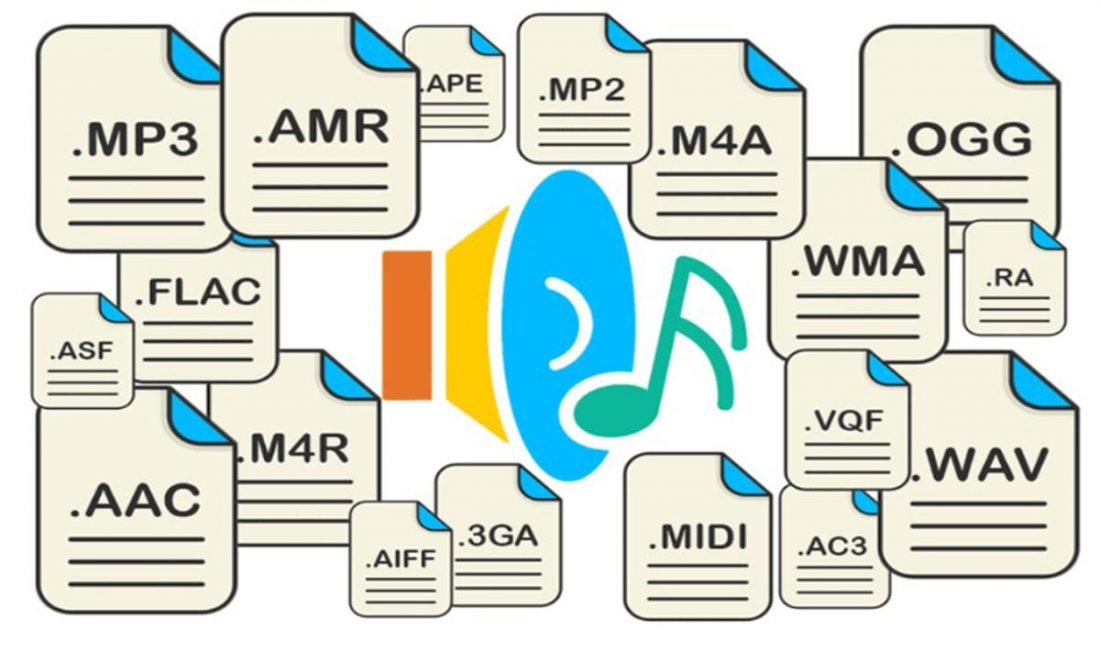
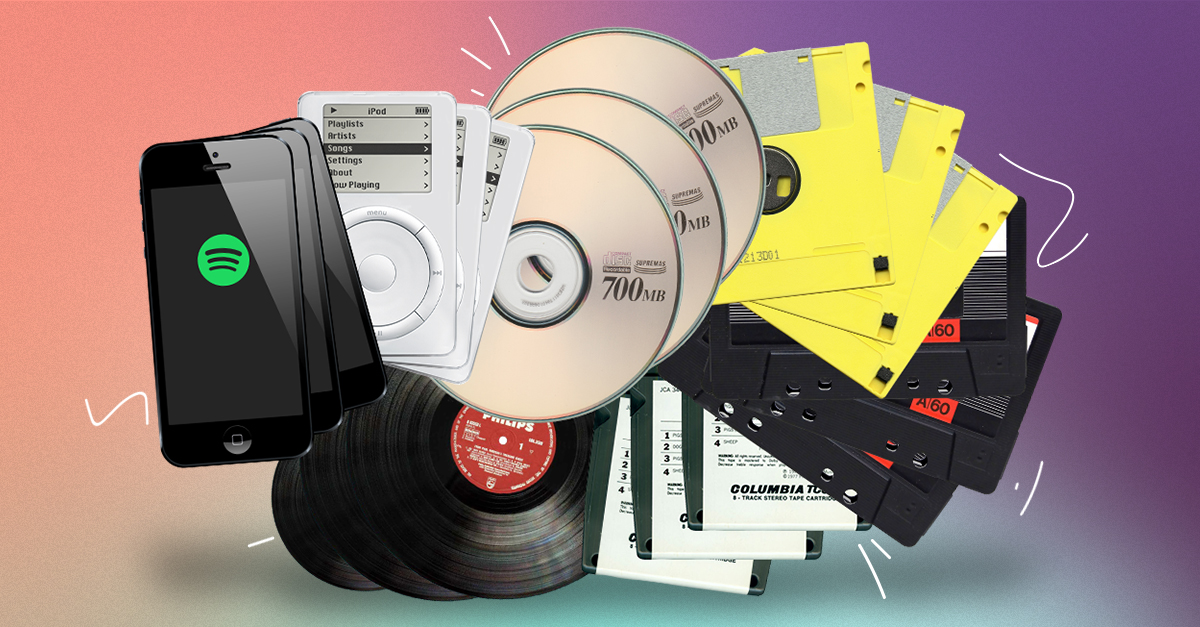
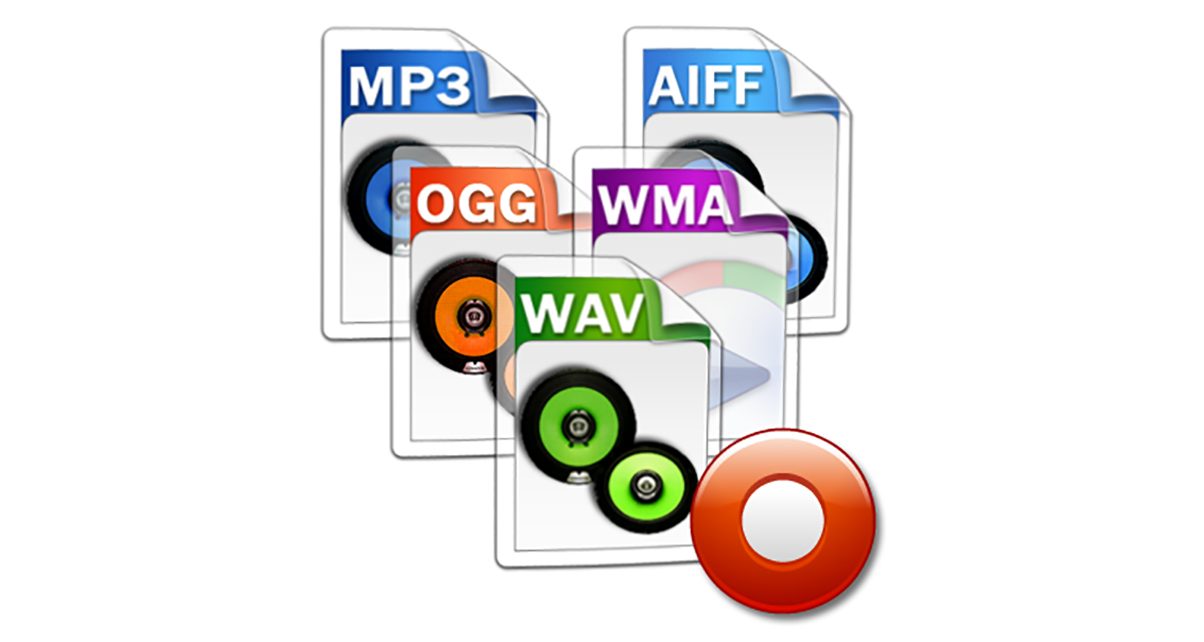
In this article we will talk about the most popular Audio Formats and used for both Music production and Entertainment.

Lossless Audio Formats (lossless)
Also known as Loosless, they are audio formats without loss of sound, its main feature is that it resembles original audio with excellent quality.
Its main disadvantage is the size of the file since when capturing it and converting it into digital audio format, files from 50 to 100 megabytes become depending on the number of minutes and resolution.
Normally it is usually captured with a resolution of 16 bits at 44,100 hertz which is the audio quality handled by a compact disc.
Although today it is usually captured at 48,000, 92,000 and up to 192,000 herts that can vary to 16, 24, 32 and up to 64 bits.
WAV (audio file format)
Undoubtedly this is the best known and most standard format, it was created by Microsoft and is called audio formats without signal loss.
Its main feature is that it closely approximates the capture audio signal, which gives us great sound quality. Therefore it is an audio format widely used for audio editing with Music Production Softwares.
Its main disadvantage is its weight is that 5 minutes of audio is approximately 50 megabytes, which becomes a format that takes up a lot of storage space.
AIFF (audio interchange file format)
This format was created by Apple, it is also an audio format without signal loss.
It closely resembles the original sound at the time of capture but also occupies almost the same space as the Wav.
CDA (audio cd track)
Perhaps you have seen this format before, however it is not exactly an audio format rather it is a shortcut which is part of the audio data of a compact disc. This format is created when you burn a CD with some software such as Nero or Alcohol 120%.
When exploring an original compact disc on your computer you will find these files with that extension.
However, when copying these files to your computer you will not be able to reproduce them since they are only small shortcuts that do not contain the music information, they are only used by stereos, homemade modulars or cars.
In order to have these files you will have to convert this format to one that is readable by your computer, which can be Wav or Aiff or other audio formats with some CDA conversion software to other formats.
FLAC (free losseless audio codec)
This audio format is the most popular since it has no signal loss but with compression, which greatly decreases the file size apart from the fact that it is possible to reverse the compression to have the original version again.
It works very similar to the ZIP file but optimized for audio with the advantage that you don’t have to unzip it in order to listen to it.
Its main disadvantage is the incompatibility to reproduce it in any audio software or mobile devices, therefore you must have installed an application capable of playing it with the appropriate codec.
Audio Formats with Loss (loosy)
Also known as Loosy, they are audio formats with sound losses but with compression as the main feature since these files are reduced considerably such as a Wave or Aiff file could be compressed from 50 to 5 megabytes.
Being compressed by means of some audio compression codec eliminates all irrelevant and imperceptible information for the human ear.
You should practically have a fairly sensitive ear to be able to differentiate losses.
These formats are mainly used for portability in Usb memories, Compact Discs or audio devices such as Ipod, MP3, Cell phones, Tablets, Lap Tops and even Desktop Computers and some car stereos or CD, DVD, Blue Ray players, among others.
MP3 Audio Format
It is the most popular and commercial format used since the 1990s, precisely in 1993 created by the Fraunhofer IIS Institute by Karlheinz Brandenburg.
Its main feature is its low data weight and its compatibility with most audio playback software such as Itunes, Windows Media Player, the extinct Winamp among others.
However, it should be mentioned that this format when compressed eliminates audio information that may be almost inaudible by the human ear.
BITRATE (BIT RATE)
It is practically the one that determines the quality of the MP3 that can be from 8 to a maximum of 320 kbps (kilobytes per second).
It is usually compressed at 128 kbps which is a standard for internet radio, streaming platforms such as Soundcloud or Spotify that usually convert to this quality by default.
At the lowest amount of kbps, streaming is guaranteed to be fluid for most internet connections, but it also loses sound quality.
Although considering this happens to second term since many of the users usually reproduce it with headphones in the street, school, public transport, motorcycles or computer speakers in offices at low volume.
If you are a professional DJ I do not recommend mixing with this format since you will not get the best results in amplified sounds, preferably acquire the versions without loss of signal to strengthen your live presentations.
CBR AND VBR METHODS
The CBR (constant bitrate) method practically converts the audio with the constant dynamic range, while the VBR (bitware variable) method varies its dynamic range.
The advantage of the CBR method is that it converts with greater speed and a lighter audio file is obtained although its disadvantage is that its quality is diminished.
The advantage of the VBR method is that when the audio file is converted, a higher sound quality is obtained since it retains the dynamic range, that is, if your theme has sounds with lower and higher intensity, they will continue to obtain a more dynamic sound.
Another significant advantage is that you can include metadata such as ID3, which you can store information such as the title of the song, the name of the band or artist, year, album and a small image which can be the cover that when reproduced in Itunes or Windows Media Player will be displayed.
AAC format
It is a compression audio format with loss of signal which produces a sound very similar to the original.
The ACC format is an extension of MPEG-2 created by MPEG (moving picture experts group), it is often used for Internet radio broadcasting and by Apple for Ipods with Itunes software, also used by Ahead Nero, Winamp and Nintendo DSi.
Another use is for encoding MP4 videos and recently for the new STEMS audio format created by Native Instruments which is a multitrack format used by DJs.
WMA Audio Format
We cannot ignore the WMA (windows media audio) format that was basically the alternative to MP3.
On this format I will not deepen as it is very little used and incompatible in most mobile devices.
It is only compatible with devices such as Windows Phone, Xbox and Microsoft operating systems. However, if you download a multimedia application for example on your Android phone that supports WMA, then you can listen to it.
The WMA audio format has 3 versions:
WMA Pro: Supports multiple tracks like AC-3
WMA Lossless: Compress with loss of signal
WMA Voice: Aimed at human voices which is used
on Skype and WhatsApp.
AC3 Audio Format
The AC3 audio format also called Dolby Digital which is an alternative to MP3 since it allows the inclusion of multiple audio tracks generally 5.1 for Surround surround audio