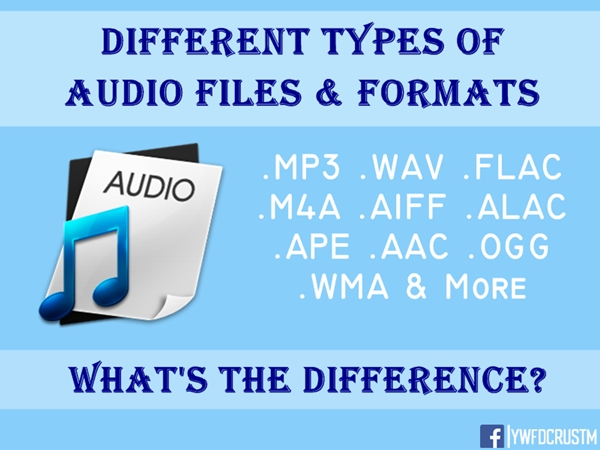
[Music] File format types Part 3
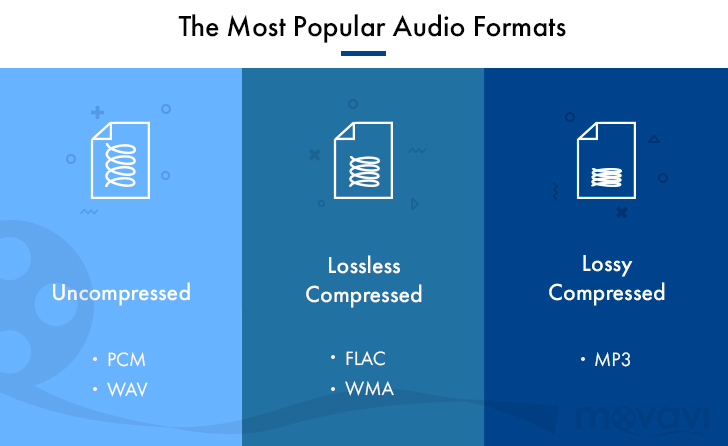
Lossless compression format
This format compresses the original data while preserving it.
FLAC
A THE C
During playback, it can be decompressed and returned to the original uncompressed format, so the sound quality is the same as the original data.
Although the file size can be reduced compared to the uncompressed format, it is still about half, so the file size is larger than the lossy compressed format and it takes longer to encode and decode.
Also, at present, it is often not handled by major music distribution sites, and the number of devices that can play it is less than that of uncompressed formats. The most common of these formats is “FLAC”, and Apple uses a unique format called “ALAC”.
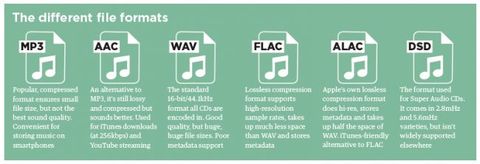
FLAC (Free Lossless Audio Codec)
A lossless audio codec developed as open source.
It is not subject to patent restrictions, is not owned by any company, and has no license fees for its use.
Also, the sampling frequency is 1Hz – 655.3kHz (655,350Hz), and the number of quantization bits is 4 to 32 bits, so the so-called high-resolution music (including the frequency elements beyond the range human audible) can also be encoded. . However, since it is lossless, the compression rate is low and the file size is only about half. First of all, iOS 11 now supports playback from the “File” app.
ALAC (Apple Lossless)
Apple Lossless is a lossless compression format developed by Apple for iPod.
It can maintain the same sound quality as a music CD, but the compression ratio is not as good as lossy compression formats like MP3. With lossy compression, the deterioration in sound quality is noticeable, so it may be better to use it for classical music only.
This format was released as open source on October 27, 2011. You can use it freely under the free Apache license.
Relationship between bit depth, sample rate, and bit rate
Music data has numbers like bit depth and sample rate that indicate the amount of music data per second.
And the product of the two is the “bit rate”.
Sampling rate
Also known as the sample rate. Shows how many tens of thousands of sounds are collected per second.
The higher the value, the greater the number of divisions, which results in a smoother sound and improved sound quality.
By the way, the CD is 44100Hz.
Bit depth
Also known as quantization bit count, bid reduction, sample bit count.
This shows how much capacity is given to the split data.
The louder the sound, the better the sound and the sound quality will be improved.
The CD is 16 bit.
Bit rate
It is displayed as bps and shows the amount of data per second.
It is the product of the “sample rate” and the “bit depth” mentioned above.
In the case of a stereo file, there are two sounds, so if you formulate it …
Sampling rate (Hz) x bit depth (bits) x 2 = bit rate (bps)
A high bit rate means that the “sample rate” and “bit depth” are large and the sound quality is good.
By the way, in the case of CD
44100 (Hz) x 16 (bits) x 2 = 1411200 (bps)
Will be.
Why is there so much format
Each has its advantages and disadvantages, and you can make better use of your data by using it correctly.
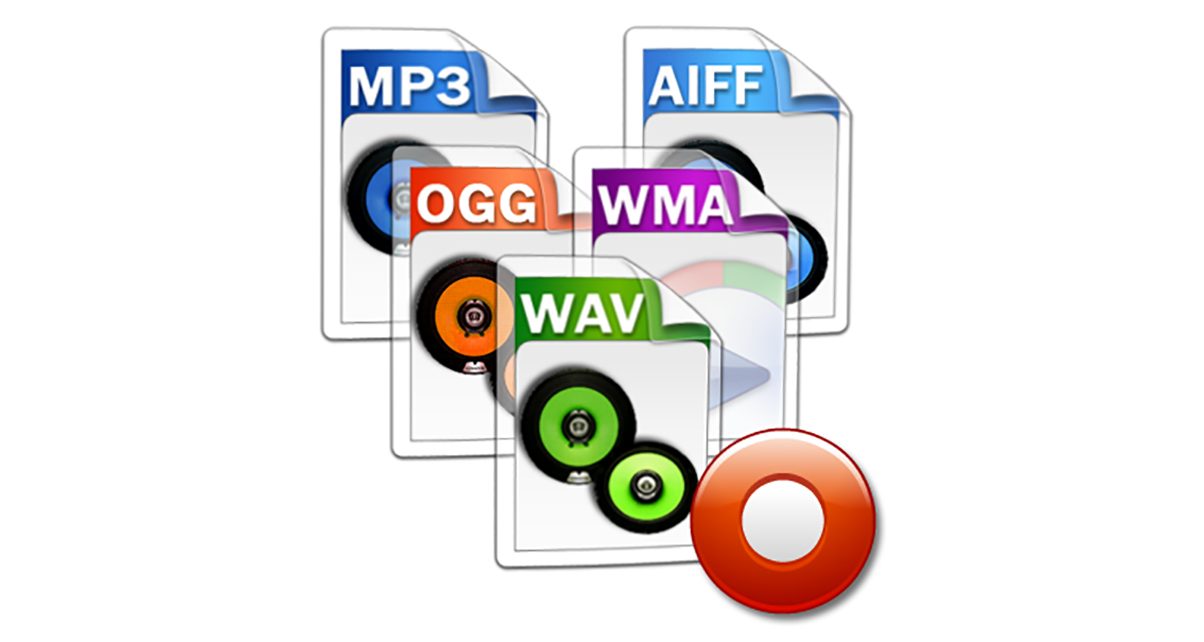
For example, if you want to save this album with the best sound quality because you don’t care about the amount of data, import it with “WAV” or “AIFF” and save it with the highest possible bit rate. If you have a compatible device, “FLAC” and “ALAC” are also storage saving options.
“Sound quality is secondary! I want to import a lot of songs to my smartphone!” For those who want to import with “MP3”, they can import at as low a bit rate as possible (although 128 kbps or less is not often used as a music file). It may be convenient to use music as data according to the style.
By the way, the Apple Music I use is 256kbps of “AAC”, so it can be said that it is a format that emphasizes the balance between sound quality and data savings.