What are MP3 files?


Free Download Mp4Gain
picture

What are MP3 files?

What are MP3 files?
What are MP3 files?

A file with the .mp3 extension is a digitally encoded file format for audio files, officially based on MPEG-1 Audio Layer III or MPEG-2 Audio Layer III.

What are MP3 files?
What are MP3 files?

It was developed by the Moving Picture Experts Group (MPEG) using Layer 3 audio compression. The compression achieved by the MP3 file format is 1/10 the size of a .WAV or .AIF file. This format offers the advantage of streaming such audio files over the Internet for online listening, which was previously not possible due to the large size of audio files. The sound quality of MP3 audio files can be controlled by setting parameters such as bit rate, sample rate, common or normal stereo.

A brief history of MP3

The MP3 format was invented and developed by a German company, Fraunhofer-Gesellshart. The algorithm has licensed patents for the compression techniques it uses. Here’s a helpful MP3 schedule:

• 1987 : The Fraunhofer Institute in Germany begins research on high-quality, low-bitrate audio coding. It’s called the EUREKA project EU147, Digital Audio Broadcasting.

• January 1988: The Moving Picture Experts Group (MPEG) is formed.

• **April 1989**: Fraunhofer patented the MP3 in Germany.

• 1992-Dieter Seitzer, who helped Fraunhofer with his research, integrated his audio encoding with MPEG-1.

• 1993 – Publication of the MPEG-1 standard.

• 1994 – The MPEG-2 standard was developed and released a year later.

• November 26, 1996 : US patent for MP3 is published.

• September 1998 – Fraunhofer begins to enforce the patent. People who used the MP3 audio codec paid Fraunhofer a license fee.

• February 1999 – SubPop, a record label, releases music in MP3 format, the first to do so.

• 1999 – The first portable MP3 player appears.

File format MP3##
MP3 files consist of MP3 frames, where each frame consists of a header and a data block. Frames are not independent and generally cannot be mined at arbitrary frame boundaries. The data blocks of a file contain frequency and amplitude information about the audio. The sync word in the header identifies the start of a valid frame. This is followed by 3 bits where the first bit indicates that it is an MPEG standard and the remaining 2 bits indicate that layer 3 is used; therefore, MPEG-1 Audio Layer 3 or MP3. After this, the value will vary depending on the MP3 file. ISO/IEC 11172-3 defines the range of values for each part of the header and the header specification. Most current MP3 files contain ID3 metadata, which precedes or follows the MP3 frame, as shown. Data streams may contain an optional checksum.


Free Download Mp4Gain
picture


Mp4Gain Main Window
picture


Mp4Gain Features
picture


Free Download Mp4Gain
picture

MP3 file format

MP3 file format

Mp3 file format
Mp3 file format

Introduction:
MP3 file format

Mp3 file format
Mp3 file format

1. Overview:
MP3 files are made up of frames, and frames are the smallest unit of MP3 files. The full name of MP3 must be MPEG1 Layer 3 audio files. MPEG
(Motion Picture Experts Group) translates into Chinese as Moving Picture Experts Group, and refers specifically to moving video and audio compression standards.
MPEG1 standard, also known as MPEG audio layer, which is divided into three layers based on compression quality and encoding complexity, namely,
Layer-1, Layer2 and Layer3, which correspond to the three sound files of MP1, MP2 and MP3 respectively, and use different
levels of audio files according to different purposes. The higher the MPEG audio encoding level, the more complex the encoder and the higher the compression ratio. The compression ratios of MP1 and MP2 are 4:1 and
6:1-8:1 respectively, while the compression ratio of MP3 is as high as 10:1-8:1. 12:1, meaning one minute of CD-quality music requires 10MB
of storage space without compression, but only about 1 MB after MP3 compression encoding. However, MP3 uses a lossy compression method for audio signals. To reduce
sound distortion, MP3 adopts “sensory coding technology”, that is, it first analyzes the frequency spectrum of audio files during encoding, and then uses filters to filter the
noise . levels. Then the remaining bits are spread and arranged by means of quantization, and finally an MP3 file with a higher compression ratio is formed, and the
compressed file can achieve a sound effect closer to the original sound source during playback.
2. The whole structure of
MP3 files: MP3 files are roughly divided into three parts: TAG_V2 (ID3V2), Frame, TAG_V1 (ID3V1)
ID3V2 contains information like author, composer, album, etc. The length is not fixed, which expands the information volume of ID3V1.
A series of frames, the number is determined by the size of the file and the length of the frame. The length of each frame of the
frame
may not be fixed or fixed, and is determined by the bitrate
.
Each table is divided into two parts: table header and data entity Header of data.
frame
Record the bit rate, sample rate, version and other information of mp3, and each frame is independent of each other The frame
ID3V1 contains information like author, composer, album, etc., and the length is 128BYTE . 3. MP3 FRAME format: each FRAME has a FRAMEHEADER frame header, the length is 4BYTE (32 bits), there may be two CRC check bytes after the frame header, the existence of these two bytes depends on the FRAMEHEADER information If bit 16 is 0, there is no checksum after the frame header, and if it is 1, there is a checksum. The checksum length is 2 bytes, followed by the FRAMEHEADER, followed by the frame entity data. The format is as follows: FRAMEHEADER CRC (free) MAIN_DATA 4 BYTE 0 OR 2 BYTE The length is calculated from frame header 1. The format of the FRAMEHEADER frame header is as follows: AAAAAAAA AAABCCD EEEEFFGH IIJJKLMM

Explore 4 main audio formats

Explore 4 main audio formats

audio file formats
audio file formats

Let’s take a look at the main audio formats and the differences between them.

audio file formats
audio file formats

The audio format is directly related to the quality and purpose of the audio track, i.e. where and on what device it will be played and what its purpose is.

However, before discovering the difference between them and choosing the best audio format for your music, you should know what categories they fall under. Let’s go ahead!

Uncompressed audio is like a picture, uncompressed audio is better quality, larger in file size and safer to copy, with nearly the same detail as the original sound.

WAV is the most widely used audio format of this type and reproduces music with precision similar to that of a recording.

compressed audio
When music is compressed, the file is smaller and can be easily stored on your device. Because of this advantage, compressed audio is often more of an option for users.

However, it should be remembered that some audio formats in this category may lose quality depending on the option selected, just like MP3 and AAC .

What is the best audio format?
As we said before, the first step in deciding on an audio format is to know the final objective of the track. Whether it’s for music lessons, performances, karaoke, auditions, or recording versions, you need to understand the pros and cons of each option.

WAV
WAV (Waveform Audio File Format) is an uncompressed format, therefore sufficient storage space is required. This is for those who already work with music, such as experts in the field or users who want to edit audio.

At high fidelity, WAV faithfully reproduces the elements and character of the original soundtrack. Furthermore, this format allows the selection of different bit and sample rates, and can be used on multiple platforms.

FLAC
FLAC (Free Lossless Audio Codec) is one of the most widely used compression formats by music lovers today.

Digital audio encoding allows you to preserve its quality, but the resulting file will be smaller. Over the years, this format has become more widely used and is compatible with different devices and platforms.

FLAC is free and open source, ready to use and can be easily played on smartphones and other devices.

MP3
Before deciding on the best audio format, it is worth taking a look at the most famous format in the music world: MP3.

MP3 is one of the main audio compression formats, and has become synonymous with the convenience and efficiency of generating files quickly, with smaller files and a certain level of quality.

Many devices and programs can play this format. But MP3 is difficult to use in professional audio processing and advanced audio editing.

As is known, this format exists on almost all platforms and is ideal for sharing audio.

Another interesting factor is its bit rate, although it is a compressed format, it can vary depending on the user’s goals and improvements in quality.

AAC Like MP3, Advanced Audio Coding (AAC) is a more efficient audio format than its predecessor.

To create smaller files with less storage space, AAC is a great option for users to reduce file size and keep high-quality audio tracks.

When did mp3 music files first appear?

When did mp3 music files first appear?

MP3

MPEG-1 Audio Layer 3, often referred to as MP3, is one of the most popular lossy compression and digital audio encoding formats today.

mp3


There is no noticeable drop in sound quality compared to the original uncompressed audio. It was invented and standardized in 1991 by a group of engineers at the Fraunhofer-Gesellschaft research organization in Erlangen, Germany.
MPEG-1 Audio Layer 3, often referred to as MP3, is one of the most popular lossy compression and digital audio encoding formats today. There is no noticeable drop in sound quality compared to the original uncompressed audio. It was invented and standardized in 1991 by a group of engineers at the Fraunhofer-Gesellschaft research organization in Erlangen, Germany.

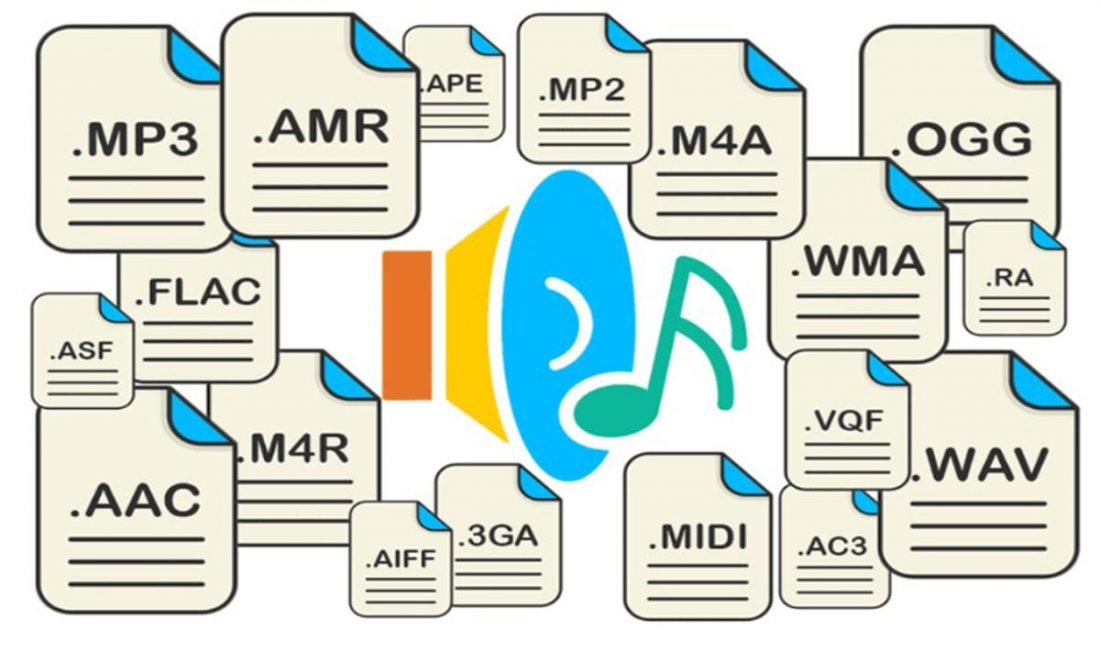
The audio format supported by the MP3 player is not only MP3 format, but also WMA, WAV, MP3Pro, ASF, AAC and VQF, etc. The WMA format can reach CD quality when compressed to 64 kbps, and output is only half the size of the corresponding MP3 file. This is very important for models with only 32 MB of flash memory. WMA and RA formats are supported, which means FlashMemory space is almost doubled. If it’s hard, be sure to ask this question when purchasing.
Among all the music formats supported by MP3, the most common ones are MP3, WMA and WAV. Others are unpopular or too bulky to be practical.