Understanding Video Bitrates and Codecs


Free Download Mp4Gain
picture

Understanding Video Bitrates and Codecs
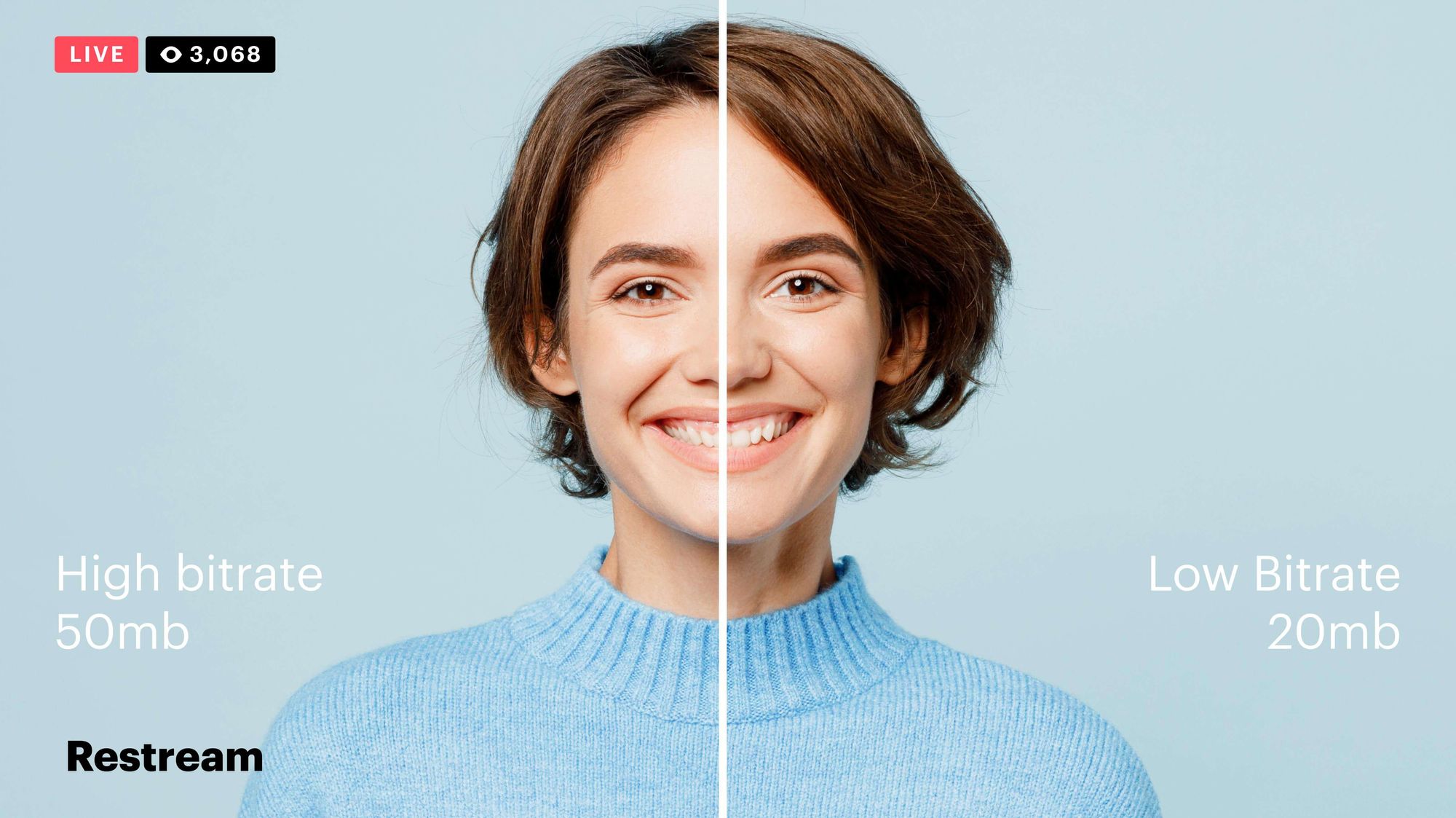
Video Bitrates and Codecs

Video bitrate and codec are two important concepts that every video creator should understand. In this article, I will explain what they are, how they work together, and how to choose the right settings for your videos.

What is Video Bitrate?

Video bitrate is the amount of data that is encoded per second in a video file. It is measured in bits per second (bps), or kilobits per second (kbps) or megabits per second (Mbps).

The higher the bitrate, the more data is encoded, and the higher the quality of the video will be. However, a higher bitrate also means a larger file size.

What is a Video Codec?

A video codec is a software program that compresses and decompresses video data. It is responsible for encoding the video data into a format that can be stored or streamed, and then decoding it back into its original form when it is played back.

There are many different video codecs available, each with its own strengths and weaknesses. Some of the most popular video codecs include:

H.264: This is the most widely used video codec. It is a lossy codec, which means that some data is lost during the compression process. However, H.264 is very efficient, and it can produce high-quality video with a relatively small file size.
H.265: This is a newer codec that is designed to be more efficient than H.264. It can produce the same quality of video with a smaller file size.
VP9: This is a free and open-source video codec that is developed by Google. It is similar to H.265 in terms of efficiency, but it is not as widely supported.

How Do Bitrate and Codecs Work Together?

Bitrate and codec work together to determine the quality and file size of a video. The higher the bitrate, the more data is encoded, and the higher the quality of the video will be. However, a higher bitrate also means a larger file size.

The codec determines how the video data is compressed. Some codecs are more efficient than others, and they can produce the same quality of video with a smaller file size.

How to Choose the Right Bitrate and Codec for Your Videos

The right bitrate and codec for your videos will depend on a number of factors, including:

The intended use of the video. If you are uploading your video to YouTube, you will need to choose a bitrate that is compatible with YouTube’s streaming requirements.
The target audience. If you are creating a video for mobile devices, you will need to choose a lower bitrate than if you are creating a video for high-definition televisions.
The file size. If you are limited by the file size, you will need to choose a lower bitrate.

Final Words About Video Bitrates and Codecs

Video bitrate and codec are two important concepts that every video creator should understand. By understanding how they work together, you can choose the right settings for your videos to ensure that they are both high quality and have a reasonable file size.

I hope this article has been helpful. If you have any questions, please feel free to leave a comment below.

Bonus Tips

If you are not sure what bitrate or codec to use, you can always start with a high bitrate and then lower it until you find a balance between quality and file size that you are happy with.
You can use a video bitrate calculator to help you determine the right bitrate for your videos.
There are many different video codecs available, so it is important to do some research to find the best codec for your needs.



Free Download Mp4Gain
picture


Mp4Gain Main Window
picture


Mp4Gain Features
picture


Free Download Mp4Gain
picture

Video Codecs: H.264, H.265, and VP9

The Importance of Choosing the Right Video Codec


H.264, H.265, and VP9

Video Codecs: H.264, H.265, and VP9

As the world becomes increasingly digitized, the importance of video codecs in our lives cannot be overstated. Video codecs are essential in video compression, encoding, streaming, and playback. Choosing the right codec can make the difference between smooth playback and frustrating buffering, between crisp and clear images and pixelated messes. In this article, we will explore the differences between three of the most popular video codecs in use today: H.264, H.265, and VP9.

H.264 vs H.265: What’s the Difference?

H.264, also known as AVC (Advanced Video Coding), has been the dominant codec in use for the past decade. It is widely supported by devices and software and offers good compression while maintaining high video quality. However, H.265 (HEVC) is slowly taking over. It is a newer and more advanced codec that offers better compression ratios, which means smaller file sizes with the same quality as H.264. H.265 is also better at handling high-resolution videos, making it a good choice for 4K and 8K videos. However, it requires more processing power to decode, which may be an issue on older devices.

Personally, I have found that H.265 delivers noticeably better quality than H.264 for the same file size. It is especially noticeable in high-motion scenes like action movies or sports. However, it does require more processing power, so make sure your device can handle it before choosing it as your preferred codec.

VP9: The New Kid on the Block

VP9 is a newer codec developed by Google and is designed to be a royalty-free alternative to H.265. It offers better compression than H.264 while maintaining the same video quality. It is also highly efficient at handling high-resolution videos, making it a good choice for 4K and 8K videos. However, its adoption has been slow due to its lack of support in many devices and software. It also requires more processing power to decode than H.264.

One of my personal experiences with VP9 was when I was trying to stream a 4K video on my laptop. I noticed that the video was buffering a lot and the quality was not as good as I expected. After some research, I found out that the video was encoded with VP9, which my laptop did not support. I had to switch to H.264 to get smooth playback.

Conclusion: Choosing the Right Video Codec

Choosing the right video codec is crucial for ensuring smooth video playback and high video quality. H.264 is still a solid choice for most situations, but H.265 and VP9 offer better compression and handling of high-resolution videos. However, they require more processing power and may not be supported by all devices and software. Make sure to choose the codec that best suits your needs and device capabilities.

In conclusion, video codecs are an essential part of our digital lives, and choosing the right one can make all the difference in our video-watching experience. Always keep in mind the pros and cons of each codec and make an informed decision based on your needs.

Comparison of video encoding with H.264 and H.265 codec

Comparison of video encoding with H.264 and H.265 codec

H.265 VS H.264

I would like to draw the attention of readers to the fact that I will carry out my story about the H.265 codec only from the point of view of how it can be used to create video movies, regardless of use in other areas. , for example, in video surveillance – everything is completely different there. I will start with the technical definition of the H.264 and H.265 codecs.

H.264 vs H.265

H.264 codec: scientifically it is called MPEG-4 part 10 or AVC (Advanced Video Coding). It appeared in 2003, but in everyday life they began to use it far from immediate, approximately since people began to buy high-definition video cameras. In my opinion today it is the only codec you want to compress video, it just has no competitors. Except, of course, 265.

H.265 or HEVC codec (High Efficiency Video Coding – High Efficiency Video Coding). Frame formats up to 8K (UHDTV) with a resolution of 8192 × 4320 pixels are supported. Manufacturers officially announced this codec in 2012. It was first used in IP broadcast systems. Then when 4K and 8K formats appeared and started to be widely used, for which H.264 was no longer ideal, the fifth one was useful there too.

But Н.265 is not a new product, it is, in fact, an improved 264. Initially, the creators were tasked with halving the bitrate with the same quality. If this task had been completed, then it would be possible, using H.265, to have a computer with half the power, or to receive the final file twice as easy, with the same quality. But this is only in theory.

You probably know that not all pixels in the image are affected during encoding; The image is divided into blocks according to the content. And the main difference between these two codecs is that they form these blocks differently. In other words, they divide the image into a different number of fragments. H.265 includes more pixels in each block, that is, the image is divided into fewer parts.

The first thought that occurs to a normal person is what he is like, because this will only make the quality worse! After all, if there was only one pixel in each block, which was compressed with individual parameters, then the image would be much better. This, of course, is true, but the reality is that, unfortunately, in our time the concept of quality for manufacturers of something fades into the background.

Based on information received from other operators, it can be assumed that when encoding the 4K format with a low bit rate, the advantage of H.265 is more noticeable than when using the Full HD format. But I don’t work with a low bit rate, high quality is important to me.

H.264 or H.265. What is better?

Everyone knows that the higher the quality you want to achieve, the more time and effort it takes. The same goes for encoding. If we assume that H.265 encodes better, it means that more time will be spent on encoding compared to H.264. But 30 times is excessive! I’m sure at 100 percent motion picture, it’s almost impossible to tell the difference that can be seen in the freeze frame, but then why complicate things using the 265? Although, here everyone decides for themselves what is more important to him: code as soon as possible and get a finished product, or wait longer, but evaluate a higher result.

The exact encoding time depends on how you record the video, how many small details there are, movement, what frame size, what is the power of your computer. Based on my observations, when encoding H.265, the computer uses much more resources, but the process itself is more adapted for multi-core processors, that is, the computer runs more smoothly.

I also tried encoding H.265 in maximum quality Full HD video, 50 frames per second for about 10 minutes. And when Media Encoder, which in principle encodes faster than Premier, reported that encoding would take more than 300 hours, I realized that it would take almost two weeks not to turn off the computer, and this is for 10 minutes. And my computer is quite powerful. When encoding 265 with a quality profile of “good”, the elapsed time is the same as the 264 setting in the image, but the difference is so insignificant that there is no point in uploading these screenshots.

The H.265 codec was created a long time ago and the question arises why it is not as popular as the developers planned. To the best of my knowledge, I can assume that firstly there is no such clearly visible advantage in video editing, and secondly, the development of using H.265 is hampered by the fact that you have to pay for its use in all devices where it is present.
