Understanding Video Bitrates and Codecs


Free Download Mp4Gain
picture

Understanding Video Bitrates and Codecs
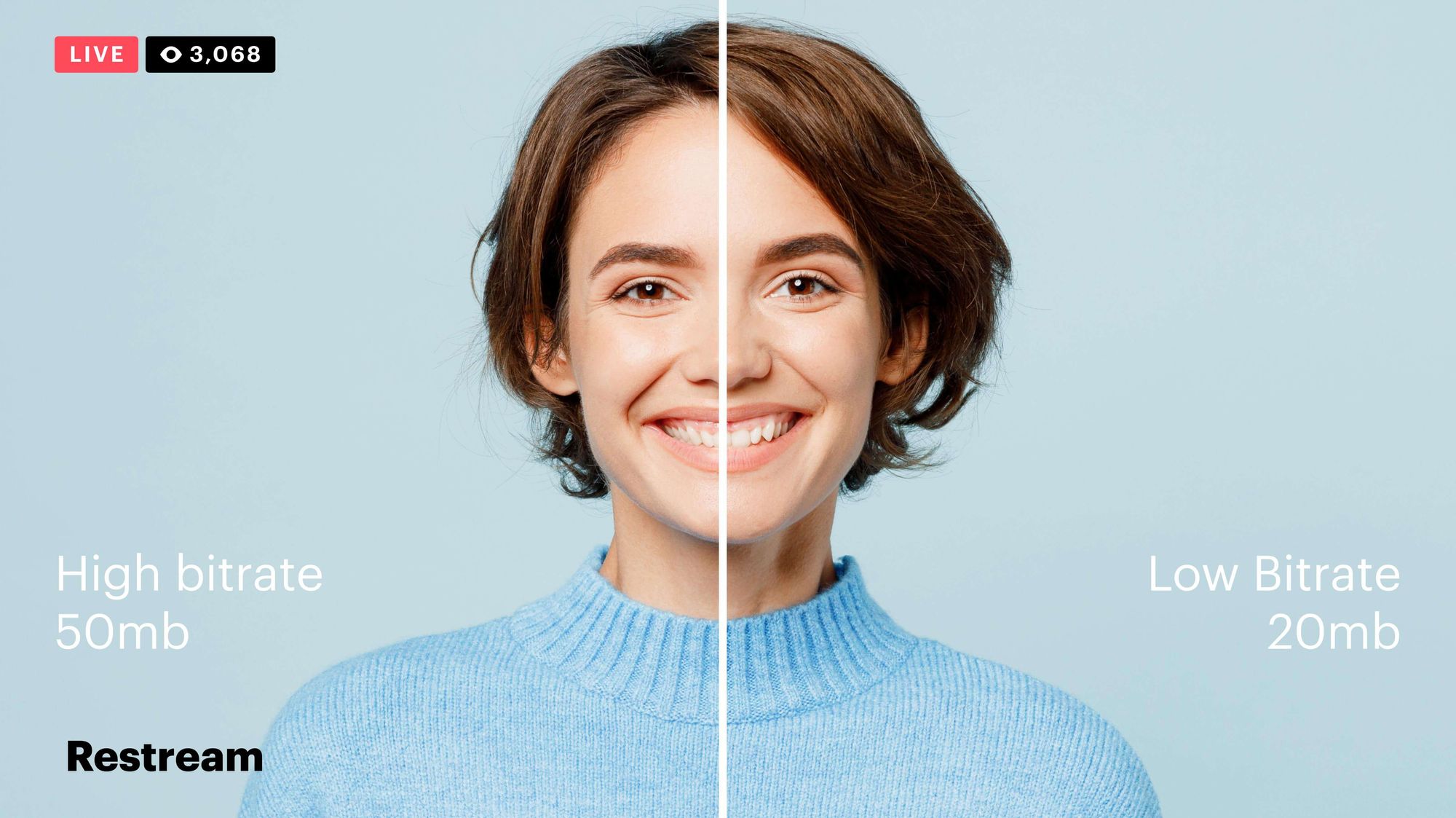
Video Bitrates and Codecs

Video bitrate and codec are two important concepts that every video creator should understand. In this article, I will explain what they are, how they work together, and how to choose the right settings for your videos.

What is Video Bitrate?

Video bitrate is the amount of data that is encoded per second in a video file. It is measured in bits per second (bps), or kilobits per second (kbps) or megabits per second (Mbps).

The higher the bitrate, the more data is encoded, and the higher the quality of the video will be. However, a higher bitrate also means a larger file size.

What is a Video Codec?

A video codec is a software program that compresses and decompresses video data. It is responsible for encoding the video data into a format that can be stored or streamed, and then decoding it back into its original form when it is played back.

There are many different video codecs available, each with its own strengths and weaknesses. Some of the most popular video codecs include:

H.264: This is the most widely used video codec. It is a lossy codec, which means that some data is lost during the compression process. However, H.264 is very efficient, and it can produce high-quality video with a relatively small file size.
H.265: This is a newer codec that is designed to be more efficient than H.264. It can produce the same quality of video with a smaller file size.
VP9: This is a free and open-source video codec that is developed by Google. It is similar to H.265 in terms of efficiency, but it is not as widely supported.

How Do Bitrate and Codecs Work Together?

Bitrate and codec work together to determine the quality and file size of a video. The higher the bitrate, the more data is encoded, and the higher the quality of the video will be. However, a higher bitrate also means a larger file size.

The codec determines how the video data is compressed. Some codecs are more efficient than others, and they can produce the same quality of video with a smaller file size.

How to Choose the Right Bitrate and Codec for Your Videos

The right bitrate and codec for your videos will depend on a number of factors, including:

The intended use of the video. If you are uploading your video to YouTube, you will need to choose a bitrate that is compatible with YouTube’s streaming requirements.
The target audience. If you are creating a video for mobile devices, you will need to choose a lower bitrate than if you are creating a video for high-definition televisions.
The file size. If you are limited by the file size, you will need to choose a lower bitrate.

Final Words About Video Bitrates and Codecs

Video bitrate and codec are two important concepts that every video creator should understand. By understanding how they work together, you can choose the right settings for your videos to ensure that they are both high quality and have a reasonable file size.

I hope this article has been helpful. If you have any questions, please feel free to leave a comment below.

Bonus Tips

If you are not sure what bitrate or codec to use, you can always start with a high bitrate and then lower it until you find a balance between quality and file size that you are happy with.
You can use a video bitrate calculator to help you determine the right bitrate for your videos.
There are many different video codecs available, so it is important to do some research to find the best codec for your needs.



Free Download Mp4Gain
picture


Mp4Gain Main Window
picture


Mp4Gain Features
picture


Free Download Mp4Gain
picture

Video Codecs: H.264, H.265, and VP9

The Importance of Choosing the Right Video Codec


H.264, H.265, and VP9

Video Codecs: H.264, H.265, and VP9

As the world becomes increasingly digitized, the importance of video codecs in our lives cannot be overstated. Video codecs are essential in video compression, encoding, streaming, and playback. Choosing the right codec can make the difference between smooth playback and frustrating buffering, between crisp and clear images and pixelated messes. In this article, we will explore the differences between three of the most popular video codecs in use today: H.264, H.265, and VP9.

H.264 vs H.265: What’s the Difference?

H.264, also known as AVC (Advanced Video Coding), has been the dominant codec in use for the past decade. It is widely supported by devices and software and offers good compression while maintaining high video quality. However, H.265 (HEVC) is slowly taking over. It is a newer and more advanced codec that offers better compression ratios, which means smaller file sizes with the same quality as H.264. H.265 is also better at handling high-resolution videos, making it a good choice for 4K and 8K videos. However, it requires more processing power to decode, which may be an issue on older devices.

Personally, I have found that H.265 delivers noticeably better quality than H.264 for the same file size. It is especially noticeable in high-motion scenes like action movies or sports. However, it does require more processing power, so make sure your device can handle it before choosing it as your preferred codec.

VP9: The New Kid on the Block

VP9 is a newer codec developed by Google and is designed to be a royalty-free alternative to H.265. It offers better compression than H.264 while maintaining the same video quality. It is also highly efficient at handling high-resolution videos, making it a good choice for 4K and 8K videos. However, its adoption has been slow due to its lack of support in many devices and software. It also requires more processing power to decode than H.264.

One of my personal experiences with VP9 was when I was trying to stream a 4K video on my laptop. I noticed that the video was buffering a lot and the quality was not as good as I expected. After some research, I found out that the video was encoded with VP9, which my laptop did not support. I had to switch to H.264 to get smooth playback.

Conclusion: Choosing the Right Video Codec

Choosing the right video codec is crucial for ensuring smooth video playback and high video quality. H.264 is still a solid choice for most situations, but H.265 and VP9 offer better compression and handling of high-resolution videos. However, they require more processing power and may not be supported by all devices and software. Make sure to choose the codec that best suits your needs and device capabilities.

In conclusion, video codecs are an essential part of our digital lives, and choosing the right one can make all the difference in our video-watching experience. Always keep in mind the pros and cons of each codec and make an informed decision based on your needs.
