Understanding Video Bitrates and Codecs

Understanding Video Bitrates and Codecs

Video Bitrates and Codecs

Video bitrate and codec are two important concepts that every video creator should understand. In this article, I will explain what they are, how they work together, and how to choose the right settings for your videos.

What is Video Bitrate?

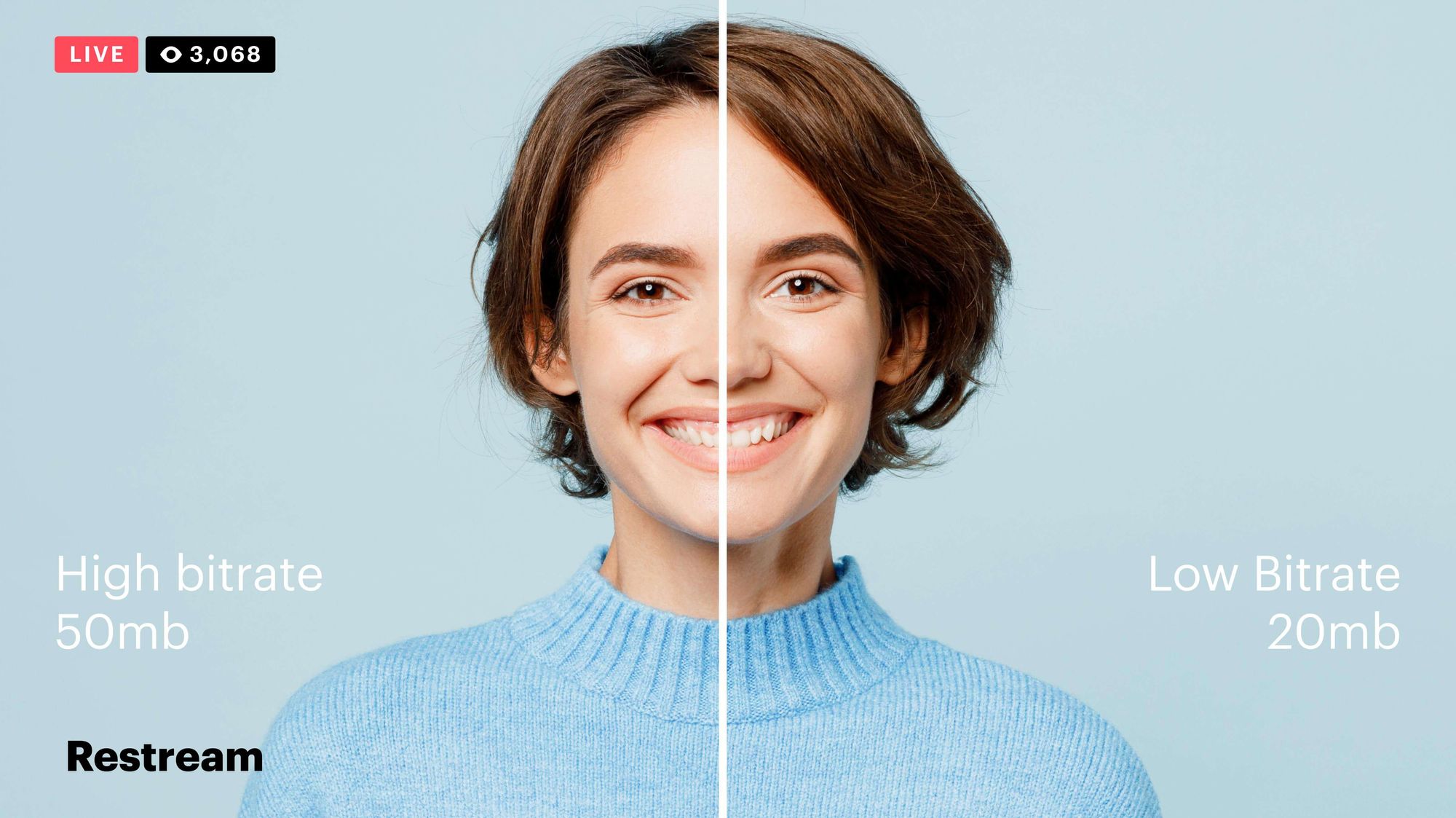
Video bitrate is the amount of data that is encoded per second in a video file. It is measured in bits per second (bps), or kilobits per second (kbps) or megabits per second (Mbps).

The higher the bitrate, the more data is encoded, and the higher the quality of the video will be. However, a higher bitrate also means a larger file size.

What is a Video Codec?

A video codec is a software program that compresses and decompresses video data. It is responsible for encoding the video data into a format that can be stored or streamed, and then decoding it back into its original form when it is played back.

There are many different video codecs available, each with its own strengths and weaknesses. Some of the most popular video codecs include:

H.264: This is the most widely used video codec. It is a lossy codec, which means that some data is lost during the compression process. However, H.264 is very efficient, and it can produce high-quality video with a relatively small file size.
H.265: This is a newer codec that is designed to be more efficient than H.264. It can produce the same quality of video with a smaller file size.
VP9: This is a free and open-source video codec that is developed by Google. It is similar to H.265 in terms of efficiency, but it is not as widely supported.

How Do Bitrate and Codecs Work Together?

Bitrate and codec work together to determine the quality and file size of a video. The higher the bitrate, the more data is encoded, and the higher the quality of the video will be. However, a higher bitrate also means a larger file size.

The codec determines how the video data is compressed. Some codecs are more efficient than others, and they can produce the same quality of video with a smaller file size.

How to Choose the Right Bitrate and Codec for Your Videos

The right bitrate and codec for your videos will depend on a number of factors, including:

The intended use of the video. If you are uploading your video to YouTube, you will need to choose a bitrate that is compatible with YouTube’s streaming requirements.
The target audience. If you are creating a video for mobile devices, you will need to choose a lower bitrate than if you are creating a video for high-definition televisions.
The file size. If you are limited by the file size, you will need to choose a lower bitrate.

Final Words About Video Bitrates and Codecs

Video bitrate and codec are two important concepts that every video creator should understand. By understanding how they work together, you can choose the right settings for your videos to ensure that they are both high quality and have a reasonable file size.

I hope this article has been helpful. If you have any questions, please feel free to leave a comment below.

Bonus Tips

If you are not sure what bitrate or codec to use, you can always start with a high bitrate and then lower it until you find a balance between quality and file size that you are happy with.
You can use a video bitrate calculator to help you determine the right bitrate for your videos.
There are many different video codecs available, so it is important to do some research to find the best codec for your needs.

What is the maximum video bit depth supported by MP4?

What is the maximum video bit depth supported by MP4?

Mp4 video bit depth
Mp4 video bit depth
Mp4 video bit depth
Mp4 video bit depth

Understanding the MP4 Video File Format

As video technology has advanced, so too has the number of video file formats available. One of the most popular video file formats today is the MP4 format. The MP4 format is known for its versatility and compatibility with a wide range of devices and platforms.

One of the key features of the MP4 file format is its ability to compress video data without sacrificing quality. This is achieved through the use of video compression algorithms, which reduce the amount of data required to store video content while maintaining its visual fidelity.

Maximizing Video Quality in MP4

To ensure that your MP4 videos look their best, it’s important to understand the maximum video bit depth supported by the format. Bit depth refers to the number of bits used to represent each color in a video image. The higher the bit depth, the more colors that can be represented, resulting in smoother gradients and more accurate color reproduction.

The maximum video bit depth supported by MP4 is 10 bits per channel, which allows for a total of 1.07 billion possible colors. This is a significant improvement over the 8-bit color depth supported by many other video file formats, which only allows for 16.7 million colors.

To take advantage of the higher bit depth supported by MP4, it’s important to use a video encoder that supports 10-bit color depth. This will ensure that your videos have the maximum possible color accuracy and quality.

Ensuring Compatibility and Playback

While MP4 is a widely supported video file format, it’s important to ensure that your videos are compatible with the devices and platforms you intend to use them on. This includes checking the video codec used in your MP4 files, as well as the audio codec and other technical specifications.

In addition, it’s important to consider the playback software or hardware that will be used to view your MP4 videos. Not all devices and software support the maximum video bit depth of 10 bits per channel, so it’s important to test your videos on a range of devices to ensure they will play back correctly.

Final Words

In conclusion, understanding the maximum video bit depth supported by MP4 is important for ensuring the best possible video quality. By using a video encoder that supports 10-bit color depth and testing your videos on a range of devices, you can ensure that your MP4 videos look their best and are compatible with a wide range of platforms.

What video bitrate is appropriate for video?

What video bitrate is appropriate for video?

Video Bit Rate
Video Bit Rate

At present, 720p video recommended minimum bitrate is above, h.264 encoding 2M bitrate is adequate, 1080p is 4M enough
to get a high-quality video, convert it with different bitrates, and then compare the image quality.

Video Bit Rate
Video Bit Rate

The most commonly used are: h.264 encoding, 1080P, 2.5M bit rate or more.
Summary: [h.264 encoding, 2.5M bitrate (up to 4M), maximum 4M bitrate (add 2M to target), most platforms are Blu-ray. 】

1. If the bitrate is higher than the original video, it will not be a bit higher than the original video. When you move, you’ll pick a lower point to compress the file a bit.
2. 1080P 1M bitrate has distortion feeling to watch on computer, and 2M can’t see distortion, you can adjust the bitrate to 4M to get the best.
The following are the bitrate upload requirements for a platform:

How much video bitrate is appropriate (above H.264 bitrate, 720P, 1080P output bitrate setting)

How much video bitrate is appropriate (above H.264 bitrate, 720P, 1080P output bitrate setting)

***Normal 240p, 320p SD, 480p HD, 720p Ultra HD, 1080p Full HD (Blu-ray), 2K, 4k Ultra HD ***
Normal 240P (320×240 standard resolution, it was 3GP, this is basically nobody used)
SD 270P<0.8M (360×270 standard resolution, was 3GP, rarely used) [140M when storing 422 materials]

High definition 480P (360P)>=0.8M (standard resolution of 640 × 480, minimum 480 * 360, was 3GP) [480 re-advertising is called high definition, but the normative statement can only be regarded as standard definition]