Understanding Video Bitrates and Codecs

Understanding Video Bitrates and Codecs

Video Bitrates and Codecs

Video bitrate and codec are two important concepts that every video creator should understand. In this article, I will explain what they are, how they work together, and how to choose the right settings for your videos.

What is Video Bitrate?

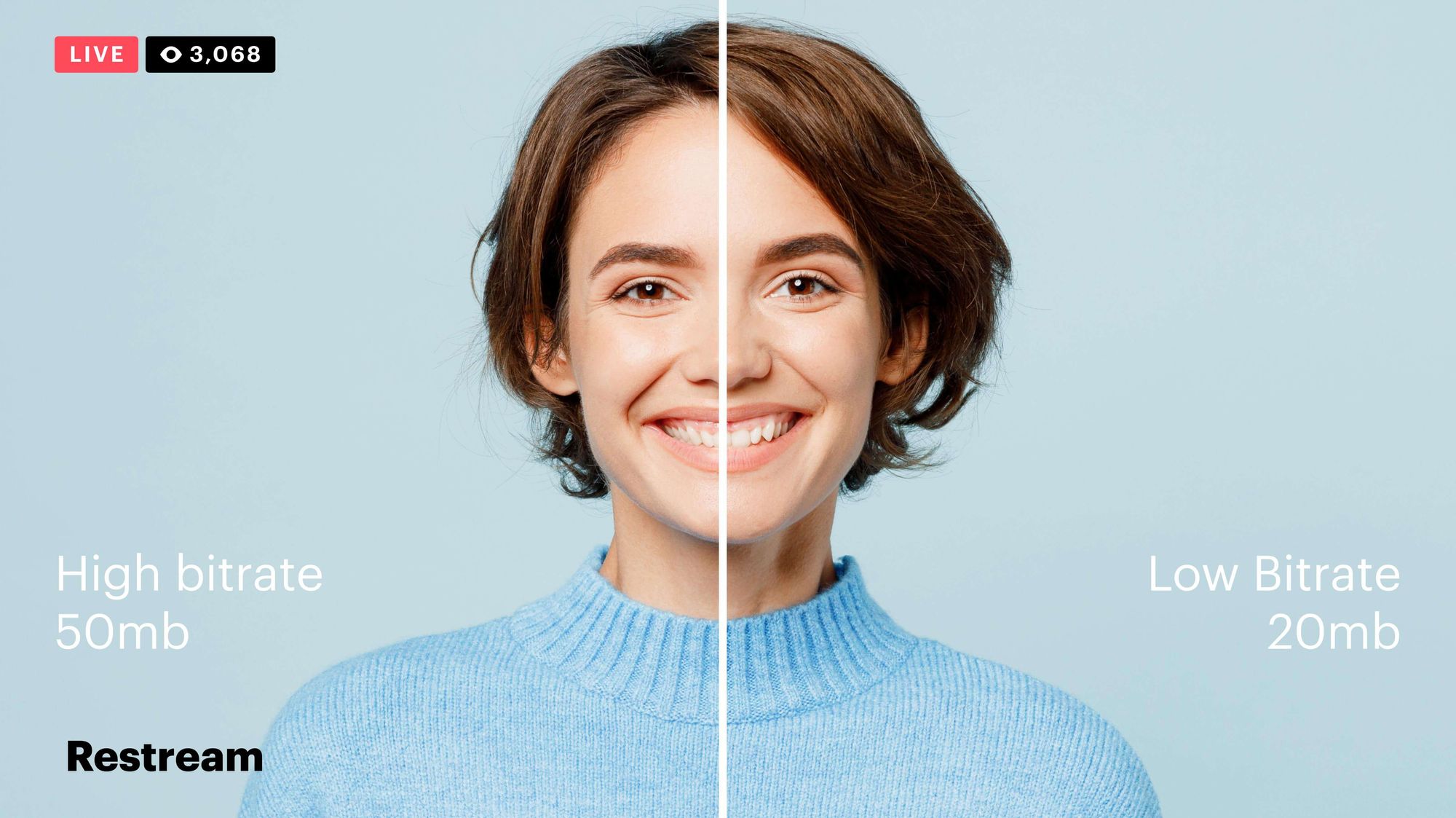
Video bitrate is the amount of data that is encoded per second in a video file. It is measured in bits per second (bps), or kilobits per second (kbps) or megabits per second (Mbps).

The higher the bitrate, the more data is encoded, and the higher the quality of the video will be. However, a higher bitrate also means a larger file size.

What is a Video Codec?

A video codec is a software program that compresses and decompresses video data. It is responsible for encoding the video data into a format that can be stored or streamed, and then decoding it back into its original form when it is played back.

There are many different video codecs available, each with its own strengths and weaknesses. Some of the most popular video codecs include:

H.264: This is the most widely used video codec. It is a lossy codec, which means that some data is lost during the compression process. However, H.264 is very efficient, and it can produce high-quality video with a relatively small file size.
H.265: This is a newer codec that is designed to be more efficient than H.264. It can produce the same quality of video with a smaller file size.
VP9: This is a free and open-source video codec that is developed by Google. It is similar to H.265 in terms of efficiency, but it is not as widely supported.

How Do Bitrate and Codecs Work Together?

Bitrate and codec work together to determine the quality and file size of a video. The higher the bitrate, the more data is encoded, and the higher the quality of the video will be. However, a higher bitrate also means a larger file size.

The codec determines how the video data is compressed. Some codecs are more efficient than others, and they can produce the same quality of video with a smaller file size.

How to Choose the Right Bitrate and Codec for Your Videos

The right bitrate and codec for your videos will depend on a number of factors, including:

The intended use of the video. If you are uploading your video to YouTube, you will need to choose a bitrate that is compatible with YouTube’s streaming requirements.
The target audience. If you are creating a video for mobile devices, you will need to choose a lower bitrate than if you are creating a video for high-definition televisions.
The file size. If you are limited by the file size, you will need to choose a lower bitrate.

Final Words About Video Bitrates and Codecs

Video bitrate and codec are two important concepts that every video creator should understand. By understanding how they work together, you can choose the right settings for your videos to ensure that they are both high quality and have a reasonable file size.

I hope this article has been helpful. If you have any questions, please feel free to leave a comment below.

Bonus Tips

If you are not sure what bitrate or codec to use, you can always start with a high bitrate and then lower it until you find a balance between quality and file size that you are happy with.
You can use a video bitrate calculator to help you determine the right bitrate for your videos.
There are many different video codecs available, so it is important to do some research to find the best codec for your needs.

The best video encoder

Get information on the network about the various existing video encodings: the question “what is the best format?” I have not yet found an answer. For now, to maintain a large video in HD-TV format (1080 × 720), the best seems to be the code adopted by Microsoft “h.264 / MPEG4 part10”, also called H.264 Advanced Video Coding (AVC), used on blu-ray discs. The “container”, ie the file format, can vary from .M2TS, from bluray, to .MPEG4.

video encoder

The following is a diagram of the main forms of video compression:

Divx

He is the most famous coder, the one who changed the history of online video transmission. The basic version is free, the paid version (the Pro version) adds better encoding skills (ie for those who want to create Divx with higher quality than the standard version). The latest versions add full encoding and screen support to the HDTV standard.

video formats

Xvid

The open source encoder that competes with Divx Pro. With it you can create high quality videos.

x.264 (AVC / H.264)

The H.264 / AVC encoder is the latest generation (paid) video compression encoder, which achieves the best results (intended both in terms of compression and final quality). It also comes with high definition (HD) compression, designed for TV and Blu-Ray. Unfortunately, the official version of the encoder is shareware (already used in various encoding programs, including Nero), but there is a free version (even open source) called x.264, which can be used for encoding / decoding. In some open source video editing programs, such as AviDemux, this encoder is already built-in and can be used like any other encoder (although a video created with it is currently incompatible with divx player programs). is already embedded in some media players, such as VLC or others.

MKV (Matroska and Haali splitter package)

The MKV format is not a format, but a container (like the avi). Inside it can accommodate the most different codecs, such as Xvid, Divx, H264, AAC, etc. To watch .mkv movies, which recently seem to be spreading more and more (and will become more and more, given the increase in HD 720p or 1080p video, HDTV and Blu-Ray), the Matroska package or a video player that supports this form / container inherent.

FFDShow

It is a very useful open source and filter encoder package for displaying multimedia content such as divx, xvid, mkv, h.264, ac3, etc. It is also widely used by free applications such as BD Rebuilder, RipBot, etc., requiring the operation of your presence.