What is a “FLAC file”?
Introduction to FLAC.

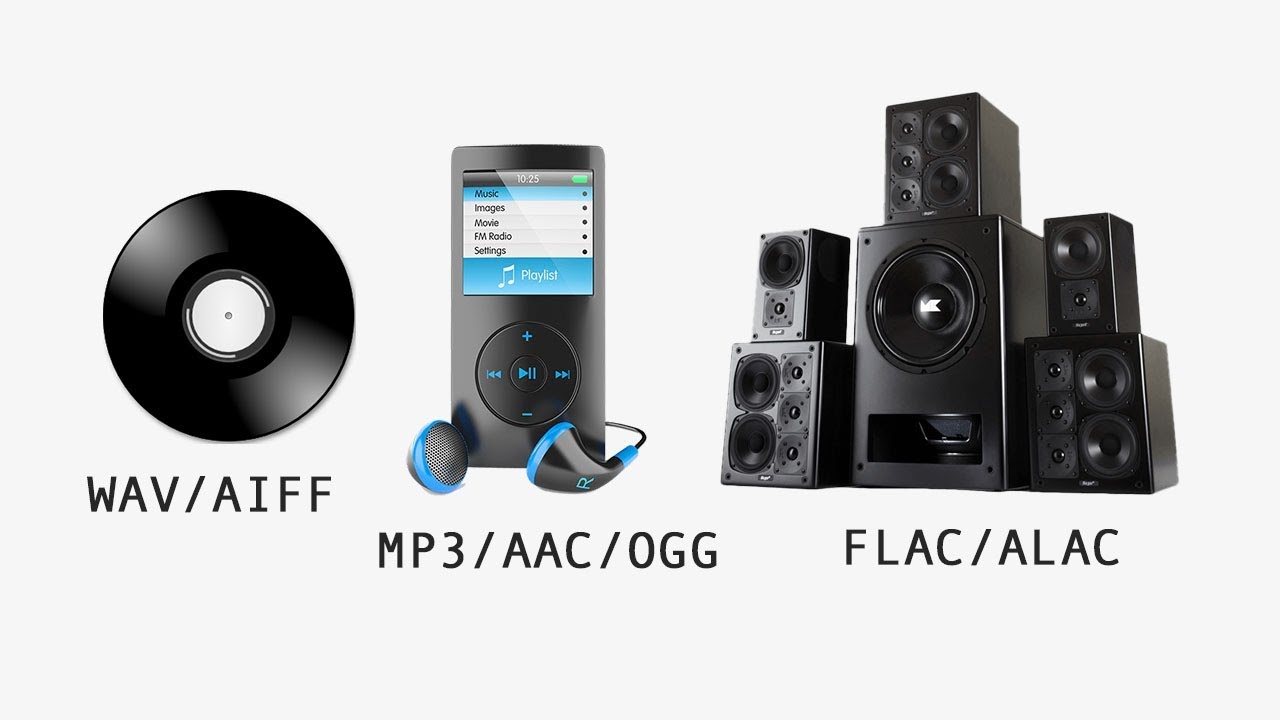
The base of the music files are the “Wave files”. If you draw a music file from a commercially available CD, it will be saved in this “Wave file” format. Therefore, this “Wave file” is the best in terms of sound quality.
However, the inconvenience is that the file size is very large.
Generally, “1 minute = 10 MB”, so even a small element of about 5 minutes will be “50 MB”, and a 1 hour masterpiece symphony will be “600 MB”.
When I try to download such a large file on a thin line in the first days of the Internet, it does not end, even if it takes hours (days?). (It is still difficult for “600MB” files ^^;)
Even so, the desire to share music widely through the Internet created a compression technology called “MP3 files”.
I will omit a difficult explanation, but the good thing about this “MP3 file” was that “reduced the deterioration of sound quality as much as possible” and “reduced the size of the file”. Now, even if the file size is reduced to 1/10, you can enjoy music with a sound quality that is not very different from that of a CD.
In other words, even if the file size is reduced to “5MB” for a small element of approximately 5 minutes, or “60MB” for a 1 hour box office success symphony, you can now enjoy music with a quality of Sound that is not very different from that of a CD.
It’s really great.
However, there is a difference in sound quality when compared to the grave.
With the growing interest in PC audio these days, more and more people pay attention to this sound quality. For those who say that, it is “natural” reproduce music in “Wave files” instead of “MP3 files”. In fact, due to the pc audio boom, the software that can only be played Wave files is appearing one after another. “CMP2 = CMP + CPLAY” and “WAVE FILE PLAYER” are typical examples, and high-quality sound playback that distinguishes it from conventional playback software is on sale.
Well, I do not care … if you say it, pass this page. (^^;
Weaknesses of MP3 files → irreversible
MP3 files are a really good technology. By compressing the size of the file to 1/10, it maintains an excellent sound quality so that you will not notice the difference with the original “Wave file” if you listened vaguely. Then, as I mentioned earlier as a joke, it is not surprising that some people say: “That is enough for the quality of the sound!”
It is such a good technology.
However, these “MP3 files” also have a fatal weakness.
That is “irreversible”.
It is difficult to say “irreversible”, but the point is that once a “Wave file” is compressed in an “MP3 file” and it becomes, you can not restore the original “Wave” file. It is about nature.
This “never return” property is called “compression with loss”, and compression with said property is called “compression with loss”.
However, you may be told: “If you decode the MP3 file, it will return to the Wave file!”
Usually, the conversion of the original file into a compressed file is called “encoding” and, in reverse, the conversion of the compressed file to the original file is called “decoding”. · · · Trivia (^^ V
Certainly, MP3 files can be converted to WAVE files using the appropriate software.
However, keep in mind that the “Wave file” created when decoding the “MP3 file” is not the same as the original “Wave” file. This is because the deterioration of sound quality caused by the first compression is not recovered and becomes a WAVE file in a deteriorated state.
Specifically, the “MP3 files” eliminate the high tone information that is difficult to listen for the human ear in the compression process. Therefore, even if you decode the “MP3 file” compressed in this way, high-frequency cut information will not be recovered.
Therefore, if you do something stupid as Wave-> MP3-> Wave-> MP3-> Wave …, the sound quality will deteriorate and you will end up in a “is not what you heard”.