Why FLAC bit rate is typically around 1000 kbps?

Why FLAC bit rate is typically around 1000 kbps?

FLAC bit rate
FLAC bit rate
FLAC bit rate
FLAC bit rate

The Basics of FLAC

FLAC, or Free Lossless Audio Codec, is a popular format for high-quality digital audio. It uses lossless compression, which means that the audio is compressed without losing any of the original data. This is in contrast to lossy compression, which compresses the audio by removing data that is considered unnecessary. FLAC files typically have a high bit rate, often around 1000 kbps, which allows for the preservation of more audio information.

Why the High Bit Rate?

The reason why FLAC has a high bit rate is that it uses lossless compression. This means that all the audio data is preserved, and the file size is not reduced as much as it would be with lossy compression. While a lossy format like MP3 might have a bit rate of 128 kbps or even lower, FLAC can have a bit rate of up to 5000 kbps or more, depending on the audio content. This high bit rate ensures that the audio is of the highest quality possible.

The Benefits of FLAC

One of the biggest benefits of FLAC is that it offers high-quality audio without sacrificing any of the original data. This means that the audio is reproduced exactly as it was recorded, with no loss of quality. Additionally, FLAC files can be compressed to a smaller size without any loss in quality, which makes them easier to store and share.

The Drawbacks of FLAC

The main drawback of FLAC is that it has a larger file size compared to lossy formats like MP3. This can make it more difficult to store and share, especially when dealing with large collections of audio files. Additionally, not all devices and media players support FLAC playback, which can limit its usefulness in certain situations.

Final Words

In conclusion, the high bit rate of FLAC is a result of its lossless compression, which preserves all the original audio data. While this makes FLAC files larger in size, it also ensures that the audio is of the highest quality possible. Despite its drawbacks, FLAC remains a popular format among audiophiles and music enthusiasts who demand the best possible audio experience.

Digital Audio Quality

Digital Audio Quality

Digital Audio Quality

Data rate refers to the data flow used by a video file in a unit of time, also called bit rate or bit stream rate.

Digital Audio Quality

The popular interpretation is the sampling rate, which is the most important part of image quality control in video encoding. Generally, the units we use are kb/s or Mb/s. Generally speaking, at the same resolution, the higher the code stream of the video file, the lower the compression ratio and the higher the image quality. The higher the code stream, the higher the sampling rate per unit time, the higher the data stream, the higher the accuracy, the closer the processed file is to the original file, the better the image quality, the clearer the image quality and the higher the decoding capability of the playback device is required.

Of course, the larger the code stream, the larger the file size. The calculation formula is file size = time X code rate/8. For example, a 720P RMVB file with a 1 Mbps stream of 90 minutes is common on the Internet and its volume is = 5400 seconds × 1 Mb/8 = 675 MB.

Generally speaking, a video file includes images and sounds, just like an RMVB video file, which contains video information and audio information. Audio and video have their own sampling methods and different bit rates, that is, the same video Audio and video file bit rate is not the same. And what we’re talking about is the bitrate of a video file, which generally refers to the sum of the bitrate of the audio and video information in the video file.

Taking the most popular and familiar RMVB video file in China as an example, VB in RMVB refers to VBR, which is short for Variable Bit Rate. The Chinese meaning is variable bit rate, which means that RMVB adopts dynamic encoding. In this way, a higher sample rate is used for complex dynamic images (singing and dancing, flying cars, wars, actions, etc.), while a lower sample rate is used for static images, and the resources are use rationally to achieve image quality and volume .Effect.

The most fundamental difference between code rate and sample rate is that the code rate is for the source file.


2. Sampling rate

Sample rate (also called sample rate or sample rate) defines the number of samples per second taken from a continuous signal to form a discrete signal, and is expressed in hertz (Hz). Sampling rate refers to the sampling frequency when converting an analog signal to a digital signal, i.e. how many points are sampled per unit of time. How many bits are in the data for a sample point? Bit rate refers to the number of bits (bits) transmitted per second. The unit is bps (bit per second). The higher the bitrate, the more data transmitted and the better the sound quality. Bit rate = sample rate x number of bits used x number of channels.

The sample rate is similar to the number of frames of moving images. For example, the sampling rate of movies is 24 Hz, the sampling rate of PAL format is 25 Hz, and the sampling rate of NTSC format is 30 Hz. When we play back the still images sampled at the same rate as the sampling frequency, we see a continuous image. In the same way, when a CD recorded at a sampling rate of 44.1 kHz is played back at the same rate, a continuous sound can be heard. Obviously, the higher the sample rate, the more coherent the sound will be heard and the picture will be seen. Of course, the sampling rate that human auditory and visual organs can distinguish is limited, which is basically higher than sound sampled at 44.1 kHz, and most people haven’t noticed the difference.

The number of digits in the sound is equivalent to the number of colors on the screen, indicating the amount of data per sample. Of course, the larger the amount of data, the more accurate the playback sound, so as not to confuse the sound. of the teapot with the train whistle. In the same way, it is more clear and precise for the image, so as not to confuse blood and ketchup. However, limited by the function of human organs, 16-bit sound and 24-bit image are basically the limits of ordinary humans, and the highest digits can only be distinguished by instruments.

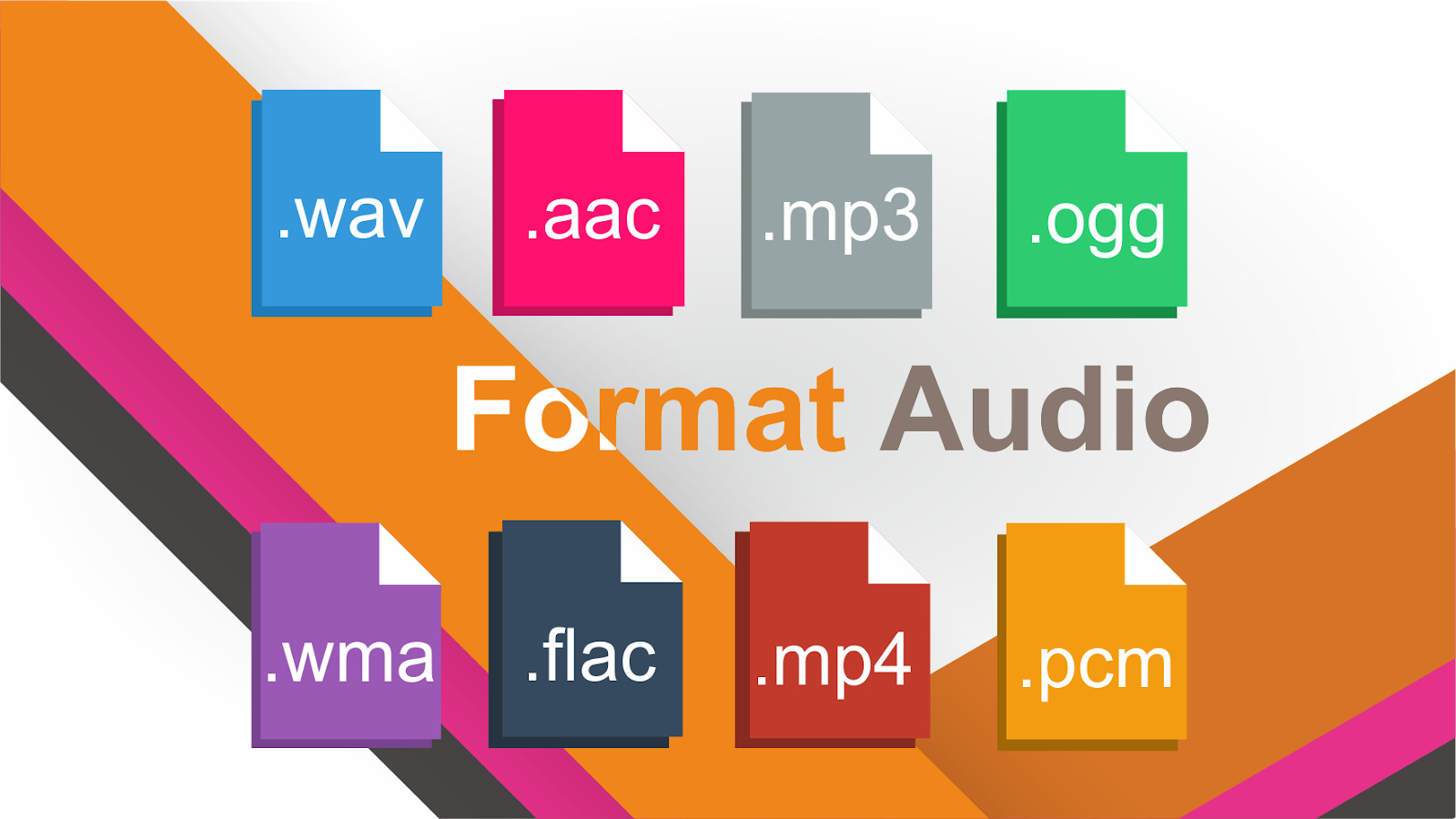
Detailed Music Format Part 2

Detailed Music Format Part 2

Music Format
Music Format

Music CD

Music Format
Music Format


That is, CD records. A CD can play sound files of approximately 74 minutes. The Windows system comes with a CD player. Also, the software that comes with most sound cards provides CD playback functionality, and even some CD-ROM drives are offline. from computer Can be used as a stand-alone CD player when powered on.

WMA with unlimited potential

In developing its own network media service platform, Microsoft primarily promotes ASF (Audio Streaming Format), which is an open standard that supports data transmission over various networks and protocols. It supports audio, video, and a variety of other types of multimedia. And WMA is short for Windows Media Audio, which is equivalent to an ASF file that contains only audio.
The compression ratio of WMA files can be as high as 1:18 in 80kbps 44kHz mode, which is basically the same as VQF. And the compression speed is doubled compared to MP3. So it should be more competitive than VQF.

Vorbis free music format

To avoid rising royalties charged by MP3 music companies, programmers at GMGI’s iCast company developed a new free music format, Vorbis, that rivals or even exceeds MP3 in sound quality. And it will be released over the internet and can be downloaded for free without worrying about infringement issues. But MP3 has become very popular on the Internet, and Microsoft’s Windows Media technology has also started to spread, and Vorbis’s outlook is still not optimistic.

Other audio formats

AIF/AIFF: A sound file format developed by Apple, supported by the MAC platform, and supports 16-bit stereo at 44.1 kHz.
AU: SUN’s AU Compressed Sound File Format, which only supports 8-bit sound, is a commonly used sound file format on the Internet, mainly created by SUN workstations.
CDA: CD audio track file.
CMF: A MIDI-like sound file developed by CREATIVE.
DSP: Abbreviation for digital signal processing. By improving the signal processing method, sound quality will be greatly improved and songs will be more pleasing to the ear.
S3U: MP3 playback file list
RMI: MIDI Instrument Sequence

Lossy compression:

AAC – Sound quality is second only to MPC at high bit rates and looks good at both high and low bit rates. The encoding speed is too slow!
MPC: Performance is average at low bitrate, not as good as MP3 and OGG encoded by Mp3Pro, sound quality is best at high bitrate, and encoding speed is
fast.OGG: The sound quality is better at a low bitrate, and the same is true at a high bitrate. Encoding is slightly slower.
MP3 (MP3Pro): Sound quality is lower than OGG at low bit rate and other aspects are the same as MP3
WMA: High and low bit rates are average, VBR is not supported and the highest is 192Kbit/s

lossless compression:

FLAC – Worst compression ratio of the four, decent encoding speed, good platform support.
PAC: Slightly slower encoding speed, third in compression ratio, good platform support.
APE: The fastest encoding speed, the best compression rate, and the platform is generally supported.
WV: The encoding speed is very fast, the compression rate is second among the four types, and it is only supported by the Windows platform.