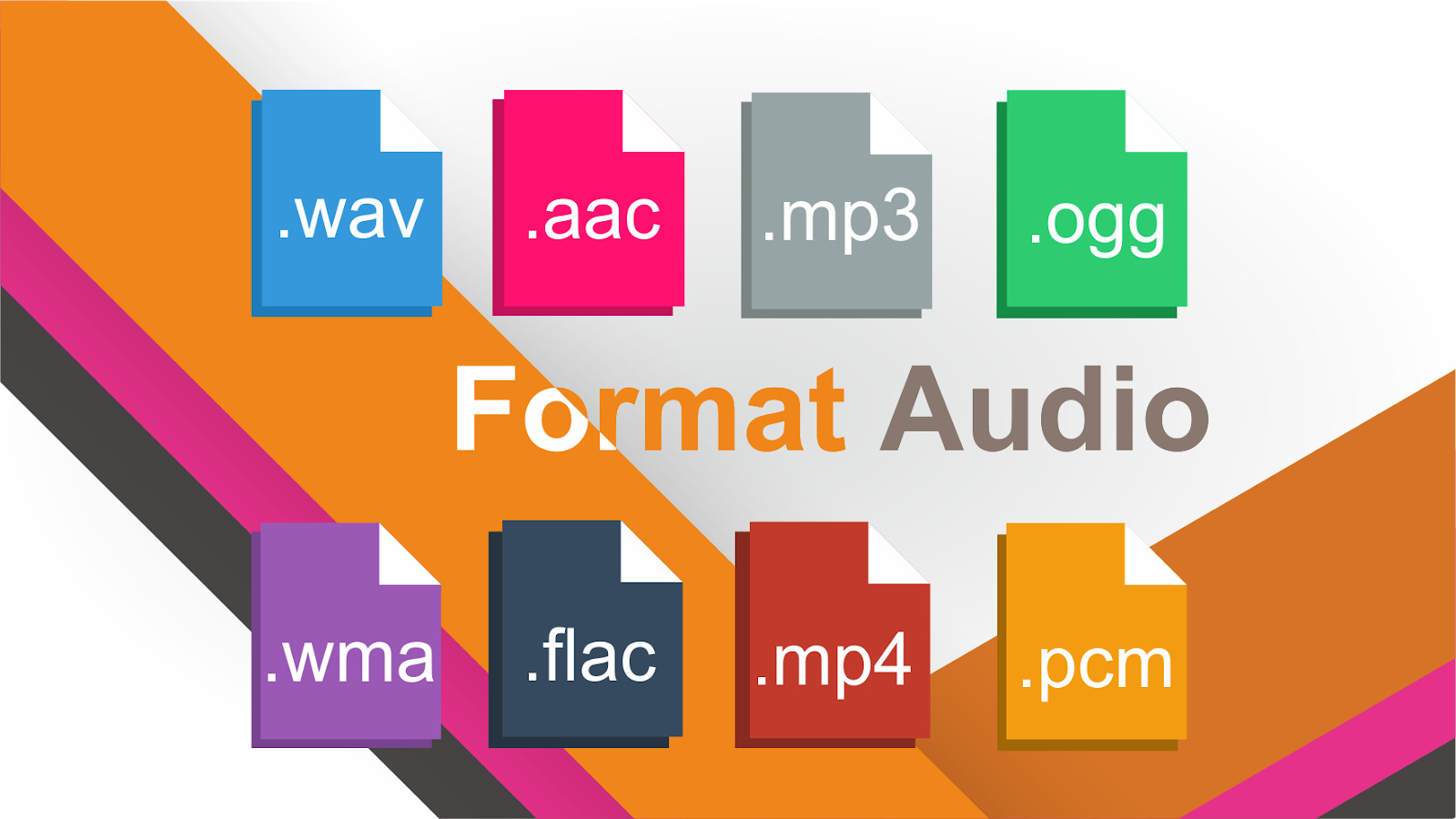
What format is the best? Two fundamental opinions have prevailed over WAV and FLAC. The audio test reveals whether the perceived sound differences between theoretically identical music files are correct.
The music file on the hard disk consists of several components that are in a “package”. In addition to the actual music data, the container contains information about the format, resolution, and album information (metadata).

In the WAV container format, PCM (CD) data is saved uncompressed and lossless. FLAC saves the data in a way that saves more space. This is known as lossless compression. The two basic views of FLAC / WAV are:
The FLAC and WAV containers have identical data registers, and therefore sound absolutely the same, based on a technical abstraction (bits are bits).
WAV sounds clearly better than FLAC based on subjective listening experience.
Who has the reason
The two basic questions are:
Is the music data in the two WAV / FLAC containers identical?
Does the playback of the data, which includes the FLAC unpacking process, produce sound relevant errors?
For the comparison to be meaningful, the two files must come from the same source or have gone through the same extraction process.
FLAC offers different compression rates from 0 = no compression to 9 = high compression and smaller file size. The standard value is 5 and offers a medium level of compression and a reduction in file size of about 45 percent. The FLAC encode-decode process is asymmetric, that is, the computational effort to encode (once) is greater than to decode (multiple times / playback).
An extraction program uses the checksum to check if the data was extracted without errors. Good to know: encoding the data and filling the container with audio and metadata only takes place after the extraction process has completed. This means that the extraction process in the first stage is always the same, regardless of the container format to which the data is transferred in the second stage. Also, metadata and audio data are not nested with each other. Each item has its own storage area in the container.
How can the files be compared to each other?
Two teams of exactly the same force in a tug-of-war competition do not move from the venue, as 180 degrees opposite, equally large forces cancel out. In audio technology, exactly this principle is used to compare audio signals. With the call set to zero, the two audio signals to be tested are added, that is, they are mixed. Before mixing, one of the two is reversed (mirrored). A previously positive half wave is now negative and the negative half wave is correspondingly positive.
If there is no difference between the WAV and FLAC data, the result after mixing should be a zero, graphically a straight line (the two files are added to one file). If the musical data is not absolutely identical, then the graph shows a wavy line (the difference in level between the two signals). If the level of the inverted WAV signal is reduced by 0.1 dB, the two audio signals are no longer identical. The waveform remains unchanged, but there is a level difference that must be recognized as a difference signal when zeroing.
conclusion
The FLAC process does not change the binary data in any way. FLAC and WAV audio data are identical, the compression process is bit accurate. If small differences can be heard in a system, processing errors occur during runtime (primarily, the process computer generates errors on the time axis due to additional computational effort). In other words: the system produces the hearing difference. Just like a CD, played on two different systems, it can sound different.