FLAC is a lossless audio format that offers excellent sound quality. However, the volume of FLAC files can vary, which can be annoying when listening to music. Normalization is the process of adjusting the volume of audio files so that they have a consistent level. This can help to ensure that your FLAC files sound their best, regardless of the playback device or software you use.
There are a number of different ways to normalize FLAC files. One popular option is to use mp4gain. mp4gain is a tool that can be used to normalize FLAC files on Windows.
To use mp4gain, simply download the software and install it on your computer. Once installed, open mp4gain and select the FLAC files that you want to normalize. You can then adjust the target volume level. The default target volume level is 89dB, but you may want to adjust this level depending on your preferences.
Once you have set the target volume level, click on the “Normalize” button. mp4gain will then normalize the FLAC files and save them to your computer.
Why Normalize FLAC Files?
There are a few reasons why you might want to normalize FLAC files. First, normalization can help to improve the overall sound quality of your FLAC files. When FLAC files are not normalized, the volume of each file can vary, which can make it difficult to listen to music in a consistent way. Normalization helps to ensure that all of your FLAC files have a consistent volume level, which can make your music sound better.
Second, normalization can help to prevent clipping. Clipping occurs when the volume of an audio file is too high and the waveform reaches the maximum level. This can cause distortion and make your music sound unpleasant. Normalization can help to prevent clipping by ensuring that the volume of your FLAC files is not too high.
Finally, normalization can help to make your FLAC files more compatible with different playback devices and software. Some playback devices and software have different volume settings, which can make it difficult to get your FLAC files to sound the same on all devices. Normalization can help to ensure that your FLAC files sound consistent regardless of the playback device or software you use.
How to Use mp4gain
Using mp4gain to normalize FLAC files is very simple. Here are the steps involved:
Download and install mp4gain on your computer.
Open mp4gain and select the FLAC files that you want to normalize.
Adjust the target volume level. The default target volume level is 89dB, but you may want to adjust this level depending on your preferences.
Click on the “Normalize” button. mp4gain will then normalize the FLAC files and save them to your computer.
**
Final Words About Normalization
Normalization is a simple but effective way to improve the sound quality of your FLAC files. If you want to make sure that your FLAC files sound their best, I recommend using mp4gain to normalize them.
FLAC, or Free Lossless Audio Codec, is a popular format for high-quality digital audio. It uses lossless compression, which means that the audio is compressed without losing any of the original data. This is in contrast to lossy compression, which compresses the audio by removing data that is considered unnecessary. FLAC files typically have a high bit rate, often around 1000 kbps, which allows for the preservation of more audio information.
Why the High Bit Rate?
The reason why FLAC has a high bit rate is that it uses lossless compression. This means that all the audio data is preserved, and the file size is not reduced as much as it would be with lossy compression. While a lossy format like MP3 might have a bit rate of 128 kbps or even lower, FLAC can have a bit rate of up to 5000 kbps or more, depending on the audio content. This high bit rate ensures that the audio is of the highest quality possible.
The Benefits of FLAC
One of the biggest benefits of FLAC is that it offers high-quality audio without sacrificing any of the original data. This means that the audio is reproduced exactly as it was recorded, with no loss of quality. Additionally, FLAC files can be compressed to a smaller size without any loss in quality, which makes them easier to store and share.
The Drawbacks of FLAC
The main drawback of FLAC is that it has a larger file size compared to lossy formats like MP3. This can make it more difficult to store and share, especially when dealing with large collections of audio files. Additionally, not all devices and media players support FLAC playback, which can limit its usefulness in certain situations.
Final Words
In conclusion, the high bit rate of FLAC is a result of its lossless compression, which preserves all the original audio data. While this makes FLAC files larger in size, it also ensures that the audio is of the highest quality possible. Despite its drawbacks, FLAC remains a popular format among audiophiles and music enthusiasts who demand the best possible audio experience.
YouTube is a great platform for streaming and watching videos. However, sometimes you may want to listen to the audio of a YouTube video without the need for the video itself. This is where converting YouTube videos to FLAC format comes in handy. FLAC is a lossless audio format that provides high-quality audio playback, making it an ideal choice for music enthusiasts.
YouTube to FLAC
Why Convert YouTube Videos to FLAC Format?
There are several reasons why you might want to convert YouTube videos to FLAC format:
Higher quality audio: FLAC is a lossless audio format, which means that the audio quality is not compromised during compression. This provides a better listening experience for music enthusiasts.
Reduced file size: YouTube videos can take up a lot of storage space, especially if you have many of them. Converting them to FLAC format can help reduce the file size, making it easier to store and manage your music collection.
Offline listening: If you want to listen to your favorite music tracks without an internet connection, you can convert them to FLAC format and save them on your device.
YouTube to FLAC
How to Convert YouTube Videos to FLAC Format
There are several ways to convert YouTube videos to FLAC format. Here are the steps:
Method 1: Using an Online Converter
One of the easiest ways to convert YouTube videos to FLAC format is by using an online converter. Here are the steps:
Go to YouTube and copy the link of the video you want to convert.
Open a new tab and go to a YouTube to FLAC converter website, such as FLVTO.
Paste the YouTube link into the converter’s input box.
Select FLAC as the output format.
Click the convert button and wait for the conversion process to complete.
Download the converted FLAC file to your device.
Method 2: Using a Desktop Software
If you prefer to use desktop software for converting YouTube videos to FLAC format, there are several options available, such as Any Video Converter and Freemake Video Converter. Here are the steps:
Download and install the desktop software of your choice.
Copy the link of the YouTube video you want to convert.
Open the desktop software and paste the YouTube link into the input box.
Select FLAC as the output format.
Click the convert button and wait for the conversion process to complete.
Save the converted FLAC file to your device.
FAQs
Q: Is it legal to convert YouTube videos to FLAC format?
A: The legality of converting YouTube videos to FLAC format depends on the terms of service of YouTube and your local copyright laws. It is always advisable to check the terms of service and copyright laws in your country before converting YouTube videos to any format.
Q: Can I convert YouTube videos to other audio formats besides FLAC?
A: Yes, you can convert YouTube videos to various audio formats, such as MP3, AAC, and WAV, among others.
Convert Youtube Videos to FLAC
Convert Youtube videos to FLAC format to enjoy high-quality audio playback. FLAC, or Free Lossless Audio Codec, is a popular audio format known for its lossless compression, preserving the original audio quality without any loss of data.
Extract Audio from Youtube Videos as FLAC
Extracting audio from Youtube videos and saving them as FLAC files allows you to build a collection of high-fidelity audio tracks. FLAC provides excellent sound quality and is well-suited for audiophiles and music enthusiasts.
Preserving Youtube Sound in Lossless FLAC
Preserve the sound quality of Youtube videos by converting them to FLAC. This lossless format ensures that every detail of the audio, including subtle nuances and dynamics, remains intact for an immersive listening experience.
High-Quality Youtube to FLAC Conversion
Ensure a high-quality conversion from Youtube to FLAC with the right tools and techniques. By utilizing reliable conversion methods, you can achieve an accurate representation of the original audio, delivering an enjoyable listening experience.
Converting Youtube Audio to Lossless FLAC
Converting Youtube audio to lossless FLAC format eliminates any loss of quality during the conversion process. This means that the resulting FLAC files will faithfully reproduce the original audio, maintaining its full dynamic range and clarity.
Youtube Video to Studio-Quality FLAC
Transform Youtube videos into studio-quality FLAC audio files. FLAC’s lossless compression ensures that you can experience the same audio quality as professional studio recordings, enhancing your listening pleasure.
Enjoy Youtube Music in FLAC Format
Enjoy your favorite Youtube music tracks in FLAC format for an enhanced audio experience. FLAC’s lossless compression allows you to hear the music as it was intended, with all the nuances and details preserved.
Lossless Conversion: Youtube to FLAC
Perform lossless conversion of Youtube videos to FLAC for the best audio quality. This conversion method guarantees that the resulting FLAC files will be a perfect replica of the original audio, maintaining the highest fidelity.
Preserve Youtube Sound Quality with FLAC
Preserve the original sound quality of Youtube videos by converting them to FLAC. By choosing FLAC as the output format, you ensure that the audio is faithfully reproduced without any degradation, providing a true-to-source listening experience.
Youtube to FLAC Converter: Retain Audio Integrity
Use a Youtube to FLAC converter to retain the audio integrity of Youtube videos. FLAC’s lossless compression algorithm ensures that the converted files maintain the same audio quality as the original, guaranteeing a seamless transition.
Lossless Audio Extraction: Youtube to FLAC
Perform lossless audio extraction from Youtube videos and save them as FLAC files. This method ensures that every detail of the audio is preserved, allowing you to enjoy the highest quality sound reproduction.
Youtube Audio Download in FLAC Format
Download Youtube audio in FLAC format for superior audio quality. FLAC’s lossless compression guarantees that you can enjoy the music without any compromise in sound fidelity, capturing all the nuances and dynamics.
Convert Youtube Music Videos to FLAC
Convert Youtube music videos to FLAC format to enjoy them as high-quality audio files. FLAC’s lossless compression ensures that the converted files retain the original audio quality, offering an immersive listening experience.
Lossless Youtube to FLAC Conversion Process
Follow a lossless Youtube to FLAC conversion process to preserve the audio quality. This process ensures that there is no loss of data during the conversion, resulting in FLAC files that faithfully represent the original audio.
Youtube to FLAC: Uncompromised Audio Quality
Choose Youtube to FLAC conversion for uncompromised audio quality. FLAC’s lossless compression allows you to enjoy Youtube audio tracks with the same level of detail and fidelity as the source material.
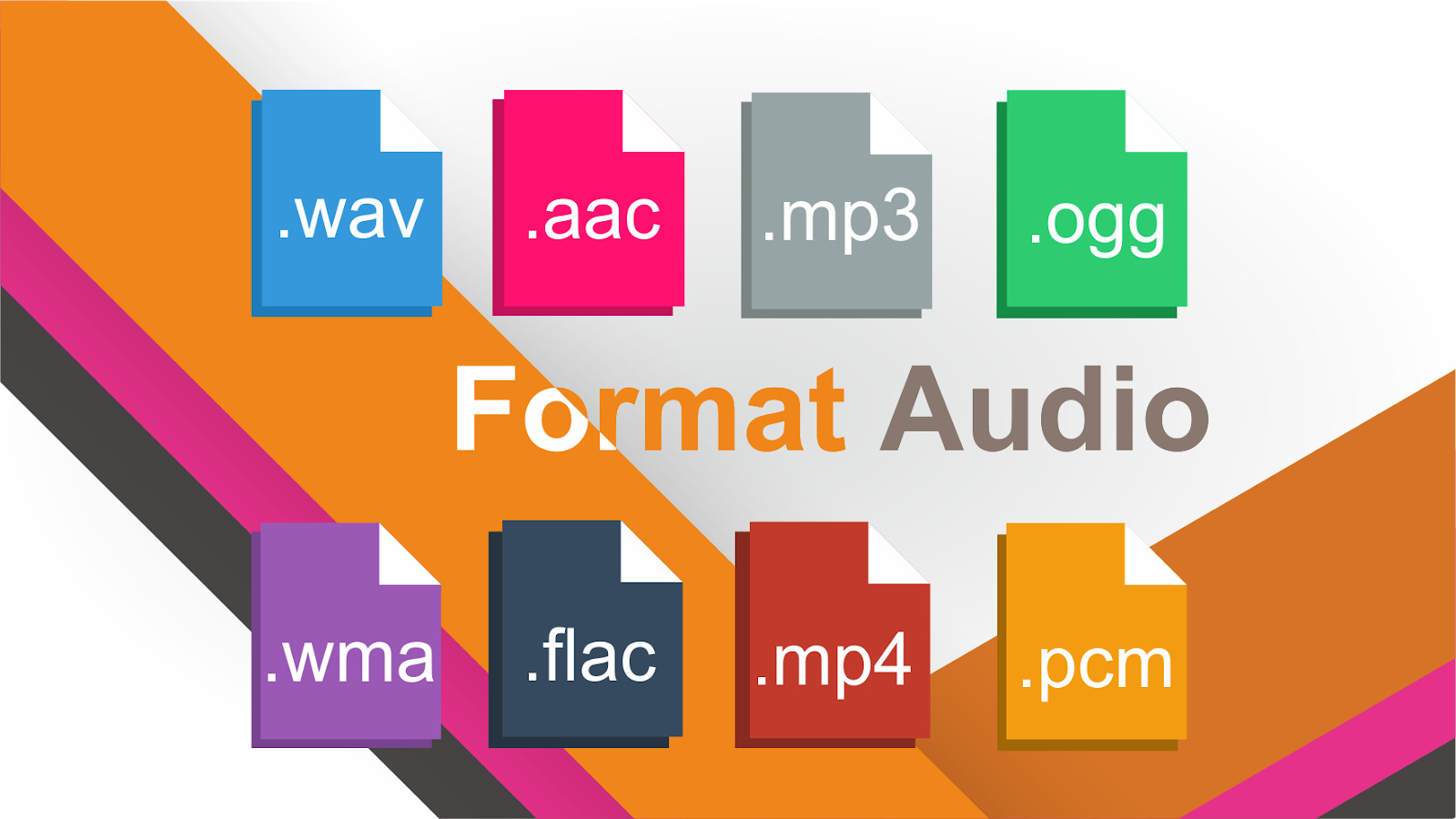
There are various types of audio files on the market today, and even though we are all familiar with MP3, what about AAC, FLAC, OGG or WMA?
Audio file formats
Why are there so many audio standards? Is there a better audio format? Which ones are important and which ones can be ignored? This is pretty straightforward once you realize that all audio formats fall into three broad categories. If you know what the categories mean, you can choose the format within the categories that best suits your needs. Today 2T will take you familiar with ten common audio file formats.
uncompressed audio format
Uncompressed audio consists of actual sound waves that have been captured and converted to a digital format without any additional processing. So uncompressed audio files tend to be the most accurate, but they take up a lot of disk space, around 34MB per minute for 24-bit 96KHz stereo.
Audio File Format: PCM
PCM stands for pulse code modulation, a digital representation of the original analog audio signal. Analog sounds exist as waveforms. To convert a waveform to digital bits, the sound must be sampled and recorded at specific intervals (or pulses).
This digital audio format has a “sample rate” (how often the samples are taken) and a “bit depth” (how many bits are used to represent each sample). There is no compression involved. A digital recording is an almost exact representation of an analog sound.
PCM is the most widely used audio format on CDs and DVDs. There is a subtype of PCM called linear pulse code modulation, where samples are taken at linear intervals. LPCM is the most common form of PCM, which is why the two terms are pretty much interchangeable at this point.
Audio File Format: WAV
WAV stands for Waveform Audio File Format (also known as Windows Audio at some point). This is a standard established in 1991 by Microsoft and IBM.
Many people think that all WAV files are uncompressed audio files, but this is not the case. WAV is a Windows container for different audio formats. This means that WAV files can contain compressed audio, but they are rarely used for this purpose.
Most WAV files contain uncompressed audio in the PCM format. WAV files are simply wrappers around the PCM encoding to make them more suitable for use on Windows systems. However, Mac systems can usually open WAV files without any problem.
Analyzing the difference edit transmission
FLAC is different from MP3.
FLAC audio format
MP3 is a lossy audio compression code, but FLAC is lossless compression, which means that the audio will not lose any information after being compressed with the FLAC code. After restoring the FLAC file to a WAV file, the content of the WAV file before compression itself. This compression is similar to ZIP, but the compression rate of FLAC is higher than ZIP and RAR, because FLAC is a compression method specially designed for PCM audio characteristics. And you can use the player to play FLAC compressed files directly, just like you usually play MP3 files (there are already many FLAC-compatible car players and home audio equipment, and you can find links to these equipment manufacturers on the website of FLAC).
FLAC
FLAC
FLAC is free and is compatible with most operating systems, including Windows, systems built on Unix-like kernels ( Linux , BSD , Solaris, IRIX, AIX, etc.), BeOS, OS/2, Amiga. And FLAC provides a compilation system in autotools, MSVC, Watcom C and Project Builder development tools.
Now all the major websites have FLAC music downloads, publishers usually take the .
Lossless format combined with good headphone effect is very good.
projectedit transmission
Streaming format FLAC
Reference encoders and decoders provided as libraries;
flac, a command line program that can encode and decode FLAC files;
metaflac, a metadata editor for FLAC files that works from the command line.
FLAC input plugin for different audio players
FLAC
FLAC
When we say “FLAC is free” we don’t just mean that you can get it for free. More importantly, the FLAC file format is completely open to the public and you can use it for any purpose (FLAC project only reserves the right to maintain the FLAC format specification and confirm compatibility features), the FLAC file format, and the encoding/decoding implementation. They are not subject to any known patents. Also, all source code is available under an open source license.
Development history edit stream
The FLAC project was started in 2000 by Josh Coalson. The FLAC bitstream format was frozen when it entered beta phase and when reference implementation version 0.5 was released on January 15, 2001.
In June 2001, FLAC released version 1.0.
FLAC
On January 29, 2003, the “Xiph. Org” foundation and the FLAC project announced that FLAC has become an independent company banner under “Xiph. Org”. In addition, “Xiph. Org” also provides support for many free compression formats. Like Vorbis, Theora, Speex, etc.
On September 17, 2007, FLAC released version 1.2.1.
June 1, 2013 First update in six years, from v1.2 to v1.3. Major changes include: support for RF64 and Wave64 formats, support for ReplayGain for audio sample rates up to 192 kHz, and more.