Dissecting Audio Lossy Formats


Free Download Mp4Gain
picture

Dissecting Audio Lossy Formats: Technical Mechanisms and Trade-offs


Audio Lossy Formats
Audio Lossy Formats
Audio Lossy Formats
Audio Lossy Formats

Understanding Audio Compression

As an audio enthusiast, I have always been fascinated by the technology behind audio compression. Audio compression is the process of reducing the size of an audio file by removing or reducing redundant or irrelevant information. This is done to make the file smaller and more manageable, especially for streaming and other bandwidth-limited applications.
There are two types of audio compression: lossless and lossy. Lossless compression preserves all of the original audio data, while lossy compression removes some of the data to achieve a smaller file size. Lossy compression is the most common type of audio compression used today, and it is used in a wide range of applications, from music streaming services to podcasting.

Audio Compression Techniques

There are many different techniques used in audio compression, each designed to optimize audio quality and reduce file size. One of the most important techniques is perceptual coding, which involves analyzing the human perception of sound and using that information to remove or reduce irrelevant information.
Another important technique is psychoacoustic modeling, which is used to identify and remove sounds that are not perceptible to the human ear. As the book “The Art of Digital Audio” explains, “Psychoacoustic modeling is a technique that takes advantage of the limitations of human hearing to remove sounds that are not perceptible to the listener.”
In my experience, understanding these techniques and how they work together is essential for optimizing audio quality and reducing file size. By using the right combination of techniques, you can achieve excellent audio quality while minimizing file size.

Audio Compression Trade-offs

One of the key trade-offs of audio compression is the balance between audio quality and file size. As the book “The Audio Programming Book” explains, “The more you compress an audio file, the smaller it becomes, but the more audio quality you lose.”
In my experience, this trade-off is particularly important for musicians and sound engineers. By understanding the trade-offs between audio quality and file size, you can make informed decisions about how to compress your audio files for different applications.
Overall, dissecting audio lossy formats is essential for anyone working with audio. By understanding the technical mechanisms and trade-offs of audio compression, you can optimize your audio quality and file size, making it ideal for a wide range of applications.
Final words:
In conclusion, audio compression is a powerful technology that offers excellent audio quality at reduced file sizes. By understanding the techniques and technologies behind audio compression, you can optimize your audio quality and file size, making it ideal for streaming and other bandwidth-limited applications. And if you’re looking for a powerful tool to help you normalize and convert your audio and video files, be sure to check out mp4gain.



Free Download Mp4Gain
picture


Mp4Gain Main Window
picture


Mp4Gain Features
picture


Free Download Mp4Gain
picture

The Benefits of Lossless Audio Formats

The Benefits of Lossless Audio Formats

Lossless Audio Formats

Lossless Audio Formats Explained

As an audiophile, I always strive to achieve the highest possible quality of sound. Lossless audio formats such as FLAC, ALAC, and WAV are my go-to choices when it comes to digital music. These formats use audio compression algorithms that preserve all the original audio data while reducing the file size. This means that the music you listen to sounds exactly as the artist intended it, without any loss of quality.
When I first discovered lossless audio formats, I was blown away by the difference in sound quality compared to lossy formats like MP3. The music was clearer, more detailed, and had a wider dynamic range. The benefits of lossless audio formats are not just limited to the listening experience, they also have practical benefits. Lossless files take up less storage space on your device than uncompressed audio files like WAV, and can be easily streamed over the internet without compromising quality.

As the famous musician David Byrne once said, “Lossless audio formats offer an uncompromising listening experience that allows you to hear every nuance of a recording. It’s like hearing the music for the first time.”

The Advantages of FLAC and ALAC

FLAC and ALAC are two of the most popular lossless audio formats. They are both open-source and free to use, which means they have a wide range of support across different devices and software. FLAC has become the de facto standard for lossless audio on the internet, while ALAC is the preferred format for Apple devices.
One of the biggest advantages of FLAC and ALAC is their ability to handle high-resolution audio. These formats can handle audio at up to 24-bit/192kHz, which is significantly higher than the 16-bit/44.1kHz standard of CD-quality audio. This means that you can listen to your favorite music with even greater detail and clarity.

In addition, FLAC and ALAC both have robust error correction capabilities. This means that if a file is corrupted during download or transfer, the audio data can still be recovered without any loss of quality. This is a major advantage over lossy formats like MP3, which cannot recover from data errors.

The Benefits of WAV

WAV is a lossless audio format that has been around since the early days of digital audio. It is the standard format for audio CDs, and is widely used in professional audio production. One of the main benefits of WAV is its compatibility with a wide range of hardware and software.
WAV files are uncompressed, which means that they retain all the original audio data. This makes them ideal for situations where maximum audio quality is required, such as mastering and archiving. In addition, WAV files can be edited without any loss of quality, making them the preferred format for audio engineers and producers.

As the great music producer Rick Rubin once said, “WAV files are the gold standard for audio quality. They offer the most accurate representation of the original recording, and are essential for anyone serious about music production.”

Final Words

In conclusion, lossless audio formats offer a superior listening experience compared to lossy formats like MP3. Whether you choose FLAC, ALAC, or WAV, you can be sure that you are getting the best possible sound quality. As an audiophile, I highly recommend using lossless audio formats for your music collection. And if you’re looking for a reliable and efficient way to normalize and convert your audio files, MP4Gain is the perfect solution.

What are lossless file formats

Whether it is image, music or video files, it is important to understand the difference between different types of formats and when to use them. Using the wrong format can ruin the quality of a file or make the file size unnecessarily large.

file audio differenze

Some types of media file formats are “lossy” and some types “lossless”. We will explain what these terms mean for the benefits of each type of file format and why you should never convert lossy to lossless formats.

Compression explained.

We use compression to make files smaller so they can retrieve faster and take up less storage space. For example, when you take a photo, your camera captures all the light you can get and collects an image. If you save the image in RAW format, which retains all the clear data that the camera sensor receives, the image can reach 25 MB. (Depending on image resolution: A multi-megapixel camera provides a larger image.)

comprimere i-grandi-audio

If we upload these files to a social network or put them on a website, we don’t want these image files to take up so much space. A photo gallery with RAW images could take hundreds of megabytes of space. RAW formats can be used by professional photographers to maintain high image quality during the editing process, but they are not intended for the average person.

Instead, our camera or smartphone converts the image into a JPEG file. JPEG files are much, much smaller than RAW images. When you convert RAW to JPEG, some of the image data is “discarded”, which produces a much smaller file. The conversion process uses a compression algorithm that works well for photos, so they can look pretty good despite compression. You can still see compression elements, depending on the quality settings.

Note that lost formats generally have a setting that controls their loss. For example, JPEG has a variable quality setting. Low quality produces a smaller JPEG image file, but the image quality is significantly poorer. Below is a close-up example of a lost JPEG: various “compression artifacts” can be seen.

We call RAW a “lossless” format because it retains all the original data in the file, while we call JPEG a “lost” format because some data is lost when we convert an image to JPEG. However, these are not the only design and loss-free formats.

Images: RAW, BMP and PNG are all image formats without data loss. JPEG and WebP are lost image formats.
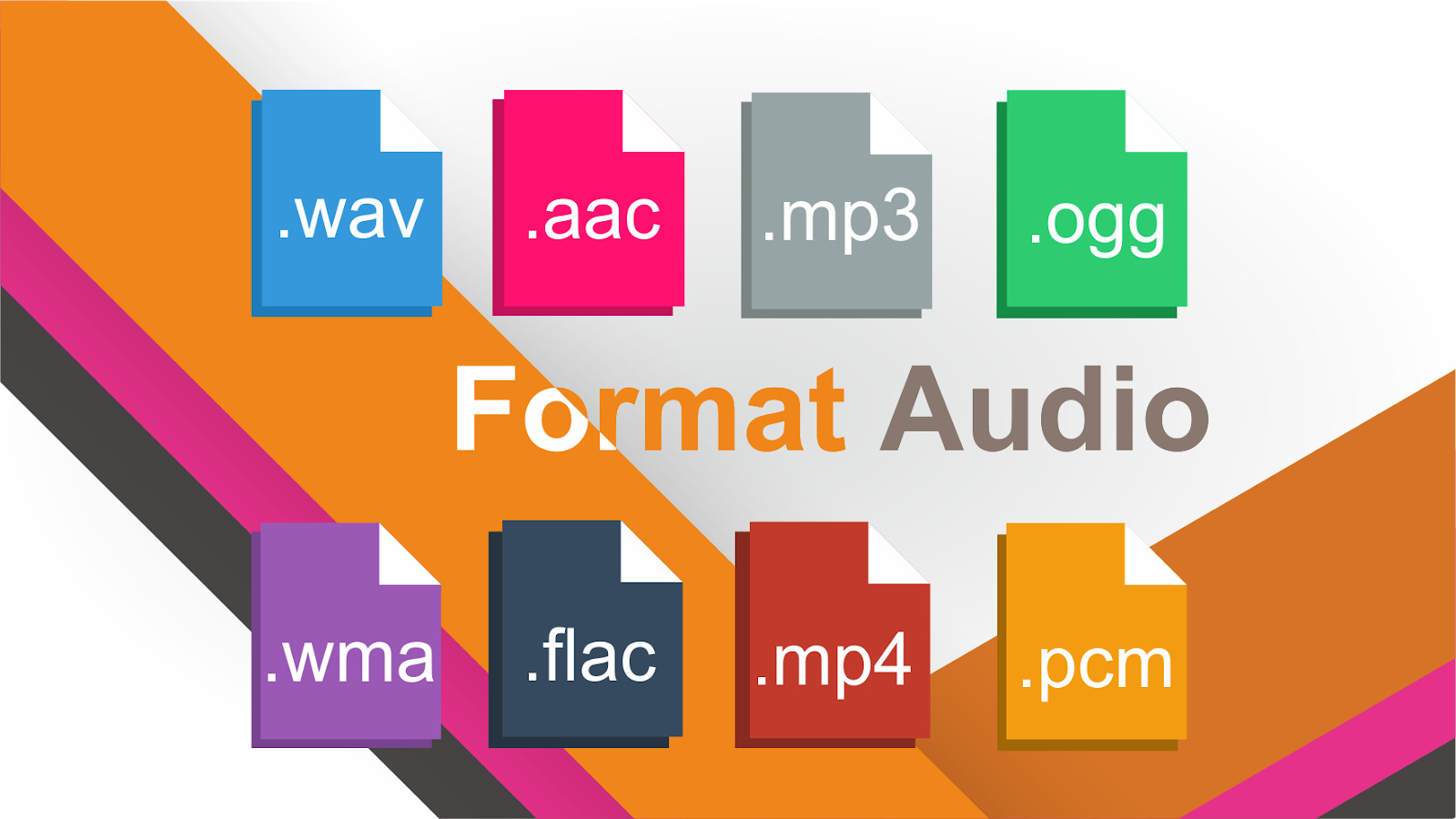
Audio: WAV is a container file that is often used to contain lossless audio, although it is also capable of containing lost sound. FLAC is a lossless audio format, while MP3 is a lossless audio format.
Video: Consumers use few lossless video formats as they involve video files taking up a large amount of space. Common formats like H.264 and H.265 are all lost. H.264 and H.265 can deliver smaller files with higher quality than previous generations of video codecs because it has a “smarter” algorithm that is better at choosing which data to discard.
Some of these lossless formats also provide compression. For example, a WAV file generally contains uncompressed audio and takes up little space. A FLAC file may contain the same lossless sound as a WAV file, but it uses compression to continue creating a smaller file. Formats like FLAC provide no data: they store all data and compress them intelligently, just like ZIP archives. However, they are still much larger in size than MP3s that throw a lot of data.

A conversion can be a loss, even between formats without data loss. For a conversion to be effectively lossless, the data in the original file must fit within the destination file. For example, loss without FLAC files only supports 24-bit audio. If you converted a WAV file containing 32-bit PCM audio to FLAC, the conversion process must generate some data. The conversion process between a WAV file containing 24-bit PCM audio in FLAC would be lossless.