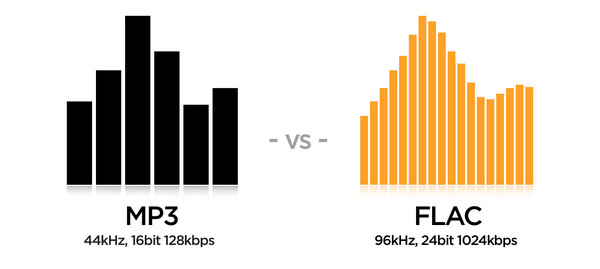
MP3 and FLAC audio formats Part 6

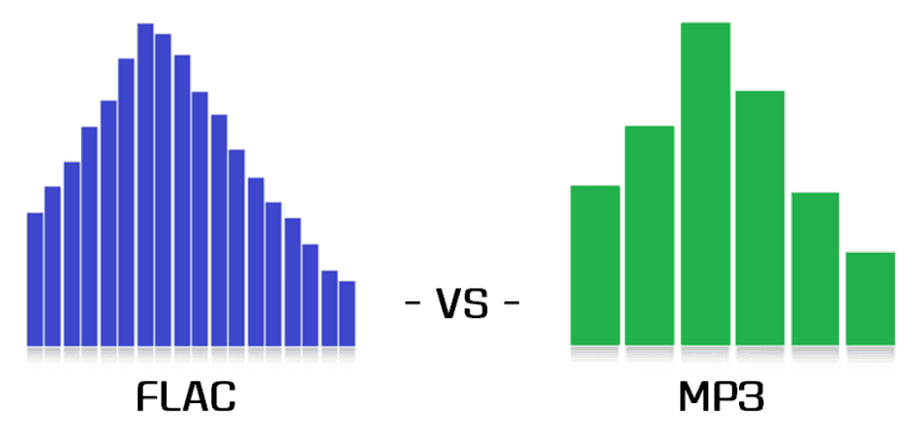
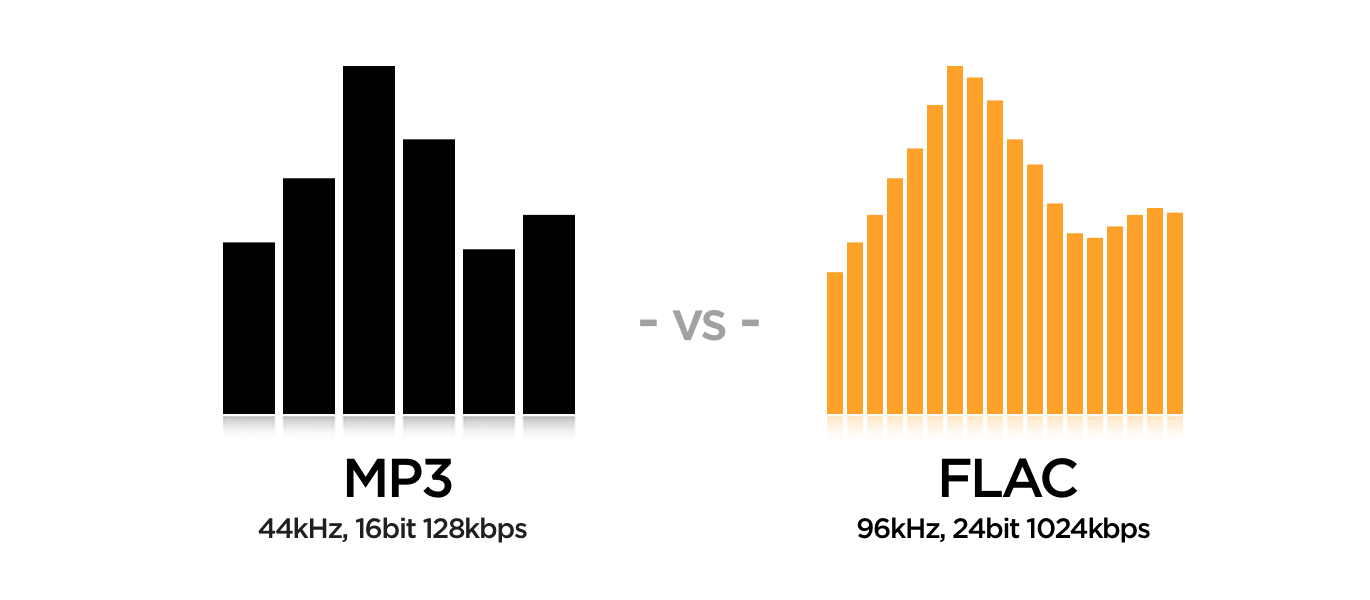
At the conclusion of this article, I cannot ignore one of the most popular questions from locals: which is better, FLAC or MP3?
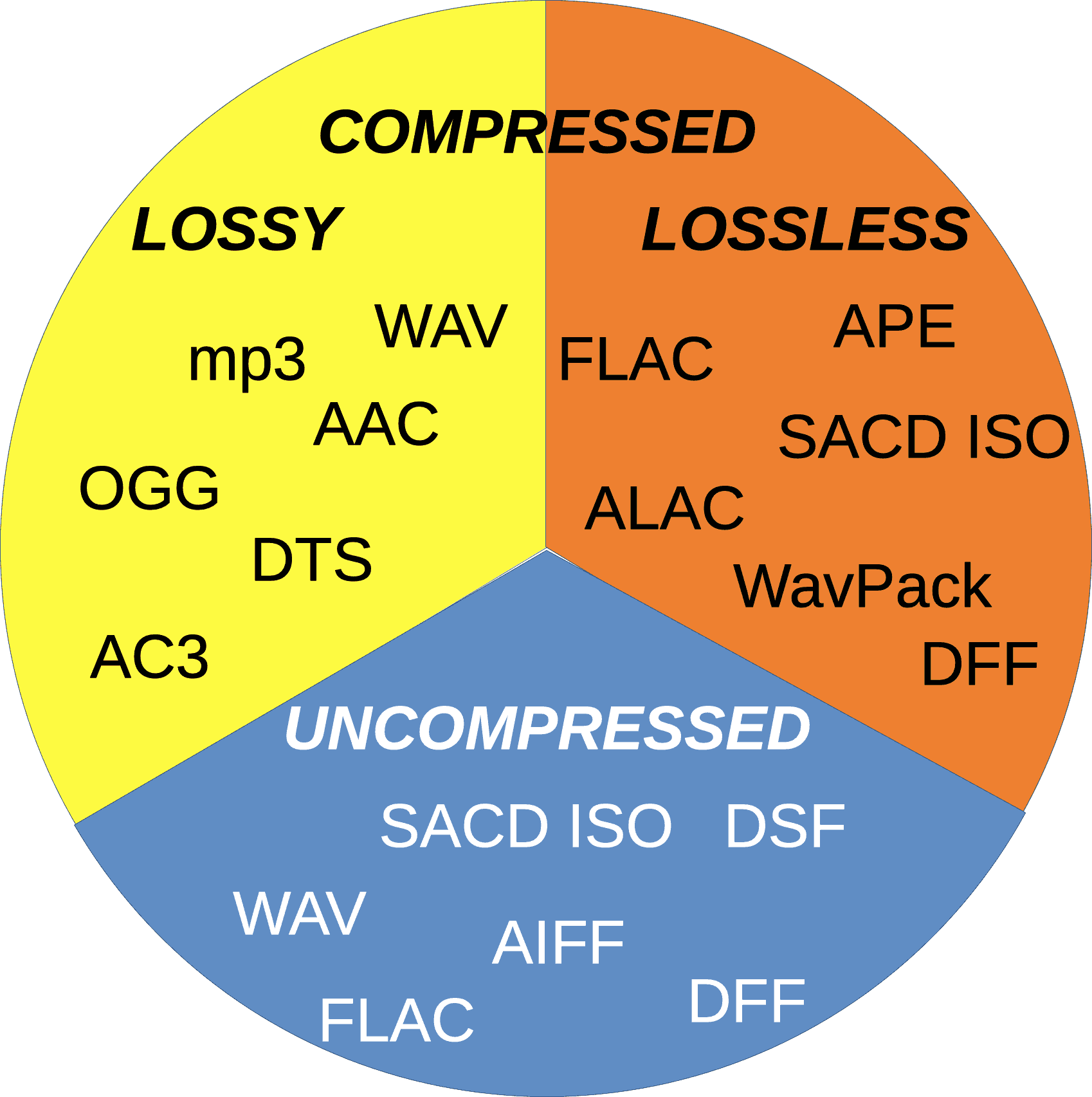
The questioner generally wants to get a simple, unequivocal, and fair answer in all cases. However, there is no such thing and it cannot be. Below, I will give my opinion on when and why each of the discussed formats should be used.
In terms of sound quality, experience shows that with a competent approach to the MP3 compression process, the difference between MP3 and non-hearing loss formats is very small in the vast majority of situations. Only well-trained people can reliably record differences when listening to proper music on high-end equipment. Yes, there are specially selected test samples where the lossy compression artifacts are clearly visible to everyone, but ask yourself a question: are you planning to listen to these samples or is it just ordinary music? Overall, the bottom line is clear: MP3 is more than adequate as a music storage format for high-quality playback. But I will repeat once more: this thesis is true only if the audio files are prepared correctly. Unfortunately, the web is full of MP3s,
To form your own unbiased opinion on the topic under discussion, I strongly recommend that the reader personally try different formats in blind tests. This is not only educational, but also quite an exciting activity.
Now let’s see the advantages of using FLAC or other lossless formats.
Unlike the situation with MP3, where the quality of the output is highly dependent on the encoder ratings, in principle it is impossible to spoil the sound with compression in FLAC. Therefore, the question of how and how the material was coded loses its relevance (with the exception of the clinical cases of FLAC production by loss described above, but this is easily verified). When listening to lossless music, you can be sure that imperfections in the sound, if any, are not the result of someone’s crooked hands at the compression stage, but rather a property of the original phonogram that you have to accept with.
The same confidence that the registry is stored “as is”, without irreversible loss, provides some people with psychological comfort. In an area as subtle as audio, this factor can be quite significant.
The lossless material is ideal for a variety of processes: it can be compressed into any other format, edited, cut into samples without fear of getting “canned meat” at the output. For those who are serious about sound, this is important.
Isn’t all of the above about you? Then there is no point in bothering with lossless formats, feel free to use MP3 or other lossy formats.
Personally, at home, I save and listen to music mainly in FLAC, and I make MP3 myself if necessary, for example to use on portable devices.