
MP3 and FLAC audio formats
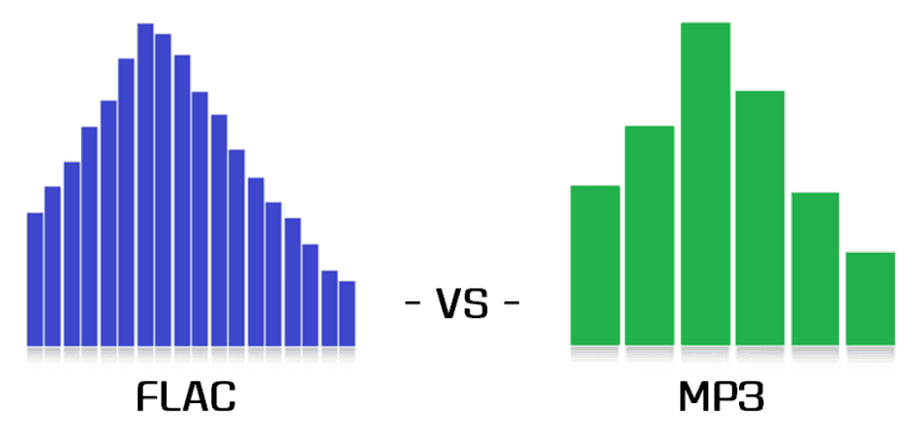
In this post, I want to talk about how to get the best results when compressing music in FLAC and MP3 formats.
In the age of mass distribution of audio and video streaming services, this topic may seem of little relevance, however, as practice shows, this is not the case. First of all, not everyone wants to depend on third-party resources, which at any time can behave as they please, from the introduction of various access restrictions to content to its complete removal. Second, there are many places in the world where the Internet is slow, dreary, and with lunch breaks. Third, the sound quality when listening online is generally quite acceptable to most users, but it can make sophisticated listeners with good equipment bleak. Taking into account all of the above, we can assume
Since this article will focus on Windows console applications, it is assumed that the reader is familiar with the basics of working on the command line on this operating system.
Basic concepts
PCM (pulse code modulation), also known as PCM (pulse code modulation) is a method of representing an analog signal in digital form. It works like this: electrical oscillations are fed into the input of a device called ADC (analog to digital converter), which is an analog audio signal. The ADC measures the level of this signal with a certain frequency and transmits the obtained values to the outside, where they are stored. Thus, a data matrix is formed, which is a sequence of values of the amplitude of the original signal. The process described is called “digitization”. The main problem with storing PCM data in “naked” form is its rather large volume, therefore, for a more rational use of space on the carrier, various digital audio compression algorithms are used.
CDDA (Compact Disc Digital Audio) is a good old audio CD, historically the first mass digital media standard for audio recordings. Despite the fact that in our time the CDDA itself is no longer very relevant, the sound presentation parameters in it (PCM 16 bit / 44.1 kHz / stereo) are still basic for almost all published musical phonograms.
WAV is an audio format commonly used to store uncompressed PCM audio in Windows. The format can also contain compressed data, but in practice this is extremely rare and, one might say, rude. Playing WAV files requires minimal system resources, as no additional information processing is required for this. Saving material in this format is almost always an intermediate step in sound processing in audio editors, CD grabbers, and other similar software. The bit rate of uncompressed WAV with 16-bit / 44.1 kHz / stereo parameters is 1411 kbps, the file size of a five-minute recording in this form is approximately 52 MB.
Encoder (or “encoder” from English “encoder”) is software designed to convert WAV to any other format in order to reduce the amount of stored data.
Decoder – Software or hardware used to play files compressed in the appropriate format or convert them to uncompressed format.
Lossy is the generic name for a family of audio formats that use lossy data compression. Typical family members are MP3, AAC, WMA, Ogg Vorbis. The main characteristic of lossy formats is that when the material is compressed in any of them, a significant part of the original audio information is irretrievably lost and cannot be restored later in any way. Because of this, a high degree of compression is achieved, while the loss is barely perceptible or even invisible to the ear, as only data that is not critical to human perception is discarded.
Lossless is the generic name for a family of audio formats that use lossless data compression. Typical family members: FLAC, Monkey’s Audio (APE), ALAC, WavPack. Unlike lossy formats, here no information is lost during compression, everything happens in the same way as in normal filing cabinets. Paying for complete data security is a significantly lower compression ratio compared to loss.


