In today’s world, it is important to understand the difference between the different audio files available.
The most common and current files are practically the files in the formats MP3, Flac and WAV.
Is there really a difference between MP3, Flac and WAV files? The answer is absolutely yes.

The difference is in the audio quality that these files can play.
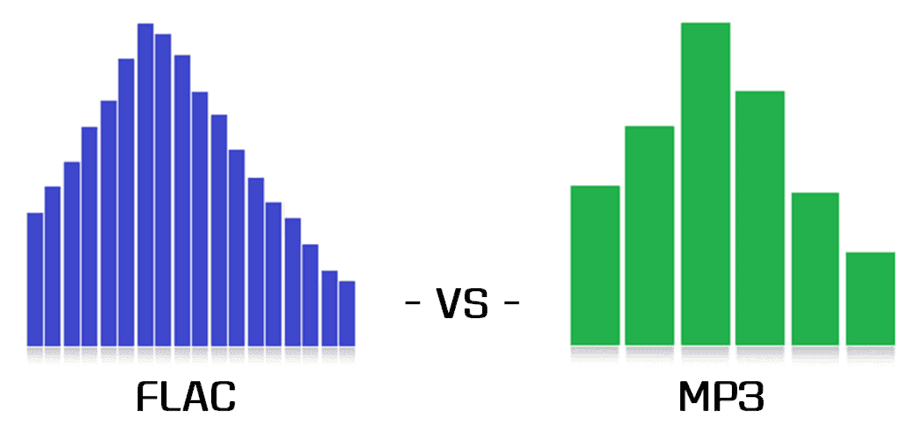
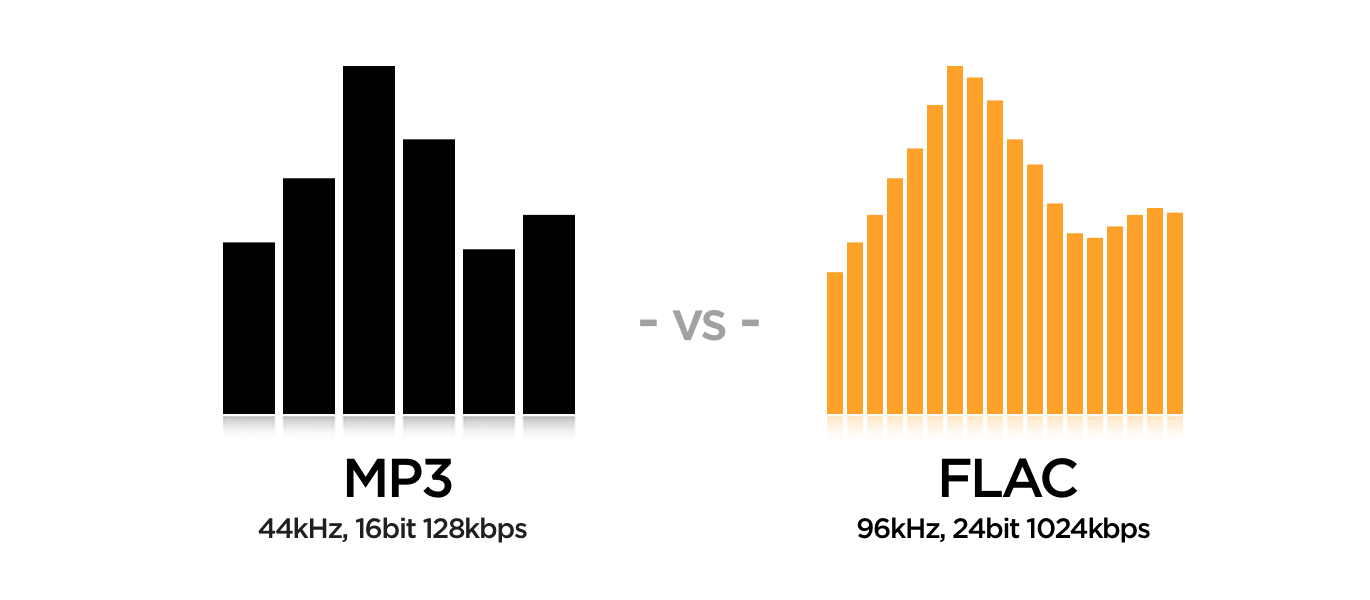
What is the difference between MP3, Flac and Wav files? MP3 files are of lower quality because they are more compact and smaller. Flac files are a kind of compromise. With files in Flac format, it can be of very good quality and remain true to the original, which in any case is compressed by a certain percentage. Finally, there are the WAV files that do not use compression.
Therefore, the quality is better, but the size of these files is quite large, it is not compatible with any device these days.
It may not be easy to understand which audio file to use for your work, especially if you are a beginner in this area.
However, you don’t have to be afraid of it.

Once you’ve learned all the differences between the three audio files, you can really fix the problems by always using the appropriate file.
What are the differences between the categories in detail and when should you use a specific audio file?
Here’s a complete analysis for each audio file format that really helps you understand everything you need to know about MP3, Flac, and WAV files.
What is an MP3 file?
It starts with one of the most common files in the world of information technology, namely the one called MP3.
MP3 files have been around for years, so their development is common.
But what an MP3 file really represents.
Well, a general audio file is a series of numbers obtained by sampling the analog signal.
This scan responds to some parameters, which are the frequency measured in Khz and the resolution expressed in bits.
The MP3 file represents the most compressed form of an audio file, so to speak.
Finally, you need to understand that the MP3 file can remove all unnecessary parts of the digital file from the sequence and the final sampling, taking advantage of some imperfections of the human body to give it a clear and clean melody.
On the other hand, the MP3 file significantly reduces the quality of the sounds played.
In fact, all the different nuances of a certain melody come to the bone.
An MP3 is small if you speak it from the perspective of the memory. You should think of it as a kind of concentrate that gives you a remarkable but not 100% complete end result.
In the most extreme cases, an MP3 file can reduce the original tones and nuances of music or melodies to a percentage of 90%.
However, these formats are widely appreciated and used because they are not only practical and direct, but are now compatible with all technological devices, e.g. B. MP3 players, for which we recommend that you read our guide.
This means you can take them with you at any time and any product you have can read an MP3 file.
What is a flac file?
So at this point you need to understand what a Flac file is.
Well, it should be said that the Flac file has some major differences from its MP3 counterpart.
In fact, a Flac file is much more complex than a regular file and can be reduced by 90%.
First, you need to understand that Flac is actually an acronym that stands for Free Lossless Audio Codec.
It is always a format that is somewhat compressed, but files with this name have a certain property.
In fact, the file is lossless with no loss and maintains higher fidelity than the original sound.
With a Flac file, you have a clearer quality of the audio file, so you can clearly hear some details that can be lost if you use a different audio format.
The limited storage space when using the Flac format is very small and can reach a maximum of 50%.
However, when using such files, you should be aware that their use on the storage hard drive is important.
Not surprisingly, Flac files take up a lot more space than regular MP3s. In some cases, a special reader must be downloaded to read them. Many home theaters and receivers support this compression format.