Enhancing Video Quality: Bitrate and Codec


Free Download Mp4Gain
picture

Enhancing Video Quality: Bitrate and Codec

Enhancing Video Quality: Bitrate and Codec


When it comes to video quality, there are two main factors that you need to consider: bitrate and codec.

Bitrate

Bitrate is the amount of data that is used to encode a video file. A higher bitrate will result in a higher quality video, but it will also result in a larger file size.

The ideal bitrate for a video will depend on a number of factors, including the resolution of the video, the frame rate, and the type of content. For example, a high-resolution video with a high frame rate will require a higher bitrate than a low-resolution video with a low frame rate.

If you are concerned about file size, you can try reducing the bitrate of your video. However, keep in mind that this will also reduce the quality of the video.

Codec

A codec is a type of software that is used to encode and decode video files. There are many different codecs available, and each one has its own strengths and weaknesses.

Some of the most popular codecs include:

H.264: This is a widely used codec that offers good quality and compatibility.
MPEG-4: This is another popular codec that is known for its good quality.
VP9: This is a newer codec that offers better quality than H.264 and MPEG-4, but it is not as widely supported.
When choosing a codec, you need to consider the following factors:

The quality of the video that you want to create
The compatibility of the codec with your devices and software
The file size of the video that you want to create

Conclusion

Bitrate and codec are two important factors that you need to consider when enhancing video quality. By understanding these factors, you can create high-quality videos that are also small in file size.

Here are some additional tips for enhancing video quality:

Use a high-quality camera
Shoot in good lighting conditions
Edit your videos carefully
Optimize your videos for the web
By following these tips, you can create videos that are both high-quality and visually appealing.



Free Download Mp4Gain
picture


Mp4Gain Main Window
picture


Mp4Gain Features
picture


Free Download Mp4Gain
picture

Latest Video Codec Trends

Latest Video Codec Trends

Video Codec
Video Codec
Video Codec
Video Codec

Video Codecs: What They Are and Why They Matter

Video codecs are essential in video compression and playback. They are algorithms that encode and decode digital video data, compressing it for efficient storage and transmission. Without video codecs, it would be impossible to store or stream high-quality video content.

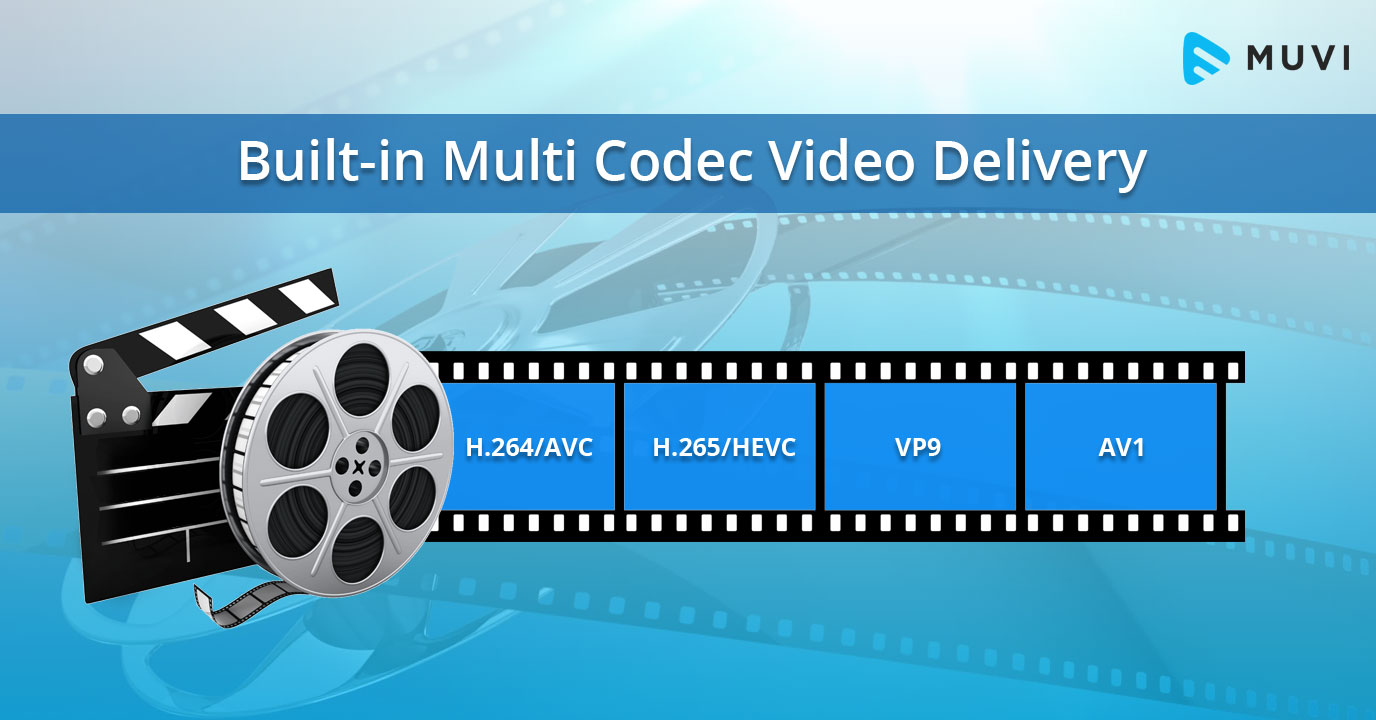
The most popular video codecs today are H.265, VP9, and AV1. H.265, also known as HEVC (High-Efficiency Video Coding), is a codec that offers the same quality as its predecessor (H.264) at half the bitrate. VP9, developed by Google, is an open-source codec that offers better compression efficiency than H.264. Finally, AV1 is a royalty-free codec developed by the Alliance for Open Media, offering even better compression efficiency than VP9.

As video content continues to evolve, so too do video codecs. It’s essential to stay up-to-date with the latest codec trends to ensure your video content is of the highest quality.

Quote: “Video is a powerful tool that can change the world. When you compress video, you’re taking that power and making it more accessible to everyone.” – Kevin Systrom

Latest Video Formats: What You Need to Know

Video formats determine how video data is stored and transmitted. They are also essential in determining playback quality and compatibility. With the advent of 4K and HDR content, new video formats have emerged to meet the demands of high-quality video content.

The most popular video formats today are MP4, AVI, and WMV. MP4 is the most widely used video format, supporting both high-quality video and audio. AVI is an older format but still widely used, while WMV is a proprietary format developed by Microsoft.

Newer video formats like MKV and WEBM offer better compression efficiency and support for 4K and HDR content. MKV, in particular, is an open-source format that offers support for multiple video, audio, and subtitle streams. WEBM, developed by Google, is a royalty-free format that supports high-quality video with a small file size.

Keeping up-to-date with the latest video formats is crucial for ensuring compatibility with modern devices and delivering high-quality video content.

Quote: “Video technology is driving the evolution of the internet.” – Bob Iger

How to Optimize Your Video Content

Optimizing your video content involves choosing the right codec and format for your needs, as well as ensuring your content is of the highest quality. This includes proper encoding settings, resolution, and aspect ratio.

When choosing a codec, consider factors like compression efficiency, compatibility, and licensing costs. For example, H.265 may offer the best compression efficiency, but licensing costs may be prohibitive for some businesses. Similarly, choosing the right format involves considering factors like playback quality, compatibility, and support for modern features like 4K and HDR.

Finally, ensuring your content is of the highest quality involves proper encoding settings, resolution, and aspect ratio. It’s essential to balance quality with file size, ensuring your content is optimized for both playback and streaming.

Quote: “Quality is not an act, it’s a habit.” – Aristotle

Final Words

Video codecs and formats are essential in delivering high-quality video content. Staying up-to-date with the latest trends is crucial for ensuring compatibility with modern devices and delivering the best possible viewing experience.

Understanding Audio Codecs: MP3, AAC, and Ogg Vorbis

Understanding Audio Codecs: MP3, AAC, and Ogg Vorbis

Audio Codecs
Audio Codecs
Audio Codecs
Audio Codecs

AIntroduction

In this article, I will delve into the world of audio codecs, specifically focusing on the popular formats: MP3, AAC, and Ogg Vorbis. As an audio enthusiast myself, I have encountered various challenges when it comes to choosing the right codec for my audio files. Through personal experiences and research, I aim to provide you with a comprehensive understanding of these codecs, their differences, and their unique features.

MP3: The Pioneer of Audio Compression

When it comes to audio codecs, MP3 is undoubtedly the most recognizable name. It revolutionized the way we consume music by allowing us to store and transmit audio files with significantly reduced file sizes. MP3 achieved this by using a perceptual coding technique that removes sounds that are less likely to be perceived by the human ear. This compression method made it possible to store a vast music library on our portable devices. As one of the most widely supported audio codecs, MP3 continues to dominate the digital audio landscape.

AAC: Advancing Audio Quality

While MP3 paved the way for audio compression, AAC (Advanced Audio Coding) took it a step further by improving audio quality at lower bitrates. Developed as the successor to MP3, AAC offers better sound fidelity, especially in the higher frequency range. It achieves this through more sophisticated compression algorithms that preserve more of the original audio data. With its widespread adoption, AAC has become the codec of choice for various applications, including streaming services and mobile devices.

Ogg Vorbis: Open Source Audio Compression

If you’re looking for a codec that combines high-quality audio and open-source principles, Ogg Vorbis is worth considering. Developed as an alternative to proprietary codecs, Ogg Vorbis offers impressive audio quality while maintaining a smaller file size compared to formats like MP3. Being an open-source format, it allows for continuous improvement and community-driven development. Ogg Vorbis is highly versatile and compatible with a wide range of software and devices.

“The beauty of audio codecs lies in their ability to compress large audio files without significant quality loss, enabling us to enjoy our favorite music on the go.” – John, an avid music listener.

Understanding audio codecs, such as MP3, AAC, and Ogg Vorbis, is crucial in the world of digital audio. Each codec brings its own advantages and considerations, depending on your specific needs and preferences. Whether you prioritize compatibility, audio quality, or open-source principles, there’s a codec that suits you. As you explore the vast realm of audio codecs, remember that mp4gain.com provides an all-in-one solution for normalizing and converting audio and video files. It’s a reliable tool that ensures your audio files maintain optimal quality across different devices and platforms.
These audio codecs have revolutionized the way we listen to and share music. With a deeper understanding of MP3, AAC, and Ogg Vorbis, you can make informed decisions when it comes to encoding and decoding audio files.

Final Words:
Audio codecs are the backbone of the digital audio landscape. Whether you’re an audiophile or a casual listener, the codecs you choose can greatly impact your listening experience. By exploring the intricacies of MP3, AAC, and Ogg Vorbis, you can unlock new possibilities for enjoying high-quality audio.

Codecs and Their Importance in Video Production

Codecs and Their Importance in Video Production

Video Codecs
Video Codecs
Video Codecs
Video Codecs


“A codec is a way of encoding and decoding video or audio data so that it can be transmitted, stored and played back efficiently,” says John Watkinson in his book The Art of Digital Video. In essence, a video codec is a software or hardware that compresses and decompresses video data. This process helps to reduce the size of video files, which makes them easier to store, transmit and stream over the internet.

The Function of Video Codecs

“Codecs are used to compress video data to reduce the amount of data that needs to be stored or transmitted,” explains Brian Nadel in his article on Techradar. He adds that codecs “also help to maintain the quality of the video by minimizing any loss of data during compression.” This is done by removing redundant information and compressing the remaining data without affecting the quality of the video.

The Different Types of Video Codecs

“There are two main types of codecs: lossy and lossless,” notes Larry Jordan in his article on Digital Media Net. Lossy codecs, such as H.264 and MPEG-4, compress video data by permanently discarding some of the information in the video. While lossy codecs result in smaller file sizes, they may also compromise the quality of the video. On the other hand, lossless codecs, such as Apple ProRes and Avid DNxHD, preserve all the information in the video, resulting in higher quality videos but larger file sizes.

Choosing the Right Video Codec

“When choosing a video codec, you must consider the final use of the video,” advises Richard Harrington in his book Video Made on a Mac. For instance, if you are creating a video for the internet, you may want to use a codec that results in a small file size without compromising the quality of the video. On the other hand, if you are producing a video for broadcast, you may want to use a lossless codec that maintains the quality of the video but results in a larger file size.

The Advantages of Video Codecs

“Video codecs are essential in modern video production because they help to compress video data, reducing storage space requirements and making video transmission over the internet much faster and smoother,” states Jeff Strong in his article on Lifewire. By compressing video data, codecs also make it possible to store and transmit high-quality videos without consuming excessive amounts of bandwidth.

The Disadvantages of Video Codecs

“Video codecs may also result in a loss of data, which can affect the quality of the video,” cautions Chris Stevens in his article on Adorama. Furthermore, some codecs may not be compatible with certain software or hardware, which can result in compatibility issues when editing or playing back videos. It is therefore essential to choose the right codec that meets your specific needs and requirements.

Final Words

In conclusion, video codecs play an essential role in modern video production, enabling efficient storage, transmission, and playback of video data. By understanding the different types of codecs and their respective advantages and disadvantages, you can choose the right codec for your specific needs and ensure that your videos are of the highest quality while being optimized for storage and transmission.

Lossless video compression

Lossless video compression

Lossless video

In mid-November of last year, I was struck by the news from AlparySoft R&D Company about the launch of a codec developed by it to work with video. And although there are many codecs now, Lossless Video Codec still has one distinctive feature – these are the algorithms used that allow you to compress a video signal without mathematical loss. That is, after the encode-decode process, the source and the final video will be absolutely identical, and the original video is compressed 2 to 5 times.

Lossless

And so, last Saturday (May 15), Lossless Video Codec 2.0 was released. An important innovation was the addition of a lossless compression algorithm, that is, compression in which the human eye cannot differentiate between the original and processed video. The compression ratio here, for obvious reasons, is higher and amounts to 5-15 times.

I managed to learn the details about the new product with the help of Elena, the company’s public relations manager.

– What difficulties did you face when developing lossless compression algorithms?

– As with all other algorithms for processing and analyzing large amounts of data (either by filtering or eliminating data redundancy), there is the problem of choosing between compression quality and performance.

Obviously, the more time you can spend analyzing the data (in our case, it’s a frame from a movie), the better it can be compressed. On the other hand, we are faced with the task of compressing the stream of frames in real time (that is, 25-30 frames per second). Low-level optimization of its individual parts plays an important role in the development process of a program, which, although it is a laborious process, can significantly increase the speed of algorithms.

– Okay, but what does Lossless Video Codec look like in the context of similar products and in particular DivX?

– Compared to similar products, our codec looks pretty decent. For example, the tests and the results of the comparison with the well-known HuffYUV codec can be viewed on our website (www.alparysoft.ru/prod/compression/compress-compare.php).

Comparison with DivX would be wrong as there are several fundamental differences. First, DivX is a lossy codec; In any case, during compression, some information is lost, while in our codec, as noted above, lossless compression algorithms are presented. Second, our codec does not use video information from previous frames to compress a frame, because of this, videos compressed by our codec can be much easier to use for editing in various video editing programs.

– Elena, how long has your team been working on Alparysoft Lossless Video Codec?

– Work on the codec takes just over a year. Three developers participate in it.

– How popular is the codec developed today?

– According to statistics, there were several thousand downloads from the Russian Alparysoft website alone. But our codec is hosted on many sites, mostly foreign. Among them, there are such popular resources dedicated directly to video processing as Dvdrhelp.com and Doom9.com; here we constantly post updates to our programs.

Of course, there are comments and wishes, and advice and criticism from the users of our programs, as the site has a forum: any user can express his opinion about Alparysoft products. I do not pretend to say that absolutely all reviews are positive, but on the other hand, competent criticism and professional advice is always the force that helps to advance, improve, taking into account the requirements of consumers of rapidly developing technologies.

– From what I understand, the codec is free at this stage of development …

– Yes indeed, Alparysoft Lossless Video Codec is a free product and you just need to register online to get started. We took that step to popularize the products and technologies developed.