Video Codec Profiles and Levels: A Guide for Video Creators


Free Download Mp4Gain
picture

Video Codec Profiles and Levels: A Guide for Video Creators

Video Codec Profiles and Levels: A Guide for Video Creators

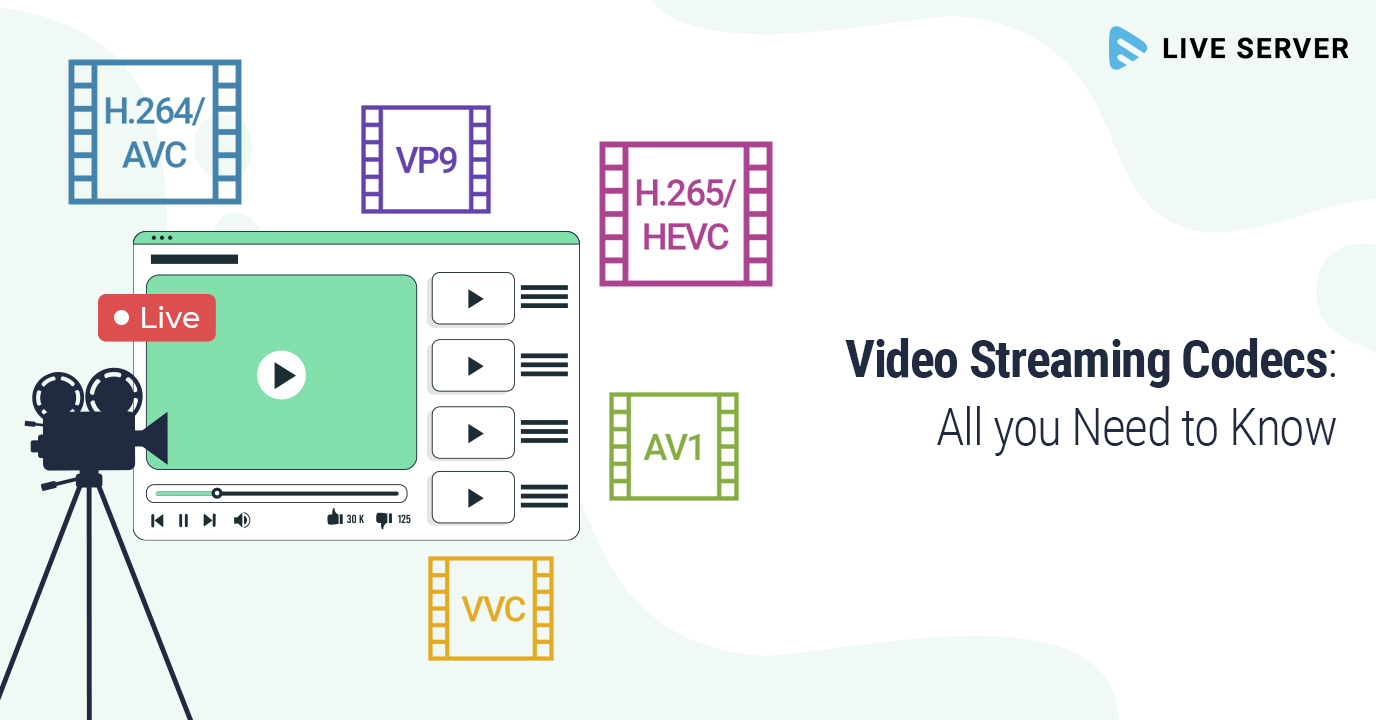
When you’re creating a video, one of the most important decisions you’ll make is the video codec you’ll use. The codec will determine the quality and size of your video, as well as the compatibility with different devices.

Video codecs are divided into profiles and levels. Profiles define the features that are supported by a codec, while levels define the maximum quality and size of a video encoded with that profile.

What are Video Codec Profiles?

Video codec profiles define the features that are supported by a codec. This includes things like the type of frames that are supported, the resolution of the video, and the chroma subsampling.

There are a number of different video codec profiles available, each with its own strengths and weaknesses. Some of the most common profiles include:

Main Profile: This is the most common profile and is supported by most devices. It supports a wide range of resolutions and chroma subsamplings.
High Profile: This profile offers higher quality than the Main Profile, but it is not supported by as many devices.
High 10 Profile: This profile supports 10-bit color, which can provide even higher quality than the High Profile.

What are Video Codec Levels?

Video codec levels define the maximum quality and size of a video encoded with a particular profile. This is determined by factors such as the maximum bitrate and the maximum frame rate.

There are a number of different video codec levels available, each with its own quality and size requirements. Some of the most common levels include:

Level 3: This is the lowest level and supports a maximum bitrate of 10,000 kbps.
Level 4: This level supports a maximum bitrate of 20,000 kbps.
Level 5: This level supports a maximum bitrate of 40,000 kbps.
**

Choosing the Right Profile and Level

The best way to choose the right profile and level for your video depends on a number of factors, including:

The desired quality of the video.
The target audience.
The devices that the video will be played on.
If you’re creating a video for a wide audience, then you’ll want to choose a profile and level that is supported by most devices. If you’re creating a video for a specific audience, then you may be able to choose a higher quality profile and level.

**

Final Words about Video Codec Profiles and Levels

Video codec profiles and levels are an important part of video encoding. By understanding the different profiles and levels, you can choose the right settings for your video, ensuring that it is both high quality and compatible with the devices that you want to play it on.

I hope this article has helped you to understand video codec profiles and levels.


Free Download Mp4Gain
picture


Mp4Gain Main Window
picture


Mp4Gain Features
picture


Free Download Mp4Gain
picture

Lossless video compression

Lossless video compression

Lossless video

In mid-November of last year, I was struck by the news from AlparySoft R&D Company about the launch of a codec developed by it to work with video. And although there are many codecs now, Lossless Video Codec still has one distinctive feature – these are the algorithms used that allow you to compress a video signal without mathematical loss. That is, after the encode-decode process, the source and the final video will be absolutely identical, and the original video is compressed 2 to 5 times.

Lossless

And so, last Saturday (May 15), Lossless Video Codec 2.0 was released. An important innovation was the addition of a lossless compression algorithm, that is, compression in which the human eye cannot differentiate between the original and processed video. The compression ratio here, for obvious reasons, is higher and amounts to 5-15 times.

I managed to learn the details about the new product with the help of Elena, the company’s public relations manager.

– What difficulties did you face when developing lossless compression algorithms?

– As with all other algorithms for processing and analyzing large amounts of data (either by filtering or eliminating data redundancy), there is the problem of choosing between compression quality and performance.

Obviously, the more time you can spend analyzing the data (in our case, it’s a frame from a movie), the better it can be compressed. On the other hand, we are faced with the task of compressing the stream of frames in real time (that is, 25-30 frames per second). Low-level optimization of its individual parts plays an important role in the development process of a program, which, although it is a laborious process, can significantly increase the speed of algorithms.

– Okay, but what does Lossless Video Codec look like in the context of similar products and in particular DivX?

– Compared to similar products, our codec looks pretty decent. For example, the tests and the results of the comparison with the well-known HuffYUV codec can be viewed on our website (www.alparysoft.ru/prod/compression/compress-compare.php).

Comparison with DivX would be wrong as there are several fundamental differences. First, DivX is a lossy codec; In any case, during compression, some information is lost, while in our codec, as noted above, lossless compression algorithms are presented. Second, our codec does not use video information from previous frames to compress a frame, because of this, videos compressed by our codec can be much easier to use for editing in various video editing programs.

– Elena, how long has your team been working on Alparysoft Lossless Video Codec?

– Work on the codec takes just over a year. Three developers participate in it.

– How popular is the codec developed today?

– According to statistics, there were several thousand downloads from the Russian Alparysoft website alone. But our codec is hosted on many sites, mostly foreign. Among them, there are such popular resources dedicated directly to video processing as Dvdrhelp.com and Doom9.com; here we constantly post updates to our programs.

Of course, there are comments and wishes, and advice and criticism from the users of our programs, as the site has a forum: any user can express his opinion about Alparysoft products. I do not pretend to say that absolutely all reviews are positive, but on the other hand, competent criticism and professional advice is always the force that helps to advance, improve, taking into account the requirements of consumers of rapidly developing technologies.

– From what I understand, the codec is free at this stage of development …

– Yes indeed, Alparysoft Lossless Video Codec is a free product and you just need to register online to get started. We took that step to popularize the products and technologies developed.