Video Codec Profiles and Levels: A Guide for Video Creators


Free Download Mp4Gain
picture

Video Codec Profiles and Levels: A Guide for Video Creators

Video Codec Profiles and Levels: A Guide for Video Creators

When you’re creating a video, one of the most important decisions you’ll make is the video codec you’ll use. The codec will determine the quality and size of your video, as well as the compatibility with different devices.

Video codecs are divided into profiles and levels. Profiles define the features that are supported by a codec, while levels define the maximum quality and size of a video encoded with that profile.

What are Video Codec Profiles?

Video codec profiles define the features that are supported by a codec. This includes things like the type of frames that are supported, the resolution of the video, and the chroma subsampling.

There are a number of different video codec profiles available, each with its own strengths and weaknesses. Some of the most common profiles include:

Main Profile: This is the most common profile and is supported by most devices. It supports a wide range of resolutions and chroma subsamplings.
High Profile: This profile offers higher quality than the Main Profile, but it is not supported by as many devices.
High 10 Profile: This profile supports 10-bit color, which can provide even higher quality than the High Profile.

What are Video Codec Levels?

Video codec levels define the maximum quality and size of a video encoded with a particular profile. This is determined by factors such as the maximum bitrate and the maximum frame rate.

There are a number of different video codec levels available, each with its own quality and size requirements. Some of the most common levels include:

Level 3: This is the lowest level and supports a maximum bitrate of 10,000 kbps.
Level 4: This level supports a maximum bitrate of 20,000 kbps.
Level 5: This level supports a maximum bitrate of 40,000 kbps.
**

Choosing the Right Profile and Level

The best way to choose the right profile and level for your video depends on a number of factors, including:

The desired quality of the video.
The target audience.
The devices that the video will be played on.
If you’re creating a video for a wide audience, then you’ll want to choose a profile and level that is supported by most devices. If you’re creating a video for a specific audience, then you may be able to choose a higher quality profile and level.

**

Final Words about Video Codec Profiles and Levels

Video codec profiles and levels are an important part of video encoding. By understanding the different profiles and levels, you can choose the right settings for your video, ensuring that it is both high quality and compatible with the devices that you want to play it on.

I hope this article has helped you to understand video codec profiles and levels.


Free Download Mp4Gain
picture


Mp4Gain Main Window
picture


Mp4Gain Features
picture


Free Download Mp4Gain
picture

Video Codec Comparison: Technical analysis of popular codecs

Video Codec Comparison: Technical analysis of popular codecs

Video Codec
Video Codec
Video Codec
Video Codec

Comparing Video Codecs: In-depth Look

When I first started working with video, I was confused by all the different codecs out there. It’s essential to understand the technical aspects of each codec to make informed decisions. In this section, we’ll dive deep into the world of video codecs and compare their performance, compression efficiency, and compatibility.
One of my favorite quotes from the movie “The Social Network” is, “The internet is not written in pencil, it’s written in ink.” This quote reminds me of the importance of choosing the right codec for your video projects. A poor codec choice can lead to compatibility issues and poor video quality.
I’ve had my fair share of experiences with various codecs, and I’ve learned that it’s crucial to consider factors like bitrate, frame rate, and resolution when comparing codecs. These factors can significantly impact the final video quality and playback performance.

Analyzing Top Video Codecs: A Technical Perspective

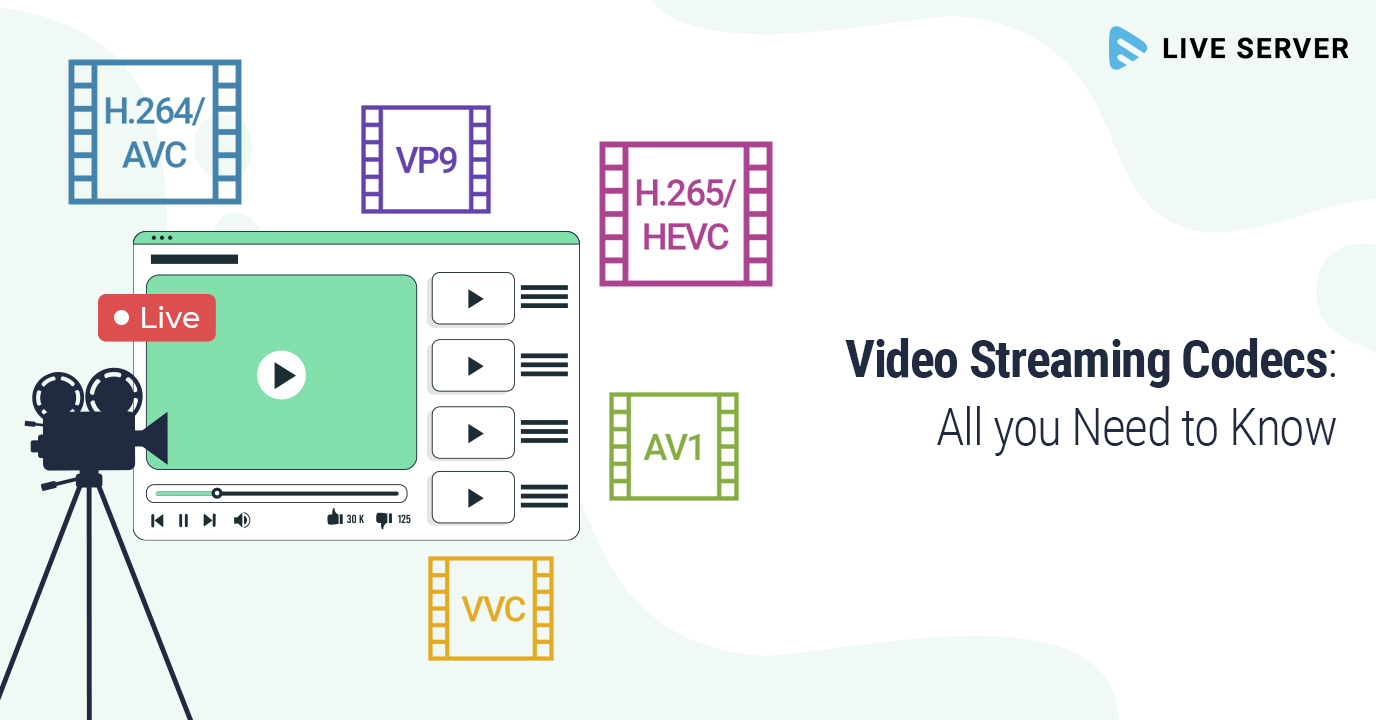
In my experience, some of the most popular video codecs include H.264, H.265 (HEVC), VP9, and AV1. Each codec has its strengths and weaknesses, and understanding these differences can help you choose the best codec for your project.
H.264 is widely supported and offers good compression efficiency, making it a solid choice for most applications. However, it may struggle with high-resolution content and require higher bitrates to maintain quality.
On the other hand, H.265 (HEVC) provides better compression efficiency than H.264, especially for high-resolution content. But it’s not as widely supported and may require more processing power for playback.
VP9 is an open-source codec developed by Google, offering similar compression efficiency to H.265. It’s well-suited for web streaming but may not be as widely supported as H.264.
Lastly, AV1 is a newer open-source codec that promises even better compression efficiency than H.265 and VP9. However, it’s still in the early stages of adoption and may not be supported by all devices and platforms.

Video Codec Showdown: A Technical Breakdown

When comparing video codecs, it’s essential to consider factors like compression efficiency, playback performance, and compatibility. In my experience, I’ve found that newer codecs like H.265 and AV1 offer better compression efficiency, which can result in smaller file sizes and lower bandwidth requirements.
However, these newer codecs may require more processing power for playback, which can be a concern for older devices or slower internet connections. Additionally, compatibility can be an issue, as not all devices and platforms support the latest codecs.
In the end, it’s crucial to weigh the pros and cons of each codec and consider your specific needs and target audience. For example, if compatibility is a top priority, H.264 may be the best choice, while H.265 or AV1 might be more suitable for high-resolution content or bandwidth-limited scenarios.

Final Words

Choosing the right video codec can be a daunting task, but understanding the technical aspects of each codec can help you make an informed decision. In my experience, it’s essential to consider factors like compression efficiency, playback performance, and compatibility when comparing codecs.
If you’re looking for a tool to help you with video conversion and normalization, I recommend checking out mp4gain. It’s not free or open-source, but it’s a powerful solution for working with various audio and video formats, including an integrated equalizer. It runs on Windows and can be a valuable tool for managing your video projects.

Xvid Video Codec

Xvid Video Codec: Everything You Need to Know

Xvid Video Codec
Xvid Video Codec
Xvid Video Codec
Xvid Video Codec

Xvid Codec Download

If you are looking for a way to play high-quality videos on your computer, you might have heard of Xvid video codec. Xvid is a free and open-source video codec that is known for its ability to compress video files while maintaining high quality. To get started with Xvid, you can download the codec from a trusted website and install it on your computer. Once you have installed the codec, you can start playing videos encoded with Xvid.

Xvid Video Codec Windows 10

If you are using Windows 10, you might be wondering if Xvid is compatible with the operating system. The good news is that Xvid is compatible with Windows 10, and you can download and install the codec on your computer without any issues. Once you have installed Xvid on your Windows 10 computer, you can start playing videos that are encoded with the codec.

Xvid Codec for VLC

VLC is a popular media player that can play almost any video format. If you want to play videos encoded with Xvid on VLC, you need to have the Xvid codec installed on your computer. Fortunately, VLC supports Xvid, and you can play Xvid-encoded videos on VLC without any issues.

Xvid Codec for Mac

Mac users might be wondering if Xvid is compatible with their operating system. The bad news is that Xvid is not natively supported on Mac, which means you need to download and install a third-party codec to play Xvid-encoded videos on your Mac. There are several Xvid codecs available for Mac, and you can choose one that suits your needs.

Xvid Codec Player

If you want to play Xvid-encoded videos on your computer, you need a media player that supports the codec. Fortunately, there are many media players that support Xvid, including VLC, Windows Media Player, and QuickTime. You can also download a dedicated Xvid codec player that is designed to play Xvid-encoded videos.

Final Words:

Xvid video codec is a powerful and efficient way to compress video files while maintaining high quality. Whether you are a Windows or Mac user, you can download and install Xvid on your computer and start playing videos that are encoded with the codec. If you are looking for a reliable and versatile media player that supports Xvid, VLC is a great choice.

All about the different Video formats: Xvid, Divx, mp4, h264, Flv

Currently we find countless video formats. Depending on the quality you are looking for, the video will be exported in one way or another. In this post I help you differentiate and understand each of the formats and codecs so that you can apply it in your editing projects.

video formats codecs

You can find various formats intended for both web pages and videos on YouTube or Vimeo, as well as to project in movie quality or to watch them on your mobile device or Tablet.

there were no different video formats we would be very limited when making any type of video production since they would occupy an infinity of megabytes, in addition all would have an extreme quality which would make it difficult to carry out projects for an exclusive job. By the way, if you are looking for websites to download royalty-free videos for your projects here I leave you the best free video pages in HD and 4K

It is not the same to export a video in quality for youtube or any online platform than to export them for a mobile device or a film shoot. Each has essential characteristics that make everything optimized to get the most out of your production.

Many times the problem with all these options and formats is compatibility. Each device records in a different format and we may have problems when playing them, so it is very interesting to know what options there are and how to handle them to avoid headaches.

First of all it is to differentiate between these important concepts:

Definition of container format and video codec

To clarify concepts it is important to define what is a container format with what is a video codec, totally different things. The container format is the file format, the drawer that encompasses all the material (video, audio, etc.) while the video codec is the format that is related to the part of the video and is not absolutely essential.

video formats informtion

Container format: Every video file has a format inside, which can be AVI, MPG, H264, MOV, WMV etc. It has several elements inside, including video and audio generally. But they could also contain integrated subtitles, including several audio files with different languages.

Video codecs: Video codecs are the files that are within the container format, therefore you have to know how to differentiate these two concepts. If there were no codecs there would be no problem since these are files that help compression. Depending on the codec’s choice, you may have worse or better quality.


 Types of video formats and codecs

AVI format

This format is one of the best known and most widely used as a container for storing series, movies and other similar videos. The .avi came to light in 1992 and was undoubtedly the quintessential video export file as it was fully compatible for Windows, Apple, Linux, Unix etc.

It is currently one of the most standard formats used with the S.O Windows. But not everything can be good, and if we talk about disadvantages we will say that the memory used to store the audio and video information is large. That is, the compression of an .avi file is quite heavy.

Another disadvantage would be the reproduction, being an old format has been updated with codecs making old players can no longer read these updated formats and vice versa.

MPG format

A video format with worldwide compatibility, whose audio and video compression with little loss of quality makes it easy to download these files to a web. The MPG file in turn is divided into MPG-1, MPG-2, MPG-3, and MPG-4, each of these with a different quality and I will explain below:

MPG-1: Quality compared to the VHS format of yesteryear already obsolete, resolution of 352 × 240

MPG-2: Equipped with a slightly higher quality and can be compared with that of analog television. Its resolution is 720 × 486. This format was responsible for the success of DVD Video

MPG-3: It was an attempt or proposal to give high resolution Television quality or what is the same, for HDTV, but it was discarded giving priority to MPG-2, then the MPG-3 will become the known audio file called MP3

MPG-4: Based on the Quicktime format and identical to the .MOV format, it improves the compression efficiency of the MPG-2 used by default on Apple machines. MPG-4 and MP4 is exactly the same, let’s say it’s the official extension for these records. If we talk about high definition, we certainly talk about MP4

WMV format

Microsoft Windows is the owner of this format. To play this video file we have the Windows Media Player, or its equivalent, the great VLC player. A curiosity of this format is that it offers support for digital rights management, preventing users from copying the information, an interesting feature for online digital audio and video vendors.

These files are compressed exclusively with Microsoft codecs. with resolutions higher than 300,000 pixels making it an ideal format for Blu-ray discs and HD DVDs.

Format .MOV

If you don’t have a Mac in your possession, you may have found this file on some occasions. But due to the difficult reproduction of it you have ruled out, now the thing has changed.

This standard developed by Apple allows the transmission and reproduction of high quality visual content on the Internet on both Apple and Windows operating systems. Quicktime comes with its integrated player and since version 7 it has become a player that recognizes most of the current video files.

h-264 H.264 format

One of today’s most current formats between video editing. Created in 2003, it has evolved, producing high video quality while maintaining its low bit rate, achieving a simple structure design and a flexible format for mass use. The H.264 is a codec that needs a container format to be able to store that video.

It is the ideal candidate to use as a YouTube format or any tool for internet transmission.

MKV format (Matroska)

The MKV format is a format used primarily for movies, series, and 3D content. This format is used because it allows you to store many data in the same file. For example, include audio tracks in several languages.

It plays mainly on computers, but also on other devices such as televisions that have a USB connection. It works very similarly to MP4 and usually uses the H.264 codec.

DIVX format

It is characterized by being the first video codec that was used in the first movies in DVD Video format to reduce the size and burn that content to a CD.

Divx is a compression format that allows you to give images of similar quality to the DVD but needing less storage capacity.To be able to view videos with divx you need to install decoders or codecs that almost always work with plugins or ejectuables that already contain these codecs

The DIVx format does not act on audio compression affecting only the video.

XVID format

When the Divx ceased to be so popular, it gave way to the XviD, surpassing it for its better quality, becoming more famous because it was supported by many DVD players.

At present, although there are other more powerful formats, this compression is still used since its performance and compression speed is very good.

FLV format

Surely it has happened to you that while you are on the internet, a pop-up window jumps into your browser telling you that you need to update the well-known Flash Player, formerly called Macromedia Flash Player. It is mainly used to stream video over the internet. FLVs can be seen by most S.O. and in all browsers, as I said before, with the preload of the update. Websites like YouTube use this format to play your videos.