Why Video Encoding Profiles Matter


Free Download Mp4Gain
picture

Why Video Encoding Profiles Matter

Why Video Encoding Profiles Matter

In the world of video encoding, understanding the different profiles and their significance is crucial. These profiles determine the available encoding tools and greatly impact the quality and compatibility of your video output. By delving into the intricacies of video encoding profiles, you can optimize your video files for various playback devices and ensure an optimal viewing experience.

The Basics: Profiles and Levels Explained

To comprehend video encoding profiles, it’s essential to grasp the distinction between profiles and levels. Profiles define the encoding tools at your disposal, while levels establish the maximum resolutions, frame rates, and bitrates that can be achieved during the encoding process.

For H.264 encoding, three primary profiles exist: Baseline, Main, and High. Baseline is the most compatible profile, but it sacrifices quality. Main strikes a balance between quality and compatibility. High profile delivers superior quality but may encounter compatibility issues on certain devices.

Each profile also encompasses multiple levels. Higher levels support greater resolutions, frame rates, and bitrates. However, higher levels necessitate more processing power for decoding purposes.

Selecting the Ideal Profile and Level

Choosing the appropriate profile and level for your video encoding depends on several factors:

Target Devices: Consider the devices on which your encoded video will be played. If broad compatibility is your goal, the Baseline profile is a safe bet. However, if you’re targeting high-end devices, the High profile may deliver the best results.

Desired Quality: Determine the desired quality level for your video. If you prioritize excellent quality, the High profile is an attractive option. For a balance between quality and compatibility, the Main profile is a solid choice.

Processing Power: Evaluate the processing capabilities of the playback devices. Lower-level profiles may be necessary for devices with limited processing power to ensure smooth playback.

To illustrate these considerations, let’s explore some examples:

For smartphone playback, selecting the Baseline profile and Level 3 is suitable, offering compatibility and efficient performance.
If your video is destined for a 4K TV, opt for the Main profile and Level 5 to achieve high-quality visuals while maintaining compatibility.
Encoding videos for Blu-ray Discs necessitates the High profile and Level 6, enabling exceptional quality for an immersive viewing experience.

Mastering Video Encoding Profiles and Levels

Understanding video encoding profiles and levels is paramount for optimizing video files. By selecting the appropriate profile and level, you can ensure compatibility with target devices while meeting your desired quality standards. Remember to consider the target devices, prioritize quality, and assess processing power to make informed decisions during the encoding process.

In conclusion, video encoding profiles and levels may appear complex at first, but with a solid grasp of these concepts, you can confidently navigate the intricacies of video encoding and produce high-quality videos that cater to various playback devices.

These final words emphasize the importance of mastering video encoding profiles and levels, providing users with a comprehensive overview of the topic and inspiring confidence in their video encoding endeavors.



Free Download Mp4Gain
picture


Mp4Gain Main Window
picture


Mp4Gain Features
picture


Free Download Mp4Gain
picture

Video Codec Profiles and Levels: A Guide for Video Creators

Video Codec Profiles and Levels: A Guide for Video Creators

Video Codec Profiles and Levels: A Guide for Video Creators

When you’re creating a video, one of the most important decisions you’ll make is the video codec you’ll use. The codec will determine the quality and size of your video, as well as the compatibility with different devices.

Video codecs are divided into profiles and levels. Profiles define the features that are supported by a codec, while levels define the maximum quality and size of a video encoded with that profile.

What are Video Codec Profiles?

Video codec profiles define the features that are supported by a codec. This includes things like the type of frames that are supported, the resolution of the video, and the chroma subsampling.

There are a number of different video codec profiles available, each with its own strengths and weaknesses. Some of the most common profiles include:

Main Profile: This is the most common profile and is supported by most devices. It supports a wide range of resolutions and chroma subsamplings.
High Profile: This profile offers higher quality than the Main Profile, but it is not supported by as many devices.
High 10 Profile: This profile supports 10-bit color, which can provide even higher quality than the High Profile.

What are Video Codec Levels?

Video codec levels define the maximum quality and size of a video encoded with a particular profile. This is determined by factors such as the maximum bitrate and the maximum frame rate.

There are a number of different video codec levels available, each with its own quality and size requirements. Some of the most common levels include:

Level 3: This is the lowest level and supports a maximum bitrate of 10,000 kbps.
Level 4: This level supports a maximum bitrate of 20,000 kbps.
Level 5: This level supports a maximum bitrate of 40,000 kbps.
**

Choosing the Right Profile and Level

The best way to choose the right profile and level for your video depends on a number of factors, including:

The desired quality of the video.
The target audience.
The devices that the video will be played on.
If you’re creating a video for a wide audience, then you’ll want to choose a profile and level that is supported by most devices. If you’re creating a video for a specific audience, then you may be able to choose a higher quality profile and level.

**

Final Words about Video Codec Profiles and Levels

Video codec profiles and levels are an important part of video encoding. By understanding the different profiles and levels, you can choose the right settings for your video, ensuring that it is both high quality and compatible with the devices that you want to play it on.

I hope this article has helped you to understand video codec profiles and levels.

Video Codec Comparison: Technical analysis of popular codecs

Video Codec Comparison: Technical analysis of popular codecs

Video Codec
Video Codec
Video Codec
Video Codec

Comparing Video Codecs: In-depth Look

When I first started working with video, I was confused by all the different codecs out there. It’s essential to understand the technical aspects of each codec to make informed decisions. In this section, we’ll dive deep into the world of video codecs and compare their performance, compression efficiency, and compatibility.
One of my favorite quotes from the movie “The Social Network” is, “The internet is not written in pencil, it’s written in ink.” This quote reminds me of the importance of choosing the right codec for your video projects. A poor codec choice can lead to compatibility issues and poor video quality.
I’ve had my fair share of experiences with various codecs, and I’ve learned that it’s crucial to consider factors like bitrate, frame rate, and resolution when comparing codecs. These factors can significantly impact the final video quality and playback performance.

Analyzing Top Video Codecs: A Technical Perspective

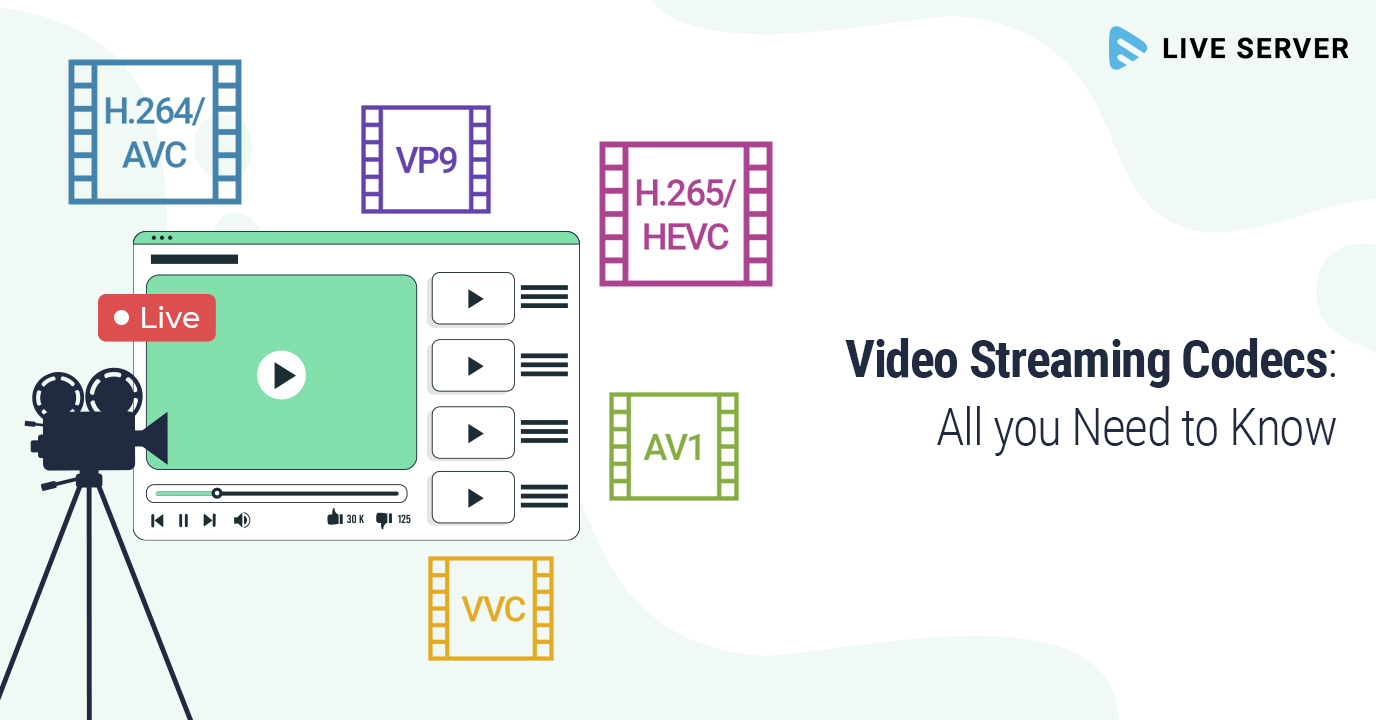
In my experience, some of the most popular video codecs include H.264, H.265 (HEVC), VP9, and AV1. Each codec has its strengths and weaknesses, and understanding these differences can help you choose the best codec for your project.
H.264 is widely supported and offers good compression efficiency, making it a solid choice for most applications. However, it may struggle with high-resolution content and require higher bitrates to maintain quality.
On the other hand, H.265 (HEVC) provides better compression efficiency than H.264, especially for high-resolution content. But it’s not as widely supported and may require more processing power for playback.
VP9 is an open-source codec developed by Google, offering similar compression efficiency to H.265. It’s well-suited for web streaming but may not be as widely supported as H.264.
Lastly, AV1 is a newer open-source codec that promises even better compression efficiency than H.265 and VP9. However, it’s still in the early stages of adoption and may not be supported by all devices and platforms.

Video Codec Showdown: A Technical Breakdown

When comparing video codecs, it’s essential to consider factors like compression efficiency, playback performance, and compatibility. In my experience, I’ve found that newer codecs like H.265 and AV1 offer better compression efficiency, which can result in smaller file sizes and lower bandwidth requirements.
However, these newer codecs may require more processing power for playback, which can be a concern for older devices or slower internet connections. Additionally, compatibility can be an issue, as not all devices and platforms support the latest codecs.
In the end, it’s crucial to weigh the pros and cons of each codec and consider your specific needs and target audience. For example, if compatibility is a top priority, H.264 may be the best choice, while H.265 or AV1 might be more suitable for high-resolution content or bandwidth-limited scenarios.

Final Words

Choosing the right video codec can be a daunting task, but understanding the technical aspects of each codec can help you make an informed decision. In my experience, it’s essential to consider factors like compression efficiency, playback performance, and compatibility when comparing codecs.
If you’re looking for a tool to help you with video conversion and normalization, I recommend checking out mp4gain. It’s not free or open-source, but it’s a powerful solution for working with various audio and video formats, including an integrated equalizer. It runs on Windows and can be a valuable tool for managing your video projects.