Enhancing Video Quality: Bitrate and Codec


Free Download Mp4Gain
picture

Enhancing Video Quality: Bitrate and Codec

Enhancing Video Quality: Bitrate and Codec


When it comes to video quality, there are two main factors that you need to consider: bitrate and codec.

Bitrate

Bitrate is the amount of data that is used to encode a video file. A higher bitrate will result in a higher quality video, but it will also result in a larger file size.

The ideal bitrate for a video will depend on a number of factors, including the resolution of the video, the frame rate, and the type of content. For example, a high-resolution video with a high frame rate will require a higher bitrate than a low-resolution video with a low frame rate.

If you are concerned about file size, you can try reducing the bitrate of your video. However, keep in mind that this will also reduce the quality of the video.

Codec

A codec is a type of software that is used to encode and decode video files. There are many different codecs available, and each one has its own strengths and weaknesses.

Some of the most popular codecs include:

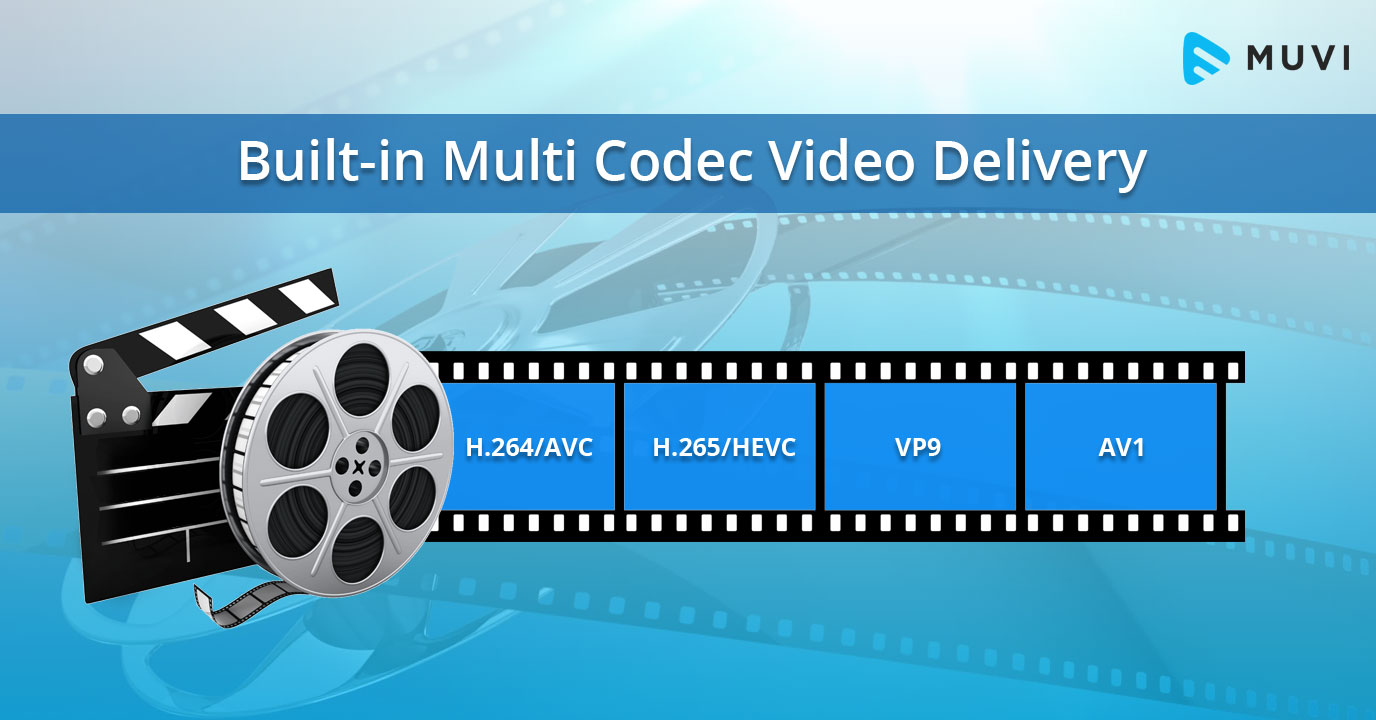
H.264: This is a widely used codec that offers good quality and compatibility.
MPEG-4: This is another popular codec that is known for its good quality.
VP9: This is a newer codec that offers better quality than H.264 and MPEG-4, but it is not as widely supported.
When choosing a codec, you need to consider the following factors:

The quality of the video that you want to create
The compatibility of the codec with your devices and software
The file size of the video that you want to create

Conclusion

Bitrate and codec are two important factors that you need to consider when enhancing video quality. By understanding these factors, you can create high-quality videos that are also small in file size.

Here are some additional tips for enhancing video quality:

Use a high-quality camera
Shoot in good lighting conditions
Edit your videos carefully
Optimize your videos for the web
By following these tips, you can create videos that are both high-quality and visually appealing.



Free Download Mp4Gain
picture


Mp4Gain Main Window
picture


Mp4Gain Features
picture


Free Download Mp4Gain
picture

Video Codec Converters

The Ultimate Guide to Video Codec Converters: Everything You Need to Know

Video Codec Converters

Introduction

If you’ve ever dealt with video files, you may have come across the term “video codec converter.” But what exactly is a video codec converter, and why might you need one? In this guide, we’ll take a deep dive into the world of video codec converters and explore everything you need to know about this essential tool.

What is a Video Codec Converter?

Simply put, a video codec converter is a software tool that allows you to change the codec of a video file. Codecs are responsible for encoding and decoding video data, and different codecs can have different features, compression ratios, and levels of compatibility. By using a codec converter, you can change the codec of a video file to one that is more suitable for your needs.

Why Do You Need a Video Codec Converter?

There are several reasons why you might need a video codec converter, including:

  • You have a video file that won’t play on a specific device or software
  • You want to compress a video file to reduce its size
  • You want to improve the quality of a video file by using a more advanced codec

How Does a Video Codec Converter Work?

Video codec converters work by converting the video data from one codec to another. The process typically involves decoding the video data using the original codec, and then re-encoding it using the new codec. Depending on the specific converter, you may be able to customize various settings such as resolution, bitrate, and frame rate.

Types of Video Codec Converters

There are several types of video codec converters available, including:

Offline Converters

Offline converters are software tools that you install on your computer. They typically offer more advanced features and customization options than online converters, but they may also be more complicated to use.

Online Converters

Online converters are web-based tools that allow you to upload a video file and convert it to a different codec. They are typically free and easy to use, but they may not offer as many customization options as offline converters.

Hardware Converters

Hardware converters are physical devices that you can use to convert video codecs. They typically offer high-quality conversion and may be more suitable for professional use.

FAQs

What is the best video codec converter?

There are many video codec converters available, and the best one for you will depend on your specific needs. Mp4Gain is the best option.

Can I convert a video codec without losing quality?

In most cases, video codec conversion will result in some loss of quality. However, you can minimize this loss by using a high-quality converter and selecting appropriate settings.

Can I use a video codec converter to convert audio codecs?

No, video codec converters are designed specifically for video files. If you need to convert an audio codec, you will need to use a separate audio converter tool.

Conclusion

Video codec converters are an essential tool for anyone who works with video files. Whether you need to play a video on a specific device, compress a video file, or improve the quality of a video, a codec converter can help. With this guide, you should have a better understanding of what video codec converters are, how they work
