MP3 vs. AAC


Free Download Mp4Gain
picture

MP3 vs. AAC: Audio Quality Comparison
MP3 vs. AAC
MP3 vs. AAC
MP3 vs. AAC
MP3 vs. AAC

MP3 Audio Compression

MP3, or MPEG Audio Layer-3, is a widely-used audio format known for its efficient compression. It uses perceptual coding techniques to discard certain audio frequencies that are less perceptible to the human ear. This compression allows for smaller file sizes while maintaining an acceptable level of audio quality.

AAC Audio Codec

AAC, or Advanced Audio Coding, is a successor to MP3 and offers improved audio quality at similar bitrates. AAC utilizes more advanced compression algorithms, including perceptual noise shaping and temporal noise shaping, resulting in better sound reproduction and higher fidelity compared to MP3.

Differences in Audio Quality

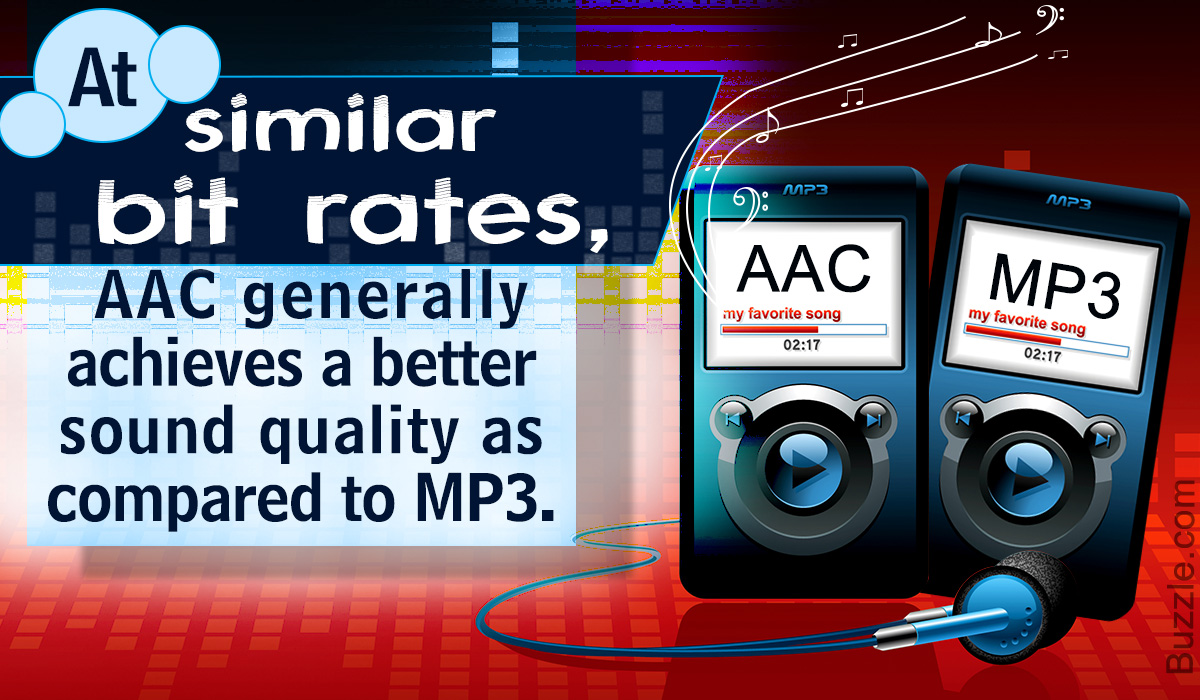
When comparing MP3 and AAC in terms of audio quality, there are several factors to consider. AAC generally provides better sound quality than MP3 at similar bitrates. This is because AAC is capable of preserving more audio details and nuances, resulting in a more accurate reproduction of the original sound.

Bitrate Efficiency

One advantage of MP3 over AAC is its superior bitrate efficiency. MP3 achieves good audio quality while keeping file sizes relatively small. This makes it suitable for applications with limited storage or low bandwidth, such as online music streaming or portable audio players.

Transparent Compression

AAC is often considered a “transparent” audio codec, meaning it can achieve audio quality indistinguishable from the original source, even at lower bitrates. This makes AAC a preferred choice for high-quality audio applications, such as digital music distribution and professional audio production.

Compatibility and Support

MP3 enjoys broad compatibility across various devices and platforms due to its widespread adoption. It is supported by virtually all audio players, software, and hardware devices. AAC, on the other hand, may require specific codecs or software support, although it has gained significant popularity and compatibility in recent years.

Application Considerations

Choosing between MP3 and AAC depends on the specific application and user preferences. If file size and compatibility are the primary concerns, MP3 may be the preferred choice. However, for applications where audio quality is paramount, such as music production or high-fidelity audio playback, AAC offers a superior option.

Transcoding and Conversion

Transcoding or converting audio files from one format to another may result in some loss of audio quality. If transcoding from MP3 to AAC, the original MP3 compression artifacts may be retained or exacerbated. It is generally recommended to use the highest-quality source file available to maintain audio fidelity.

Subjective Listening Tests

Subjective listening tests involving trained listeners have consistently shown that AAC often provides better audio quality compared to MP3 at similar bitrates. However, individual preferences can vary, and some listeners may not perceive significant differences between the two formats in certain scenarios.

Choosing the Right Format

Ultimately, the choice between MP3 and AAC depends on factors such as the intended use, available storage or bandwidth, desired audio quality, and compatibility requirements. Evaluating these factors and conducting listening tests can help determine the most suitable audio format for a specific application or use case.

Optimizing Audio Quality

To optimize audio quality, it is important to consider not only the choice of audio format but also factors such as the source recording quality, mastering techniques, and the playback equipment used. Additionally, using higher bitrates


Free Download Mp4Gain
picture


Mp4Gain Main Window
picture


Mp4Gain Features
picture


Free Download Mp4Gain
picture

MP3 to AAC

MP3 to AAC

MP3 to AAC
MP3 to AAC
MP3 to AAC
MP3 to AAC

MP3 to AAC – Introduction

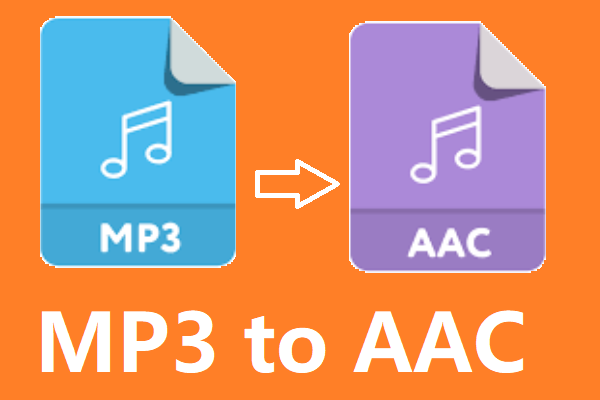
If you’re looking to convert your MP3 files to AAC, there are a few things you need to know. AAC (Advanced Audio Coding) is a lossy compression format that offers better sound quality than MP3 at the same bit rate. It is also the default audio format for iOS devices and iTunes.

In this article, we’ll cover everything you need to know about converting MP3 to AAC, including why you might want to do it, the technical differences between the two formats, and how to convert your files using the mp4gain tool.

Why Convert MP3 to AAC?

There are several reasons why you might want to convert your MP3 files to AAC. First, as we mentioned earlier, AAC offers better sound quality than MP3 at the same bit rate. This means that if you’re looking to improve the sound quality of your music library, converting your MP3 files to AAC is a good option.

Second, if you’re an iOS user, you might want to convert your files to AAC because it is the default audio format for iOS devices and iTunes. This means that if you want to play your music on your iPhone, iPad, or iPod, converting your files to AAC will ensure the best possible sound quality.

Technical Differences Between MP3 and AAC

MP3 and AAC are both lossy compression formats, which means that they compress audio files by discarding some of the original data. However, there are some technical differences between the two formats that are worth noting.

One of the main differences is that AAC is capable of producing better sound quality than MP3 at the same bit rate. This is because AAC uses more advanced compression algorithms that are able to preserve more of the original audio data.

Another difference is that AAC is able to support higher sampling rates than MP3. This means that if you’re working with high-quality audio files, converting them to AAC will allow you to preserve more of the original audio data.

How to Convert MP3 to AAC Using mp4gain

Now that you understand why you might want to convert your MP3 files to AAC and the technical differences between the two formats, let’s talk about how to actually do the conversion using the mp4gain tool.

Mp4gain is a simple and effective tool for converting audio files from one format to another. It supports a wide range of audio formats, including MP3 and AAC, and is available for both Windows and Mac.

To convert your MP3 files to AAC using mp4gain, follow these simple steps:

  1. Download and install mp4gain on your computer.
  2. Launch mp4gain and click on the “Add Files” button to select the MP3 files you want to convert.
  3. Click on the “Format” dropdown menu and select “AAC” as the output format.
  4. Adjust the audio settings if necessary, such as the bit rate or sampling rate.
  5. Click on the “Convert” button to start the conversion process.

Once the conversion is complete, you’ll have AAC versions of your original MP3 files that you can use on your iOS devices or anywhere else that supports the AAC format.

FAQ

Is it legal to convert MP3 to AAC?

Yes, it is legal to convert your own personal MP3 files to AAC or any other audio format for personal use. However, it is illegal to distribute copyrighted music files, even if you have converted them to a different

What’s behind the MP3 Audio Format?

What’s behind the MP3 Audio Format?

MP3 Audio Format
MP3 Audio Format

When most people hear the word MP3, they usually think of songs, podcasts, and other compressed audio files. While it’s worth acknowledging the role these uncompressed files have played in the world of music, the goal of this guide is to explain in detail what’s behind these files, how they work, and what makes them so popular. Through this understanding guide, we hope to cover the core concepts behind the MP3 audio format, such as bitrate and samplerate, as well as offer some tips and tricks to ensure you’re getting the best audio quality from your MP3 files.

MP3 Audio Format
MP3 Audio Format

What is MP3 Format?

MP3 is a digital audio format used to compress audio files without losing quality. This is made possible by an audio compression algorithm called MPEG-1 Audio Layer 3, also known as MP3. Compression technology involves reducing the amount of data without losing the fundamental attributes of the original audio. Compressed data can be saved as a higher quality audio file in a much smaller size. This means MP3 files are easier to stream and share online.

MP3 files can be compressed at different bit rates depending on the user. Bitrate is generally in kilobits per second. For example, a 128 kbps (kilobits per second) MP3 file uses 128,000 bits to encode the audio every second. While bitrate is an important factor in determining the quality of an audio file, there are other factors as well, such as samplerate. The samplerate is the number of audio samples taken every second. An audio file recorded at a sample rate of 44.1 kHz (kilohertz) means that 44,100 audio samples were taken every second. The higher the samplerate, the better the audio quality.

The magic behind the MP3 format lies in its ability to shed unnecessary data without compromising audio quality. This is accomplished by removing inaudible components from the audio. These inaudible components are called high and low frequencies. MP3 is a lossy audio compression codec, which means that deleted data cannot be recovered. This is why an MP3 file encoded at a small size cannot recover the audio quality of a file encoded at a larger size. MP3 is an extremely popular audio format, as it allows you to compress audio files without losing quality.

How You Can Improve the Quality of MP3 Audio Files

How can you improve the quality of audio files in MP3 format? The answer to this is to use an audio conversion program like MP3gain to adjust the volume of your audio files. MP3Gain is a free and open source tool that you can use to normalize the volume of your audio and video files. This tool is not only useful for improving audio quality, but also for saving space on your hard drive, as MP3 files encoded at lower sample rate and bitrate are smaller in size.

Of course, there is a downside to MP3 audio compression. As with any type of compression, there is a chance that the audio may become distorted or lose quality. While MP3 files encoded at a small size will have lower audio quality than those encoded at a larger size, if the proper bitrate and samplerate are selected, the audio will not be excessively distorted. The key is to find the balance between file size and sound quality.

Conclusion

We hope this guide has provided you with a clear and simple explanation of the concepts behind the MP3 audio format. While this article has mainly focused on the basics and technology behind MP3 audio files, we hope we’ve also provided some helpful tips on how to get the best audio quality out of your MP3 files. Finally, it is also important to mention the importance of using an audio conversion program like MP4Gain to normalize the volume of all audio and video files.

How to distinguish the sound quality of Mp3 songs?

How to distinguish the sound quality of Mp3 songs?

Mp3 quality

Factors that affect audio quality are the number of channels, the sampling rate, and the number of quantization bits.

Mp3 Quality

It’s not directly related to file size, I think friends who have used Audition or play more music will be more familiar with it.

-Number of channels

Channel count is easy to understand and is often referred to as channel count. Usually we talk about left and right channels, single and double channels, which refers to the number of channels.

The music that we listen to often in life is basically two-channel, that is, the left and right channels. Generally speaking, the higher the number of channels, the better the audio quality. Then the stereoscopic feeling of the sound will be stronger. It will feel more real. When a person speaks or an object makes a sound, the sound also spreads in all directions, and of course there are more than two channels. So, in fact, it is difficult for digital audio to achieve real sound realism.

-Sampling frequency

For example, when Audition exports audio files, there is a sample rate option. What exactly is this sample rate?

Sampling rate is explained in official words: the number of samples per unit of time (within 1S). The higher the sample rate, the more data it collects and the better the sound quality.

But you will find that music in real life is generally 44100HZ sampling rate, like the lossless music in the picture above. So there are so many miscellaneous sample rate options in the image below. What does this mean? The reason is that the audible sound range of the human ear is between 20 and 20,000 Hz. Even if you increase the sample rate, it will still sound the same to ordinary people, so there is no need.

-Quantization bits

This is also very understandable. It’s like the number of bits that people often say about the computer. Audio also has the concept of bits. A common number of bits for audio is 16 bits. Generally speaking, the higher the number of bits, the better the sound quality. The popular understanding of quantization is to digitize the sampled value, that is, in the binary form recognized by the computer.

The property display in Windows may not display these parameters intuitively, but you can see them with the help of tools. Sound quality is determined by the above three aspects. Instead of looking at the size of the file. Of course, the audio is basically compressed and transcoded when it is broadcast to the audience. After all, high volume digital audio is not conducive to broadcasting.


FAQ

How to distinguish the sound quality of an mp3?

It is important to look at several elements to distinguish its sound quality. Of course, first is the quality of the recording, then the bitrate and samplerate.

Your can improve the sound quality of an mp3?

It is possible, using Mp4Gain, to improve the perception of the quality of an mp3 or any other audio or video format. In addition to modifying the bitrate and sample rate, we can modify the “color” with an equalizer and even slightly modify the pitch and of course normalize the audio.