
MP4 Bitrate Control

Let’s talk about MP4 bitrate control
MP4 bitrate control is a critical concept when creating or managing video files. The bitrate directly affects the quality and size of a video file. As an expert in video encoding, I’ve seen how controlling the bitrate can transform a video from grainy and pixelated to smooth and clear. Imagine squeezing toothpaste from a tube—you can control how much comes out, just like controlling bitrate adjusts the video quality and file size.
Bitrate control ensures that your MP4 files are optimized for your needs, whether you’re streaming online, storing files, or distributing videos on a physical medium. With the right bitrate settings, you can maintain excellent video quality while saving on storage and bandwidth. This is a game-changer for businesses, content creators, and casual users alike.
Understanding the basics of bitrate in MP4 videos
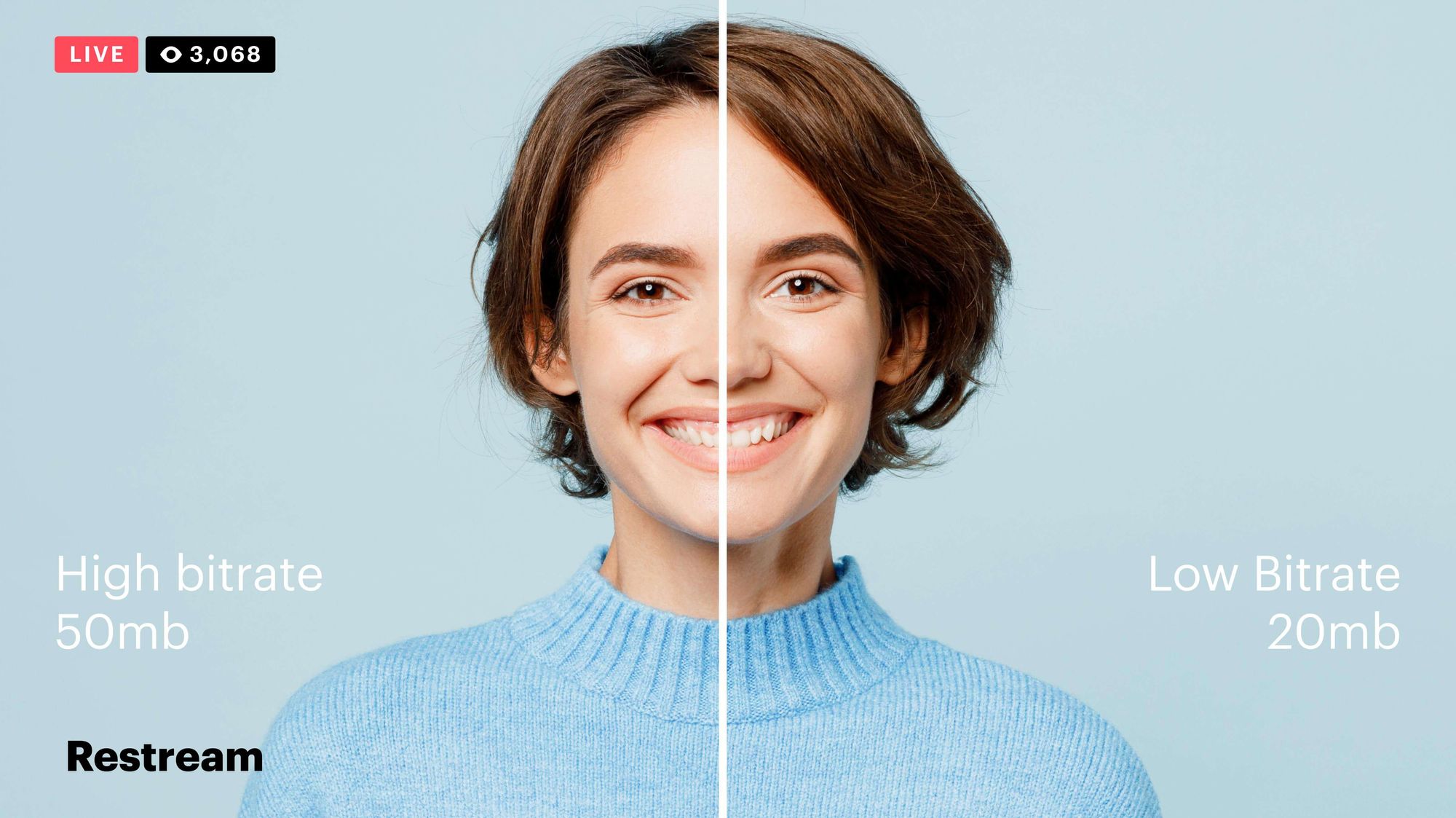
Bitrate in MP4 videos determines how much data is used to encode one second of video. Higher bitrates mean better quality but also larger file sizes. For example, if you’ve ever downloaded a video and noticed how some files look sharper while others are smaller, bitrate is the reason.
I like to explain bitrate by comparing it to painting a wall. If you use more paint (higher bitrate), the coverage will be better (better video quality). However, it also uses more resources, such as data or storage space. Striking the right balance is what bitrate control is all about.
Why MP4 bitrate control matters
MP4 bitrate control matters because it determines how a video performs across different platforms and devices. I’ve seen cases where videos with excessive bitrates failed to stream smoothly because of limited bandwidth. Conversely, too low a bitrate resulted in blurry, unwatchable content.
Proper bitrate control ensures:
- Efficient use of storage space
- Compatibility with streaming platforms
- High-quality playback on all devices
- Optimized upload and download speeds
It’s a delicate balance. For instance, when creating a video for YouTube, I aim for a bitrate that matches the platform’s recommendations, ensuring my content looks professional and streams seamlessly.
Types of bitrate control in MP4 encoding
MP4 encoding offers several methods to control bitrate, each with unique advantages. Choosing the right one depends on your specific goals.
Constant Bitrate (CBR)
CBR maintains a steady bitrate throughout the video. This is ideal for scenarios like live streaming, where consistency is crucial. However, it may waste data during scenes with little movement.
Variable Bitrate (VBR)
VBR adjusts the bitrate based on the video content, providing higher quality during complex scenes and saving data in simpler ones. This approach is perfect for pre-recorded videos where quality is paramount.
Average Bitrate (ABR)
ABR sets a target average bitrate but allows slight variations. It strikes a balance between CBR and VBR, often used for balancing quality and file size.
How to choose the right bitrate for MP4 videos
Choosing the right bitrate requires considering factors like resolution, frame rate, and the intended use of the video. I always recommend starting with the resolution. For example:
- For 720p videos, a bitrate of 5 Mbps is often sufficient videos usually perform well with a bitrate of 8-10 Mbps.
- For 4K videos, a bitrate of 25-50 Mbps ensures high-quality playback.
The frame rate also plays a role. Higher frame rates, such as 60fps, typically require a higher bitrate to maintain smooth motion. When I create videos for social media, I lower the bitrate to accommodate platform limitations while still ensuring the content looks sharp.
Real-life applications of MP4 bitrate control
MP4 bitrate control is essential in many everyday scenarios. I remember working on a project for a small business that wanted promotional videos for their website. Their hosting service had strict file size limits, so I used VBR to optimize quality while staying within the restrictions.
Another example is streaming services like Netflix or YouTube. These platforms use adaptive bitrate streaming to adjust the video quality based on your internet speed. This ensures a smooth viewing experience, even if your connection fluctuates.
Advanced tips for optimizing MP4 bitrate
For those who want to delve deeper, here are some advanced tips:
- Analyze your video’s content. Fast-paced action scenes need higher bitrates than static interviews.
- Experiment with different encoding settings. Tools like 2-pass encoding can optimize quality without unnecessarily bloating file sizes.
- Test on multiple devices. What looks great on a high-end monitor might not translate well to smartphones.
When I encode videos for different platforms, I always review their specifications and adjust my settings accordingly. This attention to detail makes a noticeable difference.
Common challenges in MP4 bitrate control
Controlling bitrate can be tricky, especially for beginners. One common issue is overshooting the bitrate, resulting in unnecessarily large files. I’ve also seen users underestimate the required bitrate, leading to poor video quality.
To avoid these pitfalls:
- Use bitrate calculators to estimate the ideal settings for your video.
- Test short clips before committing to long encodes.
- Keep an eye on compression artifacts, such as blockiness or banding, which indicate insufficient bitrate.
Latest words on MP4 bitrate control
MP4 bitrate control is a powerful tool for anyone working with video files. By understanding the principles behind bitrate and using the right techniques, you can create videos that are both high-quality and efficient. Whether you’re a content creator, a business professional, or just someone who loves sharing videos, mastering bitrate control will elevate your work.
For those who want a simple yet effective solution, Mp4Gain offers tools to optimize bitrate and improve your videos. It’s a reliable choice for anyone looking to streamline their video editing workflow.
What is MP4 bitrate control?
Why is bitrate important in MP4 videos?
What is the best bitrate for 1080p MP4 videos?
How does variable bitrate (VBR) work?
What is constant bitrate (CBR) used for?
Can I change the bitrate of an existing MP4 video?
Does higher bitrate always mean better quality?
What bitrate is best for streaming MP4 videos?








Comments:
I had no idea bitrate was so important! This article really cleared up a lot of confusion for me. Now I know what to do with my videos.
Thanks for explaining this so clearly. I always struggled with choosing the right bitrate for my YouTube uploads, but this really helped!
This was really helpful, but could you go deeper into how to handle bitrate for 4K videos? I’m working on a project and need more details.
Wow, I didn’t realize bitrate could affect streaming so much. My videos always lag, so I’ll try these tips!
Great article! One thing I’d love to see is a guide for beginners with specific settings for different platforms.
This is such a comprehensive guide! I finally understand why my file sizes were so huge and how to fix it. Thanks a lot!
Honestly, I think this needs even more detail for people working on professional projects. Still a solid read though!