MP3 and FLAC: who wins?
Music lovers from all countries have been arguing for many years: is it possible to distinguish a high-quality MP3 from a lossless one in a blind test (FLAC, APE, etc.)? How much does compression loss affect the perception of music? Should you give up MP3? Let’s try to answer these questions.
A little history
In the early 1990s, experts understood that the future of music was digital. However, hard drives were expensive then and fans preferred to store their music collections on cassettes and CDs. The researchers faced a problem: they needed a suitable format to store records on computers. At the same time, every hundred kilobytes were counted – you can slightly sacrifice quality compared to CDs, but save precious hard drive space.
In the late 1980s, the first functional prototypes of a new lossy compressed audio storage format, MP3, were created. The first publicly available MP3 encoder appeared in 1994, and the first playback software soon followed. The first encoding algorithms made it possible to obtain files with slightly “chopped” high frequencies. The sound quality was not comparable to that of a CD, but the output file sizes were quite acceptable.
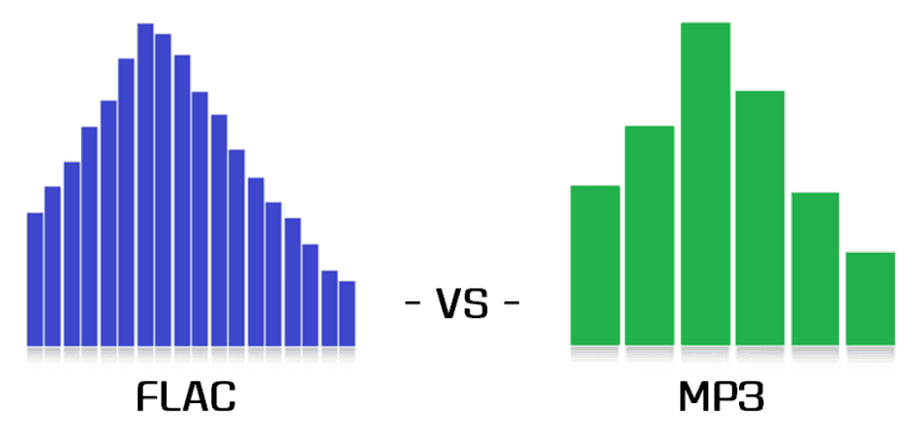
In the early 2000s, volumes on hard drives were growing rapidly and other audio formats that provide lossless compression began to appear. Relatively speaking, an audio track of this format can be restored to the original WAV from a lossless CD. Perhaps the most popular lossless compression format was FLAC, introduced in 2001. It is suitable for both storing home audio collections and playing music on professional computers. However, a FLAC file can be 6-10 times heavier than a good quality MP3 (256 or 320 kbps). But does file size and losslessness mean consistently high sound quality?
find 10 differences
Compare, for example, two spectrograms of the same song (DAT ADAM – Hydra 3D): it is easy to see that MP3 “cuts” high frequencies compared to lossless compression (left – MP3 320 kbps, right – FLAC spectrogram, obtained by digitizing CD). But the question is different: will you hear the difference?
A bit of anatomy: The human ear is theoretically capable of hearing sounds from 16 Hz to 20 kHz. However, much depends on the age and individual characteristics of the listener. The author of this article can hear sound with a frequency of 16 kHz, but not 17 kHz and above, but there are adults (25 years and older) who can still perceive 18 kHz. All of these frequencies are quite successfully supported by the MP3 format. If you are exceptionally clear, you will be able to hear some difference in the high frequencies, but the difference is almost subtle for most people.