Lossy vs Lossless, Audio Quality
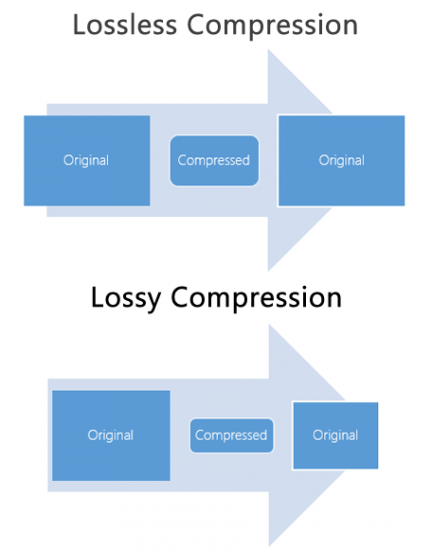
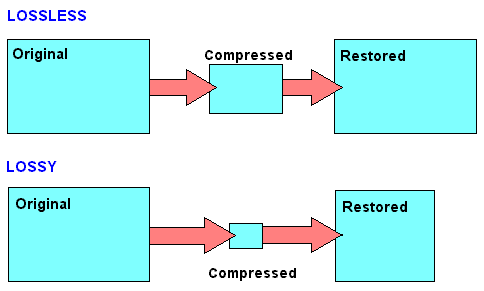
Much is said and has been said about the difference between the formats that generate a loss of information (lossy) versus those that do not generate any loss (lossless).
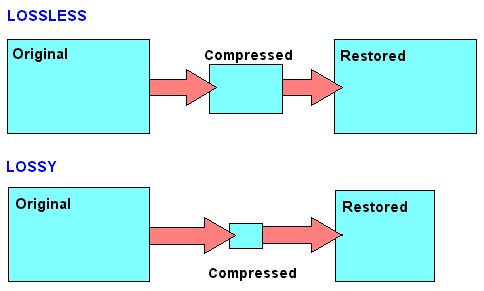
What is Lossy?
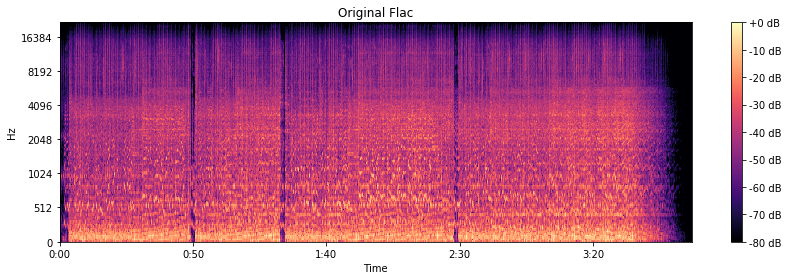
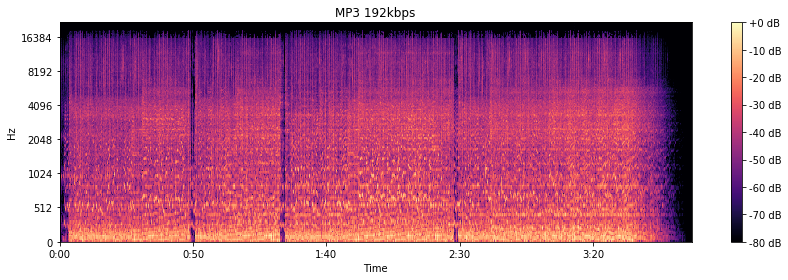
To compress a file, so that it occupies less space on the disk, we must necessarily use two techniques, the first is pure compression, which does not lose quality and which we will explain later PLUS compression by discarding information.
It is omitting information that we know, after studies, that the human ear will hardly perceive. At least the average human ear.
Younger people listen to more frequencies than from the age of 30, when we listen to fewer frequencies.
But not only does age count, but other phenomena also enter, for example what is called masking and which could be summarized by saying that if two frequencies occur with similar frequencies, and one occurs an instant before the other, in general the second that masked… that is, it is not audible to the human ear, so we could discard it and save space.
There are also all the frequencies that the human ear does not perceive, there we have more information that we can discard without damaging the quality or at least maintaining a very similar quality of perception.
LossLess
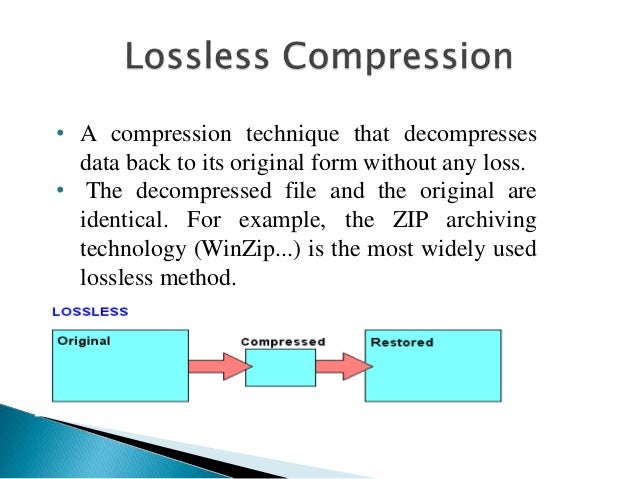
There are other formats that do not lose quality because they only use mathematical methods to save space. Imagine the following line:
1111111000001110000000
This consumes a space, but this information could be summarized, for example as follows:
1(7)0(5)1(3)0(7)
This second way of storing information takes up much less space WITHOUT discarding anything. It simply explains that from the number 1 there are 7, followed by 5 zero numbers, then 3 from the number 1 and finally 7 zeros.
It’s the same, we just tried to save space by finding a compressed way to write it, but we didn’t rule anything out.
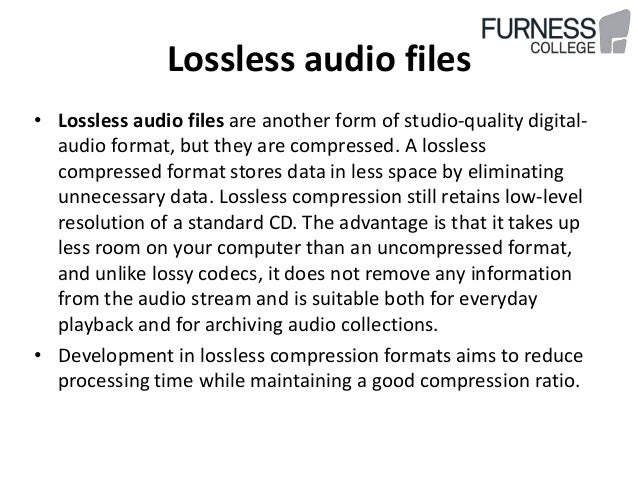
This is exactly how the zip and lossless music methods work.
Is there a difference in the human ear when listening to one and the other?
We will answer that in another article.