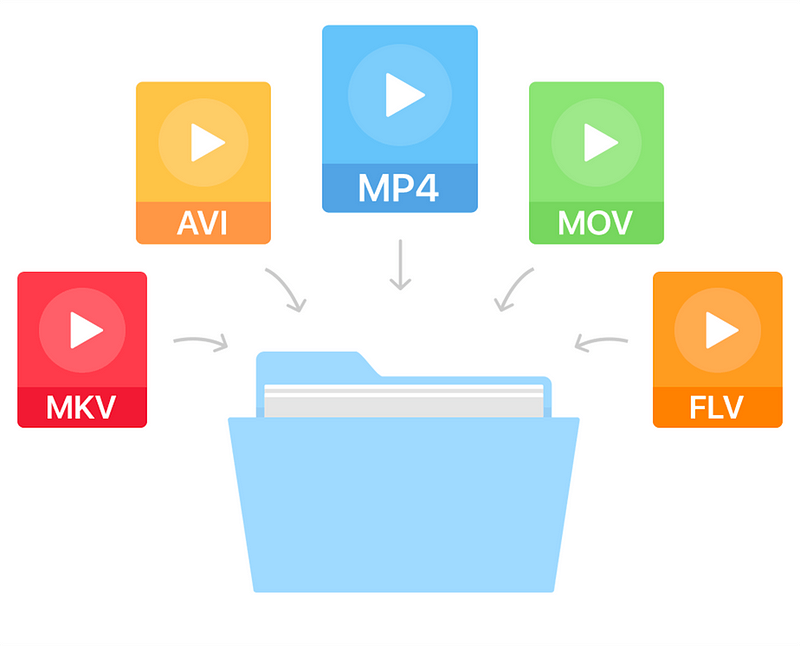
Multimedia Formats


Free Download Mp4Gain
picture

Multimedia Formats: Understanding the Different Types

Multimedia Formats
Multimedia Formats
Multimedia Formats
Multimedia Formats

What are Multimedia Formats?

Multimedia formats are digital file types that can contain different types of media such as text, audio, video, and images. These files can be played on various multimedia devices, including computers, smartphones, and tablets. Multimedia formats are used for a variety of purposes such as entertainment, education, and communication.

The Different Types of Multimedia Formats

There are various types of multimedia formats, each with its own advantages and disadvantages. Some of the most common multimedia formats include:

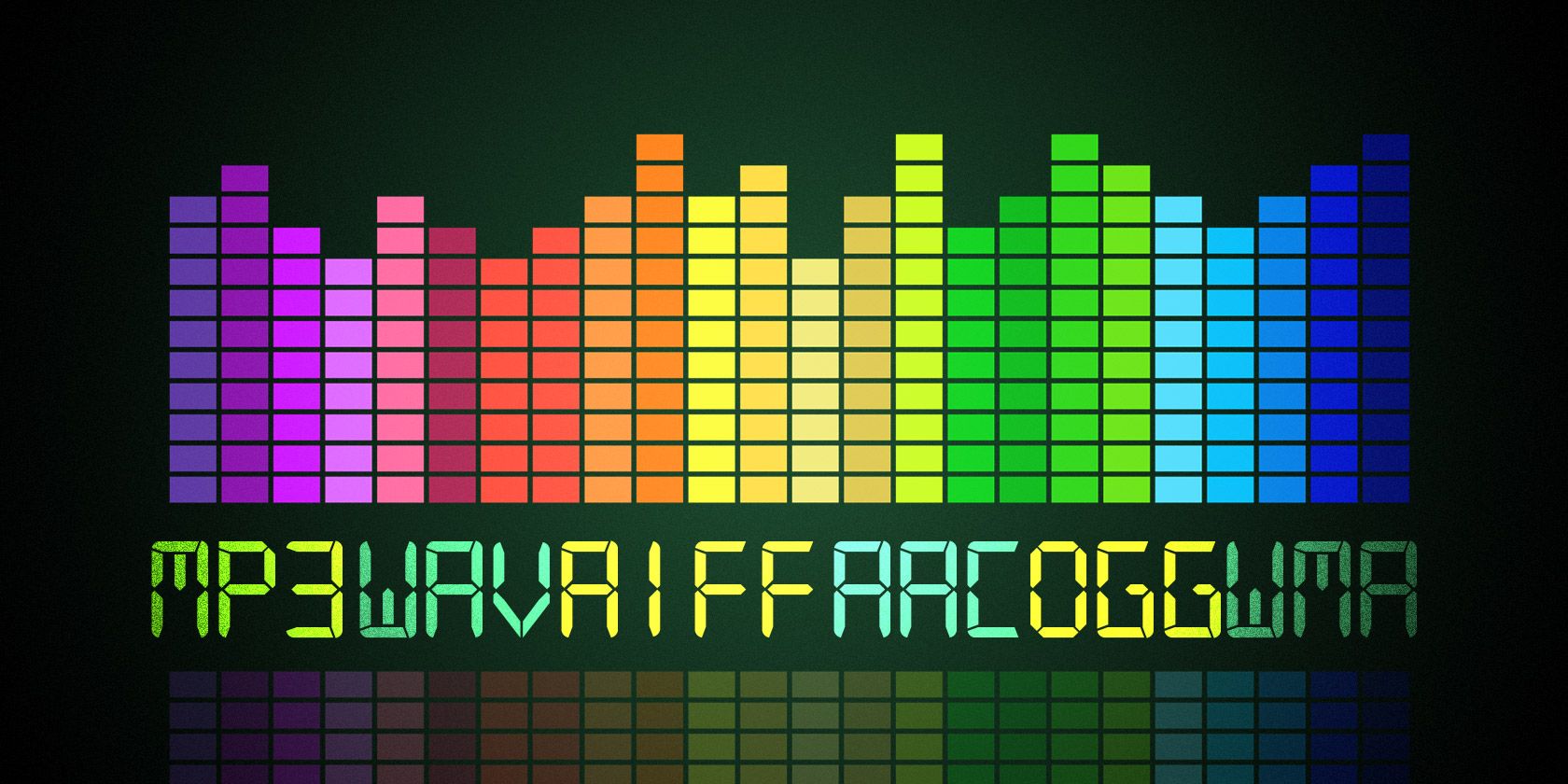
  • Audio Formats: Audio formats are used to store sound recordings. Some of the most common audio formats include MP3, AAC, FLAC, and WAV.
  • Video Formats: Video formats are used to store video recordings. Some of the most common video formats include AVI, MP4, MOV, and WMV.
  • Image Formats: Image formats are used to store digital images. Some of the most common image formats include JPEG, PNG, and GIF.
  • Document Formats: Document formats are used to store text-based documents. Some of the most common document formats include PDF, DOC, and TXT.
  • Interactive Formats: Interactive formats are used to create multimedia presentations and games. Some of the most common interactive formats include Flash and HTML5.

What are the Advantages of Different Multimedia Formats?

Different multimedia formats offer different advantages. For example, MP3 is a popular audio format because it is small in size and can be played on most devices. On the other hand, FLAC is a lossless audio format that offers higher quality sound but takes up more storage space. Similarly, AVI is a popular video format because it can be played on most devices, while MOV is a high-quality video format that is often used for professional video editing.

What are the Disadvantages of Different Multimedia Formats?

Different multimedia formats also have their own disadvantages. For example, some formats may not be supported by certain devices, which can make it difficult to play them. Additionally, some formats may take up a lot of storage space, which can be a problem for devices with limited storage capacity.

How do Multimedia Formats Impact File Size?

The file size of a multimedia file is determined by various factors such as the duration, resolution, and bitrate of the file. For example, a high-quality video with a long duration will have a larger file size compared to a low-quality video with a short duration. Similarly, a high-quality audio file with a high bitrate will have a larger file size compared to a low-quality audio file with a low bitrate.

What is the Role of Codecs in Multimedia Formats?

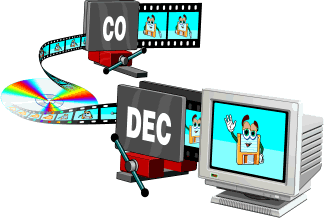
Codecs are used to compress and decompress multimedia files. Without codecs, multimedia files would take up a lot of storage space and would be difficult to transmit over the internet. Codecs can be used to compress files while maintaining the quality of the media, or to reduce the quality of the media while minimizing the file size.

What is the Difference between Lossy and Lossless Compression?

Lossy compression is a type of compression that permanently removes some of the data from a multimedia file to reduce its size. This can result in a loss of quality in the media. Lossless compression, on the other hand, compresses files without permanently removing any data, which means that the quality of the media remains the same.

What are Some Common Audio Codecs?

There are a number of different audio codecs that are commonly used to encode digital audio files. Here are a few of the most common:

  • MP3: This is perhaps the most well-known and widely used audio codec. MP3 files use lossy compression to reduce file size while maintaining reasonable sound quality.
  • FLAC: This codec uses lossless compression, meaning that it is able to compress audio files without sacrificing any of the original audio data. As a result, FLAC files are typically larger than MP3 files but offer higher quality sound.
  • Ogg Vorbis: This is a relatively new codec that uses a combination of lossy and lossless compression to achieve high-quality sound while maintaining a small file size. Ogg Vorbis files are often used for online streaming and broadcasting.
  • M4A: This is a codec that is commonly used by Apple for its iTunes music store. M4A files can use either lossy or lossless compression and are often used for streaming music on mobile devices.
  • WAV: This is an uncompressed audio format that is commonly used in professional audio production. WAV files offer high quality sound but are also very large in size.

What Are Some Common Video Codecs?

In addition to audio codecs, there are also a number of video codecs that are commonly used to encode digital video files. Here are a few of the most common:

  • MPEG-4: This is a popular codec that is widely used for streaming video online. MPEG-4 files can use either lossy or lossless compression and offer a good balance between file size and video quality.
  • H.264: This codec is used for high-definition video and is commonly used for streaming video online, as well as for Blu-ray discs and other high-quality video formats.
  • WebM: This is an open-source video codec that is designed for use on the web. WebM files are typically smaller than other video codecs while still offering high-quality video playback.
  • AVI: This is an older video codec that is still commonly used today. AVI files offer high-quality video playback but can be quite large in size.
  • WMV: This is a video codec that is commonly used on Windows-based systems. WMV files offer good video quality but can be somewhat restricted in terms of compatibility with other devices and software platforms.

How Do You Choose the Right Codec?

Choosing the right codec for your digital media files can be a bit tricky, as there are many factors to consider. Some of the most important factors to consider when choosing a codec include the intended use of the file, the quality of the original source material, the available storage space, and the compatibility of the file with different devices and software platforms.

When it comes to audio codecs, for example, you may want to choose a lossy codec like MP3 if you are creating a file for online streaming or sharing, as this will help to keep the file size small while still maintaining good sound quality. On the other hand, if you are creating a file for professional audio production or for archiving purposes, you may want to choose a lossless codec like FLAC or WAV, as this will ensure that none of the original audio data is lost during compression.


Free Download Mp4Gain
picture


Mp4Gain Main Window
picture


Mp4Gain Features
picture


Free Download Mp4Gain
picture

What video formats to use on the web?

What video formats to use on the web?

Video formats for the web

Increase the length of stay and the added value of a website with videos, that’s possible! But it also has its pitfalls: we explain which video formats are compatible with which browser and which are suitable for web use.

Web video formats

The idea of ​​linking videos and text content existed quite early, but for a long time there was a lack of the proper internet connection or the necessary volume of data. And so, for a long time, digital newspapers with moving images were only known from science fiction movies.

Meanwhile, cable and DSL Internet are almost everywhere fast enough to provide websites with high-quality video right out of the box. And it’s worth it: the brain captures the content of moving images many times faster than text and even faster than images. This often leads to a longer length of stay on websites, as long as the content is interesting and appropriate to the topic of the page.

But there are some pitfalls: for example, not all video formats and codecs are suitable for use on the web, and not all browsers support all formats. The proper balance between quality and file size is also important, because video files that are too large slow down the page load time and thus jeopardize ranking on search engines like Google.

We will introduce you to the most common video formats and video codecs and tell you which formats are compatible with which internet browser.

The popularity of VOD portals like YouTube and SVOD offerings like Netflix and co shows the importance of moving picture content.

What video formats are there?

The most popular video formats include MP4, AVI, MOV, and MPG, but there are many more. The reason for a new format is often that manufacturers want to enforce their own formats, such as Apple with Quicktime (MOV) or Microsoft with AVI and ASF (or WMV).

What video codes are there?

Anyway, G enaugenommen is in video formats simply as a file container in which different content is stored, including the tone of the image and, where available, information such as subtitles and timestamps.

The codecs used to encode the image and soundtracks in the container are really important. Codecs ensure that multimedia files consume the least possible storage space with the best possible quality.

MPEG-1 and MPEG-2 (m2p, mpg, mpeg, ts)

MPEG-1 is one of the oldest video formats and at the same time container and codec. Although the codec is recognized and played by almost all devices and browsers, you can tell the age of the format: for example, HD videos are no longer possible and the quality of the videos is more bad than good.

It is better with the successor MPEG-2 format, which can be found with the same file extensions as MPEG-1. The codec is the standard for DVD video for many television companies. Even if the quality is good compared to MPEG-1 and the format is widely used, MPEG-2 is less suitable for the web, as the compression is comparatively low and good quality videos weigh many megabytes.

MP4 is standard for HD television and the format is also used on Blu-rays.

Creating good quality videos and clips is not a big deal these days.

AVI (avi)

As with MPEG-1, AVI is an old format: it has evolved over time and, thanks to codecs such as DivX, it supports high-quality HD videos with good compression. Although the format is widespread, it is only partially suitable for website integration due to lack of streaming capabilities.

ASF (wmv, asf)

The ASF format is probably better known to most as WMV. Unlike AVI, the format developed by Microsoft can be transmitted; the format is similar to MPEG-4, making it suitable for use on the web. Due to its low distribution, it is not especially recommended.

Flash and 3GP

These are two formats that are almost impossible to find on the Internet. 3GP was originally intended to be a highly compressed mobile format, and Flash could be found on almost every website. In the meantime, however, there are better codecs / formats with MP4 and WebM that are suitable for web applications.

QuickTime (mov)

MOV files are native to Mac. However, Apple has managed to make this high-quality video format a standard in professional editing. Many editors work with the MOV format in programs.

What types of formats exist in digital video?

What types of formats exist in digital video?

Who has not ever wondered what H264 means or what is an Mp4, Mkv or Avi file. These are some of the questions that we all ask ourselves when we are talking about digital video in some of the applications that we see online to find out which format or format has more quality or how I can convert a file to another file.

What in my measure can contribute is to shed light on the distinctions that exist when we talk about video formats within the different types that are applied to digital video and that there are three important parts to distinguish between them on the Internet or on a DVD:

The video and its codec (As the video has so much weight, it must always be encoded and subsequently decoded). They are simply mathematical algorithms to compress and decompress the video file.
Audio and its different formats or containers.
The file that contains the audio and the video. The container
Let’s go to see which are the most popular and try to explain them:

Digital Video Formats

MPEG: Moving Pictures Expert Group (Mpeg1, Mpeg2, Mp4 or Mpeg4)
AVI: It is the standard format but the one with the most weight. (Xvid or Divx)
WINDOWS MEDIA: Format developed by Microsoft. (. Mp4 or .asf)
MOV: Format developed by Apple. Quicktime required to read it. Low weight.Ideal for Web (.m4v or .mov)
FLV: Adobe Flash format. Use Sorensen Spark codec. (.flv)
Digital Audio Formats

Mp3 or MPEG-1 Audio Layer 3: Tablet with imperceptible signal loss for humans. (1Mb / Min)
Aiff: Audio Interchange File Format. It has no compression and uses PCM modulation so they are very heavy (10 Mb / Min.)
AAC: Advanced Audio Coding. Mpeg-2 compression. Indicated for surround or surround sounds
Windows Media Audio: The worst quality of all the previous ones, is the Windows format.
Digital Video and Audio Container Formats

.mp4
.mov
.avi
.mkv
.flv
.swf
.m4v

The truth is that it is a whole world and more when the big companies live thinking only about leading their own markets and not from the point of view of the user whom they have had abandoned for years. Obviously these are not all there are but I have wanted to include the best known.

But if we are talking about a file or files that any dvd may have or downloaded from the Internet in any format or container such as Mp4, mkv, avi with greater or lesser quality, it must be remembered that what is important is the amount of information that they contain, is say the Mbs this video is exported to.

It is as if we have a 16 ton truck and we put a box of oranges inside it when it can carry 1000 boxes of oranges. what we are going to see is oranges but with a very low quality.

I hope I have shed some light on this world of digital video and how the next time you face such a file you will be able to understand what each of the things attached to it means. I have to admit that it is not easy, but with that global vision and knowing what each one means, you feel better when facing it.

Video formats: What you need to know

Video formats: What you need to know


codec

Currently there is a wide variety of video formats available to store multimedia content in a file and play it on our devices. Depending on this format (and other multiple factors) the video will basically have a different video quality and a more or less small file size.

However, if you are not very up to date on these issues, you may get lost since we enter concepts such as formats, codecs, containers or among related terminology such as AVI, MP3, MP4, DIVX, XVID, OGG, MKV, OGG , FLV, MPG, VP9, ​​HEVC, AAC, H.264, AVC and a long etcetera.


Outline of a container format

To begin, we must be clear about the difference between these two concepts that are often very confused: the container format and the video codec. The first of them is really the file format, the one that surrounds everything (audio, video, etc …), while the second is the format directly related to the video part.

But let’s look at a description of each concept to make it even clearer:

Container format: A video file usually has a certain container format, such as AVI, MP4 or MKV, for example. As its name suggests, a file in this format contains several elements inside it (generally and at least, video and audio). However, it is possible that it only includes one of them, or for example multiple audio channels (to have several languages ​​from the same file). Some container formats also allow you to include other elements such as images or integrated subtitles, without the need for external files.

Video codec: It is often confused with the video format, but it is not really the same, since it is related to the content video and not the container format. It is not a mandatory element, since if a codec is not specified, the video is RAW (uncompressed) content, taking up a lot of space (for example, 200MB about 10sec). For that reason, a codec is generally chosen to compress the video. Depending on the choice of the codec, better or worse quality will be achieved, and in turn, larger or smaller size.

Video specification: Each video codec is usually based on a specific video specification (H.262, H.263, H.264 …), which is nothing more than a set of rules that define how it should behave. This can serve as an orientation to know if one codec is more or less recent than another.

Audio codec: In the same way that happens with video, we have possible audio channels included in the file. They are also usually compressed with a certain codec to save space: MP3, OGG Vorbis, WMA …