
What video formats to use on the web?

Increase the length of stay and the added value of a website with videos, that’s possible! But it also has its pitfalls: we explain which video formats are compatible with which browser and which are suitable for web use.
The idea of linking videos and text content existed quite early, but for a long time there was a lack of the proper internet connection or the necessary volume of data. And so, for a long time, digital newspapers with moving images were only known from science fiction movies.
Meanwhile, cable and DSL Internet are almost everywhere fast enough to provide websites with high-quality video right out of the box. And it’s worth it: the brain captures the content of moving images many times faster than text and even faster than images. This often leads to a longer length of stay on websites, as long as the content is interesting and appropriate to the topic of the page.
But there are some pitfalls: for example, not all video formats and codecs are suitable for use on the web, and not all browsers support all formats. The proper balance between quality and file size is also important, because video files that are too large slow down the page load time and thus jeopardize ranking on search engines like Google.
We will introduce you to the most common video formats and video codecs and tell you which formats are compatible with which internet browser.
The popularity of VOD portals like YouTube and SVOD offerings like Netflix and co shows the importance of moving picture content.
What video formats are there?
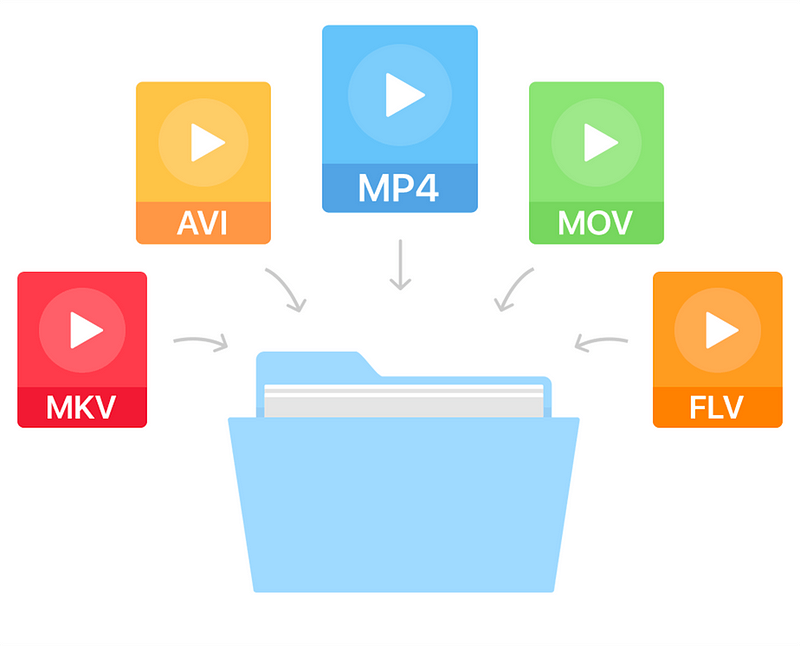
The most popular video formats include MP4, AVI, MOV, and MPG, but there are many more. The reason for a new format is often that manufacturers want to enforce their own formats, such as Apple with Quicktime (MOV) or Microsoft with AVI and ASF (or WMV).
What video codes are there?
Anyway, G enaugenommen is in video formats simply as a file container in which different content is stored, including the tone of the image and, where available, information such as subtitles and timestamps.
The codecs used to encode the image and soundtracks in the container are really important. Codecs ensure that multimedia files consume the least possible storage space with the best possible quality.
MPEG-1 and MPEG-2 (m2p, mpg, mpeg, ts)
MPEG-1 is one of the oldest video formats and at the same time container and codec. Although the codec is recognized and played by almost all devices and browsers, you can tell the age of the format: for example, HD videos are no longer possible and the quality of the videos is more bad than good.
It is better with the successor MPEG-2 format, which can be found with the same file extensions as MPEG-1. The codec is the standard for DVD video for many television companies. Even if the quality is good compared to MPEG-1 and the format is widely used, MPEG-2 is less suitable for the web, as the compression is comparatively low and good quality videos weigh many megabytes.
MP4 is standard for HD television and the format is also used on Blu-rays.
Creating good quality videos and clips is not a big deal these days.
AVI (avi)
As with MPEG-1, AVI is an old format: it has evolved over time and, thanks to codecs such as DivX, it supports high-quality HD videos with good compression. Although the format is widespread, it is only partially suitable for website integration due to lack of streaming capabilities.
ASF (wmv, asf)
The ASF format is probably better known to most as WMV. Unlike AVI, the format developed by Microsoft can be transmitted; the format is similar to MPEG-4, making it suitable for use on the web. Due to its low distribution, it is not especially recommended.
Flash and 3GP
These are two formats that are almost impossible to find on the Internet. 3GP was originally intended to be a highly compressed mobile format, and Flash could be found on almost every website. In the meantime, however, there are better codecs / formats with MP4 and WebM that are suitable for web applications.
QuickTime (mov)
MOV files are native to Mac. However, Apple has managed to make this high-quality video format a standard in professional editing. Many editors work with the MOV format in programs.

