
Video audio normalizer – volume enhancer.

Why do we need to improve the volume level of some videos?
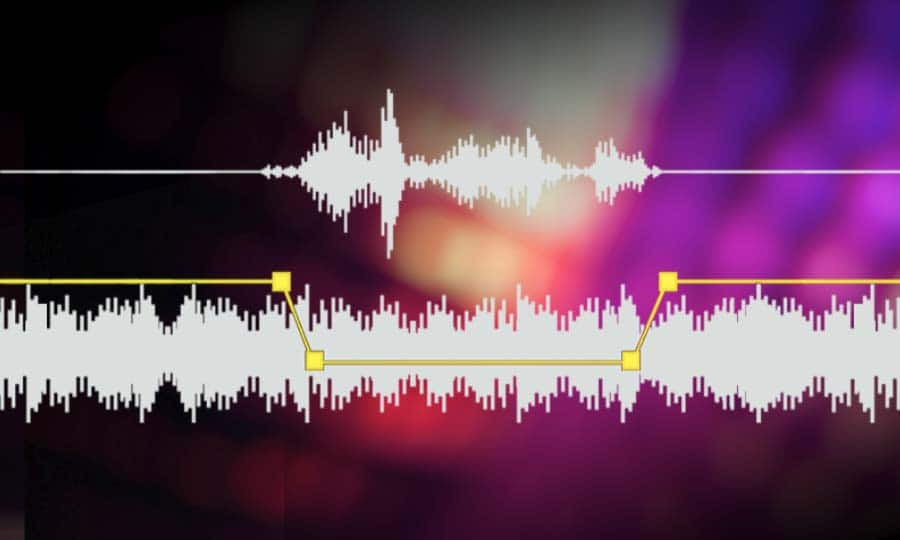
We have reached the point, due to the extremely high consumption of video and because much of this video is either produced domestically and not in specialized production companies, managed and poerated by technically qualified personnel, or because these videos have been downloaded by unusual methods and converted to other mform, atrosd, by people also domestically, without training.
In other words, in one way or another we consume video files that at some point have been manipulated by people who don’t really know what they’re doing, technically speaking.
Many of our videos have almost randomly determined bitrates… and the same goes for many other settings. They do not have those settings (eg that birate) as part of a conscious decision.
It should not surprise us that we notice differences, for example in volume level, between them and that we are forced to do something to correct that notorious disparity.
Mp4Gain does that, it helps us to give it uniformity and to correct, in the case of volume, these “defects” to bring our collection to the point where they all sound at the correct volume and therefore sound good when played one after the other.
Mp4Gain is unique, it is not only the best normalizer, but it is the only one capable of doing it with files of almost any audio or video format and making our collection of audio and video files sound uniformly at the correct volume level. .
By the way, Mp4Gain has other very useful functions, which we will talk about in another article, among them being the best audio and video converter.


