Video audio normalizer – volume enhancer.


Free Download Mp4Gain
picture

Video audio normalizer – volume enhancer.

Video audio normalizer

Why do we need to improve the volume level of some videos?
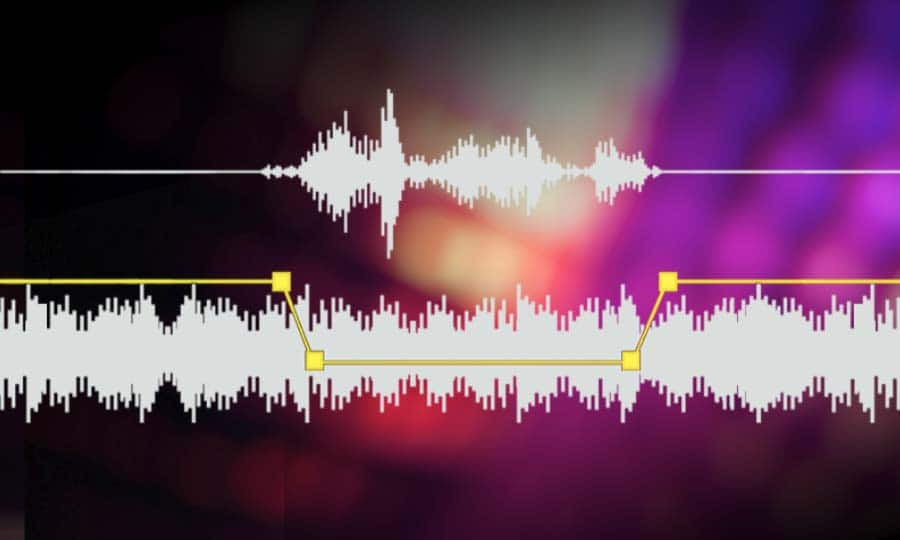
Video audio normalizer

We have reached the point, due to the extremely high consumption of video and because much of this video is either produced domestically and not in specialized production companies, managed and poerated by technically qualified personnel, or because these videos have been downloaded by unusual methods and converted to other mform, atrosd, by people also domestically, without training.

In other words, in one way or another we consume video files that at some point have been manipulated by people who don’t really know what they’re doing, technically speaking.

Many of our videos have almost randomly determined bitrates… and the same goes for many other settings. They do not have those settings (eg that birate) as part of a conscious decision.

It should not surprise us that we notice differences, for example in volume level, between them and that we are forced to do something to correct that notorious disparity.

Mp4Gain does that, it helps us to give it uniformity and to correct, in the case of volume, these “defects” to bring our collection to the point where they all sound at the correct volume and therefore sound good when played one after the other.

Mp4Gain is unique, it is not only the best normalizer, but it is the only one capable of doing it with files of almost any audio or video format and making our collection of audio and video files sound uniformly at the correct volume level. .

By the way, Mp4Gain has other very useful functions, which we will talk about in another article, among them being the best audio and video converter.


Free Download Mp4Gain
picture


Mp4Gain Main Window
picture


Mp4Gain Features
picture


Free Download Mp4Gain
picture

Normalize a video – Normalize the audio of a video.

There have been options for a long time to normalize mp3 audio.
We all use programs like mp3gain at some time to achieve that the loudness of our mp3s were even, with each other mp3s.

Normaliza video volume level

This way we avoided the unpleasant situation of having to correct the volume knob with each song.

Video Volume Boost

Why is it necessary to normalize a video or the audio of a video?

When digitized music did not exist, but vinyl or casstettes were used, it was not really necessary to use volume compressors. But when the music began to be digitized, volume compressors had to be used immediately to avoid some situations, for example, that the peaks would saturate the digitization.

The situation of using different bitrates and bit depths also started. All this has contributed to achieving that the volume levels are variable according to all these values.

On the other hand, listening to one video and then another, allows to immediately perceive the difference in the loudness of each one. Not only about musical vieeos, but in general.

Normalize the audio of a video

The video format does not matter, because Mp4Gain is capable of normalizing the audio of the videos of the most popular formats. With which we no longer have to suffer from differences in loudness between songs or videos.

It is now possible to get the volume levels of the different videos to match each other, to make the volume gains and volume levels feel the same across different videos.

Volume booster and normalize the audio or sound level of a video

R5 Actually, from the point of view of the algorithm, it is quite complex and complex, so Mp4Gain is quite advanced software.

But from the user’s point of view it is a very simple operation, simply load the video in Mp4Gain and proceed to normalize it by pressing a button.

And just like that, the differences between loudes or volume levels of the videos are over.

Mp4Gain does a very deep job, comparing the different frequencies and getting the volume level, the volume gain of each frequency and sound, to be optimized to its best possible volume.

Improve the volume level of a video

Therefore, today it is perfectly possible to improve the volume level of a video and correct its loudness to the optimum level.
Furthermore it is possible to modify the pitch without affecting the speed and vice versa, correct the equalization and many other additional functions.

Volume Boost of videos

You can use the popular Replay Gain if you wish. In short, the possibilities to improve the volume, to equalize the volume level and the loudness, is already a reality with Mp4Gain.