
mp3 audio normalizer
An mp3 audio normalizer is a tool to avoid differences in volume level in 2 or more audio files.
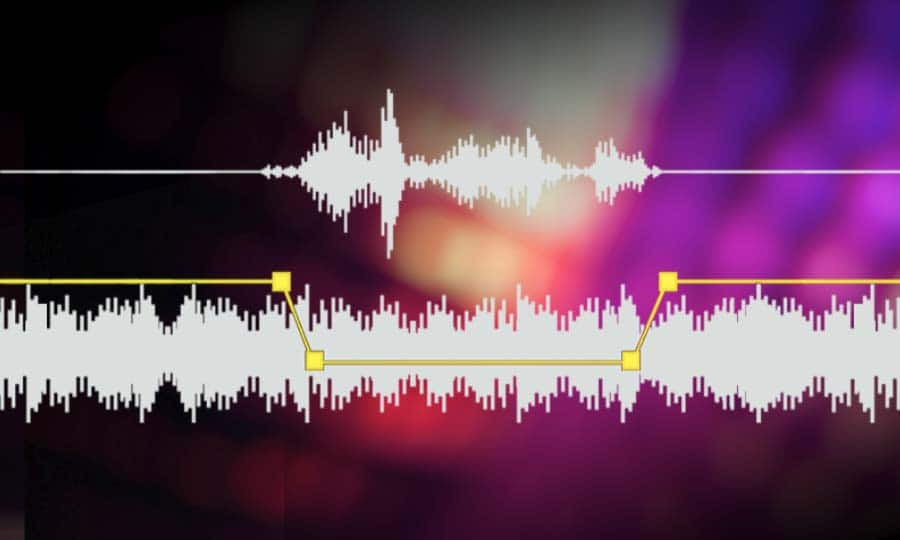
There are various ways to do this, but the most common is to use software that can normalize the levels of the files automatically. This can be done with an audio editor, or with a dedicated mp3 normalizer program.

Normalizing an audio file is checking each frame and adjusting it to be sure that each one is optimized to get the best possible volume without distortion.
An audio file can be normalized in two ways:
1. Peak Normalization:
This is where the audio file is analyzed and the highest peak is identified. The volume of the entire file is then increased or decreased so that this peak is at the maximum possible level without distortion.
2. RMS Normalization:
This is where the audio file is analyzed and the average volume level is identified. The volume of the entire file is then increased or decreased so that this average level is at the maximum possible level without distortion.
This behavior is similar to the compressor that keep the volume range of noisy and lower passages of the audio to keep both in a range that can sound fine.
The main difference is that the goal of an audio normalizer is not to change the sound of the audio, but to make sure that the volume levels of all the files are the same.
The most common format that is normalized is MP3, but other formats such as WAV can also be normalized.
In this times even video files can be normalized too.,
There are many reasons why you might want to normalize your audio files.
For example, if you have a number of files that were recorded at different levels, you may want to normalize them so that they all have the same volume level.
This can be useful if you want to create a playlist of files that are all the same volume, or if you want to make sure that all the files in a particular folder have the same volume level.
Another reason to normalize your audio files is if you want to make sure that they sound their best when played back on different devices.
For example, if you have an MP3 file that sounds great on your computer, but sounds terrible on your phone, you may want to normalize it so that it sounds its best on both devices.
Normalizing your audio files can also be useful if you want to make sure that they are suitable for use in different situations.
For example, if you have an MP3 file that you want to use as background music for a video, you may want to normalize it so that it is not too loud or too quiet.
Normalizing your audio files can also be useful if you want to make sure that they sound their best when played back at different speeds.
For example, if you have an MP3 file that sounds great when played back at normal speed, but sounds terrible when played back at double speed, you may want to normalize it so that it sounds its best at both speeds.
Normalizing your audio files can also be useful if you want to make sure that they sound their best when played back at different volumes.
For example, if you have an MP3 file that sounds great when played back at a low volume, but sounds terrible when played back at a high volume, you may want to normalize it so that it sounds its best at both volumes.
Normalizing your audio files can also be useful if you want to make sure that they are suitable for use in different environments.
For example, if you have an MP3 file that you want to use as background music for a party, you may want to normalize it so that it is not too loud or too quiet.
Normalizing your audio files can also be useful if you want to make sure that they are suitable for use in different places.
For example, if you have an MP3 file that you want to use as background music for a restaurant, you may want to normalize it so that it is not too loud or too quiet.
Normalizing your audio files can also be useful if you want to make sure that they are suitable for use at different times of the day.
For example, if you have an MP3 file that you want to use as background music for a morning show, you may want to normalize it so that it is.


