Audio Latency Compensation


Free Download Mp4Gain
picture

Understanding Audio Latency Compensation
Audio Latency Compensation

Audio latency compensation is a critical concept in the world of audio processing and production. It refers to the delay that can occur when processing audio signals, and it’s a topic that impacts everything from live performances to recording studio sessions and even everyday experiences like watching TV or playing video games. In this article, I’ll delve into the intricacies of audio latency compensation, exploring its significance, how it affects various applications, and how it can be managed for optimal audio experiences.

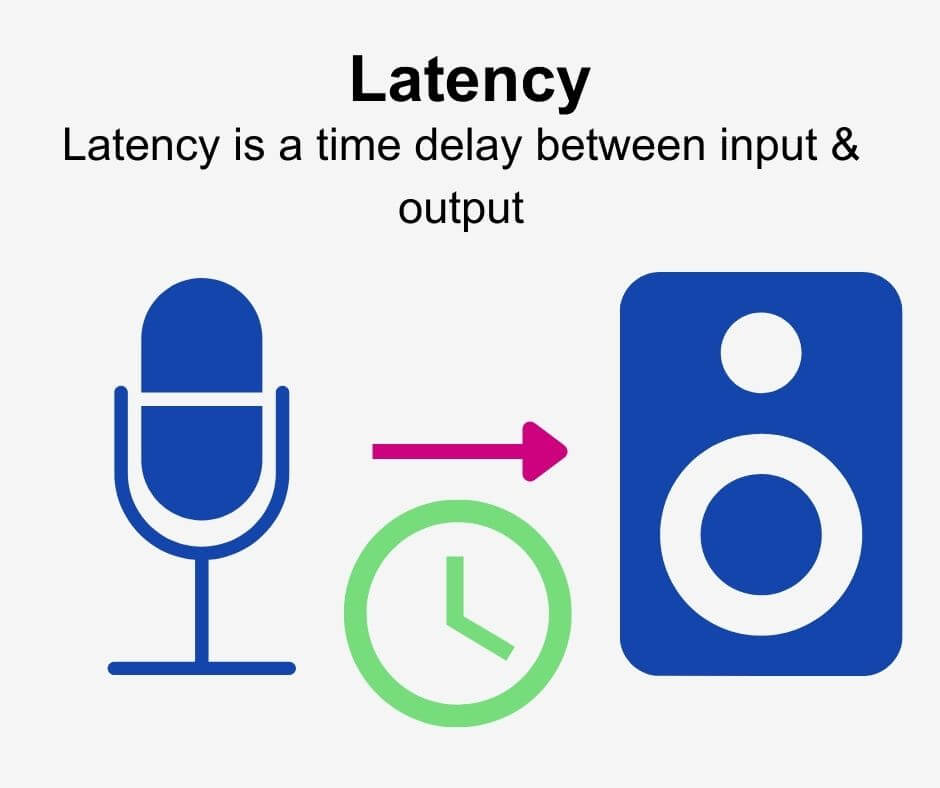
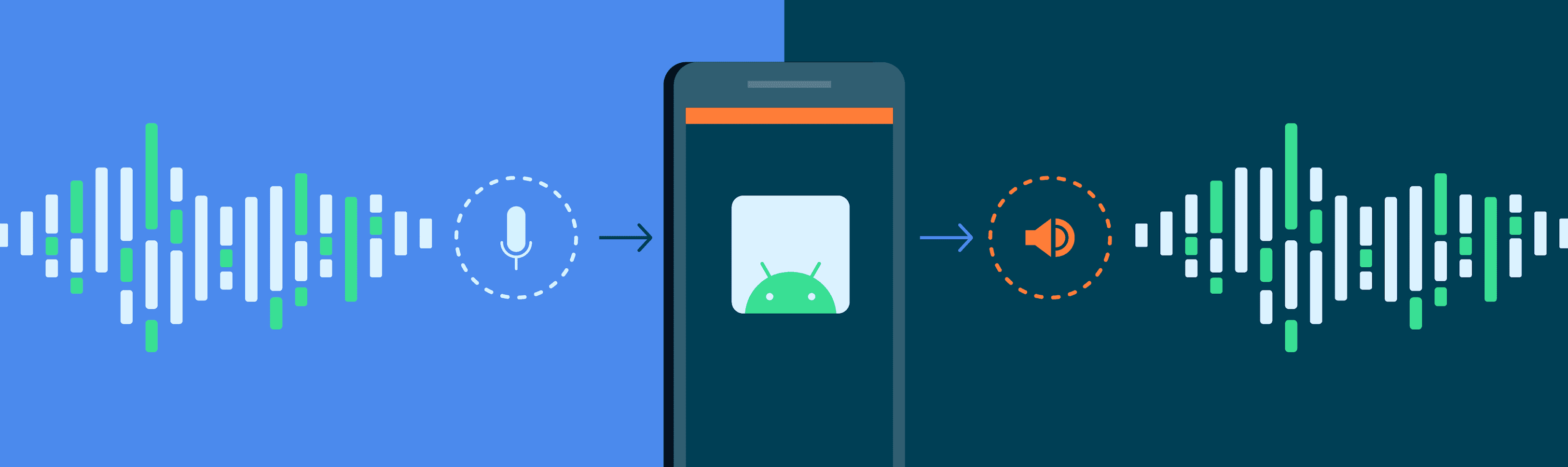
Audio latency compensation is essentially the delay that occurs when an audio signal is processed or transmitted from its source to its destination. This delay can be introduced at various stages of audio processing, such as when recording instruments, mixing tracks, or even during live performances. It’s measured in milliseconds and is a critical factor in ensuring that audio remains synchronized and cohesive.

Why Does Audio Latency Matter?
Audio Latency Compensation

The importance of audio latency compensation becomes evident when you consider scenarios where timing is crucial. For instance, in a live concert, the sound from microphones and instruments must reach the audience’s ears in sync with what they see on stage. Any delay can lead to a disjointed experience. Similarly, in music production, when multiple tracks are mixed, misaligned audio can result in muddiness or phase cancellation, affecting the overall quality of the recording.

Audio latency also plays a significant role in gaming. Gamers rely on audio cues for spatial awareness, and any latency can disrupt their ability to react quickly. Imagine playing a first-person shooter where the gunshot sound lags behind the visual animation; it could be the difference between victory and defeat.

Managing Audio Latency

To address audio latency, various techniques and technologies are employed. One common method is buffer size adjustment. This involves adjusting the size of data buffers in audio processing software or hardware to minimize delay. Smaller buffer sizes reduce latency but may strain the computer’s processing power, while larger buffers reduce strain but increase latency.

In professional audio setups, dedicated hardware interfaces with low-latency capabilities are used to minimize delay. These interfaces are designed to handle audio signals efficiently, ensuring minimal latency during recording and playback.

In the realm of gaming and live audio, technologies like ASIO (Audio Stream Input/Output) and low-latency audio drivers are employed to achieve near-instantaneous audio processing.

People Also Asked About Audio Latency Compensation

1. What Causes Audio Latency?

Audio latency can be caused by several factors, including:

Hardware Processing: Slow processors or insufficient RAM can lead to latency when processing audio.
Software Buffering: When audio data is buffered for processing, it can introduce delay, especially if the buffer size is too large.
Network Latency: In online applications, data transmission over the internet can introduce latency.

2. How Does Latency Affect Streaming and Online Calls?

In streaming and online calls, high latency can result in delays between audio and video, leading to unsynchronized experiences. This is often noticeable in live broadcasts or video conferencing.

3. Are There Differences Between Latency in Music Production and Gaming?

Yes, there are differences. In music production, low-latency is critical for real-time monitoring and recording. In gaming, low-latency ensures that audio cues match gameplay actions for a seamless experience.

4. Can Latency Be Completely Eliminated?

While we can minimize latency to imperceptible levels, complete elimination is challenging due to the limitations of hardware, software, and network transmission. Achieving extremely low latency is the goal, but there will always be some minimal delay.

Keywords with Identical Search Intent

1. Audio Delay Reduction Techniques

Reducing audio delay involves techniques like buffer size optimization, hardware upgrades, and low-latency drivers. These methods aim to minimize the time it takes for audio signals to travel from source to output.

2. Real-time Audio Processing

Real-time audio processing is crucial in applications like live sound engineering and gaming. It involves minimizing latency to ensure that audio signals are processed and delivered without noticeable delays.

3. Low-Latency Audio Interfaces

Low-latency audio interfaces are specialized hardware devices that enable musicians and producers to work with minimal audio delay. They are essential tools in professional music studios.

4. Latency Compensation in Audio Software

Audio software often includes features for latency compensation, allowing users to adjust settings and reduce delays during recording and playback. Understanding and utilizing these features is vital for audio professionals.

Last Words

In the world of audio, timing is everything. Whether you’re a musician, a gamer, or simply a fan of high-quality audio, understanding and managing audio latency compensation is essential for an immersive and seamless experience. By employing the right techniques and technologies, you can ensure that audio signals reach your ears with minimal delay, preserving the integrity of the sound and enhancing your overall enjoyment. So, whether you’re rocking out at a concert, producing your next hit song, or conquering virtual worlds in gaming, remember that audio latency compensation plays a pivotal role in shaping your auditory experience.


Free Download Mp4Gain
picture


Mp4Gain Main Window
picture


Mp4Gain Features
picture


Free Download Mp4Gain
picture

Audio Latency Definition

Audio Latency Definition

Audio Latency
Audio Latency
Audio Latency
Audio Latency


Audio latency is the delay between the time a sound is produced and the time it is heard. It is a common problem in audio production and gaming, and can be caused by a variety of factors, including hardware and software issues.

As a musician and audio engineer, I have experienced the frustration of dealing with audio latency firsthand. It can make recording and mixing a nightmare, and can ruin the experience of playing games that rely on precise timing.

As the name suggests, audio latency is a type of delay, but it is important to note that not all delays are latency. Latency specifically refers to the delay caused by the time it takes for a signal to travel through a system, such as a computer or audio interface.

How to Reduce Audio Latency

Reducing audio latency can be a complex process, but there are several steps you can take to minimize it. One of the most effective ways to reduce latency is to optimize your computer’s performance.

This can be done by closing unnecessary programs and processes, disabling visual effects, and updating your drivers. You can also reduce latency by using a dedicated audio interface, which can bypass your computer’s built-in sound card and provide faster processing.

Another way to reduce latency is to adjust your buffer size. A smaller buffer size can reduce latency, but may also cause audio glitches and dropouts. Finding the right balance between buffer size and latency is key.

As the famous musician and producer Quincy Jones once said, “The most important thing in music is the silence between the notes.” In the case of audio latency, reducing the silence between the notes can make all the difference.

Audio Latency Causes

There are many factors that can contribute to audio latency, including hardware and software issues. One common cause of latency is a slow or overloaded CPU, which can struggle to process audio in real-time.

Another cause of latency is an outdated or malfunctioning audio driver. This can cause delays in the signal processing chain, leading to noticeable latency.

Latency can also be caused by the use of wireless devices, such as Bluetooth headphones or speakers. The time it takes for the signal to travel wirelessly can add significant latency to the audio signal.

As with many technical issues, the key to solving audio latency problems is to identify the root cause and address it directly.

Audio Latency Solutions

There are several solutions to audio latency, depending on the specific cause of the problem. One solution is to use a dedicated audio interface, which can provide faster processing and bypass the built-in sound card on your computer.

Another solution is to adjust your buffer size, as mentioned earlier. Finding the right balance between buffer size and latency can be a trial-and-error process, but can greatly improve the performance of your audio system.

Other solutions include upgrading your computer’s hardware, such as adding more RAM or a faster CPU, or using a wired connection instead of wireless.

Ultimately, the best solution to audio latency is prevention. By optimizing your computer’s performance and using high-quality hardware and software, you can minimize the risk of latency and ensure a smooth audio experience.

Audio Latency in Gaming

Audio latency can be a major problem in gaming, especially in games that rely on precise timing and sound cues. Even a small delay can make a big difference in gameplay, and can lead to frustration and poor performance.

As a gamer myself, I have experienced the frustration of dealing with audio latency in games. It can make it difficult to react quickly to in-game events, and can make it hard to enjoy the immersive audio experience that many modern games offer.

One solution to audio latency in gaming is to use a dedicated gaming headset or sound card, which can provide faster processing and reduce latency. Another solution is to adjust your game’s audio settings, such as the buffer size or sample rate.

Ultimately, the key to reducing audio latency in gaming is to find the right balance between performance and quality. By optimizing your system and using high-quality hardware and software, you can enjoy a smooth and immersive gaming experience.

Audio Latency in Music Production

Audio latency is a common problem in music production, and can make recording and mixing a difficult and frustrating process. Even a small delay can throw off the timing of a performance or make it hard to hear subtle changes in the mix.

As a musician and producer, I have dealt with audio latency in many different contexts. It can be caused by a variety of factors, including slow or overloaded CPUs, outdated drivers, and high buffer sizes.

One solution to audio latency in music production is to use a dedicated audio interface, which can provide faster processing and reduce latency. Another solution is to adjust your buffer size and sample rate, as well as optimizing your computer’s performance.

Ultimately, the key to reducing audio latency in music production is to find the right balance between performance and quality. By using high-quality hardware and software and optimizing your system, you can ensure a smooth and productive recording and mixing process.