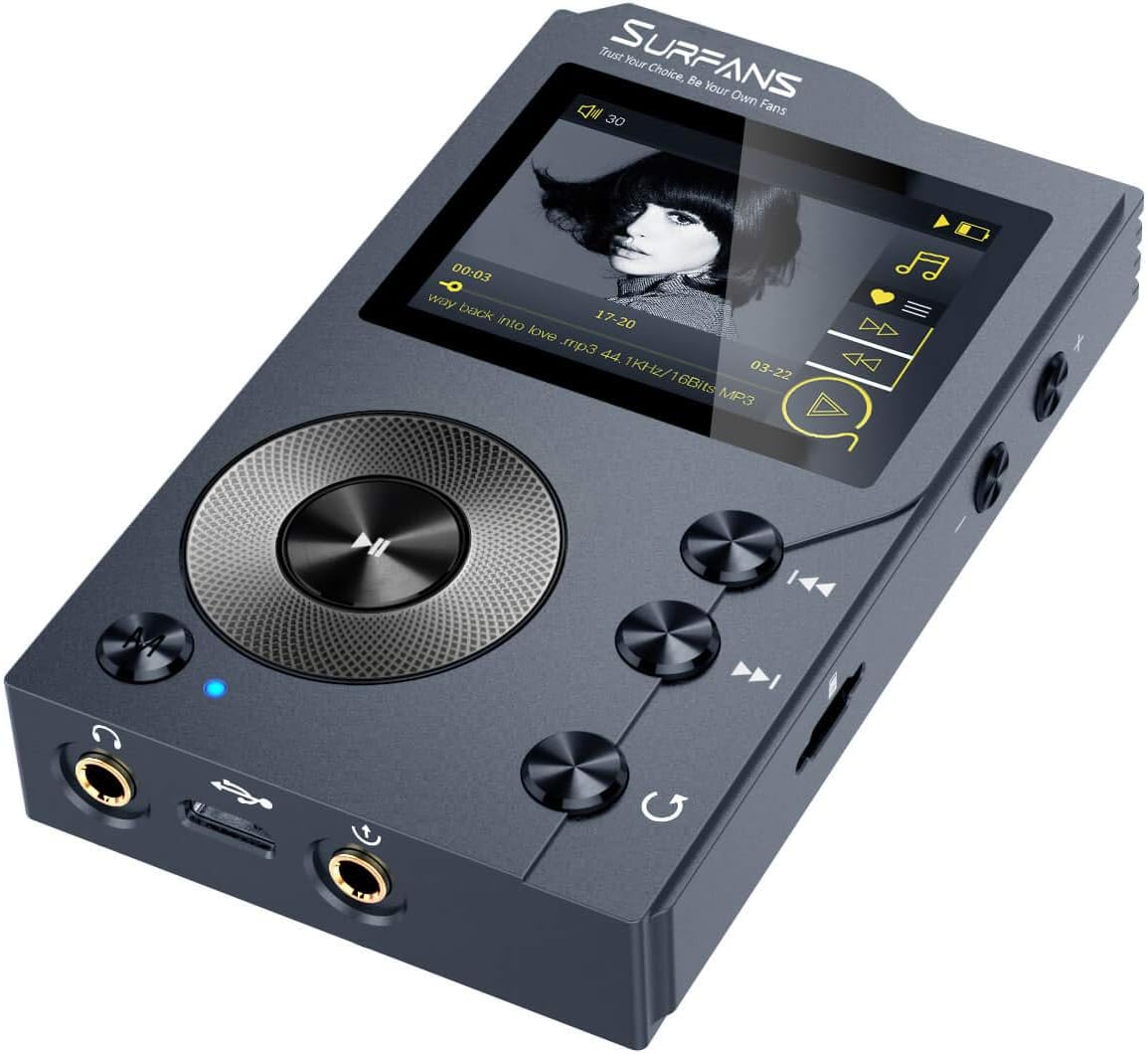
What is an .MP3 file?

File extension: .mp3

Format Type: Lossy Compressed
Uncompressed audio formats such as WAV and AIFF offer great sound quality at the cost of large file sizes. With the rise of Internet file sharing in the mid-1990s, people quickly realized that sending uncompressed files over a dial-up connection was impractical and often impossible. Thus, MP3 (MPEG-2 Audio Layer III encoding) was born.
A three-minute song would take about 30MB to output in WAV or AIFF format, while converting to MP3 would take a tenth of the space, about 3MB. Thanks to efficient compression algorithms, MP3 has become a staple of the Internet age and has remained strong.
PS: Previously, everyone called all music players “MP3”. For example, when they met, they said, “Did you buy an MP3?”
Like images, smaller audio files lose clarity and detail.
However, small files sacrifice sound quality. Take the image above. On the left, you can vividly see every little wrinkle and color. However, the highly compressed image (on the right) becomes very pixelated and loses all sharpness and detail (but still makes sense). The same thing happens when compressing audio files.
Different compression formats use different methods to re-encode data in a space-efficient way. However, this space-saving method means that some data must be lost in the process. High frequencies are usually the first to be lost because most people’s ears cannot hear details in the high frequencies. The lower the encoding quality, the more frequencies and details will be lost in the audio.
That said, modern compression algorithms allow for higher bit rates, which in turn means they can achieve high compression rates with very little loss in audio quality. Bitrate indicates the amount of data transferred per second of audio content, and a general rule of thumb is: smallest bitrate = smallest file size. So if you want to maintain good quality, but still take advantage of the fact that MP3s are easy to share, you should keep your bitrate above 128 Kbps (kilobits per second).
What is an M4A/MP4 file?
File extensions: .m4a, .mp4
Format Type: Lossy Compressed
M4A (MPEG-4 Part 14) files are Apple’s answer to MP3. Often considered the successor to MP3, this Mac-focused compressed audio format has gained popularity with the birth of the iTunes Store. In the iTunes Store, M4A became the main format for music purchases through the online music store. It remains the format of choice for all audio included in apps published in the Mac and iOS app stores, as well as in Nintendo and PlayStation products.
M4A files are encoded using the lossy Advanced Audio Coding (AAC) codec, which is capable of delivering the same bitrate as MP3, but with better compression. This reduces file size while providing higher audio quality.
Although many audio players can play M4A files on various platforms, the compatibility is still not as good as MP3, so MP3 is still the most viewed.