Make MP3 Louder


Free Download Mp4Gain
picture

Make MP3 Louder

Make MP3 Louder
Make MP3 Louder
Make MP3 Louder
Make MP3 Louder

Increase MP3 Volume with MP4Gain

As a music lover, it’s frustrating when your favorite MP3 files are too quiet. You want to listen to them loudly without damaging your ears, but how can you make MP3 louder? The answer is MP4Gain. This Windows-based software can normalize and amplify the volume of your MP3 files without any loss in quality. With just a few clicks, you can increase the volume of your MP3s and enjoy them at the perfect volume.

Amplify MP3 Sound with Simple Steps

You don’t need to be an audio expert to make your MP3 files louder. With MP4Gain, it’s a simple process that anyone can do. After installing the software, just drag and drop your MP3 files into the program. MP4Gain will analyze and normalize the volume of each file, so they all sound at the same level. Then, you can amplify the volume to your desired level, and save the files. It’s that easy!

Make MP3 Louder Online with These Tips

If you don’t want to install software on your computer, you can make your MP3 files louder online. There are many websites that offer this service, but be careful as some of them can reduce the quality of your audio. Look for a reliable and trustworthy website that can amplify the volume without any loss in quality. Also, keep in mind that online tools may have limitations, and the results may not be as good as with dedicated software like MP4Gain.

How to Make MP3 Louder: Tips and Tricks

Aside from using software or online tools, there are some tips and tricks that you can use to make your MP3 files louder. For example, you can use an equalizer to boost the volume of certain frequencies. You can also try compressing the file, which can make the quieter parts louder while keeping the louder parts unchanged. However, keep in mind that these techniques may not work for all MP3 files, and you may still need to use dedicated software like MP4Gain to achieve the desired results.

Boost MP3 Volume: Conclusion

In conclusion, if you’re looking to make your MP3 files louder, MP4Gain is the ultimate solution. It’s easy to use, affordable, and can provide great results. Whether you’re a music lover, a podcaster, or a video creator, having your MP3 files at the perfect volume is essential. Don’t settle for quiet MP3s anymore, boost their volume with MP4Gain!


Free Download Mp4Gain
picture


Mp4Gain Main Window
picture


Mp4Gain Features
picture


Free Download Mp4Gain
picture

How MP3 Players Work

How MP3 Players Work

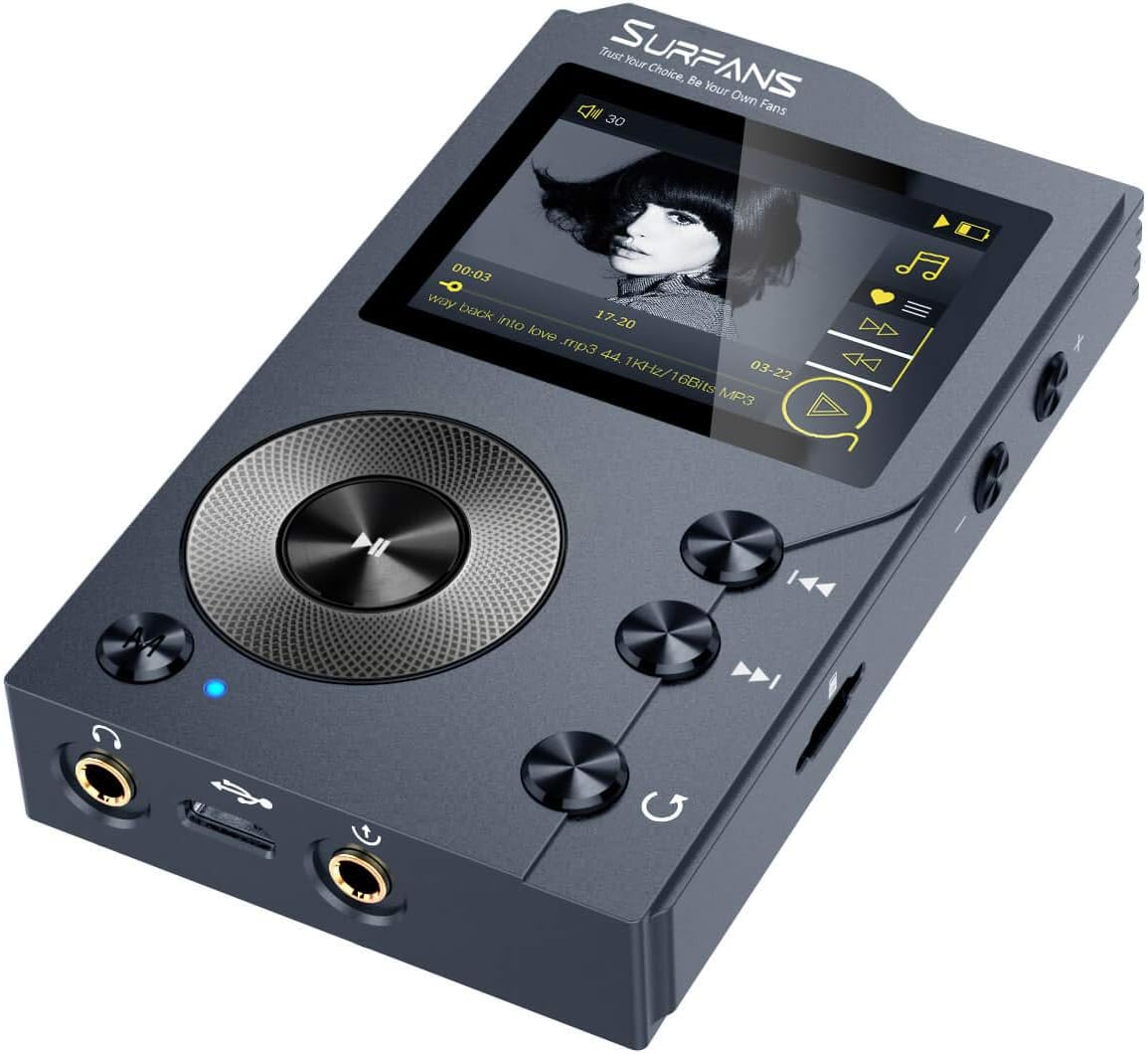
mp3 player

The MP3 player is the latest in the evolution of music formats that help consumers enjoy music.

Mp3 Player

Records, eight-track tapes, cassettes, and CDs – none of these music formats provided the convenience and control that MP3 players did before. With an MP3 player in their hand or pocket, consumers can create personalized playlists and take thousands of songs with them.

they go.

All the stored music and the MP3 player itself can fit in a single device that, in some cases, weighs less than an ounce. Portability is a major factor in the popularity of MP3 CD players and CD storage cases. In addition, some devices offer additional technology, such as video and photo viewing, alarm and calendar functions, and even cell phone and Internet services.

In this article, you will learn more about the technology behind MP3 players and the different types of players available. You can also find out how to get the melodies and how to use the accessories for your player. Get started by learning the MP3 file format on the next page.

content
The MP3 file format
this technology
Types of MP3 Players
fill your playlist
Accessories Your MP3 Player
The MP3 file format

The MP3 file format for music made its debut in the late 1990s, a file-sharing service, and the first portable MP3 players. MP3, or MPEG Audio Layer III, is a method of compressing audio files. MPEG is an acronym for Moving Picture Experts Group, which develops video data compression systems, including those used in DVD movies, television broadcasts, and digital satellite systems.

Using the MP3 compression system reduces the number of MP3 bytes in a song, while preserving CD-like quality sound. Every time you compress a song, its quality is degraded in order to carry more music files on a smaller storage system. A smaller file size also allows songs to download from the Internet faster.

Consider that the average song is about four minutes long. On a CD, that song uses about 40 megabytes (MB), but it uses only 4 MB if compressed into MP3 format. On average, 64 MB of storage is equivalent to an hour of music. A music listener who has an MP3 player with 1 GB (about 1000 MB) of storage space can carry about 240 songs or the equivalent of about 20 CDs. Songs stored on traditional CDs are already uncompressed, so more discs are needed to store the same number of songs. (Some CDs support MP3 files.)