Benefits of “digital audio”

The digitized audio signal has the following advantages:

-the possibility of infinitely long storage without loss of original quality,
-the ability to reproduce for a long time without losing the original quality,
-the possibility of infinite reproduction without loss of original quality,
-simplicity and wide possibilities of processing by modern means,
-Resistance to interference in signal transmission lines.
From CD to Super Audio CD and DVD Audio
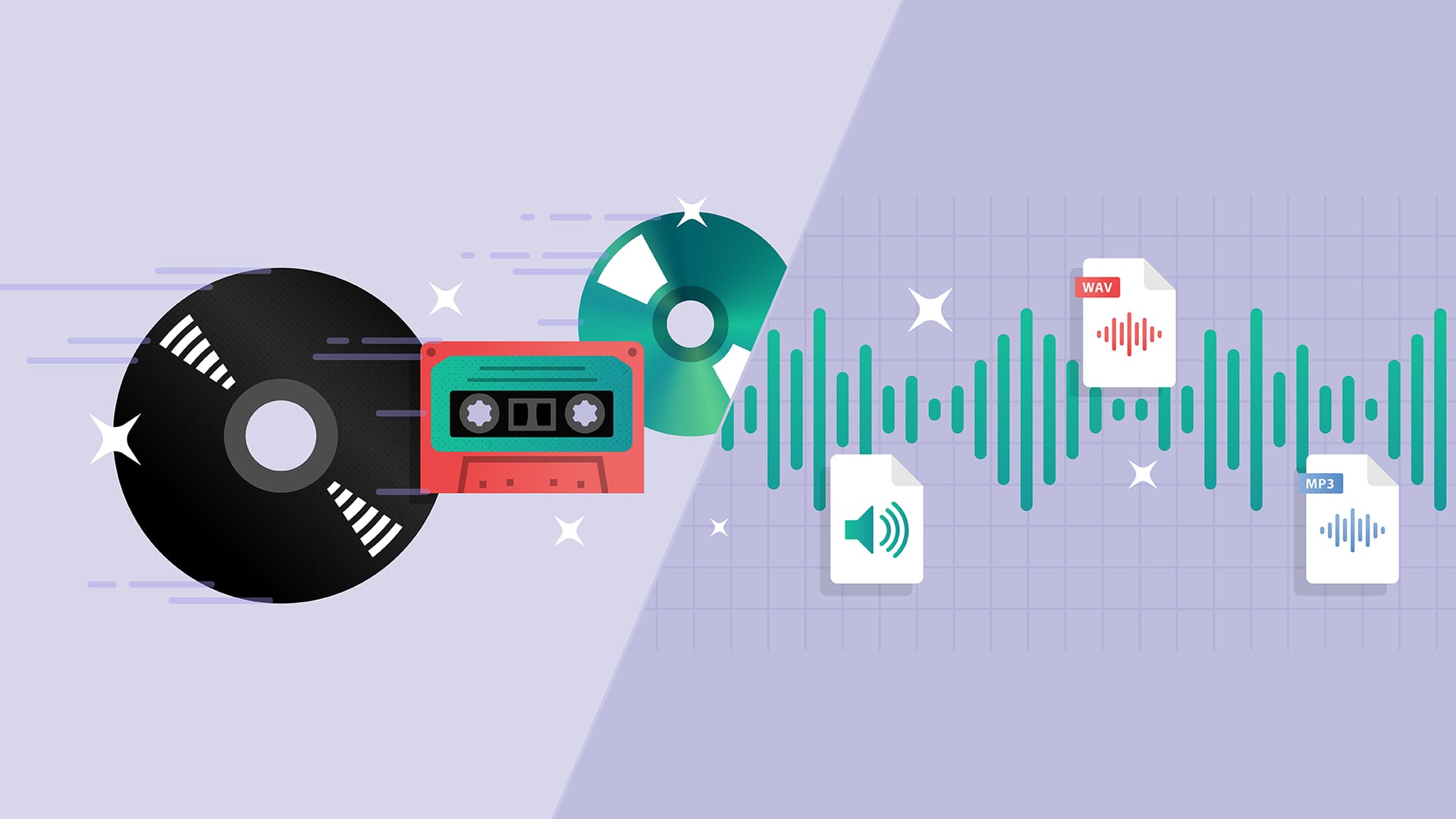
CD (Compact Disk) is a type of removable plastic disk with optical reading of information.
In 1979, Sony and Philips proposed the Red Book standard for digital audio recording.
Analog sound is digitized and recorded as a spiral track of alternating zeros and ones (micron holes and a smooth surface) on a 12 cm polycarbonate disc, slightly thicker than a millimeter, covered with the thinner layer gold (later aluminum).
The player’s laser illuminates the disc and detects binary “zeros” and “ones”, which, after processing, are converted back to sound. It is almost impossible to mistake zero for one. Possible problems associated with read errors and scratches on the disc surface were compensated for using digital error correction.
As a result, not only did the physical dimensions of the record holder decrease compared to vinyl record, but also the musical capacity increased significantly: up to 74 minutes (the then owner of Sony wanted his favorite Beethoven Ninth Symphony to fit into a disk).
In 1982 in Langenhagen (Germany) the mass production of compact discs (CD) began with the “Alpine Symphony” by I. Strauss.
Real
High-quality audio is now recorded in Super Audio CD and DVD Audio formats, which:
use a DVD media,
use multichannel recording (up to 5.1),
sampling rate up to 192 kHz,
quantization level: up to 24 bits (each bit doubles the precision of sound transmission and, at such a depth of quantization, the dynamic range of the reproduced sounds can exceed 130 dB).
The new recording formats offer the highest quality, are expensive ($ 15 per disc), and are not popular because most listeners, sadly, don’t care too much about sound quality.
Digital audio options
The important parameters of the digital representation of sound are the sample rate of the audio signals and the quantization of bits.
Quantization rates indicate how many times per second a signal is sampled (measured in amplitude) for conversion to digital code.
For CD standard it is 44KHz (44 thousand times per second), for SACD 192KHz
The quantization bit characterizes the number of signal steps and is measured by the power of 2.
For the CD standard, 16-bit audio adapters are used, which have 65,536 quantization steps (2 to the 16 power), as in an audio CD. For standard and 24-bit SACD.
Digital audio storage
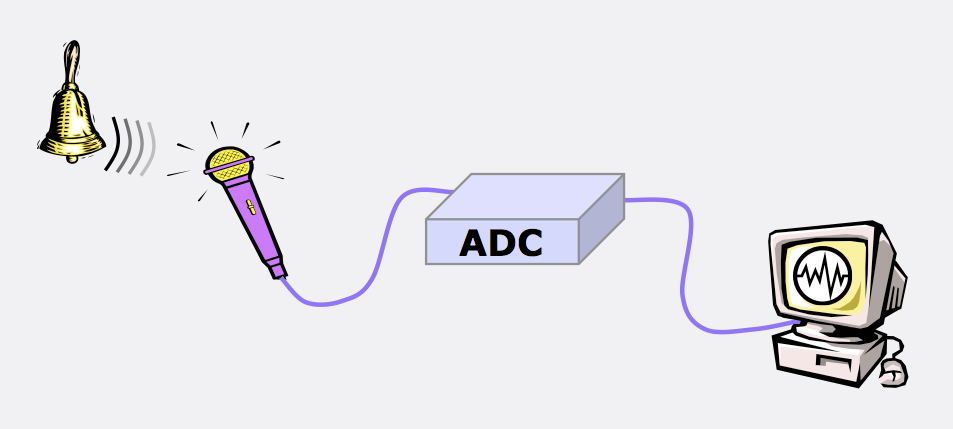
About digitizing sound has a set of signal amplitude values taken at regular intervals and can be written to file sequence numbers (amplitude values).
Two methods are widely used to encode audio information:
PCM (pulse code modulation)
ADPCM (Adaptive Relative Pulse Code Modulation)
PCM (Pulse Code Modulation) is a method of digitally encoding a signal by recording the absolute values of the amplitudes. This is how data is recorded on all audio CDs.
ADPCM (Adaptive Delta PCM) – Records signal values in relative amplitude changes (increments), allowing you to simplify data to take up less memory.
Lossless encoding (for lossless data odirovanie) allows data recovery from fully compressed (20-50%) stream.
Popular L ossless encoding algorithms:
Windows Wave (WAV) is the primary audio file format for Windows.
The Audio Interchange File Format (AIFF) is the primary audio format for the Macintosh.
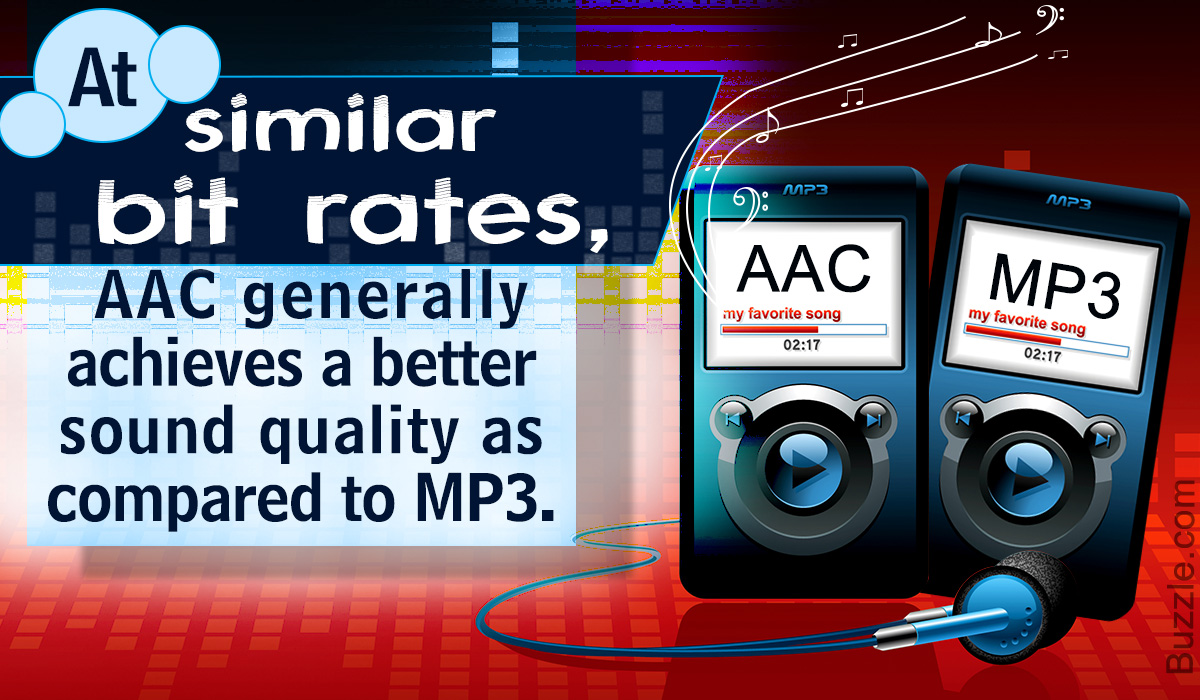
L ossy encoding (lossy data encoding) enables you to achieve sound similarity of the reconstructed signal to the original with the highest possible data compression (10-1 5 times).
The basis of lossy-encoders is the use of psychoacoustic models: certain portions of the signal, in certain frequency ranges that are inaudible to the human ear, nuances (masked or inaudible frequencies) and occurs to remove them from the original signal.