
H.266 video encoding method
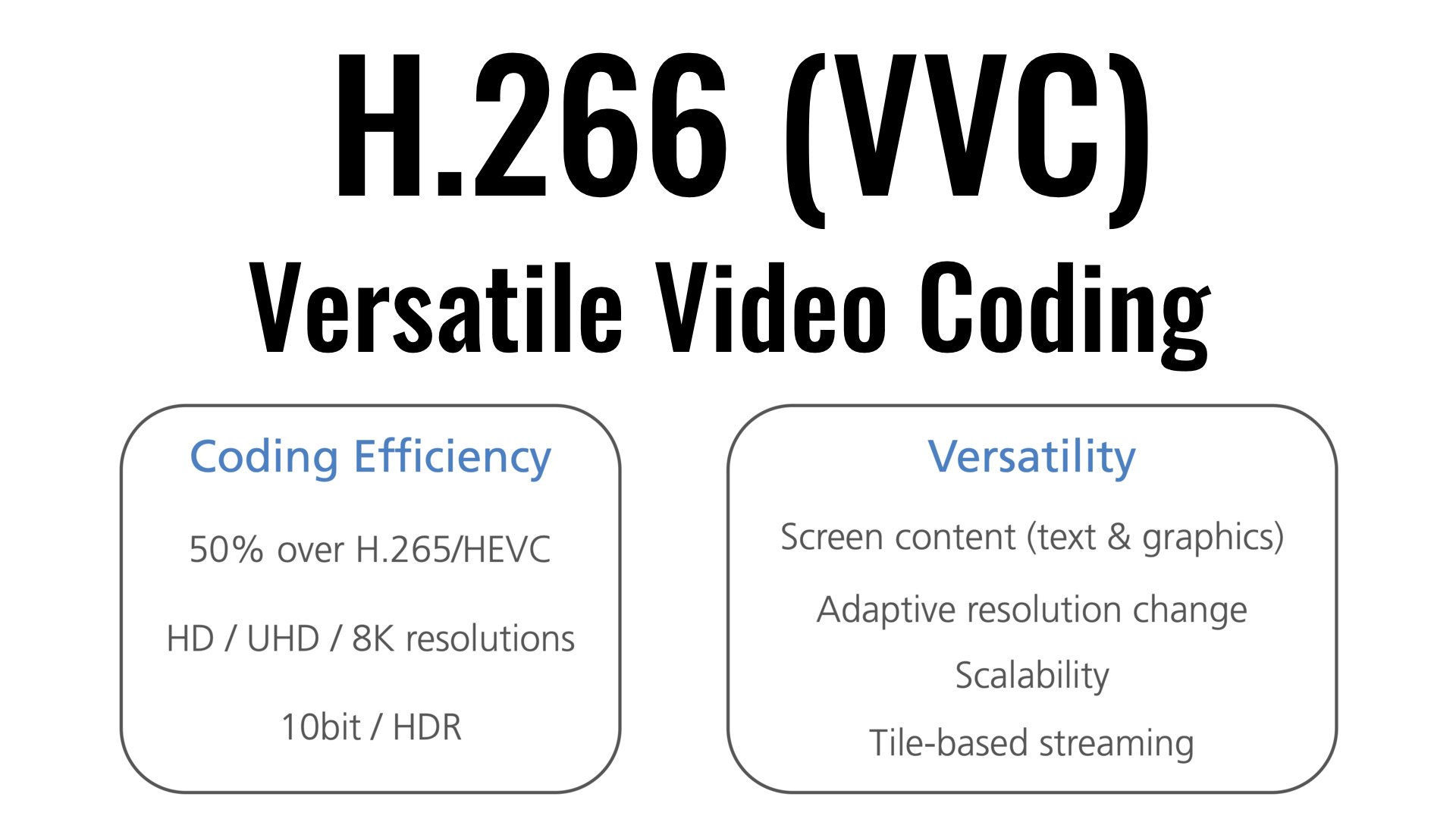
| It was successful in transmitting 4K / 60fps video using a VVC compliant real-time codec – It is possible to provide highly realistic video services at a bit rate less than half that of the method.
KDDI R&D Laboratories, Inc. (Headquarters: Fujimino City, Saitama Prefecture, Director: Gen Nakamura, hereinafter “KDDI R&D Laboratories”) is the latest international standard H.266 video encoding method | VVC (Versatile Video Coding) Using a real-time codec system (hereinafter “this system”) compatible with “VVC”), we achieved a demonstration experiment of streaming 4K video at a bit rate of 12 Mbps (megabit / sec) and a frame rate of 60fps (frames / sec.) We have confirmed that stable video quality can be maintained even if the bit rate is reduced to less than half that of the current stream.
Current 4K streaming video is streamed at a frame rate of 60fps, and by using this system, viewers can be provided with a highly realistic video service comparable to 4K streaming, including not only streaming but also mobile lines. . provide a more flexible network configuration.
[Background]
KDDI R&D Laboratories is dedicated to the research and development of compression technology with the aim of realizing a content experience that maintains a high sense of presence by providing the optimal transmission media according to the situation of the user who is viewing the video. Is working.
1. 1. This demo experiment follows the following two VVC research results announced by KDDI R&D Laboratories in September and December 2020.
・ Developed the world’s first newest video encoding method H.266 | VVC Compliant 4K Realtime Encoder (September 1, 2020)
・ The world’s first newest video encoding method H.266 | VVC Compatible Realtime Codec 4K Live Streaming Successful Demo Experiment (Dec 23, 2020)
2. VVC is the latest video encoding method, and is the international standard video encoding method widely used in today’s Internet 4K / 8K video transmission and distribution services. H.265 | HEVC (High Efficiency Video Coding, hereinafter “” Achieves twice the video compression performance of “HEVC”). It was standardized in August 2020 by the international standardization bodies ITU-T and ISO / IEC. In Japan, its adoption is being considered as one of the video coding methods in the sophistication of terrestrial digital television broadcasting, which is being studied by the Ministry of the Interior and Communications (Note 1).
The 3.4K video streaming has a frame rate of 60fps and is superior in reproducibility of high-speed moving scenes compared to 30fps, which is generally used for Internet video distribution, especially in sports scenes. It helps to improve the quality of the experience. In the experiments so far, it was aimed at 30fps and it was difficult to use it for streaming.
[Scheme and results of the demonstration experiment]
On December 21, 2021, a network line was used from Kansai Television Broadcasting Corporation (Kita-ku, Osaka) to the KDDI Research Workshop (Minato-ku, Tokyo) using this system developed by KDDI R&D Laboratories. a video streaming demonstration experiment over.
In the demo experiment, we managed to stream 4K video at 12 Mbps bit rate and 60 fps frame rate, and confirmed that stable video quality can be maintained even if the bit rate is reduced to less than half of the current one. transmission.
We have improved acceleration processing and parallelization processing that are effective for making VVC encoders on multi-core CPU platforms, and we have devised and realized technology that scales not only at a frame rate of 30fps but also at 60fps. .


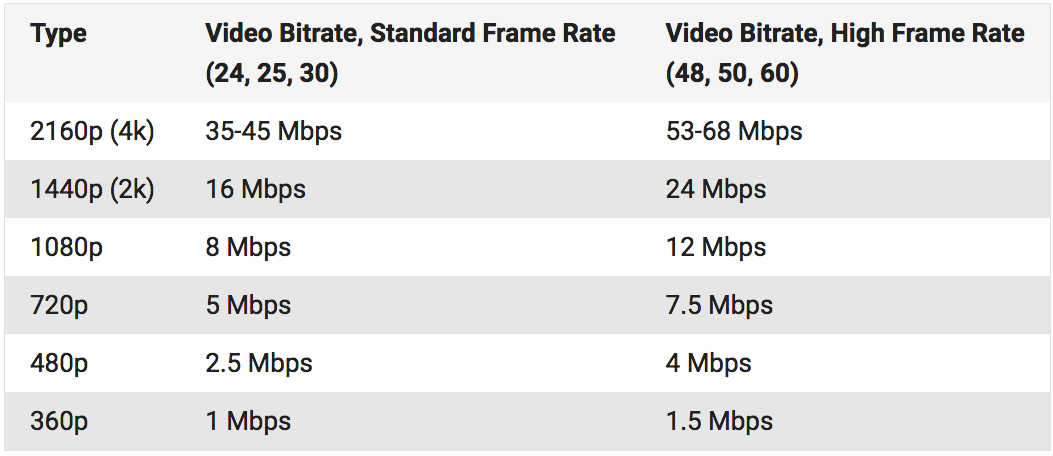

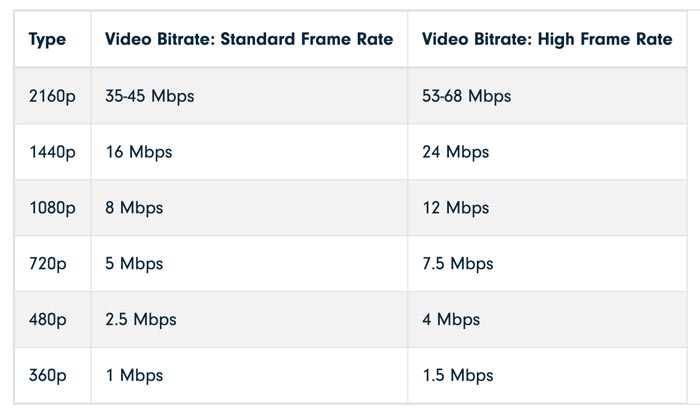










/Bit-Depth-vs-Bit-Rate-d62ed553edc644aab33a41d78f2c4419.jpg)