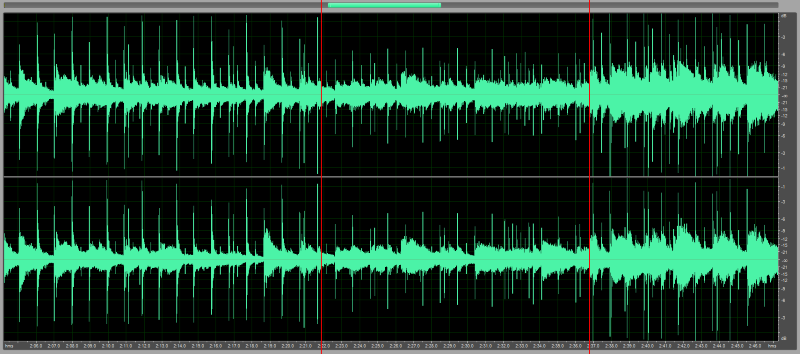
Sound normalizer


Free Download Mp4Gain
picture

Sound normalizer

Sound normalizer
Sound normalizer

sound normalization

Sound normalizer
Sound normalizer

Since the audio was digitized, a noticeable difference in volume levels or loudness between different audio or video files began to be noticed.

What is amplification of sound?

Why does this difference or difference in audio volume or loudness occur between audio or video files after digitization?

The reasons are several and in general they are quite simple. The first is that in the days of vinyl records, since switching from one record to another took time, we generally didn’t notice much if there was a difference between them in terms of volume gain.

Neither were common users, without specialized preparation, who manipulated these vinyls. Today, on the other hand, any person using any software decides to take a CD and extract the audio using the parameters (bit rate, sample rate, etc.) that occur to them, almost at random.

And this capricious or random choice of audio settings generates a difference in quality in the long run and of course has a great impact on the volume of the audio, on the loudness of the mp3, flac, ogg, etc.

That is to say, nope, it is due exclusively to the differences that the original audio already contained, but to those that are introduced according to the settings to encode it into another format that occupies less space, such as an mp3.

This forces us to later use normalization as a method of reversing that disaster that amateur enthusiasts have introduced by encoding, without knowing what they are doing, the audio or video.

Mp4Gain is the ideal software to reverse and normalize all this in the main audio and/or video formats.


Free Download Mp4Gain
picture


Mp4Gain Main Window
picture


Mp4Gain Features
picture


Free Download Mp4Gain
picture

Mp3 Normalizer – Mp3 Increase Volume

With the quality of devices that we have today, is no longer sufficient normalization method offered by the audio normalizing a decade ago.

Once I considered sufficient to make a simple scan looking for the volume peaks, to amplify ALL that song by the same ratio. That is, if the peak volume was by 305 below the limit possible, then the entire song simply by 30 percent was amplified. True, it was ingenious, but very innocent and inefficient.

Seeking then calculate the loudness of the entire song and compare it with all the tracks that formed a CD. ID3 tag type is generated (which are not at all standard, that is, most players today olos ignore) and it was like automatically turn the volume knob.

Today we come to the time where you can perform complex and sophisticated frequency sweeps (practically isolating each instrument) in each frame, in order to modify differently the various sound within a song or video.
Not everything is amplified at the same ratio, every sound is treated separately, to achieve the proper normalization in 2016.


Increase Mp3 Volume – Mp3 Volume Booster

Increase Mp3 Volume – Mp3 Volume Booster


The need to increase or enhance the volume of a volume file (mp3, mp3, mp2, flac, ogg, m4a, AAC, wav or ac3) is increasingly necessary as quew usually tend to have a volume level too different, because, above all, they have very different sources.
Some have obtained downloading them from the Internet, others have inefficient encoded with encoders, etc.
The result is always the same volume levels very different audio, which must be normalized to avoid having to handle the volume knob every new song.
This happens in all formats, for example mp3, mp3, mp2, flac, ogg, m4a, AAC, wav or ac3.

Mp4Gain is software that normalize to perfection these audio volume levels, driving the volume normalizing volumes of each audio file.
Mp4Gain also do this with video files of major formats, which you would have resolved the issue of uneven volume levels of both audio files and video files.

Today, a whole range of devices, which are used for playing audio and video, Mp4Gain is the solution that makes all your audio or video sound at the same volume level.


With Mp4Gain, it will be very easy for you to standardize your files one by one or in batches and ensure that all audio or video files have a level of optimum volume.
Why Mp4Gain analyzes each loa million frames that the file contains and also sweeps the frequencies, which offers normalization algorithm truly sophisticated and modern, suitable for reproduction in the most modern audio devices and video .