What are lossless file formats and why  shouldn’t you convert lossy files to lossless files? Part 2
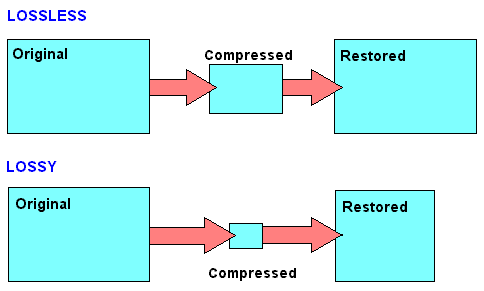
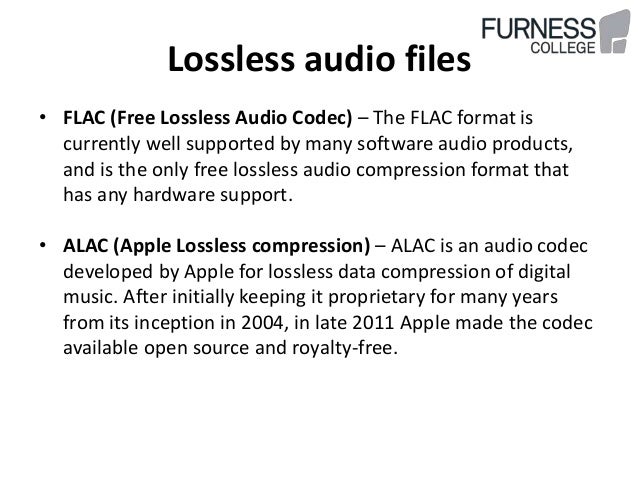
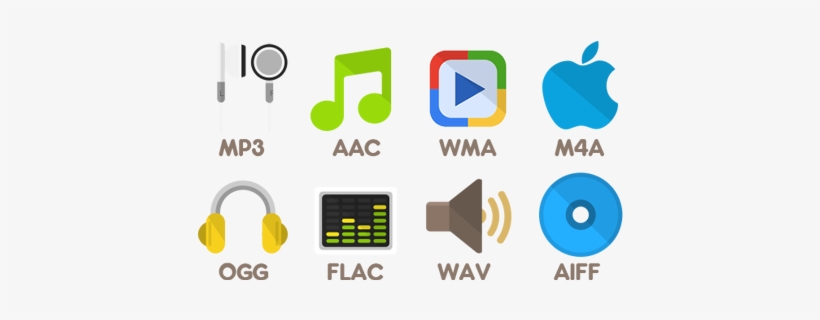
Some of these lossless formats also provide compression. For example, a WAV file generally contains uncompressed audio and takes up a lot of space. A FLAC file can contain the same lossless audio as a WAV file, but uses compression to keep the file smaller. Formats like FLAC don’t discard any data, they store all the data and intelligently compress it, just like ZIP files. However, they are still significantly larger than MP3 files, which throw a lot of data.
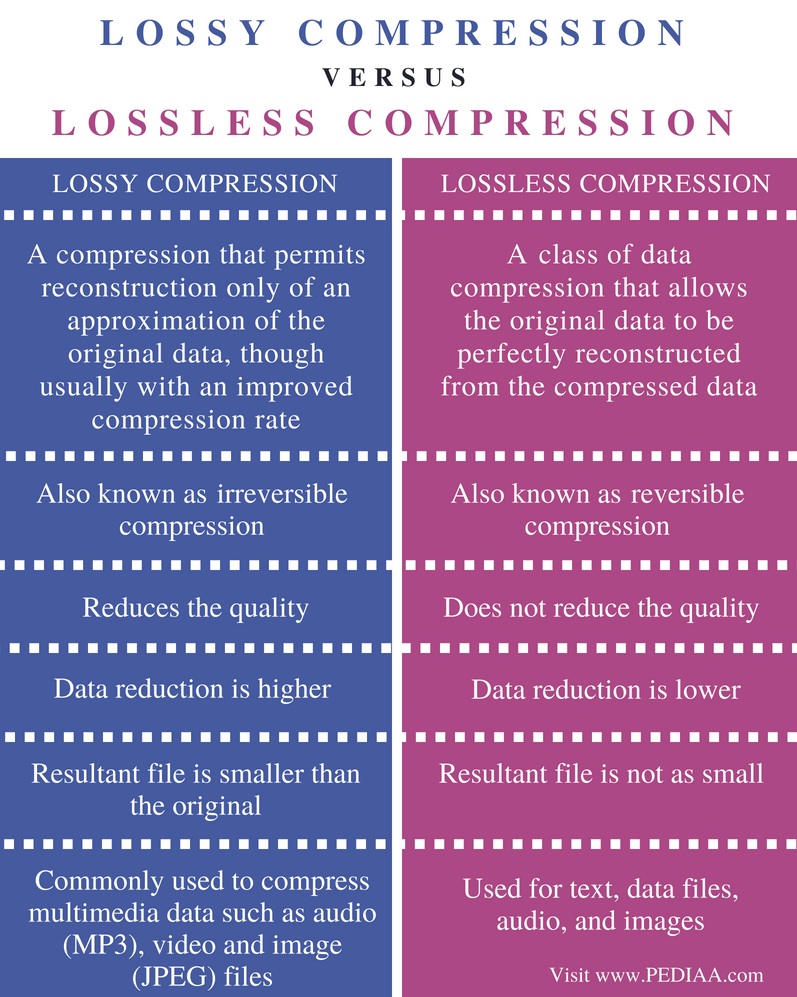
The conversion can be lossy even between lossless formats. For the conversion to be truly lossless, the data in the source file must fit inside the destination file. For example, lossless FLAC files only support 24-bit audio. If you convert a WAV file that contains 32-bit PCM audio to FLAC, some data will be removed during conversion. The process of converting a WAV file containing 24-bit PCM audio to FLAC will be lossless.
In the image below, the lower version of the photo is compressed using a low-quality lossy compression algorithm. The file size will be noticeably smaller than the image above.
Image via Wikimedia Commons
Why you should never turn a loss into a lossless
When you convert a file from a lossless format to a lossy format, such as ripping an audio CD (lossless format) to MP3 files (lossy format), you are discarding some of the data. The MP3 file is much smaller because most of the original audio data has been lost.
If you convert a lossy MP3 file to a lossless FLAC file, you will not recover any data. You will end up with a much larger FLAC file that is only as good as the MP3 file you converted from. You will never be able to recover your lost data. Think of it as making the perfect photocopy copy. Even if you could create a perfect photocopy copy, you would still end up with a photocopy that is not as good as the original document.
This is why converting lossy formats to other lossy formats is a bad idea. If you take an MP3 (lossy format) file and convert it to OGG (another lossy format), most of the data will be discarded. Think of it like making a photocopy of a photocopy: every time you photocopy a photocopy, you lose data and the quality degrades.
However, converting from lossless to lossless formats works fine. For example, if you rip an audio CD (lossless) to FLAC files (lossless), you will get files as good as the original audio CD. If you then convert those FLAC files into MP3 files, say, to shrink them to fit more on your MP3 player, you’ll end up with MP3 files that rival the quality of MP3 files ripped directly from an audio CD.
What should you use?
When you should use lossless formats and when you should use lossy formats depends on what you are using them for. If you want the perfect copy of your audio CD collection, you must convert them to lossless files. If you want a playable copy on your MP3 player and file size is more important, use a lossy format.
If you want to post a photo on the Internet, you must use a lossy format to reduce the size of the photo. (but keep a lossless backup of the original file). If you are printing a photo professionally, you probably want to use a lossless format during the editing process. (Note that for screenshots, PNG is a lossless format that can produce sharp and appropriately sized screenshots of spot colors on computer screens. However, PNG becomes much larger when used for photographs. containing many more mixed colors. Real world).
We will not be able to cover all the situations for which you choose the media file format. Just be aware of the pros and cons when choosing a file format.
To learn more about what type of image file to use and when, read What’s the difference between JPG, PNG, and GIF? Or, if you are curious about all the available audio file formats, read HTG’s explanations: What’s the difference between all these audio formats?