Reasons why Bluetooth can reduce sound quality

While Bluetooth technology offers an easy way to listen to wireless audio through speakers and headphones, some people are opposed to Bluetooth because in terms of audio fidelity it is better to choose one of the Wi-Fi based wireless technologies such as AirPlay, DLNA , Play-Fi or Sonos. … While this understanding is generally correct, there is more to using Bluetooth than meets the eye.

A little about Bluetooth technology
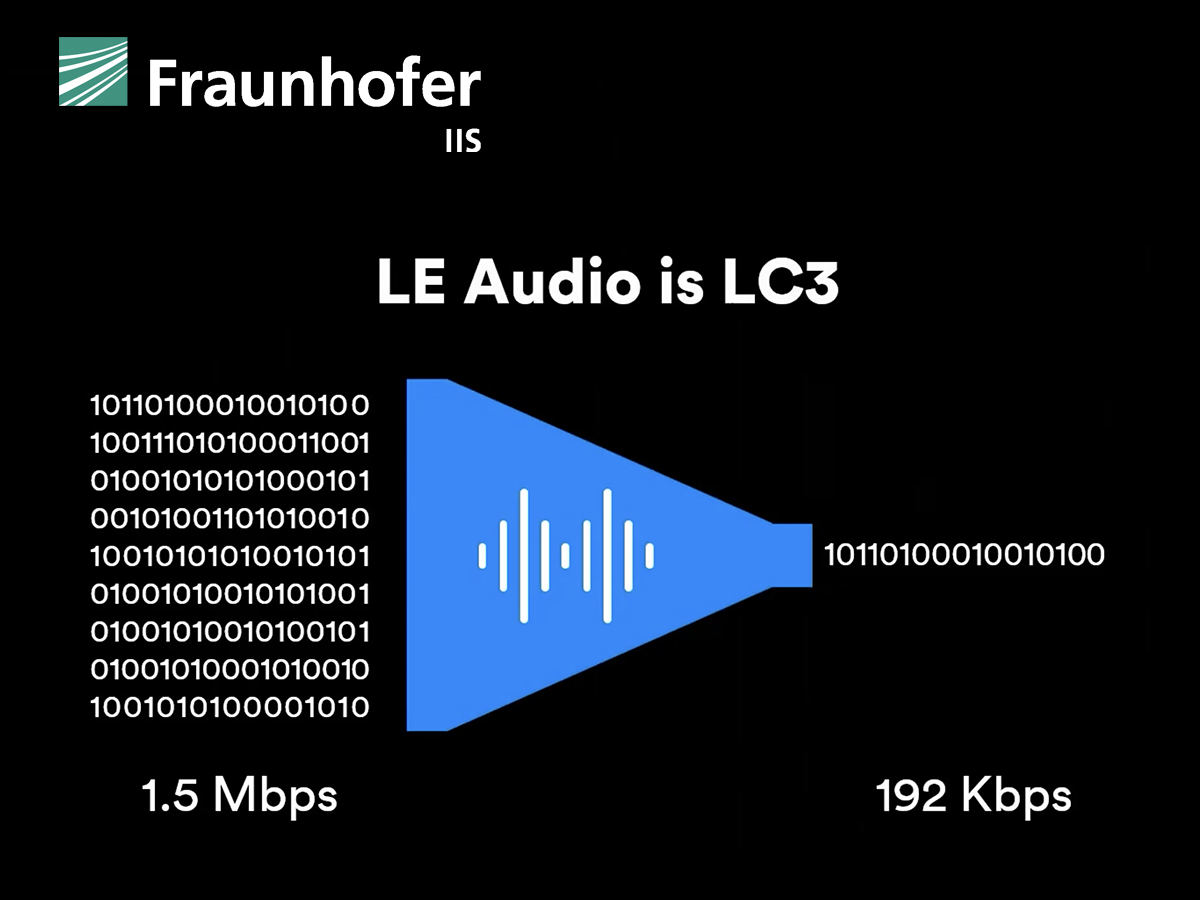
Bluetooth was not originally created for audio entertainment, but rather to connect speakerphone and phone headsets. It has also been designed with a very narrow bandwidth, which forces data compression to be applied to the audio signal. While this format may be ideal for phone calls, it is not ideal for playing music. Additionally, Bluetooth can apply this compression over existing data compression, such as digital audio files or sources streamed over the Internet.
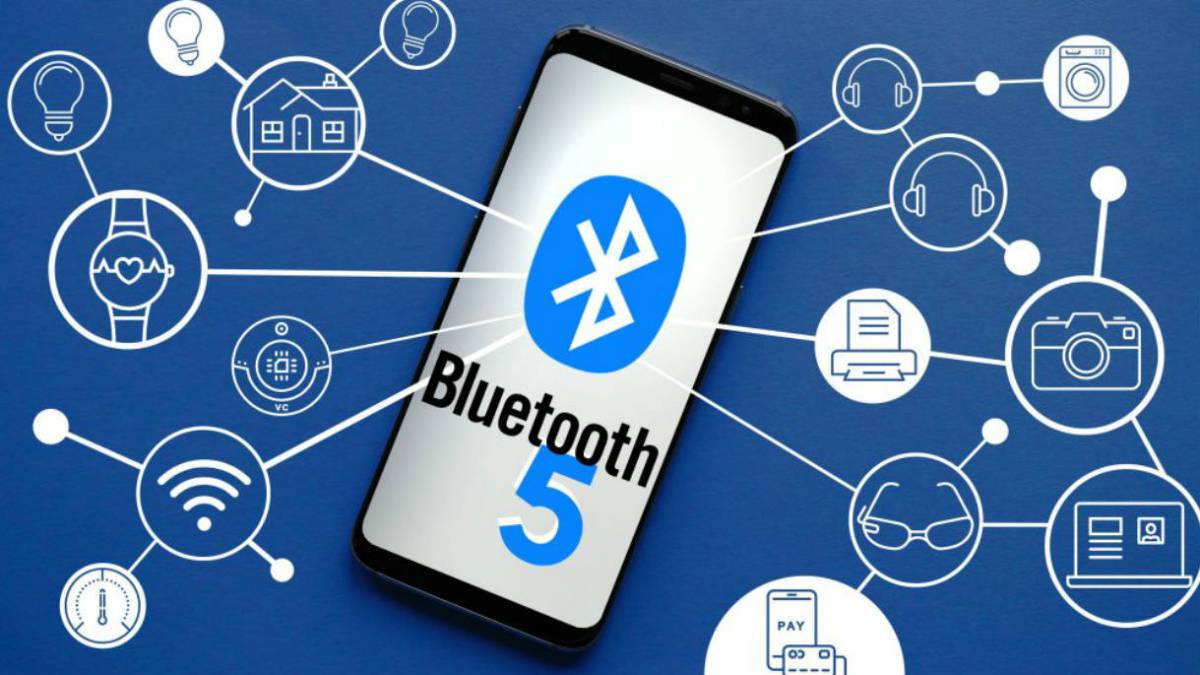
Bluetooth 5.0 standard – a new level of wireless communication
But one important thing to keep in mind is that the Bluetooth system should not apply this additional compression. That’s why:
All Bluetooth devices must support low complexity subband encoding. However, Bluetooth devices can also support additional codecs, which can be found in the Bluetooth Advanced Audio Distribution Profile specification. Additional codecs listed: MPEG 1 and 2 Audio, MPEG 3 and 4, ATRAC and aptX.
In fact, the familiar MP3 format is MPEG-1 Layer 3, so MP3 is included in the specification as an additional codec.
Additional Bluetooth codecs
The official Bluetooth standard in section 4.2.2 states: “The device can also support additional codecs to maximize usability. When both SRC and SNK support the same subcode, that codec can be used instead of the required codec. ”
In this document, SRC refers to the source device and SNK refers to the destination (or receiver) device. So the source would be your smartphone, tablet, or computer, and the receiver would be your bluetooth speaker, headset, or receiver.
By design, Bluetooth does not necessarily add additional data compression to material that is already compressed. If both the source and receiver devices support the codec used to encode the original audio signal, the audio can be transmitted and received without change. So if you are listening to MP3 or AAC files that you have saved on your smartphone, tablet, or computer, Bluetooth should not degrade the sound quality if both devices support this format.
This rule also applies to Internet radio and music streaming services that are encoded in MP3 or AAC format, which covers most of what is available today. However, some music services are experimenting with other formats, for example Spotify uses the Ogg Vorbis codec.
According to the Bluetooth SIG, the organization that licenses Bluetooth, compression remains the norm for now. This is mainly due to the fact that the phone has to transmit not only music, but also calls and other notifications related to calls. However, there is no reason why a manufacturer cannot switch from SBC compression to MP3 or AAC if it supports the Bluetooth receiver. This will apply compression to the notifications, but the original MP3 or AAC files will be transmitted without modification.
What about aptX
The quality of stereo sound transmitted via Bluetooth has improved over time. The current aptX codec, which is marketed as an upgrade to the mandatory SBC codec, provides CD-like audio quality via Bluetooth wireless technology.
Just remember that both your Bluetooth source and receiver need to support the aptX codec in order to benefit. However, if you are playing MP3 or AAC material, it is best if the manufacturer uses the proprietary format of the original audio file without additional transcoding via aptX or SBC.
Bluetooth 5.0: new power saving mode
Most Bluetooth audio devices are not made by companies whose employees wear their brand on their chest, but by an original design that you have never heard of. And the Bluetooth receiver used in the audio product was probably not made by ODM, but by another manufacturer. The more complex a digital product is and the more engineers work on it, the more likely it is that no one knows everything about what is actually going on inside the device. One format can easily be transcoded to another and you will never know, because hardly any Bluetooth receiver will tell you what the incoming format is.