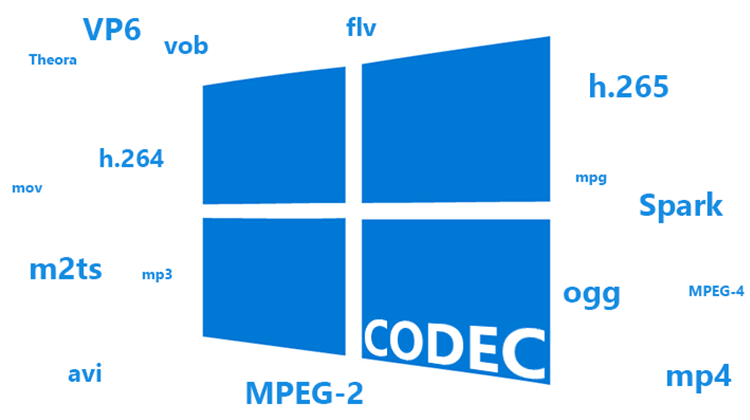
Formats and codecs for conversion


Free Download Mp4Gain
picture

Formats and codecs for conversion.

Video File Formats and Codecs

Since it is impossible to capture the immensity, we will touch only the most widespread and demanded multimedia formats, codecs, we will give a brief description and an explanation in which cases they are the most used.
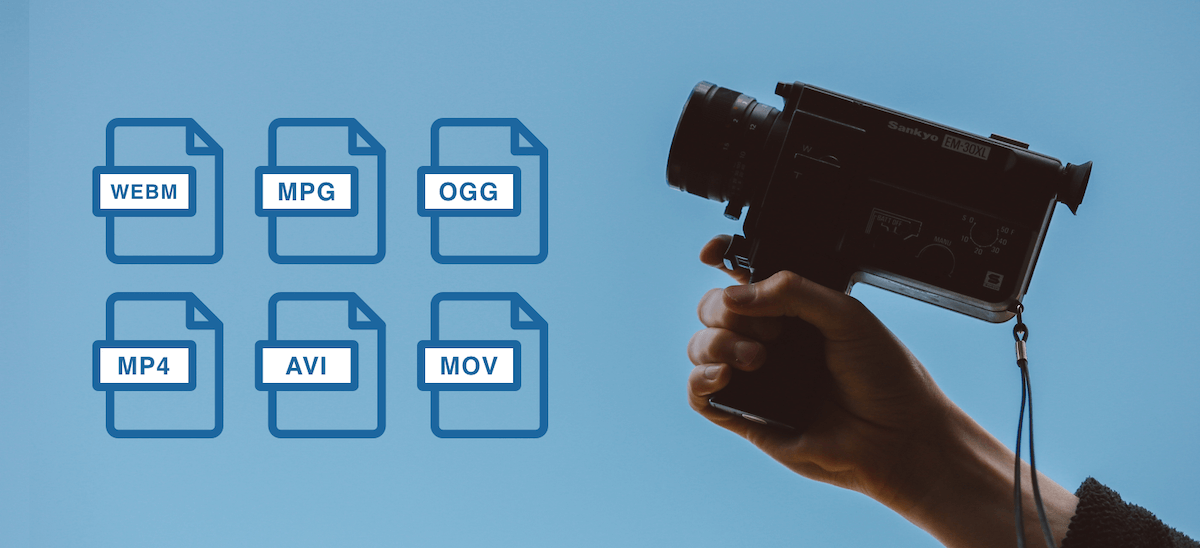
Video File Formats and Codecs

In the description, we will also present a list of programs that are somehow related to this format. We will not give links, you can find all programs on the site.

Video standards
MPEG -1

MPEG -1 is a standard adopted by MPEG (Moving Picture Experts Group) video experts. Currently, MPEG-1 video is used on video CDs (VCD quality is closest to that of VHS video cassettes).

Initially, the use of MPEG -1 video is limited to a bit rate of 1.5 Megabits / s and a resolution of 352 × 240. However, this standard allows you to use any resolution up to 4095 × 4095.

MPEG -2

The MPEG-2 standard is used to convert video and audio for broadcast, including satellite broadcasting and cable television. It has strict restrictions on resolution (no more than 720 × 576), frame rate (25 fps and 29.97 fps), bit rate, etc.

MPEG -3

An audio and video coding standard for high definition television (HDTW) with data rates ranging from 20 to 40 Mbps. Work on MPEG-3 was discontinued after the modification of MPEG-2 (when the MPEG-2 standard 2 was no worse than MPEG-3 in coping with video processing).

Do not confuse MPEG-3 with the MP3 music format (MPEG-1 Part 3 Layer 3 / MPEG-1 Audio Layer 3).

MPEG -4

MPEG -4 is used to compress digital video and audio. Designed for Internet transmission (video transmission, video telephony), encoding and recording of movies on CD, (videophone) and transmission.

Video codecs
DivX (digital video express)

The most popular video codec for Microsoft Windows and Mac OS X platforms, used to compress most movies today. Compression allows you to fit an hour and a half of video material onto 1 or 2 CDs. It is distributed in two versions: DivX and DivX Pro. DivX is free (AdWare), you can use it without restrictions, the second is paid. The “Pro” prefix costs $ 19.99 along with additional package features and benefits over the free version. That:

– Better compression (about 25%) for video,
– Support for GMC (Global Motion Compensation) technology, which improves video quality and slightly improves compression ratio,
– DivX Pro provides full support for bidirectional encoding (B frames),
– Includes additional tools for video encoding.

Xvid

MPEG-4 Video Conversion Library, licensed under the GNU General Public License. Unlike the DivX codec, which was released for Microsoft Windows and Mac OS X platforms only, Xvid is a cross-platform product (used on all platforms and operating systems for which the codec source code can be compiled).

As you can see, the codec name is DivX “flip”. In practice, Xvid is the alternative to DivX. The codec is characterized by fast operating speed and acceptable image quality. Configurable both through third-party programs and through its own configuration window.

Windows Media Video

An encoding system developed by Microsoft. Included with Windows Media Multimedia Pack. It exists in several versions: Microsoft MPEG-4 Video Codec, Windows Media Video 9, etc. Although WMW video cannot compete with DivX, it is actively used in the development of multimedia and game applications for the Windows platform.

Programs to work with WMV

The Windows Media Encoder is a codec and a container for the encoder.

Windows Media Video 9 VCM – Similar to above, but does not include a graphical shell.

Indeo links

Intel initially developed the Ligos Indeo codec, but was later taken over by Ligos for review. Now the codec allows you to watch videos at different bit rates respectively with adaptive quality. Ligos Indeo supports the MMX processor instruction (although DivX has many more supported instructions).

Programs to work with Ligos Indeo

Intel Codec Installer: Offers the codec named I263, which makes it possible to play back electronic cards and videos in Ligos Indeo format.

The Intel JPEG Library Video Codec (ijlvid) is a dedicated driver based on the Intel JPEG Library that supports RGB24 decompression and RGB24 and YUY2 compression.

Intel Music Coder: Thanks to this package, you can listen to AVI video with IMC encoded sound.


Free Download Mp4Gain
picture


Mp4Gain Main Window
picture


Mp4Gain Features
picture


Free Download Mp4Gain
picture

What is a codec? – clearly explained

Codecs are crucial to the quality and efficiency of data encoding. In this practical tip we explain exactly what a codec is.

What is a video codec

What is a codec? – 10 facts

The following information will help you understand what a codec is. The following example shows the differences between format, encoder, and decoder and shows how quality and efficiency depend on the codec.

What Is A Codec

-A codec is a combination of encoder and decoder.
-The objective of a codec is usually to reduce the amount of data for transmission or storage.
-Codecs are used in particular for audio, video and image data, as well as for text compression and encryption.
-In the audio sector there are special codecs for voice or music. -Video and graphics codecs are specially designed for comics / cartoons and real pictures / movies.
Lossy data reduction primarily uses psychophysical tricks to inaccurately encode those parts of image and sound that humans can barely or barely perceive.
-The most popular audio codecs are FLAC and MP3, where FLAC specifies both the format and the codec. MP3 is a codec for audio in MPEG I or MPEG II format.
-The MP3 decoder side is standardized by Fraunhofer and can be obtained without a license. However, the encoder is paid. Therefore, many use the free LAME encoder.
-G.722.2 and Full Rate (FR) voice codecs are used especially in telephony.
-The most popular video codecs are H.265 for UHD TV, DivX and XviD in MPEG-4 Part 2 and H.264 for QuickTime.
-Often various encoded formats like MP3 and JPG are combined into one container file, for example in AVI, MKV, MP4 and FLV.

A simple codec example

The principle of a codec is clarified with an example. An abbreviation codec reduces typed text to abbreviated text and uses it to generate typed text:

-Format: Your digital font format might dictate how all the letters and characters you use are encoded in binary.
-You define the type of encoding in a specification, for example, the rule that each character consists of 8 bits. To do this, write a table showing which bit sequence is assigned to which letter or character.
-Codec: You can now create an abbreviation codec to convert typed text into font formatted abbreviated text.
-To do this, your codec must specify which words will be abbreviated and how, for example, through a set of rules, a large list of abbreviations or a combination.
Encoder – An encoder can now convert typed text to abbreviation format using the rules and directory.
Decoder: a decoder can convert it to written text.
-The efficiency of data reduction is highly dependent on your codec.
-If you only created a directory with three abbreviations, most of the texts will not be noticeably shorter. Compression is low.
-If your list of abbreviations is huge, the device that is going to encode and / or decode the text must have a large memory and a high reading speed.
-However, if you set up a smart set of rules for encoding, your codec is ideally small and the end device doesn’t have to do a lot of computing or reading work.
-If a word can be abbreviated in more than one way, that’s fine. A good encoder would use the most efficient abbreviation.
-However, if an abbreviation can have multiple meanings, you have lost information. This will probably render your codec unusable.
-However, if only the words that you know you are omitting were abbreviated ambiguously, you would have invented a lossy psychophysical encoding. This takes advantage of the fact that you do not visually perceive every existing word optically.
-This idea is not entirely false. Because, as this example shows, we don’t necessarily read exactly what is written.

What is a Codec? Clarifying concepts

What is a Codec? Clarifying concepts

Speaking of multimedia terminology, there is a fairly widespread confusion between the concept of image and / or sound format and that of audio and / or video container format (also called multimedia container format) To finish bundling it, it is very common to refer to both with the term codec that does not express any of the two previous concepts.

The image, video, audio format… is the way in which this type of information is encoded so that it can be treated by computer, which includes both being able to store it and transmit it. That format, therefore, would be a series of rules to describe images and sound in a computer way; a mathematical model, if you want to see it that way.

A codec (or codec, with tilde, in its Spanish version) is a program that encodes or decodes multimedia information according to a certain format. Once the data is encoded, it can be processed, for example stored or transmitted. As you may have guessed, the word codec is an acronym formed by the English words coder and decoder: encoder and decoder in Spanish.

An audio / video container format (or multimedia container format) is a computer file structure according to which audio and / or video is stored or transmitted as well as information associated with them (such as subtitles or bookmarks) The same container You can include together (multiplexed) the different components (tracks) in a single document. It is very common to add an extension to the name of the documents (those few letters that are at the end of the name separated by a period) that usually refer to the type of document. If you are rigorous in establishing that extension, it can serve as a clue to know which container is the document.

Considering the above, we could say that the document «feature film.avi» is a container in AVI format that includes video in MPEG4 format encoded using the Xvid codec. As the orthodox version is a very long phrase, it is common, for example, to say colloquially that the document “short.avi” is an MPEG4: it is obvious that it is an AVI container and everyone will know what codec has installed in their system for what formats

Most of the time, when packaging the information according to a certain format, it is compressed, that is, it is transformed so that the resulting information requires less memory to be stored or less bandwidth when transmitted than the original information.

There are two ways to compress information, with or without losses. Lossless (or lossless) formats allow you to reconstruct the information as it was originally, before compressing, without any difference from the original. In most cases the lossless coding usually allows (much) less compression (takes up much more) and is reserved for the documents that are going to be edited, that is, that they are not final documents.

The most frequent image and sound coding is with losses (lossy) Of course, the coding system seeks to make these losses as less noticeable as possible, considering for this, for example, the movement (What changes the image between a frame and another) The level of quality-compression is usually configurable so you can choose the degree you want between occupying more and having more quality. In line with what has been said about lossless formats, it is not a good idea to code according to a material loss format that is going to be edited since the successive recompressions cause more and more quality information to be lost to images and sound. Do not compress again and again using a lossy format!

One moment, you said that it is better to encode the original material using a lossless format but also that it will take up more. Then I must give the button on my camera that records video without compression? For starters, unfortunately, it is quite rare for your camcorder to have that button (in those of taking pictures and in audio systems it is something that is usually possible) Only in some cameras you can do something like that, they will usually be professionals and of the highest range. On the other hand, be prepared to spend a lot of memory and quickly, since you will need to store a lot and at full speed. So, what should I do? Our advice is that you choose, if you can, the best possible quality, even with losses, for the images you are going to edit and suitable for those that do not require more editing than the “cut” assembly since, properly processed , does not have to be compressed again.