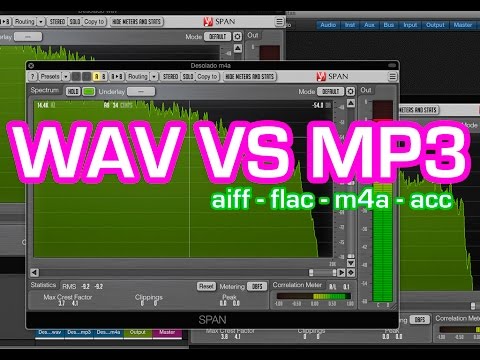
Comparison and implementation of MP3, WAV


Free Download Mp4Gain
picture

Comparison and implementation of MP3, WAV

WAV vs. MP3
WAV vs. MP3

An mp3 is 320kbps, 44100hz, what does this mean?
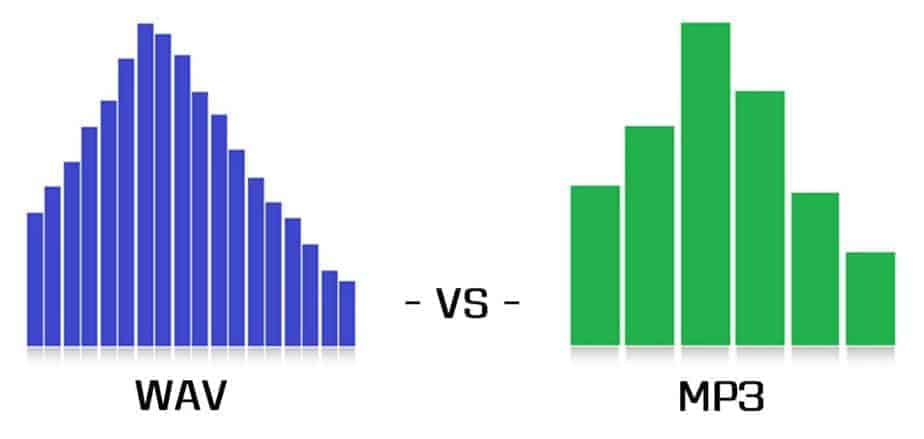
WAV vs. MP3
WAV vs. MP3

44100Hz represents the sample rate of the signal. The so-called sampling consists of obtaining the value y of the sound wave at the current moment every unit of time. Sampling is the process of discretizing continuous data (converting an analog signal to a digital signal).
image source

The sampling method mentioned above is called PCM (Pulse Code Modulation). According to the Nyquist-Shannon sampling law, the sampling rate must be at least twice the highest target frequency. The hearing range of the human ear is about 20Hz-20,000Hz (if you’re curious how loud you can hear, you can click here to test your ears), although recording software often has a 48,000 option Hz, but we can safely conclude: 44100Hz can meet almost all our needs, higher is just a waste of your memory and CPU. More than 48,000 samples are meaningless to the human ear, which is similar to 24 frames per second on a movie. 44100Hz happens to be the standard sample rate for almost all music released. In fact, for vocals and many instruments, high-frequency sounds are noise, so high sample rates can sometimes worsen sound quality (which is why we need to adjust the equalizer).

320kbps represents your bit rate/bit rate, which is short for kilobits per second, which represents the size of the data used to describe sound. In CD (uncompressed audio file), the bit rate is 1411.2 kbps, and the mp3 sound quality to achieve CD quality should be higher than 128 kbps / 44100 Hz (128 kbps can be said to be the most common bit rate). Generally, a higher number means better quality. The quality depends on many factors (such as the encoding algorithm). Many times we don’t need too high bitrate: our device can play mp3 and CD without difference (sound/sound card is normal).

A wav is 44100 Hz 16-bit stereo or 22050 Hz 8-bit mono, what does this mean? stereo/mono refers to dual/mono. For monophonic sound files, the sample data is an eight-bit short integer (short int 00H-FFH); for two-channel stereo sound files, each sample data is a 16-bit integer (int) and the upper eight bits (left channel) and lower eight bits (right channel) represent the two channels, respectively.

Sound is a mechanical wave, produced by the vibration of an object, and requires a medium to propagate. So, in essence, a sound is a waveform on an axis over time.


Free Download Mp4Gain
picture


Mp4Gain Main Window
picture


Mp4Gain Features
picture


Free Download Mp4Gain
picture

MP3 or WAV: who offers more advantages

MP3 or WAV: who offers more advantages

MP3 and WAV are two of the most popular audio formats in the world. Even if for many the only difference lies in the size of the files, there is much more that distinguishes these two formats. For example, there are differences in the display accuracy of many spectral components and many other things that are explained in more detail below. Then you will know exactly where the differences are between WAV and MP3 and what is the optimal application area for the respective format.

WAV vs. MP3

Everyone has to find out for themselves which format offers them the most advantages and which special application area is really important to them. For example, if you only listen to music on your cell phone or in the car, MP3 may be what you need as it takes up little space and is therefore particularly practical. If you work with music a lot, and especially create music yourself, WAV may be more suitable for you, as it brings some additional aspects to processing.

Mp3 vs Wav

The differences between the two formats:

-An MP3 file reaches the quality of a normal CD at about 128 kbit / s. However, with a WAV file, around 1400 kbit / s are required.
-In theory, WAV can have up to 65535 channels of audio, while an MP3 surround can only have six.
-WAV files are usually uncompressed PCM files.
-MP3, on the other hand, is a codec. Therefore, it is the result of compression, which, however, does not normally lead to a noticeable loss of quality.

A WAV file is suitable here:

When producing music. WAV should always be the first choice here, because with WAV files you can make any specific frequency range higher. In the case of MP3 files, on the other hand, it may happen that the desired frequency range is encoded precisely and therefore no longer reflects the natural dynamics of the original signal. This quickly creates noise that does not exist with WAV files.
Also, WAV is much more flexible as you can save the files with a variety of channels. For example, an optimal 7.1 music performance can only be created thanks to WAV.
You should also always prefer WAV for analytical measurements, as MP3 can produce noises that were only created later by the encoder.
If you are bothered by the “large” storage space that is lost due to WAV files, you can convert these files even further. In the FLAC format, WAV files are also reduced by up to 60%.

For this, you should prefer MP3:

With no audible loss of quality, MP3 files can be extremely compressed without most people hearing them. You can save up to 90% storage space without having to accept a noticeable loss of quality! You can also save huge music collections on your mobile devices without any hassle.
In addition, MP3 is now so widespread that there is practically no device that does not support this format. All DVD and BluRay players, smartphones, consoles or car radios should be able to play your MP3 files without any problem. So you never have to worry about whether you can play your favorite songs with it before buying a new device.
If any of the formats particularly convince you, you can convert your files very easily and, above all, free to the format you want. If, for example, the facts you just read inspire you for the MP3 format, you can convert your WAV files to MP3 quickly and easily. There are numerous free and understandable programs for this, with which you can convert as a loan in a few minutes.