What is the difference between MP3 and AAC? Part 2
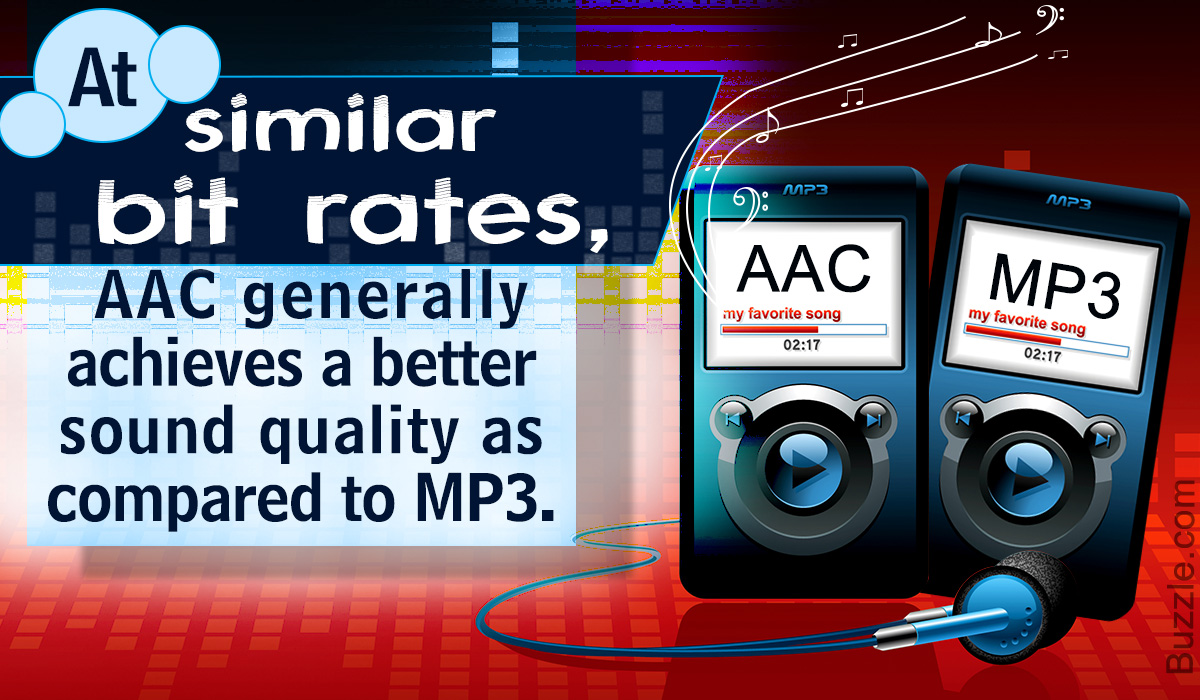
The disadvantage of the “lossy compression format” used by MP3 / AAC is that the compressed data file cannot be restored to its original size (the original sound quality of music content).
There is a music content compression format called “lossless compression format”, which has a relatively large data size and can restore the original sound quality when playing music files.
There is not much difference between the two compression formats, but if you want better sound quality, you should use the “lossless compression format”. In the next chapter, we will further compare the differences between MP3 and AAC formats.
Comparison of MP3 and AAC
Unsplash Logo Photo by duck58cth
We will compare MP3 and AAC in terms of sound quality and compression rate (bit rate).
Sound quality
As mentioned above, MP3 and AAC are compression methods that use the “lossy compression format”, so there is not a big difference in sound quality between the two formats. The sound quality of MP3 and AAC differs depending on the compression rate (bit rate) of the music content file. So what exactly is the compression rate (bitrate)? The next section describes (compression bit rate).
Compression rate (bit rate)
format Compression rate (bit rate)
64kbbp 96kbbp 128 kbbp 160 kbp 192 kbbp 256 kbbp 320kbbp
MP3 Upper Limit Frequency 8.3 kHz 11.7 kHz 15.2 kHz 18.6 kHz 21.3 kHz 22.0 kHz 22.0 kHz
MP3 size 123kB 184kB 245kB 308kB 372kB 494kB 616kB
AAC upper limit frequency 13.5 kHz 15.2 kHz 18.7 kHz 19.1 kHz 19.6 kHz 20.0 kHz 20.0 kHz
AAC size 127kB 188kB 249 KB 310kB 368kB 490kB 613kB
The comparison table above shows the compression rate (bit rate) of MP3 and AAC, and the upper limit of frequency and data size (capacity). The higher the value of the compression rate (bit rate), the higher the upper limit for frequency and data size (capacity), and the better the sound quality.
Although the compression rate (bit rate) of MP3 and AAC is the same, the data size (capacity) and the upper limit frequency are different, so please compare the sound quality using the table above as a guide.
Proper use of MP3 and AAC
In this chapter at the end of this article, we will introduce how to use MP3 and AAC correctly. Even if you read the comparative explanation of MP3 and AAC presented so far, many people may not get it right. How to use MP3 and AAC correctly should be judged by the compression rate (bit rate).
Bit rate
As discussed in the previous chapter, the higher the value expressed in “kbbs” called the compression rate (bit rate), the better the sound quality. However, MP3 and AAC have the same compression rate (bit rate) but different upper limit frequencies.
128 kbps to 160 kbps is adopted for general MP3 / AAC music files. This is because you can watch various music genres like J-POP and Jazz with high sound quality. You can fully enjoy music with your PC speakers and audio equipment.
Then I will explain the characteristics of the compression rate (bit rate) of 128 kbps or less and the compression rate (bit rate) of 160 kbps or more, and which file format should be used, MP3 or AAC.
Less than 128 kbps
A compression rate (bit rate) of less than 128 kbps does not improve the sound quality of music, etc., and is not suitable for the music content storage file format. Suitable as a conversation-focused radio sound source. Also, if it is less than 128 kbps, the AAC format has a higher frequency upper limit, so the sound quality is said to be better than MP3.
192 kbps or higher
The compression rate (bit rate) of 192 kbps or higher reproduces even delicate sounds like classical music. If you have a good ear, you can clearly tell the difference in sound quality.
When the compression rate (bit rate) is 192 kbps or higher, the MP3 format has a higher upper limit frequency and is said to have a higher sound quality. The data size (capacity) is almost the same as that of AAC, so it is recommended to save it in MP3 format.


