
Video basics
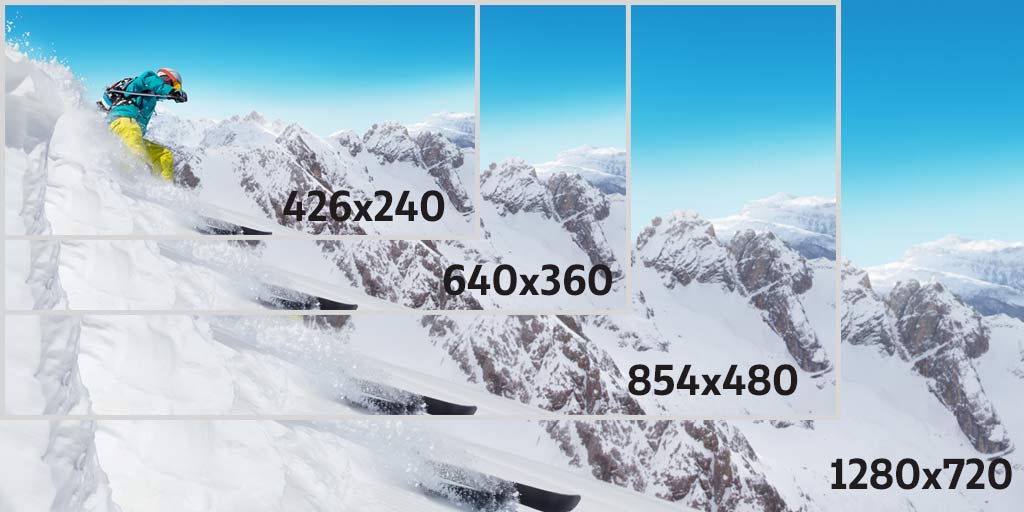
An easy to understand explanation of the difference between bit rate and frame rate!
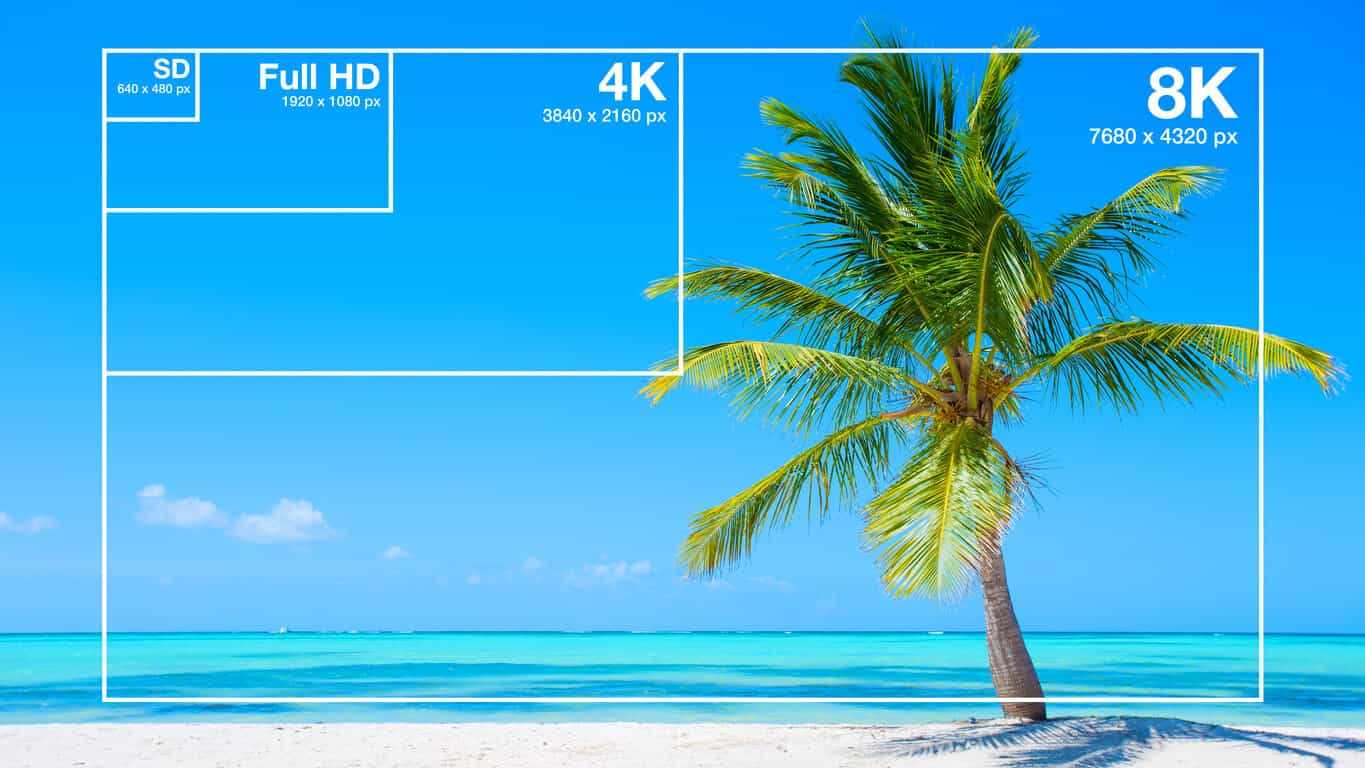
Difference between bit rate and frame rate
In this article, I will explain in an easy to understand way the words “bit rate” and “frame rate” that appear when recording and editing videos.
First of all, I don’t understand the meaning of “bit rate” and “frame rate”.
It is easy to understand content for those people.
To conclude first
Bit rate (kbps) → Amount of information recorded / played back in 1 second
Frame rate (fps) → Number of still images displayed per second
It makes a big difference.
Yes, it is something else entirely!
To summarize more simply
Bit rate: determines the video quality (image quality / sound quality)
Frame rate: determines the smoothness of the video.
Does it look like this.
Video shake is uneven … Picture quality and sound quality are worse than I expected …
These causes are usually related to “bit rate” and “frame rate”.
Now let’s understand the two concepts ~
Table of Contents
Video Basics: What is Bitrate?
There are two types of bit rates
Video Basics: What is Frame Rate?
Remember the general frame rate
resume
Video Basics: What is Bitrate?
What is a bit rate?
Bit rate (kbps) is an important factor in determining video quality.
Bit rate represents “how much information is used to record and play back per second” for a video.
For example, in the case of 5 Mbps (5 M bits per second / 5 megabits), it means that the amount of information equivalent to 5 megabits per second is used.
1 Mbps = 1000 Kbps
The higher the bit rate value, the higher the picture and sound quality, but the larger the file size.
Conversely, the lower the bit rate value, the poorer the picture and sound quality, but the smaller the file size.
bit rate Features
High bit rate High image quality and high sound quality
Large file size
Low bit rate Low image quality / low sound quality
File size is small
The higher the bitrate, the better! If you overthink it, the file size will be too large and the playback device will not be able to keep up with the processing. When exporting a video, you basically choose the best setting from the presets.


