When you start to make comparisons between video cameras you are faced with a series of aspects to take into account: numbers, characteristics, options … One of the lesser known but no less important issues is the bit rate. Let’s find out what it is, once and for all.

What is the bit rate?
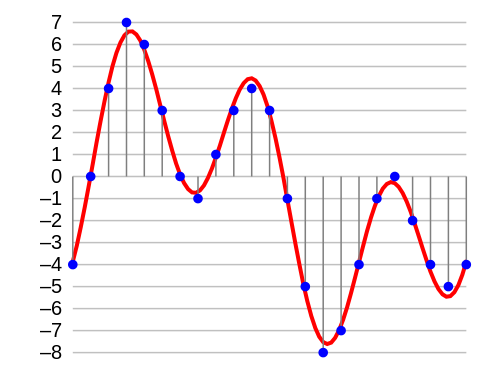
Bit rate is the amount of digital information (bits) that is transferred or recorded in the unit of time.
In the case of video, the bitrate is generally expressed in bits per second, and the amounts being played to date are Mbps (Megabit, that is, millions of bits, per second) or kbps (kilobits, thousands of bits per second).

Because it is important
The bit rate is a parameter to take into account because it affects many aspects of digital production, both technical and more practical (ie economic).
First of all, it affects the quality of the video and the size of the single file: obviously, the more data is transmitted in the unit of time, the higher the quality of the recording. And at the same time, it will increase the size of the recorded file.
However, this should not lead us to think that a very high bit rate is always necessary: in fact, we must bear in mind that as the bit rate increases, the difference becomes more and more marginal.
Basically, bit rate variations made from already high values to reach higher values are less visible than variations made from low values.
Then there is the question of file accessibility on the network: if the bit rate is very high, it will take a long time to download a video and watch it (for example, YouTube recommends not very high bit rates).
Finally, the bit rate also influences our portfolio: if we want to record at very high bit rates, we must first have a higher performance equipment, and then we will have to have more capable and higher performance media. Hence, larger SD, with high write speeds and consequently higher costs.
This is why you need to know what bitrate is, especially if you are serious about creating videos.
Bitrate, framerate and resolution
To get an idea of the concept of framerate you can read this article that talks about 24 fps and the cinema effect. Instead, resolution is simply the number of pixels the camera uses to “describe” the scene – more pixels means more resolution and therefore more detail (up to a certain limit).
Why are we talking about these other two concepts? Because the bit rate is a bottleneck that can make you lose part of the information we want to record.
A little math
Let’s imagine that we have our machine and we set it to 4K and choose a frame rate of 60 frames per second.
Now let’s take the same machine and set it up in HD choosing a frame rate of 30 frames per second.
How will the bit rate change?
Since the bit rate is bit / second, let’s try to calculate the bits to transfer in each case.
-In the first case we will have 4096 × 2160 pixels, all multiplied by the 60 times in one second that the frame is recorded: a total of 530841600 pixels.
In the second case, however, 1920 × 1080 pixels multiplied by 30 frames: a total of 62,208,000 pixels.
That is why the bit rate can be a bottleneck: each pixel is represented by a certain number of bits, and if we record with resolution and framerate parameters that exceed the bit rate possible with a certain machine, this will have to apply compression to the file. And we know that the more compressed a file is, the lower its quality.