Dematerialized music has evolved considerably for almost 15 years and has played an important role in the daily life of every individual. We’ve all heard more or less about FLAC, MP3, WAV, etc.! Few people really know the difference between each size, its pros and cons …

This article is intended to enlighten you to make the best possible choice for extracting and compressing your audio files.
There are different types of layouts that can be grouped into several large families:
– uncompressed files
-lossless compressed files
– Lossy compressed files

-Uncompressed files
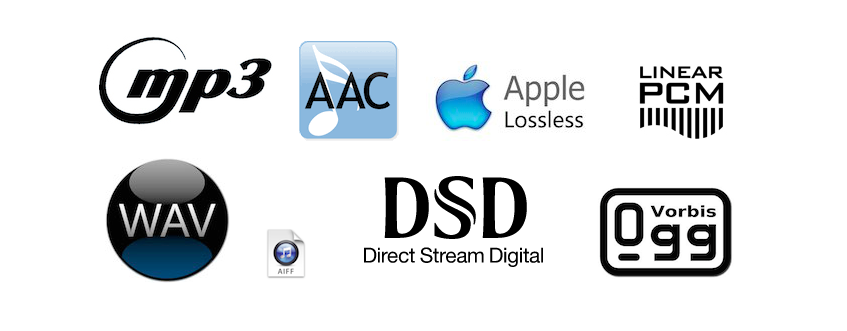
WAV: WAV (Waveform Audio File Format) is an audio file format created by Microsoft for Windows. This format is usually an uncompressed container. Therefore, an audio CD with a duration of about 80 minutes in WAV weighs plus or minus 800 MB
Advantages: the file remains in its original form, no loss of information (no loss)
Disadvantages: The WAV file is an uncompressed format that gives it a large size and therefore takes up more space in the storage space.
AIFF – Audio Interchange File Format (AIFF) is the Mac OS equivalent of the WAV format. Therefore, it has the same characteristics as this. The pros and cons of this format are the same as for WAV.
– Lossless compressed files
FLAC: The FLAC (Free Lossless Audio Codec) format is without doubt the most beneficial file for the user. Firstly, in terms of WAV and AIFF, this format is a lossless format, ie the digitization of the file does not imply any loss of information from the audio spectrum. The file is scanned and returned as is. The second advantage of this format is the size it occupies in the storage space. Nondestructive compression is applied to this type of format as a ZIP file, making the scanned file about 2 times less space than a WAV file. Therefore, for 80 minutes of music on CD, the occupied space will be approximately 400 MB. Finally, this format is universal, compatible with most multimedia players, it is compatible with all operating systems except iOS,
Advantages: file size, identical reproduction of the original file during scanning, free and compatible with almost all media players and operating systems
– Disadvantages: none
ALAC: The ALAC (Apple Lossless Audio Codec) format is simply the Apple equivalent of the FLAC file.
– Lossy compressed files
MP3: The MP3 format (Mpeg Layer 3) is a well-known format. It is a format with destructive compression, that is, a recording from which musical information has been removed thanks to the so-called psychoacoustic compression algorithm (taking into account the peculiarities of the human ear), so that less scanning is needed to create a lighter file to obtain . This format is most commonly used for dematerialized music, as it allows a significant space saving in the storage space with a size of about 150 MB for an 80 minute CD. Compression can be more or less destructive depending on the speed used, which can range from 4: 1 (320 Kbits / sec) to 12: 1 (128 Kbits / sec).
-Advantages: it takes up little space on the hard disk and does not affect the quality of the songs with a dynamic range and a limited variety of timbres
– Disadvantages: paid MP3 license, destructive compression for “richer” songs.
AAC: The AAC (Advanced Audio Coding) format is a format close to the MP3 format, but provides additional definition with an identical compression rate. Apple uses this specific format in the iTunes Store, but also on YouTube. the extension can be written in various forms, such as .AAC, .M4A or MP4
-Advantages: better compression quality than MP3
-Cons: compressed file format at a loss