Video bit rate basics

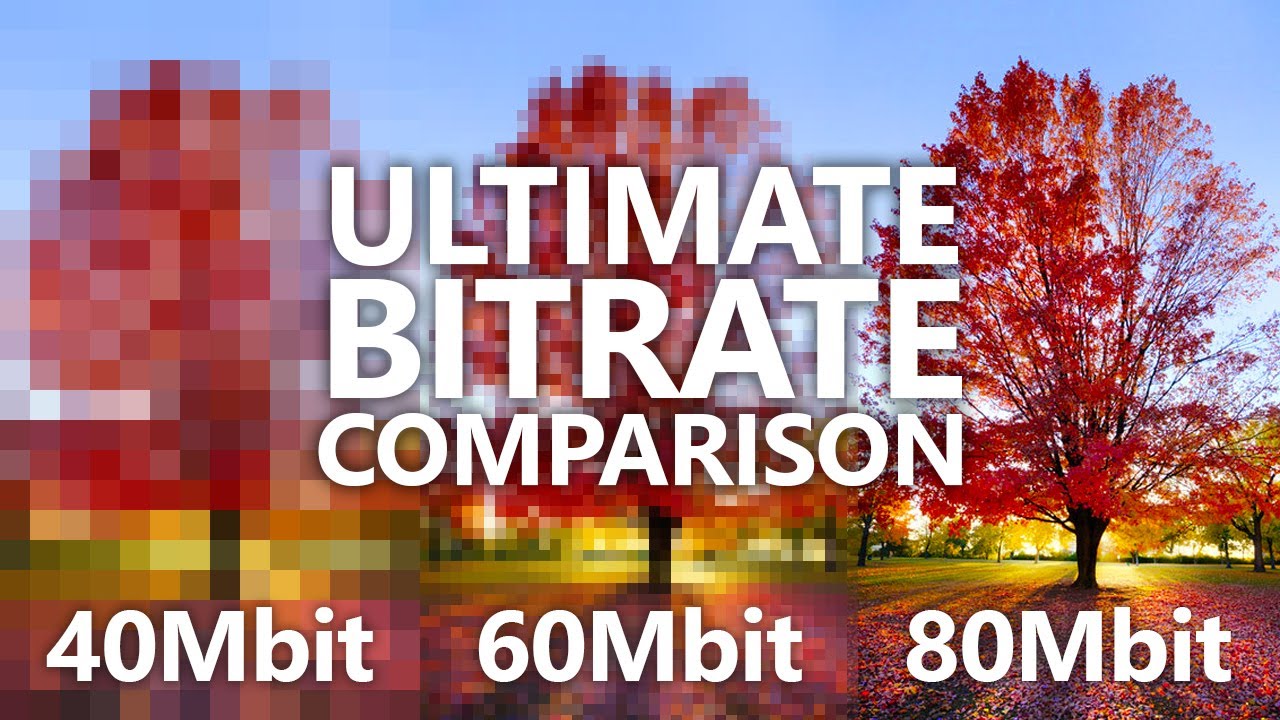
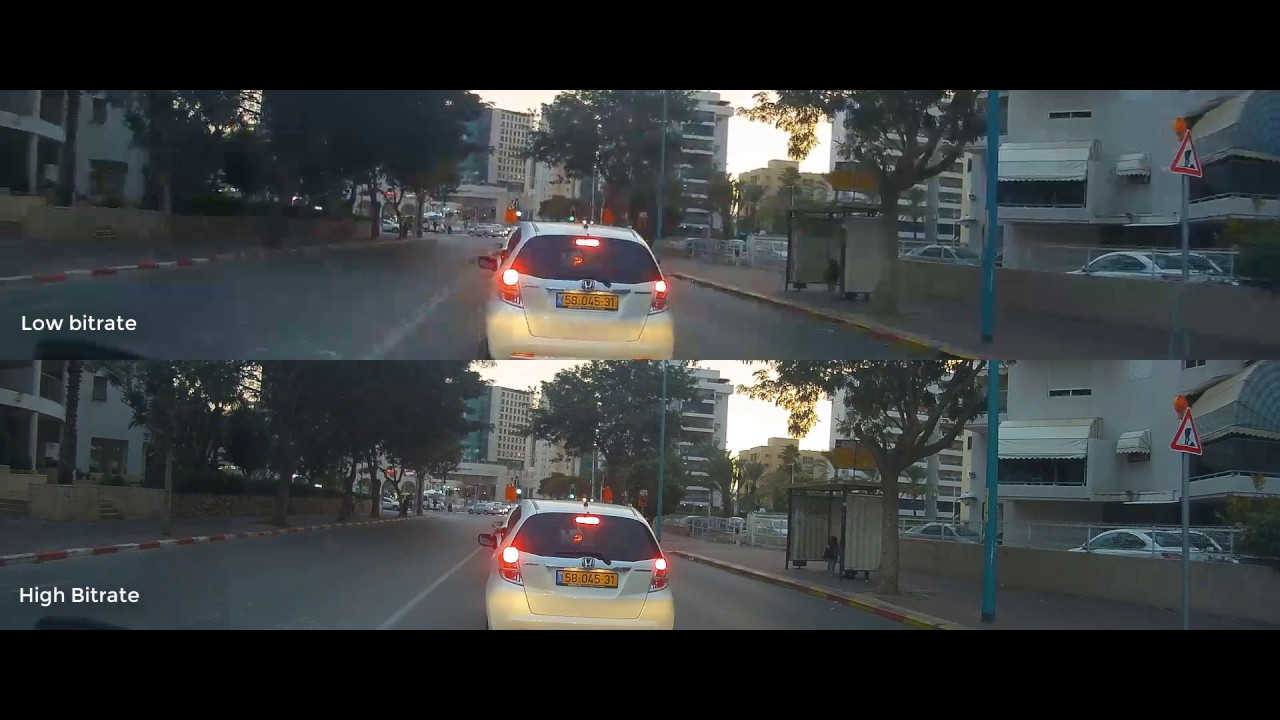
Video bitrate is simply the amount of video data, and in principle the higher the value, the higher the image quality.
The image is like the “effective pixel count” of a digital camera.
For example, the image quality of a camera with 6 million pixels is better than that of a camera with 1 million effective pixels.
Also, the higher the video bit rate, the larger the file size.
This is also the same as the number of pixels.
A camera with 6 million pixels can shoot larger (size here is horizontal length or vertical length) than a camera with 1 million effective pixels, so the file will naturally be larger.
DVD-Video does not support high definition because the video bit rate is determined to be approximately 9.6 Mbps maximum and 720 x 480 pixels in height and width.
Therefore, to save to DVD with high picture quality like HDTV, you need to save to a new standard like AVCHD.
With VideoStudio 12 Plus, you can save to DVD-R with AVCHD, and DVDs created with this software can be viewed on PlayStation 3 and Blu-ray recorders.
Even if the video bit rate is high
However, it should be noted that if the number of effective pixels and the video bit rate are large, the image quality will always be high.
For example, if you compare the image from a camera connected to a mobile phone with 3 million effective pixels to a digital camera with 3 million pixels, it will be completely different.
It is simply the value of the amount of data packed, the performance of the image sensor (Satsuzososhi), which is also a sensor for the light-catching part, a camera with a good lens and a high-performance CPU, etc. It depends on.
This time, I would like to write about what I have researched or understood about video bit rates.
What is the video bit rate?
What makes it difficult
First of all, “bit” is an element that hinders the bit rate of the video.
If it was a video byte rate it would have been a bit easier to understand. When.
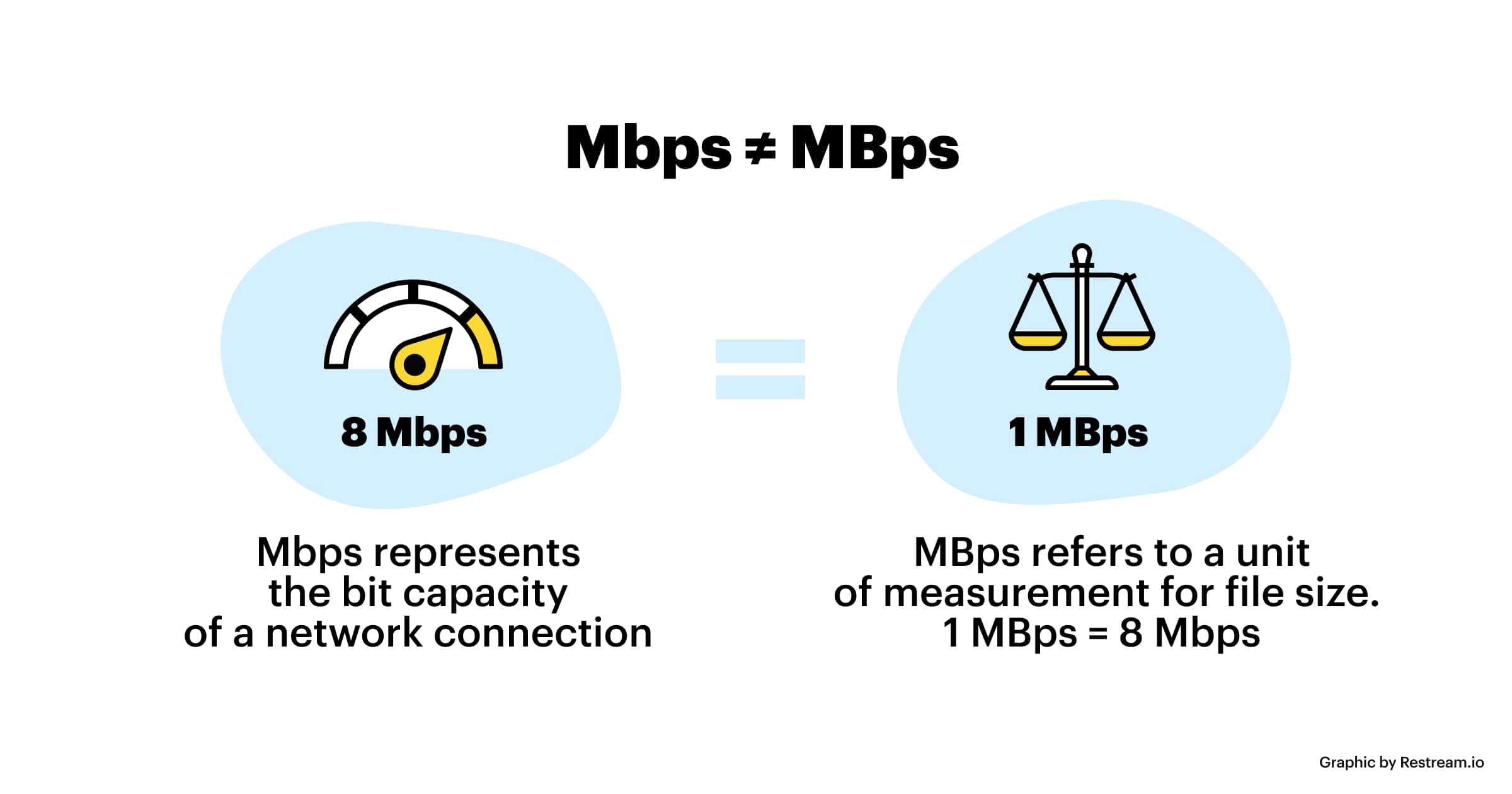
In fact, the “bytes” of the size of files and hard drives used in personal computers, etc. they are deeply related to bits, and “1 byte” means “8 bits”.
In the computer world, “a” or “not” Kano binary is there to root.
If you are making a program (especially in C language, etc.), you will feel awkward in this area, but 1 byte is a set of 8 bits. Please understand.
So, let’s go back to bitrate.
In general, no one talks about file size or hard drive size in bits.
“HDD that I bought this time, I am 960G bit”,
the person I say is not.
By the way, 960Gbit becomes 120GB when converted to bytes.
Bps unit
The unit is “bps”.
b = bit (1 byte = 8 bits)
p = even (in Japanese, it means “○ minutes”)
s = second (seconds) In other
words, if you translate it into Japanese, “1” The number of bits per second. ”
When capturing images from Sony HDR-HC3 high definition camcorder By the way, DVD-Videos, such as rental DVDs, have a maximum of 10.08 Mbps (however, the value includes audio, etc.), digital terrestrial transmission is 15 Mbps (higher image quality than DVD?), and mini DV tapes like Handycam. The video camera that records is 25Mbps.
The image on the left is the property of the file created when the image shot by the Sony HDR-HC3 high definition camcorder was imported to a computer.
The video data rate is 25000 kbps or 25 Mbps.
High definition BS digital transmission is approximately 23 Mbps.
Also, I think that Blu-ray discs, which are called Next Generation DVDs, could record up to 36 Mbps.
VHS is said to be 2 Mbps.
If you look at it this way, you can see that the DVD that I thought was high quality is not that high in reality.
However, from the point of view of older standards such as VHS, the image quality is very high.
By the way, 100 Mbps or 8 Mbps, which is used for the speed of ADSL and fiber optic lines, is also a bit rate.