
Knowing the video formats you can produce will help you be more successful with your business strategy.

Video content production is very successful today, so much so that YouTube, which is one of the largest platforms for sharing this type of content, already has 1.9 billion monthly users.
But do you know what types of video formats you can use in your strategy?
Both to publish on YouTube and other hosting platforms, knowing how to differentiate an FLV file from an MKV, for example, is essential for anyone who wants to make professional videos.
This is because some formats may compromise the quality of the result of your production.
Follow us and understand everything!
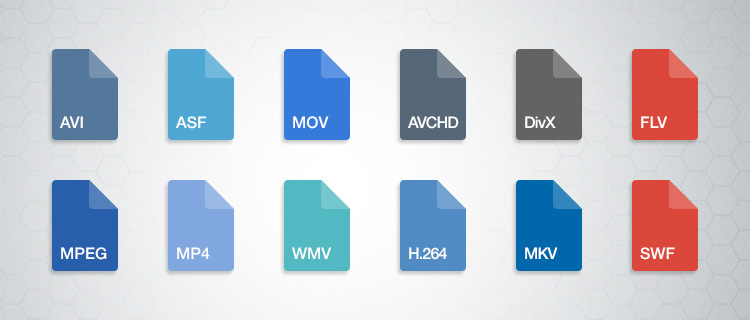
Meet the 7 main video formats
Each video format needs specific recording and execution applications.
When the platform you want to use cannot reproduce your material, the CODECs come into play: they are programs that encode and decode the file.
Does it sound complex? But calm, everything is a matter of compatibility. YouTube, for example, can already support various video formats.
But depending on the type of file you have, you need converters to transform the format into one that can be interpreted by the application or operating system you use.
Therefore, it is worth knowing the main ones and understanding their particularities of reproduction.
1. AVI (.avi)
AVI (Audio Video Interleave) is a format developed by Microsoft and one of the first video compressors that has been created. To play it, you need applications such as Windows Media Player.
As for quality, it is a simple format that stores audio tracks and image data in the same file. Therefore, it is common that there is some loss of data in compression and, as a result, the video does not have 100% of the recording quality at the time of viewing.
2. WMV / WMA (.wmv or .asf)
WMV / WMA (Windows Media Video / Audio) is a format developed by Microsoft as a replacement for AVI. These files are compatible with YouTube and can preserve quality even in smaller compression sizes.
A good detail is that this format is based on the continuous flow of data. This means that you can start playing it without downloading it completely, which is ideal for streaming on the Internet (as on YouTube).
3. MOV (.mov)
MOV is a direct competitor of the AVI, created by Apple. Its default player is the QuickTime Player, but applications such as Microsoft Windows Media Player can also play it.
The great advantage over its “rival” is that the loss of data is much less in compression. Then, even in very small files, MOV can offer good quality audio and video tracks.
4. FLV (.flv)
Adobe also has its own video format: the FLV. This is the most suitable type of file for playback on YouTube, since the platform is based on Flash Player technology. TV Lg is another streaming website that uses the Adobe system.
Flash videos are compatible with most operating systems and have extensions that allow embedding tracks of high definition images. For these reasons, the format is very well accepted when recording videos to share on the web.
5. RM (.rm)
The RM format has been developed by Real Networks, one of Microsoft’s competing companies. To play it, your computer must have the RealPlayer program or the Real Alternative, a Windows-compatible CODEC package.
The compression technique of this format is performed with a fixed bit rate, that is, a predetermined measure of the data transmitted over a certain period of time.
A bit complex, right? It is also for us! But the fact is that this technique causes the files to compress too much and, therefore, significantly lose the audio and image quality.
Therefore, and by way of example, sound effects are often lost in this process.
6. RMVB (.rmvb)
RMVB, in turn, is one of the video formats that has worked. Also from Real Networks, RMVB has long been an important competitor of Microsoft formats.
Unlike the RM / RA, here the data loss is much smaller. Therefore, the format allows small files – ideal for quick downloads – but with preserved track quality.
For this reason, it was widely used a few years ago, when streaming platforms were still taking their first steps, and the most common was to download video content.
7. MP4 (.mp4)
This is one of the most popular video formats. It is the most common in mobile devices and, therefore, is present in the daily life of many people.


