Lossless vs lossy, what is the difference?

In a recent article on wireless audio, we addressed the topic of lossy and lossless digital audio encoding. Today we will dwell on this topic in more detail.
So, we have analog sound, which, during digital sound recording and / or for later storage in a computer and other electronic media, is digitized into an audio file, an electronic document consisting of information about the amplitude and frequency of the sound, with the help of which the digital-analog inverse conversion and reproduction of the sound contained in the file.
The sound format depends on the quantization method using an analog-to-digital converter (ADC), two types of quantization are widespread:
pulse code modulation (PCM, most MP3 to FLAC formats)
sigma-delta modulation (Delta-sigma, DSD format)
The main parameters of digital audio are the quantization bit (bit) and the sample rate (kHz / MHz), which are indicated for various recording and playback devices as the format to represent digital audio, for example, 24 bit / 192 kHz.
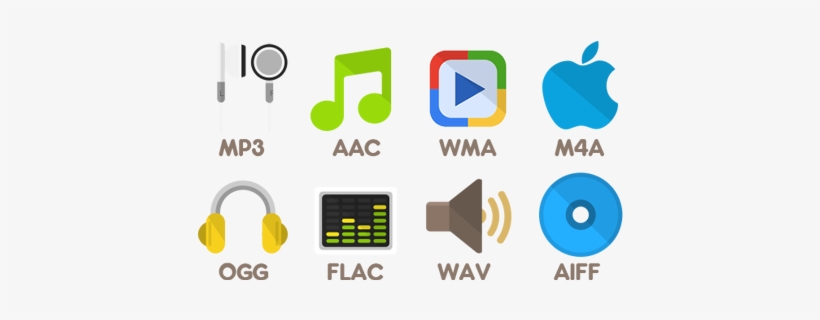
There are uncompressed audio formats (eg WAV, AIFF), but for more convenient storage / distribution, codecs that compress audio data are often used. Data compression (data compression) is performed in order to reduce the volume occupied by files and is based on eliminating the redundancy contained in the original data. There are two types of compressed formats:
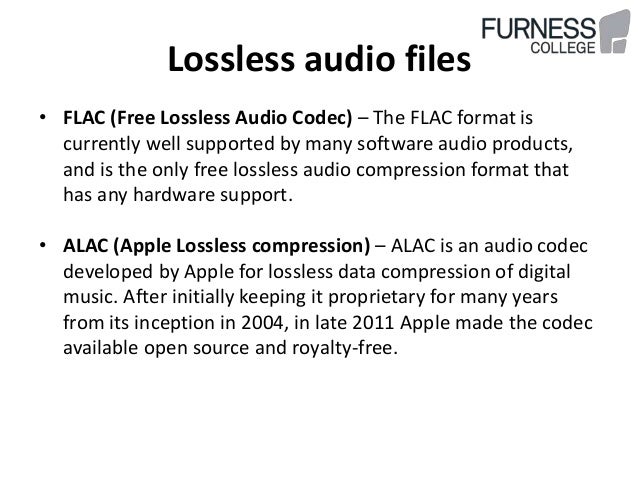
Lossless: lossless compression (FLAC, ALAC, APE)
Lossy: Lossy compression (MP3, Ogg, AAC)
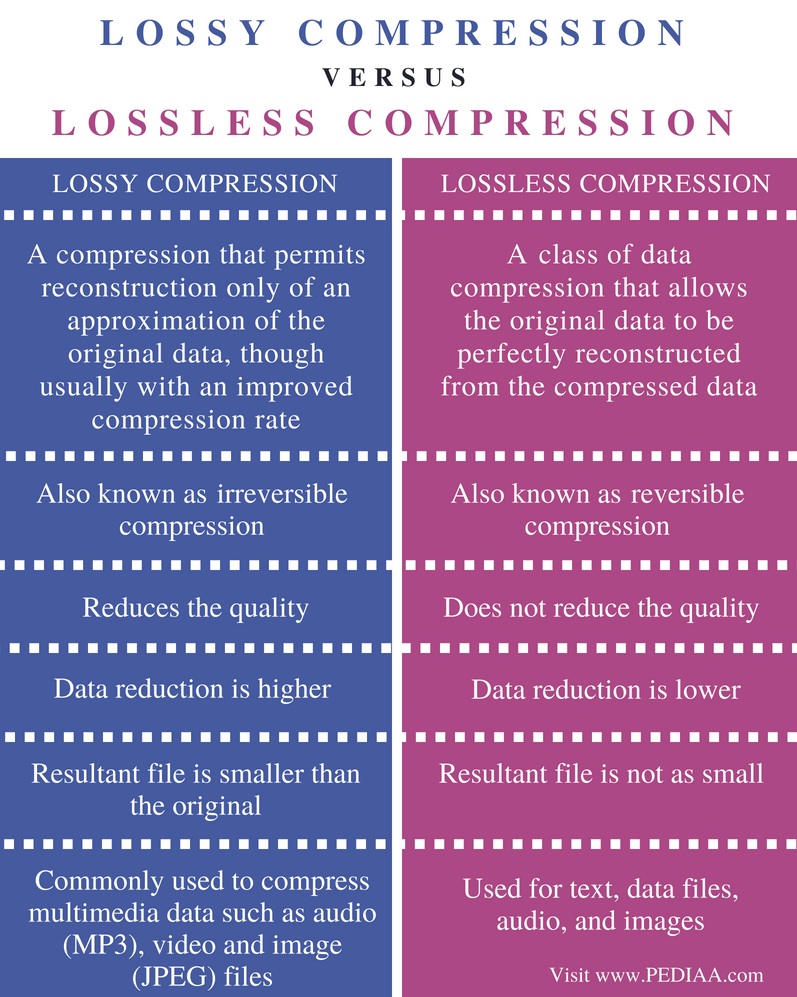
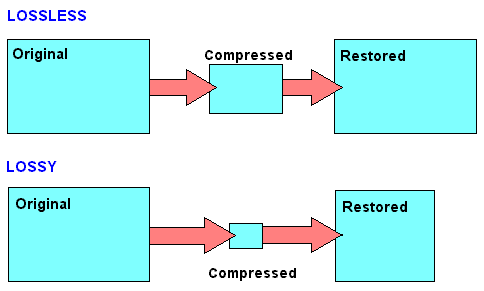
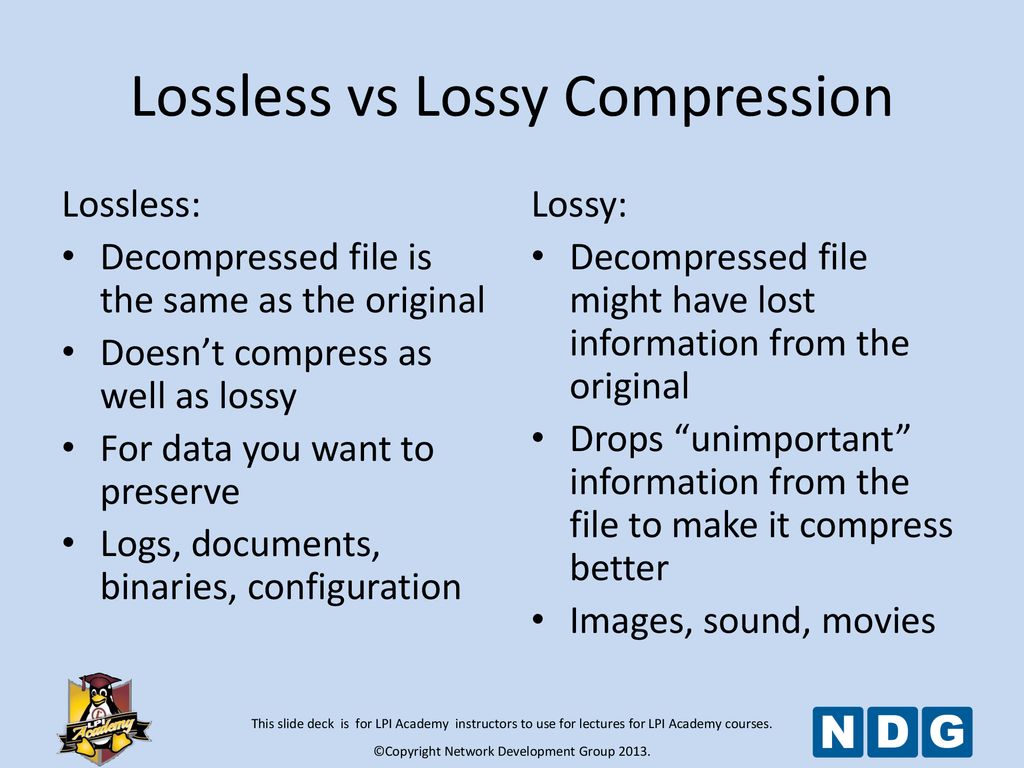
Lossless compression allows you to make a complete recovery of the original data, lossy compression allows you to recover data with certain distortions.
Lossy compression is significantly more efficient than lossless compression and is used when full compliance with original and recovered data is not required, and volume reduction is a priority.
A lossy encoded file is very different from the original on the level of byte comparison, but to an inexperienced human ear, the difference may not be as strong and sometimes even imperceptible. It does this by focusing lossy compression techniques on the physical characteristics of a person’s senses, such as a psychoacoustic model, which determines how much sound can be compressed without degrading the perceived quality of the person. Impairments caused by loss of compression that are perceptible to the human ear are considered compression artifacts.
MP3 spectrogram (left) and original file (right)
Examples of common lossy formats:
MP3: defined by the MPEG-1 specification, perhaps still the most common format
Ogg Vorbis: distinguished by the absence of patent restrictions and higher quality with the same bit rate as MP3
AAC, AAC + – Exists in various versions, defined by MPEG-2 and MPEG-4 specifications, it became widespread along with Apple technology
eAAC + is a format offered by Sony as an alternative to AAC and AAC +
WMA is a format developed by Microsoft
Dolby AC-3
DTS
Previously, lossless audio formats were most often used for archival data storage and in cases where distortion was unacceptable or undesirable, and most common listeners used music in lossy compressed formats. But the amount of memory in electronic devices is constantly growing and prices are falling, which is why more and more people are switching to listening to Lossless formats, which allow them to perceive music in its original form. In addition, the support for Lossless formats has now appeared on almost all consumer devices, even some streaming services are beginning to broadcast sound in lossless quality, for example, Deezer presented in Russia or Tidal, which is officially absent from us.
Examples of common lossless formats:
Free lossless audio codec: FLAC is the most common free format
ALAC – Apple Lossless Audio Codec – Apple variant
Lossless audio encoding, also known as MPEG-4 ALS
Direct Flow Transfer – DST
Dolby TrueHD
DTS-HD Master Audio
Meridian Lossless Packing – MLP
Monkey’s Audio – Monkey’s Audio APE
WavPack – Lossless WavPack
WMA Lossless – Windows Media Lossless


 shouldn’t you convert lossy files to lossless files? Part 2