Video Bitrate
When encoding with a higher resolution than the original video resolution, the bit rate is also set according to the resolution, isn’t it?

Is it just when you select and encode the same codec as the original video? For example, suppose the video codec is xvid, the resolution is 640×360, and the video bit rate is 2000. When increasing the resolution to HD 1280 x 720, it is okay if the bit rate is at least 8000. This bit rate calculation is only if the selected video codec when encoding is the same as the original video codec? By the way, even if you change the xvid codec of this original video to AVC / H.264 and encode it ((The resolution is enlarged to the same size as the previous HD) Is it ok to set the bitrate with the same calculation? AVC / H.264 codec has higher compression rate than original video xvid, so the calculation came out. Isn’t it okay to set it a little lower than bit rate? If you can set it lower, tell me how much you can lower it.If the bit rate is set unnecessarily high, the capacity will naturally increase so I wanted to clarify this point.
Answer:
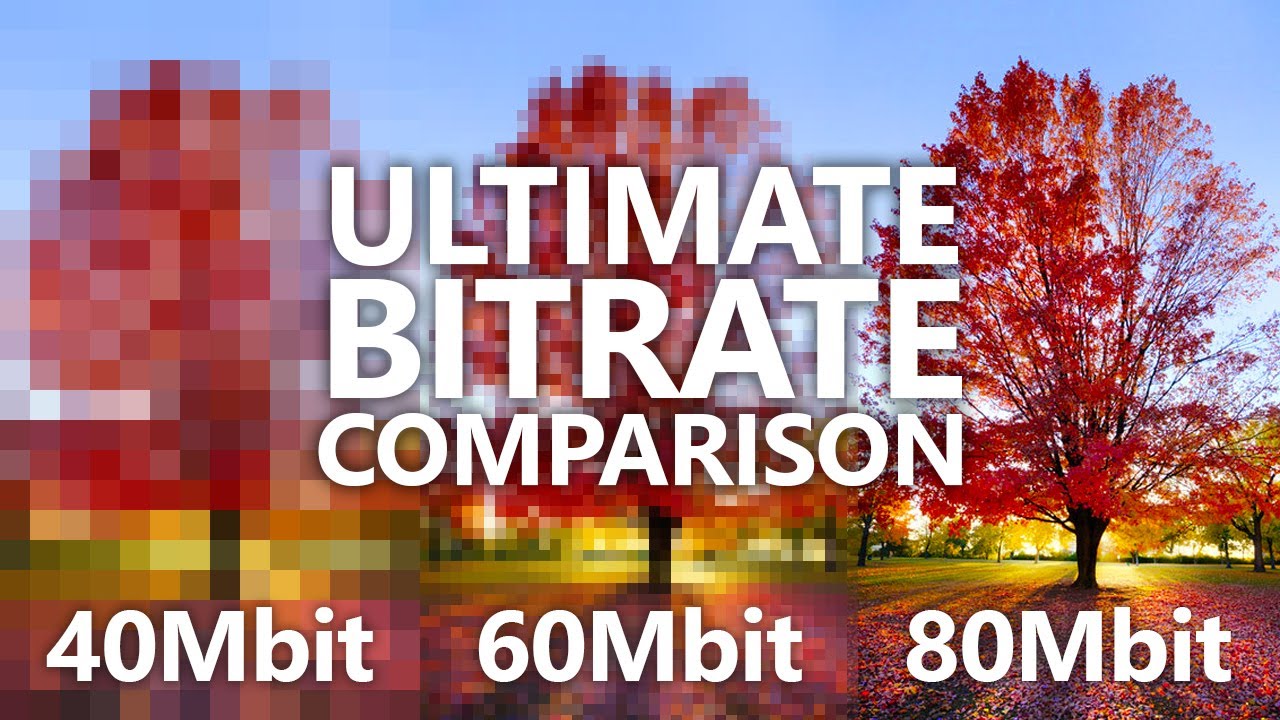
The bit rate at which block noise does not appear varies depending on the codec used, the screen size, and the video content. Even with the same screen size, the bit rate without block noise is completely different between a picture that does not change at all as shown in the picture and a vigorous moving sports picture. Basically, it is derived from test-based experience to some extent, but depending on the software used, it has a function that automatically calculates the bit rate called “fixed quality”. Multipath is one of them. The variable bit rate is the same, right? There should be a maximum bitrate in the encoding settings, but variable bitrate and multipath (and combinations thereof) are optimal so that deterioration in image quality, such as block noise, does not occur within the maximum bit rate in a scene with a lot of movement. Set to bit rate. With a fixed bit rate, the file size will inevitably increase because the bit rate will be the same for both still images and images with vigorous motion. With TMPGEncVMW5 that I use, if you set “1 fixed quality pass” to 3-5, there is no problem with XviD or DivX. In H.264, select “0 (lowest) to 100 (highest)” and the default is 50. If you increase it to 80, the file will be too large, so I think a little more research is needed . * H.264 requires high processing power, so I don’t use it much. In H.264 “VBR Average Bit Rate”, you can specify the file size after encoding, but depending on the video, the image quality may deteriorate even if you intend to increase the file size, so consider the balance with other parameters. for study. Also, this software has a parameter called “performance”, and even if other parameters, such as bit rate, are the same, the file size after encoding will change. The file size will be smaller (although negligible) if the performance is set to “best quality”. In other words, the bit rate is not the only factor that determines the quality of the image.