
Video Compression: Bit rate

It is not good to increase the bitrate too much
Bit rate = it is useless to rise above a certain level
It does not mean that you need to increase the bit rate.
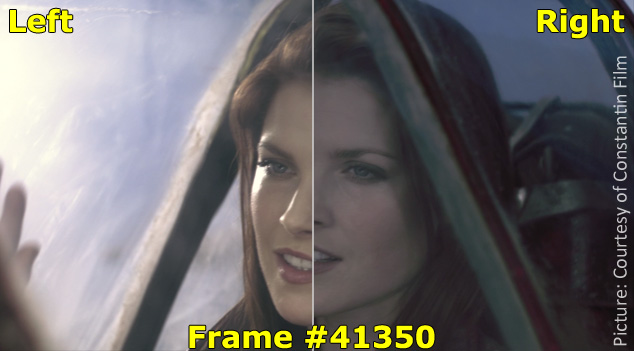
For example, even if you encode a video with an original image quality of 100 at an ultra-high bit rate, the image quality will not exceed 100. (If possible, 99, etc.)
It is often the case that the image quality is 95 at a 5 Mbps bit rate, but the image quality is only 96 even if a 10 Mbps bit rate is assigned.
In such cases, it is useless to assign a bit rate of 10 Mbps.
The bit rate is to maintain the image and sound quality of the original video. It is not intended to raise the bottom.
High bit rate = high playback load
The higher the bitrate, the more playback load will be placed on the PC.
If you use a unnecessarily high bit rate, you will end up with the worst video, “Although the image quality is normal, the playback load is extremely high and the file size is a huge waste.”
So if you want to encode it for your own storage,
Video resolution
Video content
Let’s think about the bitrate to be assigned.
Related: How to Calculate Video Bitrate [Ratio to File Size]
However, if you want to post to Youtube, it will be encoded on the Youtube side and set to a suitable bitrate, so it’s okay if you encode at an ultra-high bitrate for now.
Related: Enco conditions and methods for videos published on Youtube


