Advantages of the FLAC audio format
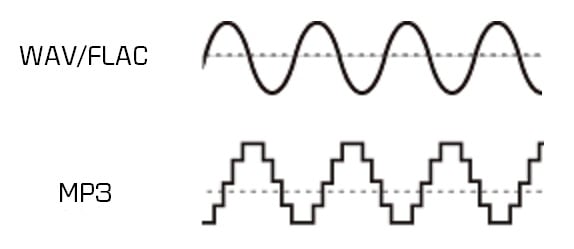
Wave is uncompressed or lossless format, while MP3 is compressed or lossy.

Technically .wav is just a container format and can contain various types of compressed or uncompressed audio, but you will usually find that it contains uncompressed LPCM audio (same as on audio CDs). With .waves files you essentially end up with a raw digital representation of the audio bitstream. Analog sound produced in the real world contains essentially an infinite amount of information because it is a constantly changing wave (see below). To digitize these sounds, you must sample the signal at different intervals to get an approximate sound. For .wav, the audio signal is typically sampled at 44,100 times per second or more, and each sampled value is recorded so that the audio wave can be played:
MP3s are compressed to compress the same audio information into a smaller file size. The .wav format is great for representing an analog signal very accurately, but generally at the expense of large files, as you probably know. Compressed audio (and video similarly) is designed to reduce file size while maintaining an acceptable level of fidelity. In simple terms, compression tries to remove unnecessary data from the stream and reduce the signal to its most necessary components. In MP3, the encoding and compression algorithms use a model of how we listen to analyze the sound in the frequency domain and remove any unnecessary information. For example, due to hearing disguise, if there are two sounds at close frequencies, we will often only hear a loud sound if the difference in volume between them is significant. Therefore, for MP3s, the lower volume sound may be lost and the sound will sound essentially the same as it does to our ears. Find out more about the technical aspect of MP3 encoding here.
In practice, both .wav and MP3 have their uses. For production, .wav is the standard because it will almost always be a 100% accurate, bit-level reproduction of the source material. MP3 can be a decent alternative at high enough bit rates. Bitrate is a measure of how many bits per second the MP3 encoding will use. This means that the higher the bit rate, the closer the MP3 will be to the original uncompressed stream. Bit rate is generally measured in kilobits per second (kbps). I like high-quality sound for my digital music collection, so when I get the chance, I usually encode MP3 at a constant 256 or 320 kbps. This is the upper limit of what MP3 can do, and unfortunately most digital music isn’t encoded that high there. When the bit rate drops, it is usually heard first in the high frequencies, like the cymbals of a drum set. 160 kbps is tolerable, but anything below and you’ll really start to notice. But again, with a fairly high bitrate, the differences between MP3 and .wav subtle, especially for an inexperienced listener (most listeners).
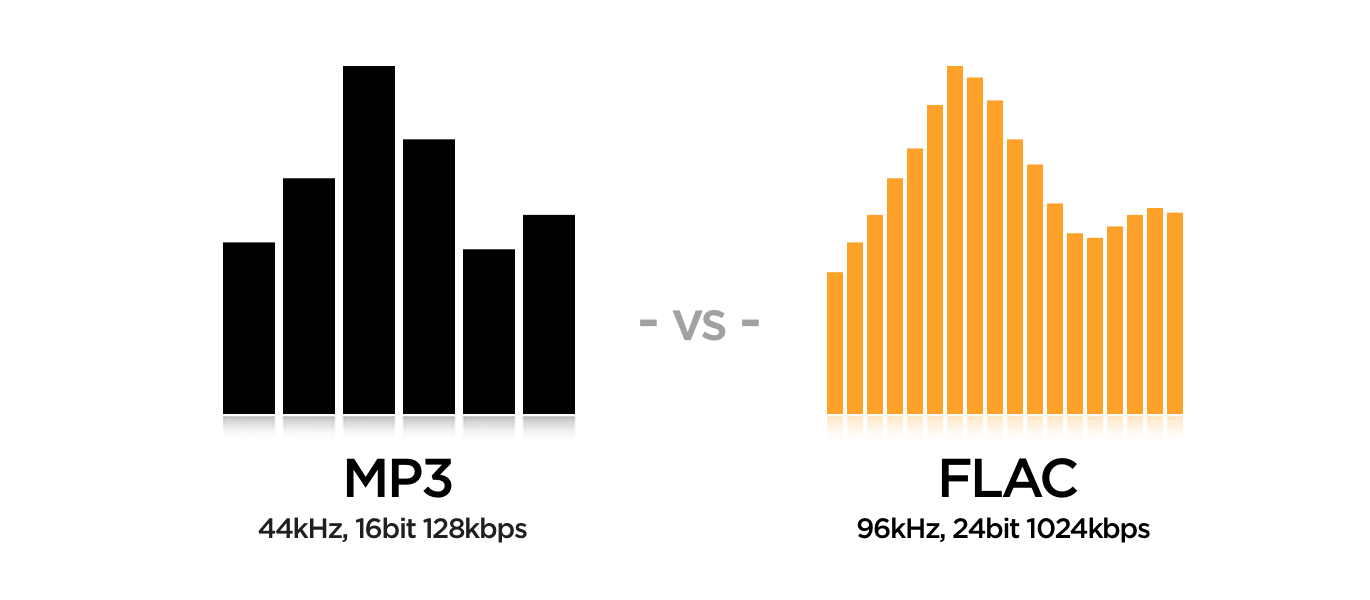
For .wav files, we mainly look at the bit depth and the frequency or sample rate. Bit depth is the number of bits used to encode each sample value. The sample rate indicates how many times per second the audio is sampled. CD (.wav) and MP3 are encoded at a sample rate of 44100 Hz (Hertz stands for “cycles per second”). Newer computers and audio hardware / software now support higher sample rates, including 48 kHz or 96 kHz. For .wav the bit depth is usually 16 or 24 bit on newer systems. For most purposes, 16-bit and 44.1 kHz is sufficient when using .wav, but if you have this capability, it’s generally worth switching to 24-bit, 48 kHz.
Some examples of file sizes for 5 minute stereo recording:
.wav, 16-bit, 44.1 kHz: 50 MB
.wav 24 bit 48 kHz: 82 MB
.wav 24 bit 96 kHz: 164 MB
MP3, 128 kbps, 44.1 kHz: 4.5 MB
MP3, 192 kbps, 44.1 kHz: 7 MB
MP3, 320 kbps, 44.1 kHz: 11 MB
FLAC, 24-bit, 44.1 kHz: 28 MB
FLAC, 24-bit, 48 kHz: 31 MB
24-bit 96 kHz FLAC: 61 MB
There is also a variable bitrate option for MP3 encoding, which should have a slightly smaller file size for the same quality. It uses an encoding scheme that changes (alters) the bit rate for different parts of the song, depending on the complexity and how many samples are needed to accurately recreate the section.
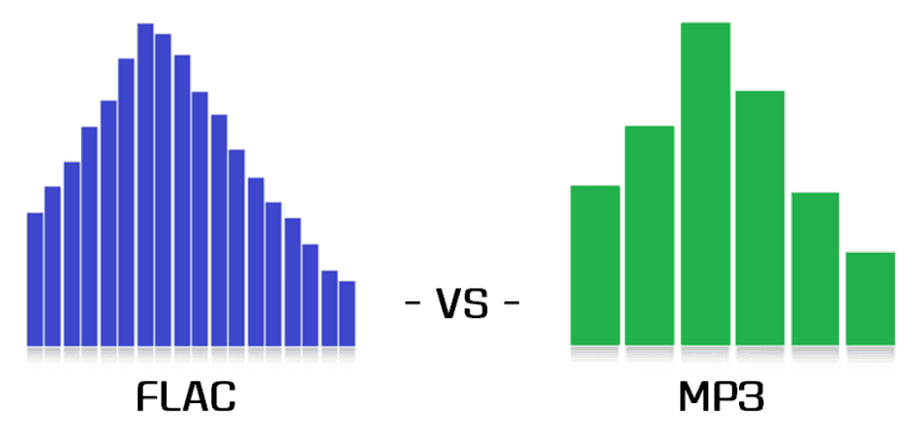
[FLAC] There is a third category: lossless compression. FLAC is a good example of this, and has the quality and fidelity of a .wav file, but with smaller file sizes