
360-degree video encoding for MP4
Let’s talk about 360-degree video encoding for MP4
360-degree video encoding for MP4 has transformed how immersive content is delivered, making it a crucial component of virtual reality experiences. I’ve worked on projects where optimizing the encoding process directly impacted the viewer’s engagement, and the right techniques made all the difference. Imagine being inside a spherical video that surrounds you, where every detail must be encoded to perfection. This process ensures that your content is both visually stunning and compatible with most modern devices. Let me break down how this works and why it’s essential.
Understanding 360-degree video encoding
Encoding 360-degree videos requires specialized approaches because the footage captures a full sphere of view. Traditional encoding techniques often fall short here. I always compare it to fitting a round peg into a square hole; standard methods weren’t built for this level of immersion. Encoding for MP4, however, provides a universal format that retains high quality while being widely supported.
When encoding, spatial data must be carefully mapped, often using equirectangular projection. This ensures that every angle, from the zenith to the nadir, maintains its resolution. Think of it as wrapping a world map around a globe. Without precise encoding, distortions can ruin the immersive experience.
Key challenges in 360-degree video encoding
Several unique challenges arise with 360-degree content. Let me walk you through the main hurdles and how to tackle them effectively.
File sizes and compression
360-degree videos tend to generate massive file sizes due to their high resolutions. Compressing these files without sacrificing quality is vital. Advanced codecs like H.265 and AV1 excel here, reducing sizes by up to 50% compared to H.264.
Maintaining visual quality
High pixel density is non-negotiable for 360-degree content. In my experience, even minor artifacts can ruin the immersive feel. Employing higher bitrates and adaptive bitrate streaming helps maintain consistent quality across devices.
Device compatibility
Ensuring that your encoded video works seamlessly on various platforms and devices is critical. MP4 is a lifesaver here, as it is compatible with virtually all modern devices, from smartphones to VR headsets.
Why MP4 is the best format for 360-degree video
MP4 has become the standard for 360-degree video encoding because it balances quality, file size, and compatibility. Whenever I work on 360-degree projects, I always default to MP4 for its versatility. Here’s why it outshines other formats:
- Wide compatibility across platforms and devices.
- Support for advanced codecs like H.265 and AV1.
- Optimized for streaming with adaptive bitrate technology.
- Efficient file compression without significant quality loss.
Imagine you’re streaming a 360-degree video on a VR headset. MP4 ensures smooth playback and excellent quality, even with limited bandwidth.
Optimizing 360-degree video encoding settings
Fine-tuning encoding settings is essential for achieving the best results. I always recommend tailoring settings to the specific project and target audience. Here are the parameters I prioritize:
Resolution and frame rate
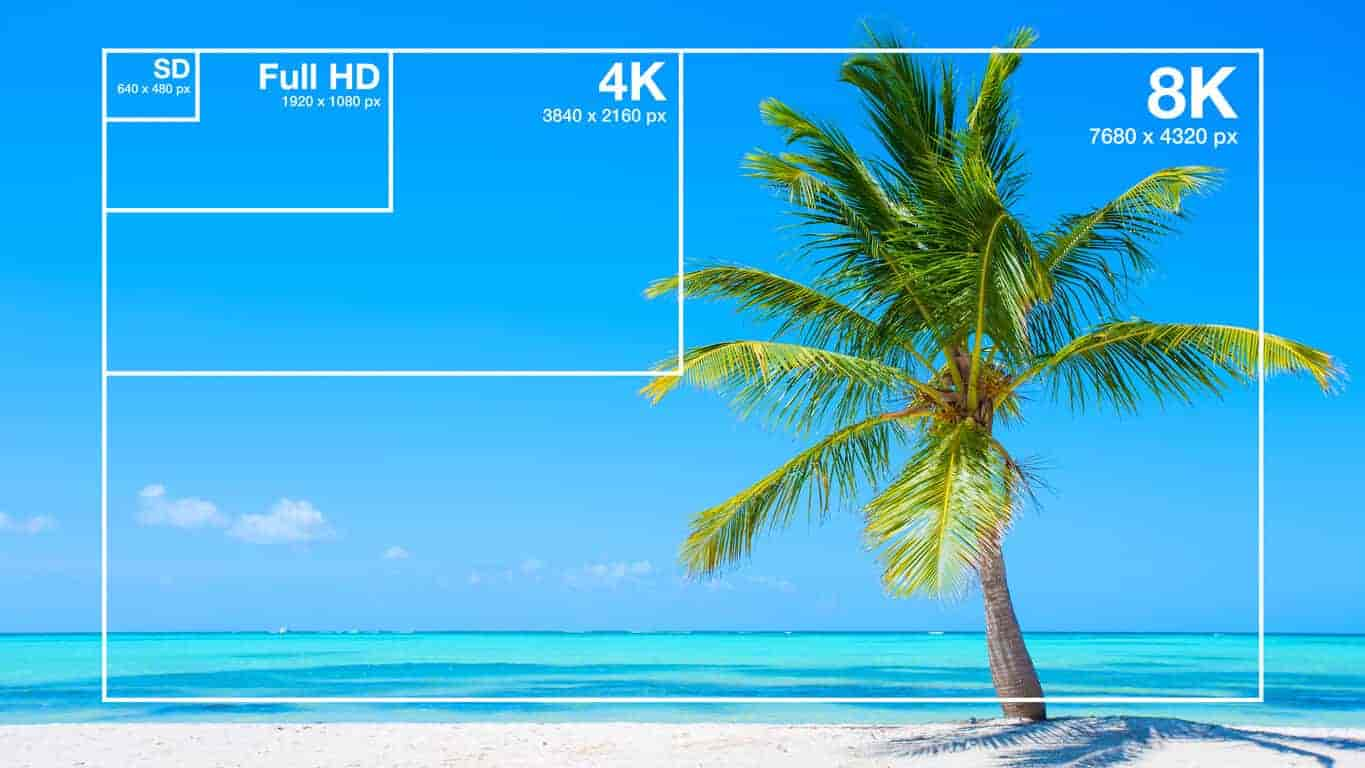
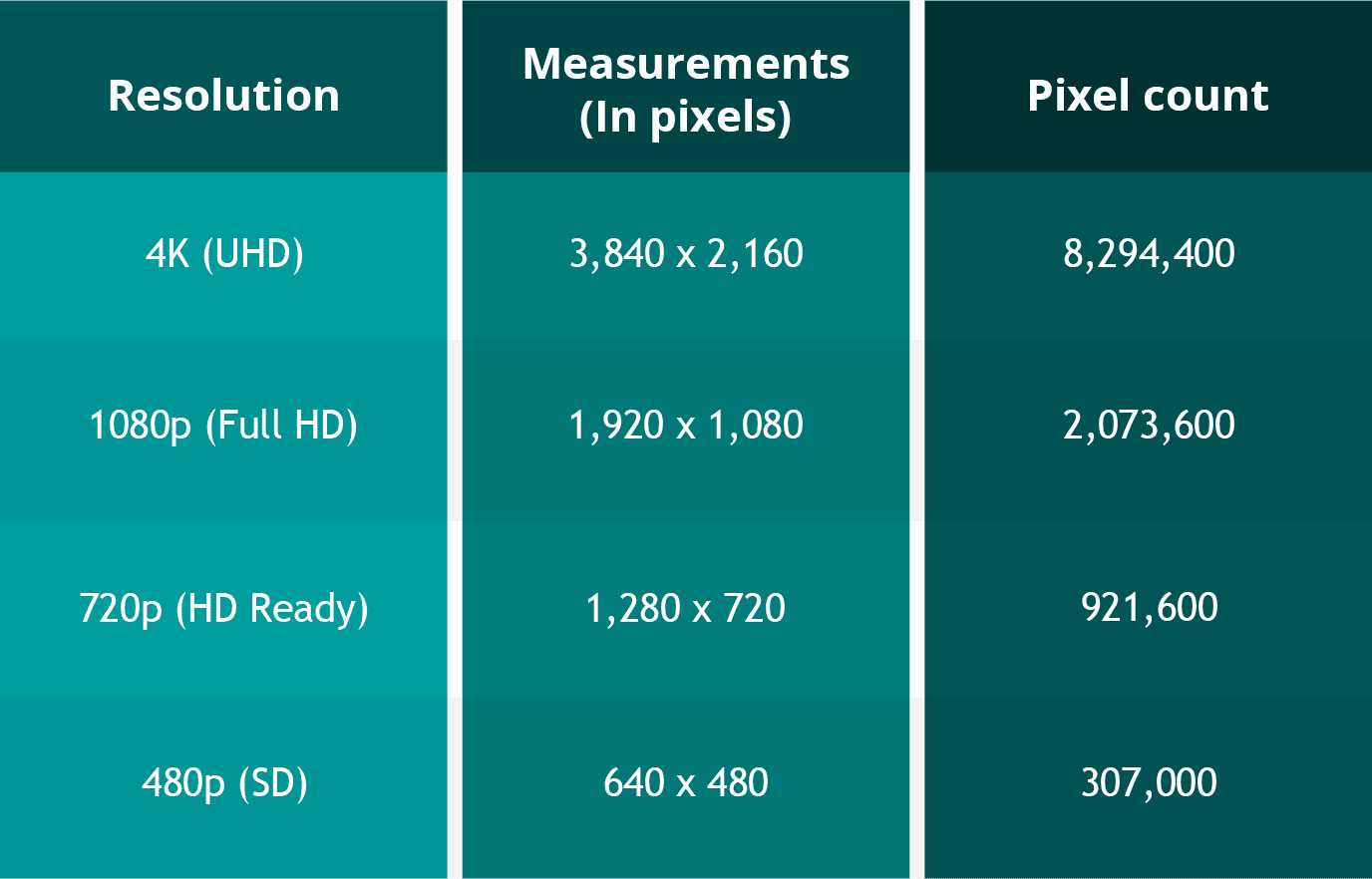
Most 360-degree videos are shot in 4K or higher resolutions to capture every detail. However, balancing resolution with frame rate is key. A smooth 60 fps is ideal for dynamic scenes, while 30 fps works well for slower-paced content.
Bitrate settings
Higher bitrates provide better quality but can increase file sizes. Adaptive bitrate encoding is a great solution, adjusting quality based on the viewer’s internet speed.
Audio encoding
Spatial audio enhances immersion. When encoding, I always include support for ambisonic audio formats to ensure viewers experience realistic soundscapes.
Common mistakes in 360-degree video encoding
Even seasoned professionals can make mistakes. I’ve seen issues arise when critical details are overlooked. Avoid these pitfalls to ensure your content shines:
- Ignoring distortion correction during pre-processing.
- Choosing incompatible codecs or formats.
- Underestimating the importance of spatial audio encoding.
- Using insufficient bitrates for high-resolution content.
Think of these mistakes like leaving a lens cap on during filming. They can completely undermine the effort you’ve put into creating immersive content.
The role of codecs in 360-degree video encoding
The codec you choose greatly influences the efficiency and quality of your encoding process. I’ve tested numerous codecs and found that some stand out for 360-degree videos.
H.265 (HEVC)
H.265 is a popular choice due to its efficiency in compressing high-resolution files. It’s like a magician shrinking a large box into a compact cube without losing anything inside.
AV1
AV1 is an emerging codec that offers superior compression. It’s ideal for streaming platforms, providing high-quality playback with minimal bandwidth.
H.264
While not as efficient as newer codecs, H.264 remains widely supported and is often used for projects targeting older devices.
How to ensure seamless playback on multiple devices
Ensuring compatibility across devices is crucial for audience satisfaction. I’ve always prioritized testing my 360-degree content on various platforms, from VR headsets to smartphones. Here’s how you can do the same:
- Use MP4 as your primary format for its universal support.
- Test your video on different devices and platforms.
- Include fallback resolutions and codecs for older systems.
- Optimize file sizes for fast streaming and downloads.
Latest words on 360-degree video encoding for MP4
360-degree video encoding for MP4 is an evolving field that continues to push the boundaries of what’s possible in immersive content. Whether you’re a beginner or a seasoned professional, understanding these principles will help you deliver high-quality, engaging videos. If you’re looking for a reliable way to enhance your encoding workflow, Mp4Gain is an excellent tool to consider.
What is 360-degree video encoding?
360-degree video encoding involves compressing and preparing spherical video content for playback on various devices while maintaining quality and compatibility.
Why is MP4 the best format for 360-degree videos?
MP4 offers wide compatibility, efficient compression, and support for advanced codecs, making it ideal for 360-degree video playback.
Which codecs are best for 360-degree video encoding?
H.265, AV1, and H.264 are popular choices, with H.265 and AV1 offering better compression for high-resolution content.
How can I reduce 360-degree video file sizes?
Using advanced codecs like H.265 and AV1, along with adaptive bitrate streaming, can significantly reduce file sizes without compromising quality.
What resolution is ideal for 360-degree videos?
4K resolution or higher is recommended to capture sufficient detail for immersive experiences.
What is equirectangular projection in 360-degree encoding?
Equirectangular projection maps spherical video onto a rectangular frame, preserving spatial data for playback on various devices.
Why is spatial audio important for 360-degree videos?
Spatial audio enhances immersion by providing directional sound that matches the viewer’s perspective.
What are common mistakes in 360-degree video encoding?
Common mistakes include ignoring distortion correction, using incompatible codecs, and underestimating bitrate requirements for high-quality playback.
How can I ensure smooth playback of 360-degree videos?
Testing videos on various devices and optimizing file sizes for fast streaming ensure smooth playback.
What is adaptive bitrate streaming?
Adaptive bitrate streaming adjusts video quality based on the viewer’s internet speed, ensuring seamless playback.


Comments:
I love the clarity in this article, but I’d like more details on the codecs. It’s helpful but could go deeper.
This is a fantastic overview. I’ve been struggling with file size issues, and now I have a better idea of how to fix them. Thanks!
</div >
Great tips on maintaining quality during encoding. Would you recommend AV1 for streaming content?
The part about spatial audio was really interesting! I didn’t know how much it impacted immersion until now.
Good article overall, but it would be nice to see more examples of real-world applications for these techniques.
I’ve tried encoding 360-degree videos before, and this article explains it much better than most guides I’ve found online. Excellent work!
The explanation of equirectangular projection was really clear. I finally understand how it works, thanks to this article!
Wish this article had been around when I started experimenting with 360-degree videos. It’s concise and packed with info.